Video Transcription AI
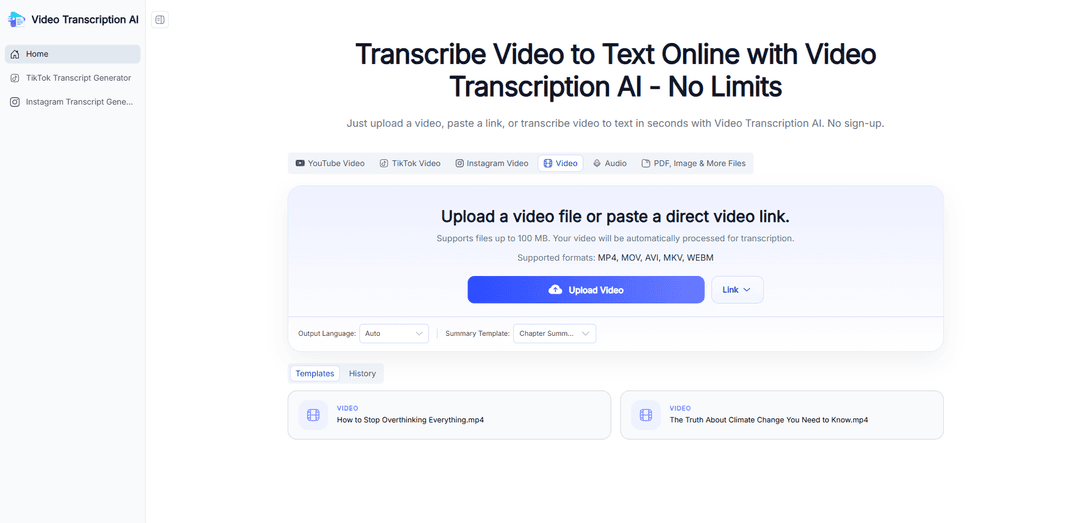
Video Transcription AI is a free, browser-based tool that converts videos into accurate, editable text with speaker identification, timestamps, one-click summaries and translations, and multiple export formats (TXT, DOCX, PDF, SRT, VTT, Markdown).
https://videotranscription.ai/?utm_source=aipure
Product Information
Updated:Jul 7, 2026
What is Video Transcription AI
Video Transcription AI is a free online tool that uses AI to convert video speech into accurate text quickly and efficiently. It allows you to extract spoken content from videos without creating an account, making it easier to read, search, and manage information. Supporting 100+ languages, it works with various video sources and helps users create clear transcripts for different needs, from learning and research to content creation and note-taking. Whether you are processing tutorials, interviews, webinars, or other video content, Video Transcription AI simplifies the transcription process and helps you access the information you need faster.
Key Features of Video Transcription AI
Video Transcription AI is an AI-powered video-to-text tool that converts uploaded videos or pasted links into searchable, editable transcripts. It supports multi-speaker transcription with speaker labels and timestamps, enables one-click summarization and transcript translation, and offers flexible export formats (e.g., TXT, DOCX, PDF, SRT, VTT, Markdown) for reuse as subtitles, meeting notes, study materials, scripts, and SEO content.
Video/link to transcript conversion: Upload a video file or paste a video link to automatically generate an editable text transcript without manual typing.
Speaker identification + timestamps: Detects multiple speakers and adds timestamps to improve readability and navigation in long conversations and meetings.
One-click summaries and structure: Condenses long transcripts into summaries, key takeaways, outlines, or chapter-style breakdowns to quickly grasp core points.
Transcript translation: Translates transcripts into other languages to support learning from global content and localizing videos for international audiences.
Multi-format export for workflows: Exports transcripts into common formats like TXT, DOCX, PDF, SRT, VTT, or Markdown for easy reuse in documents, captions, and publishing pipelines.
Use Cases of Video Transcription AI
Content repurposing for creators: Turn podcasts, interviews, tutorials, and long-form videos into captions, scripts, newsletters, blog drafts, and social posts.
Lecture notes for education: Convert recorded lectures, webinars, and online courses into searchable study notes with timestamps for quick review.
Meeting minutes for teams: Transcribe Zoom or recorded meetings into organized text for documentation, sharing, and follow-ups.
Research and qualitative analysis: Extract quotes from interviews/webinars, search across recordings, and speed up review and analysis of spoken data.
Marketing and SEO enablement: Transform webinars, product demos, and customer stories into text assets that can be edited into landing-page copy, email campaigns, and SEO-friendly articles.
Pros
Fast conversion from video to readable, editable text, saving significant manual transcription time
Useful navigation aids like speaker labels and timestamps for long, multi-speaker content
Extra productivity features (summarization, translation, multiple export formats) support many downstream workflows
Cons
Accuracy can still require review/edits depending on audio quality, accents, or overlapping speech
Some advanced needs (e.g., strict compliance workflows or guaranteed verbatim/legal-grade output) may require additional verification or human proofreading
How to Use Video Transcription AI
1. Open Video Transcription AI: Go to https://videotranscription.ai/ and open the app playground (e.g., click “Try Video Transcription AI Now” / “Start Video Transcription Free”).
2. Add your video (upload or paste a link): Upload a video file from your device or paste a video link to the tool so it can access the audio for transcription.
3. Start the transcription: Run the video-to-text process and let the AI convert the spoken audio into editable text automatically.
4. Review the transcript (speakers + timestamps): Read through the generated transcript. If available, use speaker labels and timestamps to follow conversations and jump to specific moments in the video.
5. Edit for accuracy (optional): Make any quick corrections to wording, punctuation, or formatting to finalize the transcript for your use case (notes, captions, meeting minutes, etc.).
6. Summarize the video (optional): If the transcript is long, use the one-click summarization feature to generate a brief summary, key takeaways, chapter breakdowns, or an outline.
7. Translate the transcript (optional): Use the translate option to convert the transcript into another language for learning or localization.
8. Export or copy your results: Copy the transcript text directly or download/export it in your preferred format (e.g., TXT, DOCX, PDF, SRT, VTT, or Markdown) for sharing, subtitles, or documentation.
Video Transcription AI FAQs
Video Transcription AI is an AI-powered tool that converts video speech into written text automatically. You can upload a video file or paste a link to generate a transcript for uses like subtitles, meeting minutes, lecture notes, interview transcripts, podcast scripts, and blog drafts.
Popular Articles

Proferex: A Cloud-Based Ad Tracking and Campaign Optimization Platform
Nov 4, 2026

How to Create Viral Talking Baby Podcast Videos with AI: Step-by-Step Guide
Nov 2, 2026

Vosko AI: Localize and Dub Videos for Global Audiences
Oct 15, 2026

Atoms: A Multi-Agent AI Platform That Transforms Ideas into Launch-Ready Products
Oct 13, 2026
Latest AI Tools Similar to Video Transcription AI

Ticknotes
Ticknotes is an AI-powered meeting assistant that automatically records, transcribes, and generates personalized meeting summaries, action items, and key insights from audio, video, and text content.

Feta
Feta is an AI-powered meeting tool that helps product and engineering teams run efficient meetings by capturing discussions, automating tasks, and providing actionable insights through smart summaries and integrations.
TranscriptionPlus
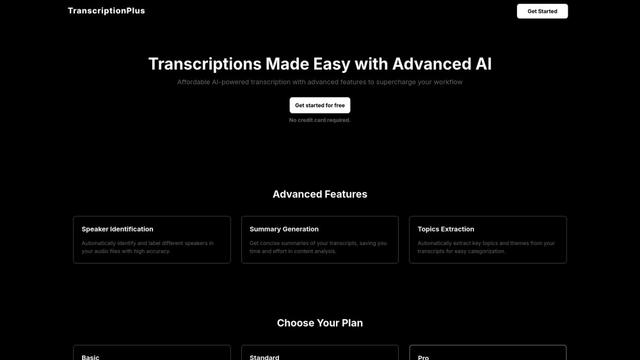
TranscriptionPlus is an AI-powered transcription service that offers accurate speech-to-text conversion with advanced features like speaker identification, summary generation, and multi-language support at affordable pricing tiers.
AudioScribe.io
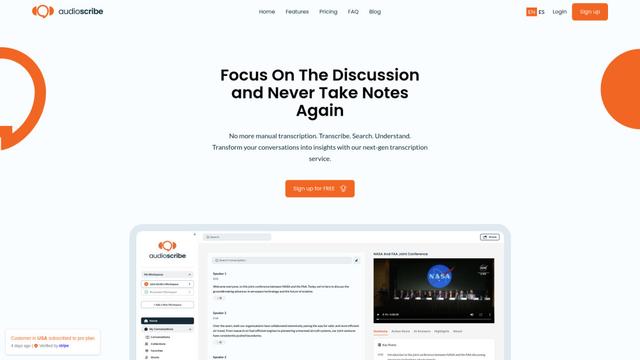
AudioScribe.io is a revolutionary AI-powered transcription service that converts audio and video content into accurate text while offering advanced features like automated meeting recording, full-text search, and multi-language support.
Popular AI Tools Like Video Transcription AI
Ghost Pepper 🌶️
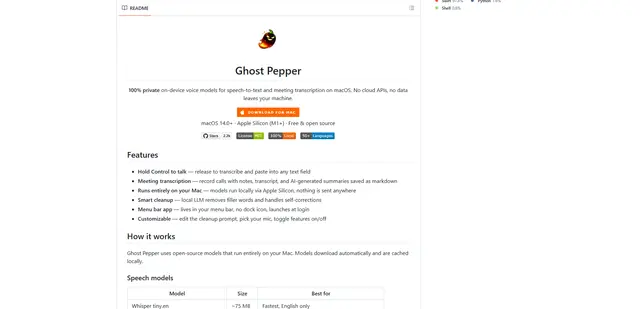
Ghost Pepper is a 100% local, privacy-focused speech-to-text and meeting transcription app for macOS that runs entirely on your Mac using open-source AI models, featuring hold-to-talk recording, intelligent text cleanup, and multi-language support without sending any data to the cloud.
Whisper AI
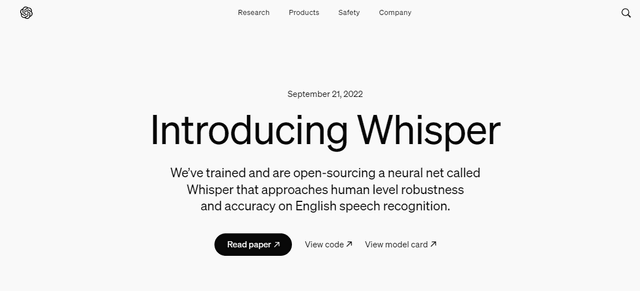
Whisper is an open-source automatic speech recognition system from OpenAI that approaches human-level accuracy and robustness for transcribing and translating speech in multiple languages.

Youtube to transcript
Youtube to Transcript is a Chrome extension that allows users to easily convert YouTube videos into text transcripts with features like multi-language support, AI-powered summarization, and downloadable formats.
inFin
inFin is a lightweight, user-friendly AI-powered voice notes app that offers unlimited recording, real-time transcription, and translation between Chinese and English, with offline capabilities and local storage for enhanced privacy.