Video Transcriber AI
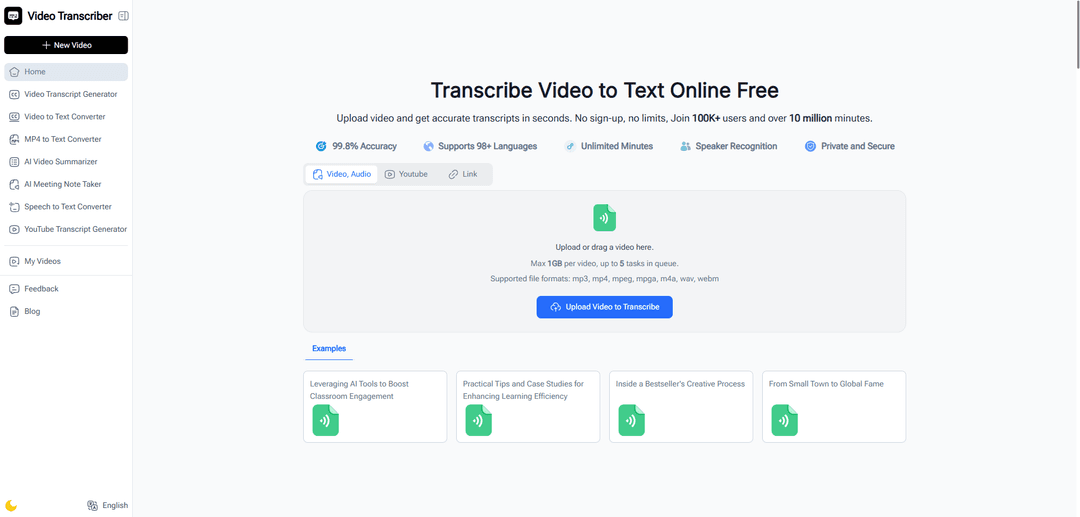
Video Transcriber AI is a free online tool that converts any video into accurate text transcripts in seconds, supporting multiple languages and formats without requiring registration or downloads.
https://videotranscriber.ai/?utm_source=aipure
Product Information
Updated:Nov 13, 2025
What is Video Transcriber AI
Video Transcriber AI is an advanced online transcription service that transforms video content into readable text using artificial intelligence technology. This versatile platform supports various file formats including YouTube videos, Zoom recordings, MP4 files, and other common video formats. What sets it apart is its accessibility - it's completely free to use and requires no sign-up, allowing users to start transcribing immediately through their web browser.
Key Features of Video Transcriber AI
Video Transcriber AI is a free, online tool that converts video content into text with high accuracy across 98+ languages. It supports multiple video formats including YouTube, Zoom, and MP4 files, with no login required. The service offers features like speaker recognition, immediate editing capabilities, and various export options, making it ideal for transcribing lectures, meetings, interviews, and other content with a file size limit of 1GB per video.
Multi-Format Support: Handles various video formats including MP4, YouTube links, Zoom recordings, and other common audio/video formats up to 1GB in size
Multilingual Capabilities: Supports transcription in over 98 languages with automatic language detection and translation options
Speaker Recognition: Automatically identifies and labels different speakers in conversations, making it easier to follow meeting transcripts and interviews
Instant Processing: Provides quick transcription results with multiple accuracy modes to balance speed and precision according to user needs
Use Cases of Video Transcriber AI
Academic Applications: Students and educators can transcribe lectures, online courses, and research interviews to create study materials and accessible content
Business Communications: Professionals can convert meeting recordings, webinars, and conference calls into searchable text for documentation and follow-up
Content Creation: YouTubers, podcasters, and content creators can generate captions, subtitles, and repurpose video content into written formats for broader reach
Journalism and Research: Journalists and researchers can transcribe interviews, press conferences, and focus groups for accurate quotations and analysis
Pros
Free to use with no registration required
Fast processing with immediate access to transcripts
Supports multiple languages and file formats
Cons
1GB file size limitation per video
Accuracy can vary depending on audio quality and background noise
Limited advanced editing features
How to Use Video Transcriber AI
Upload your video: Browse your device files or drag and drop your video file into the upload box. Supported formats include MP4, YouTube links, Zoom recordings, and other common video/audio formats. Maximum file size is 1GB per video.
Select transcription options: Choose your preferred settings like language (supports 98+ languages), speaker recognition (to label different speakers), and accuracy mode to balance speed vs precision. The AI can auto-detect language if needed.
Click 'Transcribe' button: Let the AI system process your video automatically. Processing time varies based on video length - short clips take seconds while longer videos may take a few minutes. You can queue up to 5 tasks simultaneously.
Wait for processing: A progress bar will show the transcription status. The AI converts spoken words into text with up to 99.8% accuracy. For videos under 30 minutes, processing typically completes within a few minutes.
Access your transcript: Once transcription is complete, you can: 1) Copy the text directly (with or without timestamps), 2) Download in various formats (TXT, SRT, DOCX), or 3) Share it with others. You can also edit the transcript if needed.
Video Transcriber AI FAQs
Video Transcriber AI supports multiple formats including MP3, MP4, MPEG, MPGA, M4A, WAV, WEBM, and works with YouTube videos and Zoom recordings. The maximum file size limit is 1GB per video.
Popular Articles

Vosko AI: Localize and Dub Videos for Global Audiences
Oct 15, 2026

Atoms: A Multi-Agent AI Platform That Transforms Ideas into Launch-Ready Products
Oct 13, 2026

Nano Banana SBTI: What It Is, How It Works, and How to Use It in 2026
Apr 15, 2026

Atoms Review — The AI Product Builder Redefining Digital Creation in 2026
Apr 10, 2026
Latest AI Tools Similar to Video Transcriber AI

Ticknotes
Ticknotes is an AI-powered meeting assistant that automatically records, transcribes, and generates personalized meeting summaries, action items, and key insights from audio, video, and text content.

Feta
Feta is an AI-powered meeting tool that helps product and engineering teams run efficient meetings by capturing discussions, automating tasks, and providing actionable insights through smart summaries and integrations.
TranscriptionPlus
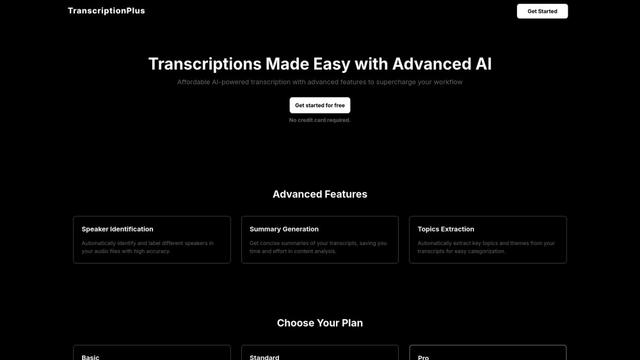
TranscriptionPlus is an AI-powered transcription service that offers accurate speech-to-text conversion with advanced features like speaker identification, summary generation, and multi-language support at affordable pricing tiers.
AudioScribe.io
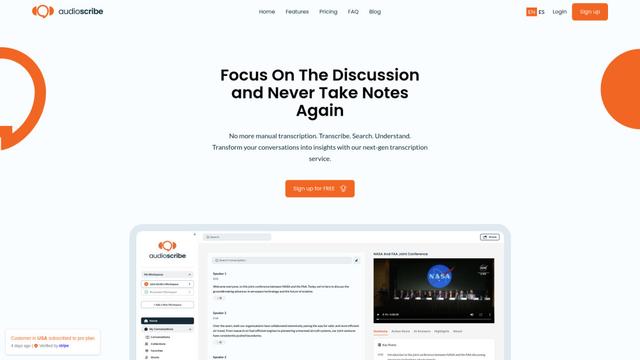
AudioScribe.io is a revolutionary AI-powered transcription service that converts audio and video content into accurate text while offering advanced features like automated meeting recording, full-text search, and multi-language support.
Popular AI Tools Like Video Transcriber AI
Ghost Pepper 🌶️
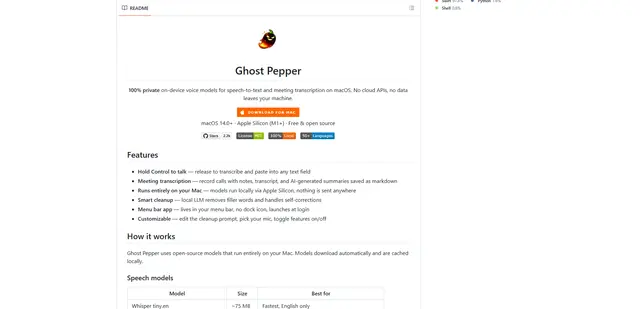
Ghost Pepper is a 100% local, privacy-focused speech-to-text and meeting transcription app for macOS that runs entirely on your Mac using open-source AI models, featuring hold-to-talk recording, intelligent text cleanup, and multi-language support without sending any data to the cloud.
Whisper AI
Whisper is an open-source automatic speech recognition system from OpenAI that approaches human-level accuracy and robustness for transcribing and translating speech in multiple languages.

Youtube to transcript
Youtube to Transcript is a Chrome extension that allows users to easily convert YouTube videos into text transcripts with features like multi-language support, AI-powered summarization, and downloadable formats.
inFin
inFin is a lightweight, user-friendly AI-powered voice notes app that offers unlimited recording, real-time transcription, and translation between Chinese and English, with offline capabilities and local storage for enhanced privacy.