
Vida
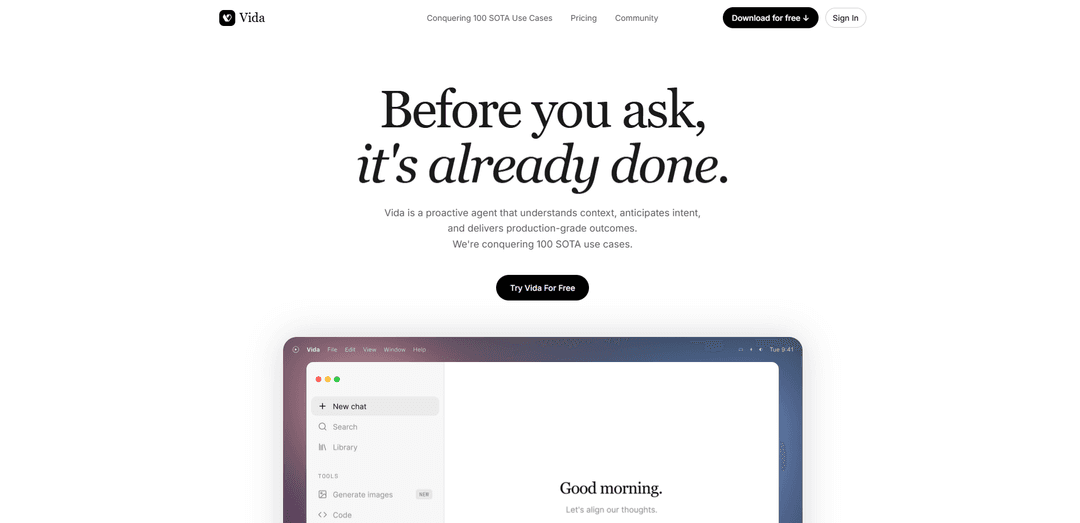
Vida is a proactive AI agent that learns from your cross-app context to anticipate intent and deliver production-grade outcomes—like reply drafting, prompt upgrading, resume creation, workspace cleanup, and daily progress summaries—while keeping memory and access fully under your control.
https://vida.app/?ref=producthunt
Product Information
Updated:Jul 8, 2026
What is Vida
Vida is a desktop-focused proactive agent designed to help people get work done faster by understanding live context across your apps and turning it into high-quality outputs. Rather than waiting for you to craft the perfect prompt, Vida aims to detect what you need, propose actions, gather missing information, and convert conversations and scattered materials into deliverables such as replies, briefs, plans, and reports. It positions itself as "already usable" and rapidly improving, built around a growing set of state-of-the-art (SOTA) use cases for high-context knowledge work like research, writing, meetings, operations, and founder workflows.
Key Features of Vida
Vida is a proactive desktop agent that works from live, cross-app context to anticipate intent and deliver production-grade outcomes—often before you ask. It learns your preferences over time (“taste calibration”), stitches together information across tools, and can propose or prepare actions while keeping you in control via configurable visibility, memory review/edit/delete, and confirmation for critical steps. Vida positions itself around a growing library of SOTA (state-of-the-art) use cases such as improving replies, upgrading prompts, generating tailored resumes, cleaning up workspaces, and producing daily summaries of progress.
Proactive context learning: Learns how you work by observing live context across your apps, building useful preferences and patterns to help faster and with less prompting.
Cross-app context stitching: Connects scattered information from multiple tools (e.g., chats, notes, calendars, files) into one continuous workflow so you don’t have to manually piece things together.
Proactive task execution & action proposals: Suggests next steps, gathers missing info, and prepares deliverables; can act depending on your settings and asks for confirmation on critical steps.
Production-grade deliverables from conversations: Turns messy thoughts or ongoing conversations into concrete outputs like briefs, plans, summaries, and other ready-to-use work artifacts.
Memory controls & privacy-by-design controls: Lets you view, edit, or delete what it remembers via an ‘About Me’ panel, and control what it can see (pause collection, exclude apps, limit visibility).
SOTA ‘Rescue’ workflows: Includes packaged, high-impact workflows like Reply Rescue (better responses), Prompt Rescue (better prompts), and Resume Rescue (tailored resumes).
Use Cases of Vida
Customer support & client success reply drafting: Reads conversation context and drafts high-quality responses (e.g., to angry customers) that agents can send quickly with minimal rewriting.
Marketing & growth prompt optimization: Upgrades rough ideas into strong prompts and structured requests, improving output quality for campaign copy, experiments, and creative generation.
Recruiting & career services resume tailoring: Transforms raw experience and documents into a polished resume tailored to specific roles, saving time for candidates and coaches.
Operations & knowledge work daily/weekly reporting: Automatically summarizes work into daily wraps or weekly updates based on your activity context (calendar, notes, tasks), reducing reporting overhead.
Investment & research workflows: Organizes messy files/screenshots into structured analyses (e.g., competitor research), accelerating synthesis for VCs, analysts, and strategists.
Legal/contract review assistance in business workflows: Flags inconsistencies or risky clauses by leveraging open-work context (e.g., chats and documents) to surface issues before sharing or signing.
Pros
Proactive assistance reduces manual prompting and context switching for high-context knowledge work.
Cross-app context stitching can produce more accurate, situationally aware outputs than single-input chatbots.
Strong user controls: adjustable visibility plus the ability to review/edit/delete memory.
Focus on production-grade deliverables (replies, prompts, resumes, summaries) rather than generic chat.
Cons
Requires broad context access to be most useful, which may be a barrier for privacy-sensitive teams despite controls.
Proactive behavior can feel intrusive or distracting if settings and boundaries aren’t tuned well.
Effectiveness depends on integrations and the quality/availability of live context across apps.
As a rapidly evolving product, capabilities and reliability may vary by use case and maturity level.
How to Use Vida
1) Download and install Vida: Get Vida from the official download link (vida.app/download) or your device’s app store, then install it.
2) Open the app to reach the Login screen: After installation, launch Vida. You should land on the Login screen.
3) Log in if you already have an account: Tap “Log in” (often shown in the top-right corner or as a primary button) and enter your account credentials.
4) Create an account if you’re new: If enrolling for the first time, tap “Try Vida Now” and follow the on-screen steps to create your account.
5) Complete email verification (if prompted): If you see an Email Verification screen, check your email for the temporary password/code, enter it in the app, then log in again.
6) If login says you already have an account, reset your password: Use the “Forgot password” / password reset flow from the Login screen. If it still doesn’t work, contact [email protected].
7) Land on the Home/Now screen after login: After successful login or signup, you’ll be redirected to the app’s main Home (or “Now”) screen where core features are accessible.
8) Navigate using the bottom tab bar: Move between key areas by tapping the icons at the bottom (commonly Home, Chat, Explore, Journey).
9) Use Home to start managing goals and tools: From Home, begin managing health goals, selecting a program, setting habits, adding trackers, and connecting devices (as available in your version).
10) Use Chat to talk with your Vida care team: Open the Chat tab to message your Vida coach/care team and access support through chat (and, where enabled, video/phone sessions).
11) Use Explore to find programs and content: Open Explore to browse available programs, guided content, and tools designed to help with behavior change and habit-building.
12) Use Journey to follow your plan and progress: Open Journey to view your structured program flow and track progress through your plan over time.
13) Open Settings from Home: Go to the Home screen and tap the cogwheel (top-right) to access Settings.
14) Change your password in Settings: In the app, go to the Me tab (if present) → Settings → Change Password, then follow the on-screen instructions.
15) Control privacy, memory, and access (Vida proactive agent): Use Settings/About Me controls to view, edit, or delete saved memory/context, and to pause context collection or limit what apps Vida can see.
16) Get help if you’re stuck: If you encounter account or billing/eligibility issues (e.g., unexpected credit card screen), email [email protected] for assistance.
Vida FAQs
Vida is the AI Agent Operating System — a platform for building and managing AI omnichannel phone agents that answer calls, texts, and messages instantly, 24/7, with enterprise-grade reliability.
Vida Video
Popular Articles

Proferex: A Cloud-Based Ad Tracking and Campaign Optimization Platform
Nov 4, 2026

How to Create Viral Talking Baby Podcast Videos with AI: Step-by-Step Guide
Nov 2, 2026

Vosko AI: Localize and Dub Videos for Global Audiences
Oct 15, 2026

Atoms: A Multi-Agent AI Platform That Transforms Ideas into Launch-Ready Products
Oct 13, 2026
Latest AI Tools Similar to Vida
Callaia
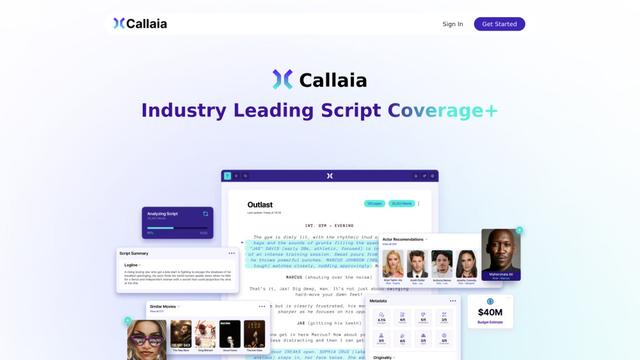
Callaia is an AI-powered script analysis tool that provides comprehensive script coverage, including logline, synopsis, character summaries, and actionable recommendations in under a minute for $79 per script.

Scribly AI
Scribly AI is an AI-powered content creation platform that helps users generate high-quality articles, blogs, emails, and various types of content in minutes while maintaining SEO optimization and brand voice consistency.
VocalScribe
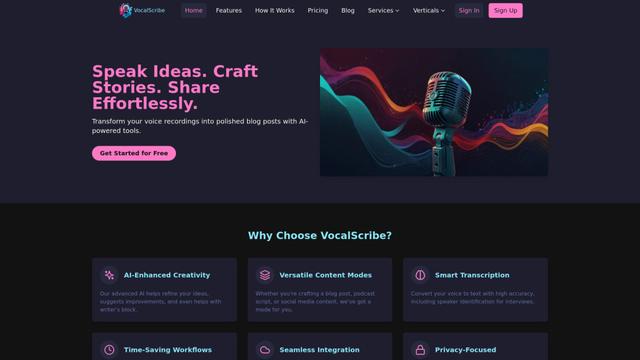
VocalScribe is an AI-powered platform that transforms voice recordings into polished blog posts and other content formats with smart transcription and enhancement capabilities.
Writers-Copilot
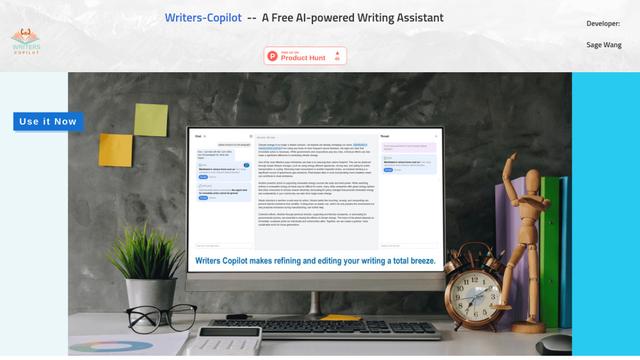
Writers-Copilot is a free AI-powered writing assistant that provides intelligent editing suggestions, real-time feedback, and content improvement capabilities to enhance writing quality and efficiency.
Popular AI Tools Like Vida
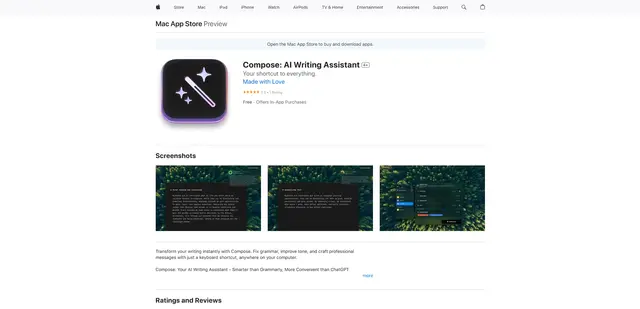
Compose for macOS
Compose for macOS is an AI-powered writing assistant that works system-wide, allowing users to transform and enhance their writing with just a keyboard shortcut across any application.
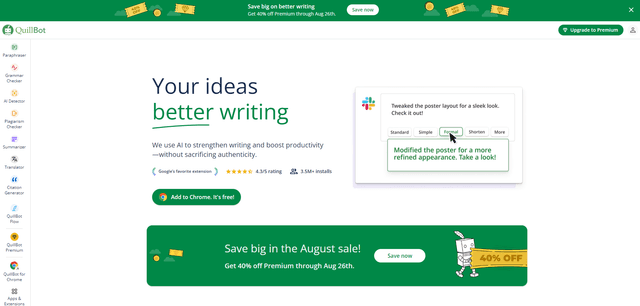
QuillBot
QuillBot is an AI-powered writing assistant that offers paraphrasing, grammar checking, and other tools to help users improve their writing quality and efficiency.
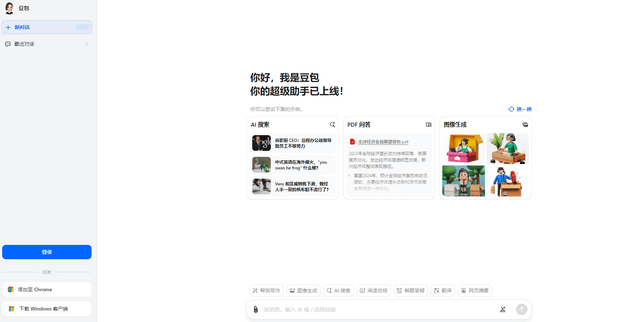
Doubao 1.6
Doubao 1.6 is an advanced multimodal AI model from ByteDance featuring enhanced reasoning capabilities, tool calling support, and adaptive thinking that balances performance with reasoning ability.
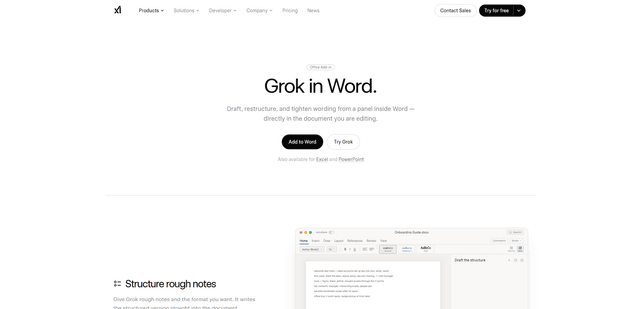
Grok by SpaceXAI for Word
Grok by SpaceXAI for Word is a free Microsoft 365 add-in that docks an AI side panel inside Word to draft, restructure, and apply undoable in-document edits while helping keep long documents stylistically consistent.