
Vibe
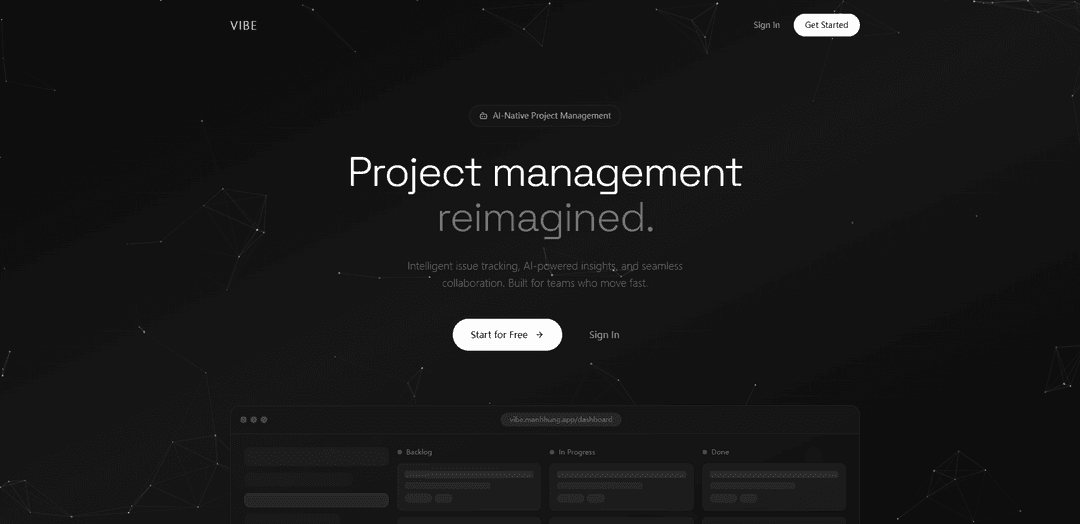
Vibe is an open-source AI-powered app that enables local audio/video transcription and project management with intelligent issue tracking and team collaboration capabilities.
https://vibe.manhhung.app/?ref=producthunt
Product Information
Updated:Jan 8, 2026
What is Vibe
Vibe is a versatile application that serves multiple purposes - it functions as both an AI-powered transcription tool and a project management platform. As a transcription tool, it allows users to easily convert any audio or video file to text using local AI models without requiring API keys or server connections. As a project management solution, it provides intelligent issue tracking, AI-powered insights, and seamless team collaboration features. The app is designed to be open-source, privacy-focused, and runs completely locally on users' devices.
Key Features of Vibe
Vibe appears to be a versatile platform that combines multiple functionalities including social networking, dating, project management, and device control features. It includes AI-powered communication tools, anonymous messaging capabilities, hearing aid control functions, and project tracking features. The app emphasizes user connection through various means like sharing moods, location-based interactions, and team collaboration tools.
AI-Powered Communication: Generates personalized responses and provides smart chat enhancement to help users maintain engaging conversations and make better connections
Real-time Status Sharing: Allows users to share their current mood and status with friends through lock screen widgets and real-time updates
Project Management Tools: Offers kanban boards, issue tracking, and team collaboration features with AI-powered insights and progress visualization
Location-Based Interaction: Enables users to discover and connect with people nearby, view local social media content, and create location-specific message boards
Use Cases of Vibe
Team Project Management: Teams can use Vibe to track issues, manage tasks, and collaborate efficiently with AI-powered insights
Social Networking: Users can connect with friends and share their moods and status updates in real-time through lock screen widgets
Medical Device Control: Hearing aid users can adjust their device settings and control sound parameters through the app
Local Community Engagement: Users can discover and interact with their local community through anonymous message boards and nearby social media content
Pros
Versatile platform with multiple functionalities
AI-powered features for enhanced user experience
Real-time collaboration and communication capabilities
Cons
Limited gender options in user profiles
Some features are restricted to premium users
Connectivity issues reported by some users
How to Use Vibe
Download and Install: Download the Vibe One mobile app from your mobile app store. For desktop version, download from the official website or GitHub releases page.
Create Account: Sign up for a Vibe Account that can be used to sign in across multiple devices.
Connect Devices: For Vibe Board users: Pair your board with the Vibe One mobile app. For hearing aid users: Connect your hearing aids via Bluetooth pairing.
Access App Store: Open the Vibe App Store from your app list page to access 100+ approved third-party applications.
Manage Settings: Open Settings app to configure notifications, permissions, and other app settings. Manage third-party apps through the settings menu.
Use Basic Features: Use your mobile as a trackpad for board control, adjust hearing aid settings, or use the project management kanban board depending on your Vibe product.
Collaborate: Add team members to collaborate on projects, share boards, and stay in sync with real-time updates.
Monitor Insights: View velocity charts, burndown graphs and other analytics to track project progress and team performance.
Vibe FAQs
Vibe is an AI-powered project management and issue tracking tool that helps teams collaborate with features like Kanban boards, AI insights, and team synchronization.
Popular Articles

Vosko AI: Localize and Dub Videos for Global Audiences
Oct 15, 2026

Atoms: A Multi-Agent AI Platform That Transforms Ideas into Launch-Ready Products
Oct 13, 2026

Nano Banana SBTI: What It Is, How It Works, and How to Use It in 2026
Apr 15, 2026

Atoms Review — The AI Product Builder Redefining Digital Creation in 2026
Apr 10, 2026
Latest AI Tools Similar to Vibe

Ticknotes
Ticknotes is an AI-powered meeting assistant that automatically records, transcribes, and generates personalized meeting summaries, action items, and key insights from audio, video, and text content.

Feta
Feta is an AI-powered meeting tool that helps product and engineering teams run efficient meetings by capturing discussions, automating tasks, and providing actionable insights through smart summaries and integrations.
TranscriptionPlus
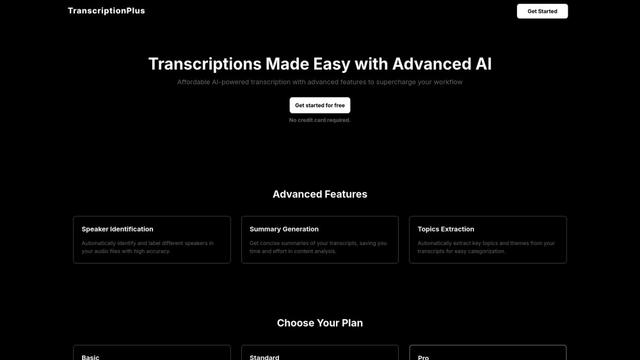
TranscriptionPlus is an AI-powered transcription service that offers accurate speech-to-text conversion with advanced features like speaker identification, summary generation, and multi-language support at affordable pricing tiers.
AudioScribe.io
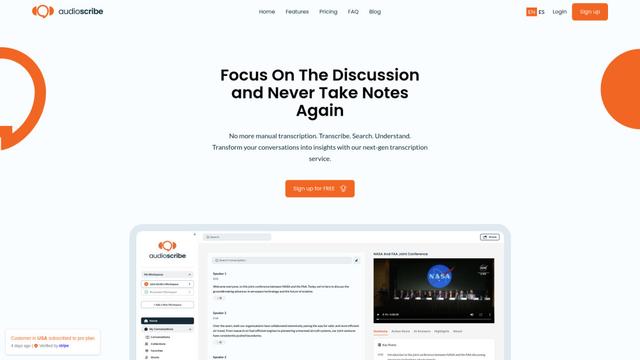
AudioScribe.io is a revolutionary AI-powered transcription service that converts audio and video content into accurate text while offering advanced features like automated meeting recording, full-text search, and multi-language support.
Popular AI Tools Like Vibe
Ghost Pepper 🌶️
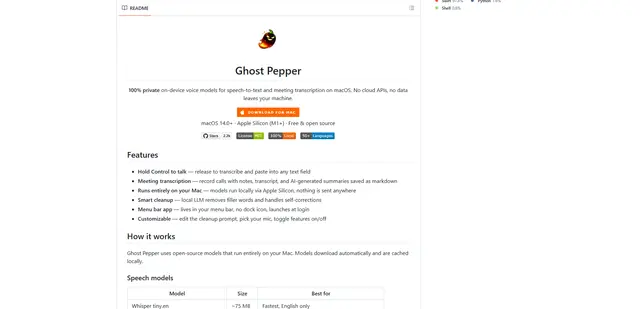
Ghost Pepper is a 100% local, privacy-focused speech-to-text and meeting transcription app for macOS that runs entirely on your Mac using open-source AI models, featuring hold-to-talk recording, intelligent text cleanup, and multi-language support without sending any data to the cloud.
Whisper AI
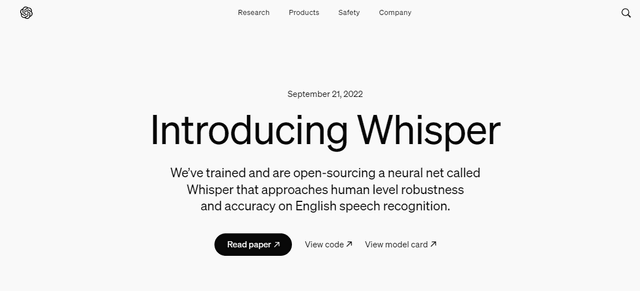
Whisper is an open-source automatic speech recognition system from OpenAI that approaches human-level accuracy and robustness for transcribing and translating speech in multiple languages.

Youtube to transcript
Youtube to Transcript is a Chrome extension that allows users to easily convert YouTube videos into text transcripts with features like multi-language support, AI-powered summarization, and downloadable formats.
inFin
inFin is a lightweight, user-friendly AI-powered voice notes app that offers unlimited recording, real-time transcription, and translation between Chinese and English, with offline capabilities and local storage for enhanced privacy.