
Verol
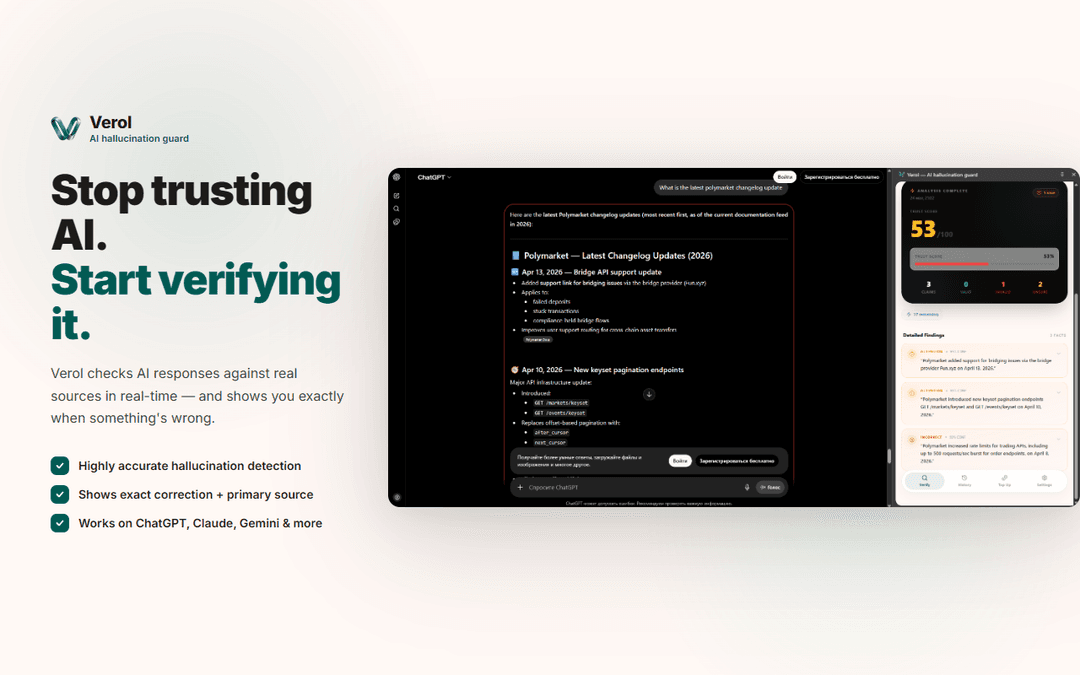
Verol is a Chrome extension that provides real-time AI fact-checking and hallucination detection for ChatGPT, Claude, Gemini, and Grok, using inline annotations, confidence scoring, and source traceability to verify model outputs as they’re generated.
https://chromewebstore.google.com/detail/verol-%E2%80%94-ai-hallucination/gdglibghnpjmbckiepopbpihboopfjaf?ref=producthunt
Product Information
Updated:Jun 16, 2026
What is Verol
Verol is an automated verification layer built into your browser to help you assess whether AI-generated statements are reliable before you cite, share, or act on them. Delivered as a Chrome extension, it integrates directly into popular AI chat interfaces and continuously audits responses in-place, highlighting potentially unverified claims and attaching supporting evidence where available. It’s designed for accuracy-sensitive workflows—such as research, legal review, journalism, and analysis—where plausible-sounding errors can create real downstream risk.
Key Features of Verol
Verol is a Chrome extension that adds a real-time verification layer inside popular AI chat interfaces (ChatGPT, Claude, Gemini, and Grok) to detect and flag potential hallucinations as responses are generated. It automatically extracts factual claims, cross-references them against live/authoritative sources, and annotates the AI output inline with color-coded risk indicators. For traceability and compliance, it provides confidence scoring, source links with supporting quotes, and maintains centralized session audit logs, all designed to run in the background with a “zero-prompt” workflow.
Real-time inline guardrails: Injects color-coded annotations (e.g., red/green alerts) directly into supported AI chat UIs to highlight verified vs. high-risk/unverified claims as the model generates text.
Multi-stage verification pipeline: Automates claim extraction, grounding, and live cross-referencing to evaluate whether AI-generated assertions align with external reference material beyond simple keyword checks.
Deep source traceability: Pairs flagged claims with confidence scores, verbatim supporting quotes, and direct links to authoritative sources (e.g., official documentation, public records, news outlets, academic databases).
Centralized audit trails: Logs sessions to maintain a verification history that can support internal QA, editorial review, compliance checks, and post-analysis validation.
Zero-prompt background operation: Runs automatically without manual prompting, copy-pasting, or configuration—activating when AI output begins generating.
Use Cases of Verol
Academic and secondary research validation: Helps researchers and analysts verify AI-summarized papers, statistics, and citations by grounding claims and surfacing supporting sources and quotes.
Legal and compliance review: Supports legal teams by checking AI-generated summaries, briefs, and contract-related assertions against authoritative references to reduce factual risk.
Journalism and editorial fact-checking: Assists reporters and editors in quickly flagging questionable claims in AI-assisted drafts and provides traceable sources to maintain editorial integrity.
Enterprise knowledge work and decision support: Adds a safety layer for teams using LLMs for high-volume synthesis (reports, memos, competitive analysis) by highlighting unverified statements before they inform decisions.
Operational QA for AI-assisted workflows: Enables organizations to maintain auditable verification logs for internal quality assurance and process governance where accuracy is critical.
Pros
Real-time, in-context verification inside major LLM chat tools reduces the chance of acting on hallucinated outputs.
Strong traceability (confidence scores, quotes, and source links) supports citation, review, and accountability.
Audit logging can help with compliance, QA, and repeatable verification processes.
Zero-prompt workflow minimizes friction for frequent LLM users.
Cons
Privacy considerations: the extension discloses handling of sensitive categories (e.g., website content, user activity, location, authentication, and payment information), which may be a concern in regulated environments.
Verification quality depends on the availability and relevance of external sources and may still miss edge cases or nuanced claims.
Chrome-extension and supported-UI dependency limits usefulness outside supported browsers/platforms and AI interfaces.
How to Use Verol
1) Install Verol from the Chrome Web Store: Open the Verol listing in the Chrome Web Store and click “Add to Chrome”, then confirm the installation when Chrome prompts you.
2) Pin the extension (optional but recommended): In Chrome, open the Extensions menu (puzzle icon) and pin “Verol” so it’s easy to access while you work in AI chat tools.
3) Open a supported AI workspace in Chrome: In a Chrome tab, open the AI tool you use (the listing mentions ChatGPT, Claude, Gemini, and Grok).
4) Start generating an AI response as you normally would: Ask your question or paste your content into the AI chat and submit it. Verol is designed to run automatically in the background (no special prompt or copy/paste workflow required).
5) Watch for inline, color-coded verification annotations: As the AI produces text, Verol injects real-time guardrails directly into the chat UI, using color-coded indicators (e.g., green/red) to help you spot verified vs. high-risk/unverified claims.
6) Review confidence scoring on flagged claims: For any claim Verol flags, use the displayed confidence score to gauge how strongly the claim aligns with verifiable reference material.
7) Open the attached source links and quotes for traceability: For flagged items, follow Verol’s provided authoritative source links and read the verbatim quotes it surfaces to confirm what is supported, contradicted, or missing.
8) Use Verol while doing document-heavy work: Apply it during research synthesis, legal text review, journalism fact-checking, or analysis workflows—especially when the AI output includes statistics, citations, legal assertions, or time-sensitive claims.
9) Refer back to your session history (audit trail): Use Verol’s on-site session logging to revisit what was flagged and what sources were used, supporting internal QA, compliance checks, or post-analysis review.
10) Check privacy details before using with sensitive data: From the Chrome Web Store listing, open the developer’s privacy policy to understand the categories of data disclosed (e.g., authentication info, user activity, website content) and confirm it fits your organization’s requirements.
Verol FAQs
Verol is a Chrome extension that provides real-time AI fact checking and hallucination detection for major LLM chat interfaces (including ChatGPT, Claude, Gemini, and Grok) by automatically verifying AI responses.
Verol Video
Popular Articles

Vosko AI: Localize and Dub Videos for Global Audiences
Oct 15, 2026

Atoms: A Multi-Agent AI Platform That Transforms Ideas into Launch-Ready Products
Oct 13, 2026

Nano Banana SBTI: What It Is, How It Works, and How to Use It in 2026
Apr 15, 2026

Atoms Review — The AI Product Builder Redefining Digital Creation in 2026
Apr 10, 2026
Latest AI Tools Similar to Verol
TimelyGrader
TimelyGrader is an AI-powered grading and feedback assistant that helps educators streamline their grading process while maintaining human oversight and providing personalized feedback to students.
CopyFind AI
CopyFind AI is a comprehensive online plagiarism checker that combines AI content detection, text comparison, and paraphrasing detection capabilities with support for multiple file formats.
Zealos.ai
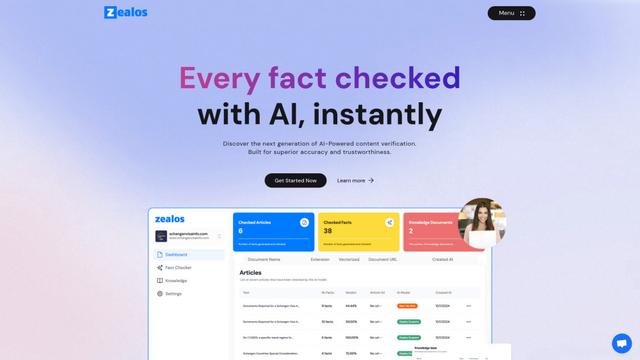
Zealos.ai is an AI-powered fact-checking platform that helps users verify content accuracy instantly by leveraging custom knowledge bases and advanced AI models.
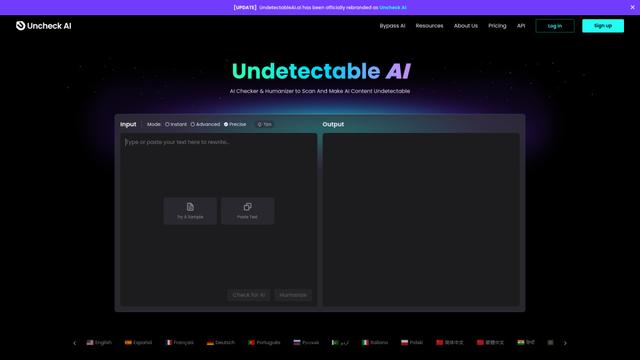
Uncheck AI
Uncheck AI is an advanced AI detection and humanization tool that can accurately identify AI-generated content and rewrite it to be undetectable by popular AI detectors.
Popular AI Tools Like Verol
Turnitin
Turnitin is a comprehensive academic integrity and assessment solution that detects plagiarism, provides feedback, and facilitates grading for educational institutions.
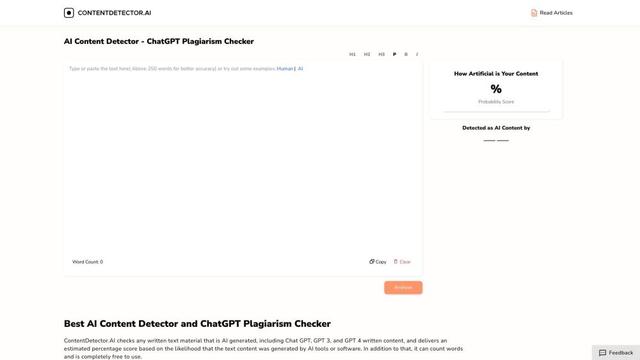
ContentDetector.AI
ContentDetector.AI is a free, advanced AI content detector that can identify text generated by ChatGPT, GPT-3, GPT-4, and other AI models with high accuracy.
Uncheck AI
Uncheck AI is an advanced AI detection and humanization tool that can accurately identify AI-generated content and rewrite it to be undetectable by popular AI detectors.
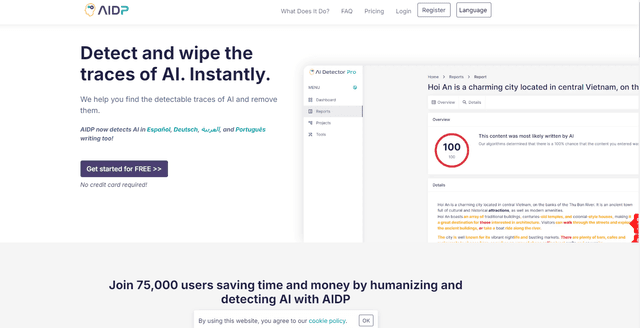
AI Detector Pro
AI Detector Pro is a comprehensive platform that detects AI-generated content, provides humanization suggestions, and offers tools to make AI-written text sound more natural.