
Veltrix AI
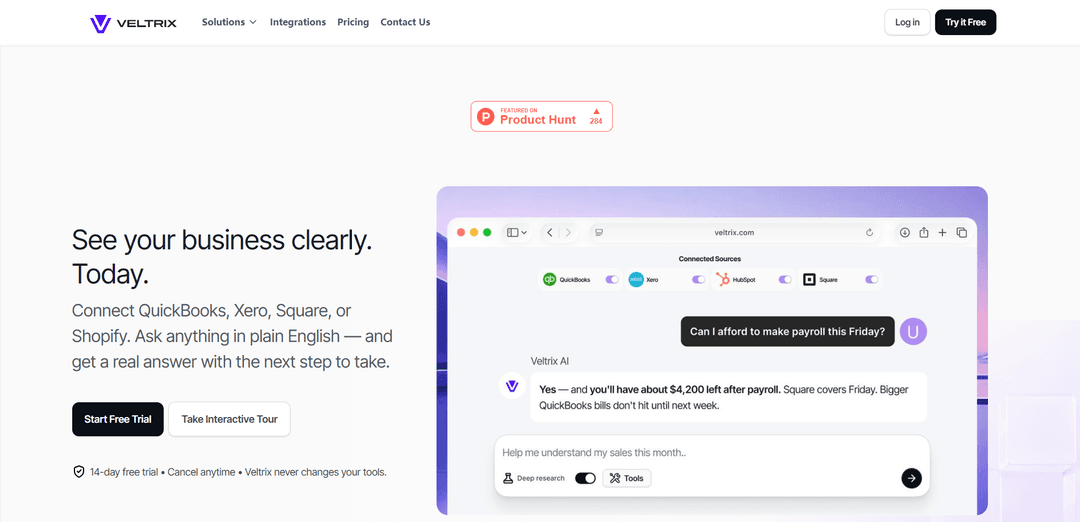
Veltrix AIは、QuickBooks、Xero、Square、Shopify、HubSpotなどのツールに接続し、平易な英語のビジネス質問に答え、異常を表面化し、インサイトをダッシュボードに変換するAI財務コパイロットです。情報源に裏打ちされた読み取り専用アクセスを提供します。
https://veltrix.com/?ref=producthunt&utm_source=aipure
製品情報
更新日:2026年06月08日
Veltrix AIとは
Veltrix AIは、CSVのエクスポートや複雑なBIレポートの作成なしに、ビジネスオーナーがリアルタイムでパフォーマンスを理解できるよう構築された、接続型分析およびインサイトプラットフォームです。会計、決済、Eコマース、CRM、ファイルストレージなどの財務および運用ツールをリンクした後、今月のビジネス状況、人員を雇う余裕があるか、収益変動の要因は何かといった質問を自然言語で尋ねることができ、実際のデータに基づいた明確な回答を得ることができます。Veltrixは、各回答に使用された基礎となるレポートを表示することで透明性を重視しており、経理担当者や会計士の代替ではなく、その補完として位置づけられています。
Veltrix AIの主な機能
Veltrix AIは、公式の読み取り専用リンクを介してビジネスツール(QuickBooks、Xero、Square、Shopify、HubSpot、クラウドドライブなど)に接続し、データを統合し、平易な英語の質問をすることで、情報源に基づいた回答、グラフ、推奨される次のステップを得られるAI財務コパイロットです。アドホックな質問を保存されたダッシュボードに変えたり、異常(異常なベンダー料金や期限切れの売掛金など)を表面化させたり、経営者向けの洞察要約を提供したりすることで、オーナーやチームはスプレッドシートや手動のダッシュボードを作成することなく、パフォーマンスを理解し、より迅速に行動できます。
読み取り専用の公式連携: QuickBooks、Xero、Square、HubSpot、Shopify、Google Drive/Workspace、Microsoft 365などのツールに、安全な公式の読み取り専用接続を使用して接続します。Veltrixはデータを見ることはできますが、帳簿を変更したり、送金したりすることはできません。
実際のビジネスデータに関する平易な英語でのQ&A: 「この人材を雇う余裕はありますか?」や「今月のビジネスの調子はどうですか?」といった質問をし、接続された情報源から直接生成された回答を得られます。数式、エクスポート、手動分析は不要です。
情報源に基づいた回答と監査可能性: 各回答には使用された正確なレポート/ファイルが含まれているため、迅速に検証し、ブックキーパー/会計士と共有し、一般的なチャットツールからの「でっち上げ」の回答を避けることができます。
質問からワンクリックでダッシュボードを作成: 分析(例:広告費対収益、四半期ごとの現金、主要顧客)を手動で作成することなく、保存されたインタラクティブなダッシュボードに変えられます。
自動化された洞察と異常検出: 最も重要なこと(例:高額な支出、遅い回収、異常)を強調し、見落としがちな問題(謎の負債、不一致のベンダー料金、主要な閾値を超えた請求書の滞留など)を警告します。
データ管理と簡単な切断: データをプライベートなワークスペースに保持し、販売せず、いつでも情報源を切断して新しいデータ取得を即座に停止できます(ワークスペース履歴をクリアするオプションもあります)。
Veltrix AIのユースケース
中小企業の財務の明確化(SMBオーナー): ツール間の売上、現金、会計データを統合し、月末の報告サイクルに頼ることなく、収益性、キャッシュフロー、パフォーマンス傾向に関する即座の回答を得られます。
Eコマースのパフォーマンス追跡(Shopify + 支払い): Shopifyと支払い/会計ツールを接続することで、収益ドライバー、主要な製品/顧客、現金のタイミングを分析し、変更を迅速に視覚化し、定期的なレビューのためにダッシュボードを保存できます。
営業 + 財務の連携(CRM + 会計): HubSpotを実際の財務データに接続し、パイプライン活動を収益と支出に関連付けることで、チームが「なぜ収益が変化したのか」を診断し、次の行動を特定するのに役立ちます。
債権回収と売掛金管理: 「誰が私たちにお金を借りていますか?」といった質問をすることで、期限切れの口座や滞留問題を表面化させ、迅速なフォローアップと現金回収の改善をサポートします。
月末処理とアドバイザーとの連携: ブックキーパー/会計士が、情報源にリンクされた回答とダッシュボードを共有することで、洞察を検証するより迅速な方法を提供し、やり取りや手動のレポート作成を削減します。
メリット
迅速な価値実現:数分でツールを接続し、すぐに質問を開始できます。
より安全なワークフロー:読み取り専用の統合により、財務システムへの偶発的な変更のリスクが軽減されます。
信頼と透明性:回答は使用された基礎となるレポート/ファイルを示します。
質問からグラフやダッシュボードを生成することで、手動のスプレッドシート/ダッシュボード作業を削減します。
デメリット
価値は統合とデータ品質に依存します。乱雑な、または不完全なソースデータは、洞察の正確性を制限する可能性があります。
AIの使用はプランによって測定されます(AIユニット/月)。これはヘビーユーザーを制約する可能性があります。
ツールのカバレッジはサポートされているコネクタに限定されます。サポートされていないシステムは、回避策が必要になるか、直接分析できない場合があります。
Veltrix AIの使い方
1) 無料トライアルを開始し、アカウントを作成する: Veltrix (veltrix.com) にアクセスし、14日間の無料トライアルを開始します。ワークスペース/アカウントを作成して、Veltrixがあなたのビジネスデータを非公開に保てるようにします。
2) 最初のデータソースを接続する (2分でセットアップ完了): Veltrixから接続するツールを選択します (例: QuickBooks、Xero、Square、HubSpot、Shopify、Google Drive/Workspace、Microsoft 365)。公式のログイン/認証フローを完了します。Veltrixは、読み取り専用アクセス (データを読み取ることはできますが、帳簿/ファイルを変更することはできません) でネイティブAPIを介して接続します。
3) Veltrixがアクセスできるもの (読み取り専用) を確認し、続行する: 接続中に権限画面を確認します。読み取り専用アクセスが示されていることを確認します。Veltrixが分析のためにデータの取得を開始できるように、接続を完了します。
4) 最初の平易な英語の質問をする: 質問パネルを使用して、実際のビジネスに関する質問を入力します (Veltrixの例: 「今月のビジネス状況は?」または「この人員を雇う余裕はありますか?」)。Veltrixは、接続されたデータを使用して回答します。スプレッドシートや手動の計算式は不要です。
5) 回答、使用された情報源、次のステップを確認する: 各回答について、(a) 平易な英語の説明、(b) 「明確な次のステップ」の推奨、(c) Veltrixが使用した正確なレポート/情報源を確認します。これにより、自分で検証したり、経理担当者/会計士と共有したりできます。
6) 一般的な経営者の質問を深掘りする (例): 「誰が私たちにお金を借りていますか?」、「経費が増加している原因は何ですか?」、「広告費と収益を比較するとどうですか?」、「四半期ごとの現金は?」、「上位顧客は?」といった具体的な質問をします。Veltrixは、売上、給与、銀行残高を相互参照して、何が起こっているかを明らかにすることができます。
7) 回答をダッシュボードにする (保存する): Veltrixが何かを希望どおりに分解した場合 (例: 広告費対収益、キャッシュフローの傾向、売掛金年齢)、その結果をダッシュボードビューとして保存すると、何も再構築することなく再訪できます。
8) インサイトパネルを使用して見落としがちな問題を発見する: インサイト/概要ビューを開くと、高額な支出、回収の遅延、異常、説明のつかないベンダー請求、長い支払い期間を過ぎてしまった顧客など、平易な英語のハイライトが表示されます。
9) プライバシーと接続を管理する (いつでも切断可能): データフローを停止したい場合は、設定に移動してソースを切断します。Veltrixは新しいデータの取得を直ちに停止します。製品のコントロールに従ってワークスペース履歴をクリアすることもできます。
10) 使用状況を監視し、必要に応じてプランを調整する: プランのAIユニット/月 (Starter: 500; Core: 1,000; Pro: 1,500) を確認します。質問の頻度やダッシュボードの作成頻度に基づいて、いつでもアップグレード、ダウングレード、またはキャンセルできます。
11) アドバイザーを置き換えることなく共有する: Veltrixの出力を利用して、経理担当者/会計士との会話に備えます。回答には使用された正確なレポートが含まれているため、アドバイザーは迅速に検証し、スプレッドシートの整理ではなく、より高レベルの意思決定に集中できます。
12) 行き詰まった場合はサポート/FAQで助けを得る: 組み込みのFAQとチャットサポートを利用して、ツール接続に関する質問、データカバレッジ、またはより良い回答を得るための質問の表現方法について助けを得ます。
Veltrix AIのよくある質問
Veltrix AIは、ビジネスオーナー向けのAI財務コパイロットです。会計、決済、CRM、コマースなどのビジネスツールに接続し、平易な英語で質問すると、実際のデータに基づいた回答、提案される次のステップ、および基になるソースレポートを提供します。




Veltrix AIに類似した最新のAIツール
TubeVoice
TubeVoiceは、コンテンツクリエイターが自動分析を通じて動画コメントからの洞察を提供することで、オーディエンスを理解するのを助けるAI駆動のYouTubeコメント分析ツールです
ReviewPower
ReviewPowerは、G2やCapterraからの信頼できるレビューを集約し分析するオールインワンプラットフォームで、企業が顧客のフィードバックから貴重な洞察を得るのを助けます
Insightfull
Insightfullは、ユーザーが症状を監視し、健康データを分析し、症状追跡、食事記録、薬管理機能を通じてパーソナライズされた洞察を受け取るのを助けるAI駆動の健康追跡プラットフォームです。
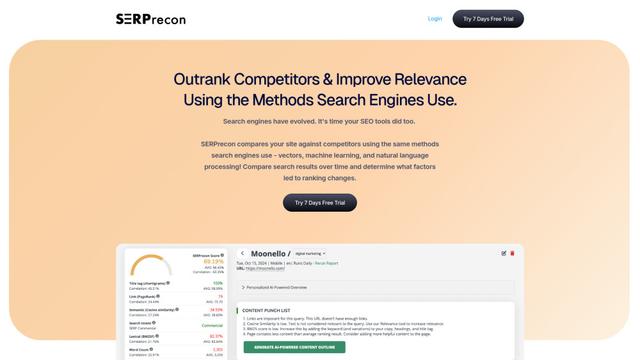
SERPrecon
SERPreconは、ベクトル、機械学習、自然言語処理を活用して、ユーザーが競合を分析し、現代の検索エンジンと同じ手法を使用して競合を上回るのを支援する高度なSEOツールです。
Veltrix AIに似た人気のAIツール
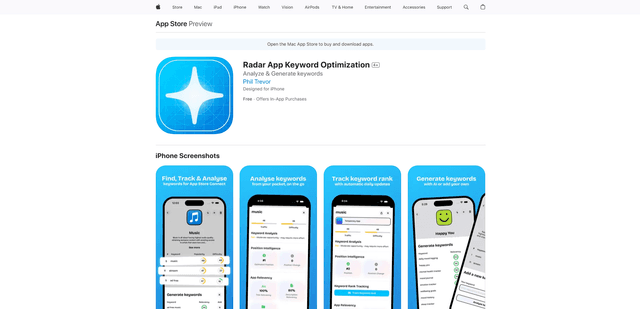
Radar
App Radarは、AIを活用したキーワード調査、競合分析、および自動化されたツールを活用して、Apple App StoreとGoogle Play Store全体でアプリの可視性とランキングを向上させるのに役立つ包括的なアプリストア最適化(ASO)ツールです。
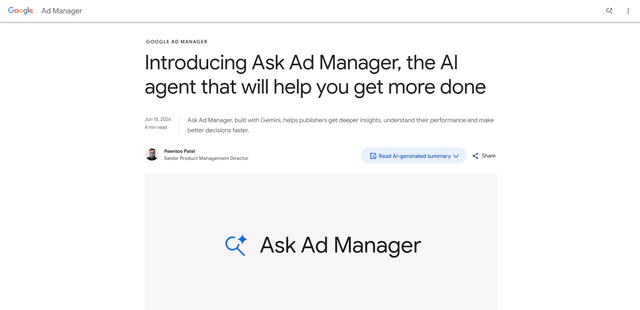
Ask Ad Manager by Google Ads
Ask Ad Managerは、Google Ad Manager内に組み込まれたGemini搭載の会話型エージェントで、パブリッシャーが問題をリアルタイムでトラブルシューティングし、プロンプトからカスタムパフォーマンスレポートを生成し、自身のAd Managerデータを使用して適切な設定に直接移動するのに役立ちます。
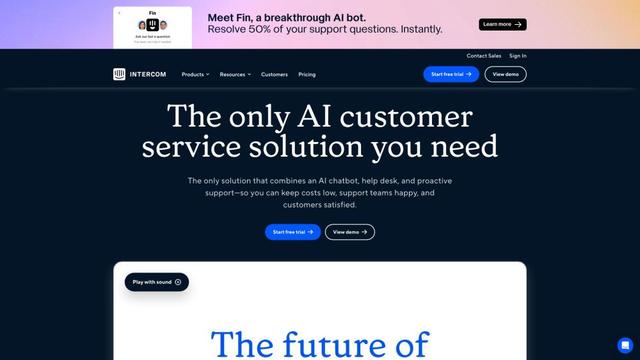
Intercom
Intercomは、即時サポートを提供し、エージェントの生産性を向上させ、サポートリーダーに洞察を提供するAI駆動の顧客サービスプラットフォームです。
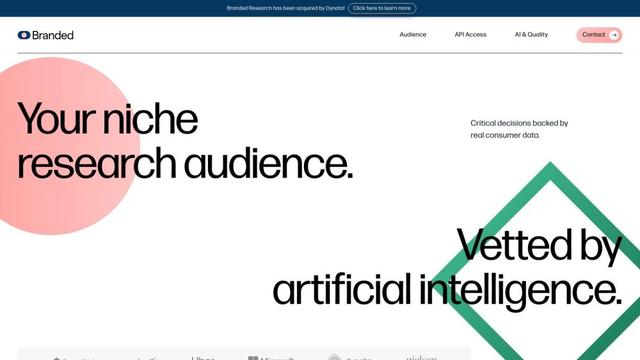
Branded
Brandedは、AIと高度なサンプリング技術を使用して、高品質な消費者インサイトとデータを提供する市場調査会社です。