
Velocity 2.0 Prompt Co-Pilot
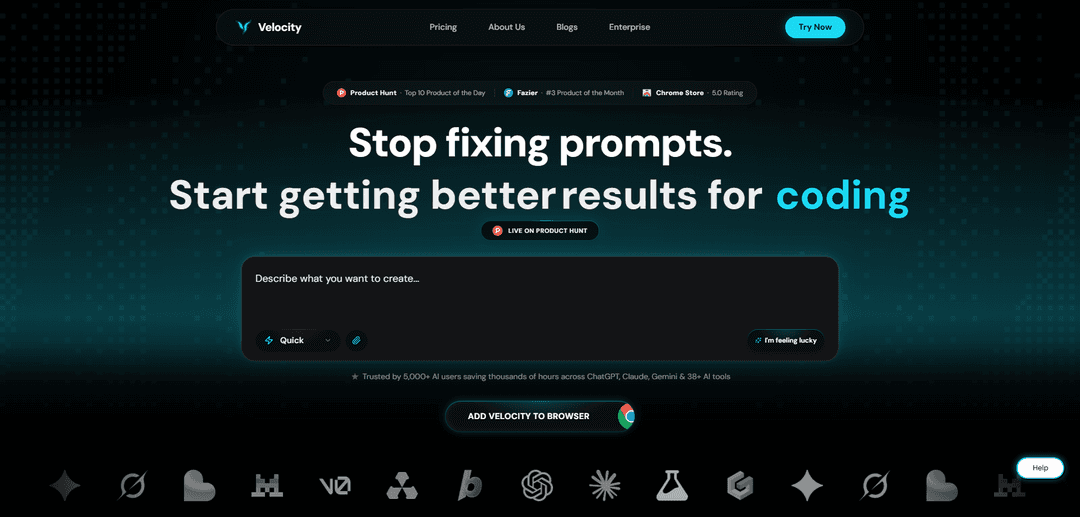
Velocity 2.0 Prompt Co-Pilot is a Chrome extension and web app that one-click optimizes messy inputs into clear, context-aware prompts across ChatGPT, Claude, Gemini, and 38+ AI tools, using personalization and memory to improve results and speed.
https://thinkvelocity.ai/?ref=producthunt
Product Information
Updated:Jul 8, 2026
What is Velocity 2.0 Prompt Co-Pilot
Velocity 2.0 Prompt Co-Pilot is a prompt optimization tool built to help anyone get better outputs from AI chatbots without needing prompt-engineering expertise. Positioned as “Grammarly for prompting,” it integrates directly into the chat box of popular AI platforms (including ChatGPT, Claude, Gemini, Perplexity, and many more) and rewrites rough, unclear instructions into AI-ready prompts that are more specific, structured, and context-aware. It’s designed for students, professionals, creators, and developers who want more accurate responses with fewer retries, and it offers both a free tier (with limited daily enhancements) and paid plans for unlimited usage and advanced features.
Key Features of Velocity 2.0 Prompt Co-Pilot
Velocity 2.0 Prompt Co-Pilot is a Chrome extension (with a complementary web app) that turns rough, unclear instructions into optimized, context-aware, AI-ready prompts in one click across popular LLM tools like ChatGPT, Claude, and Gemini (and many others). It focuses on improving clarity, adding missing context, and structuring requests so users can get more accurate outputs with fewer back-and-forth prompts, while also supporting personalization via memory, multiple enhancement modes, and sharing/copy workflows for using prompts anywhere.
One-click prompt enhancement: Transforms “messy” or vague input into a clearer, more detailed, better-structured prompt instantly, reducing manual prompt crafting time.
Works across many AI tools/models: Integrates directly into the chat box of major AI platforms (e.g., ChatGPT, Claude, Gemini, Perplexity and more), so you don’t have to change your workflow.
Multiple enhancement modes: Provides different modes (e.g., Quick, Best, Build, Research, Media) to tailor prompt optimization style to the task—fast iteration vs deeper, more structured prompting.
Personalization with unified memory: Uses memory slots (and expanded memory on Pro/Enterprise) to incorporate user preferences or recurring context, helping produce consistently relevant prompts.
Refine & analyze capabilities: Includes prompt refining and analysis features to improve instruction quality and make outputs more precise and usable.
Sharing and portability: Lets users copy prompts to clipboard or share them (including to gain extra usage), enabling reuse across tools and collaboration.
Use Cases of Velocity 2.0 Prompt Co-Pilot
Software development & “vibe coding”: Engineers and builders can turn high-level ideas into precise coding prompts for debugging, feature implementation, refactoring, and generating clearer technical instructions across coding assistants.
Student research and academic writing: Students can enhance prompts for research, summarization, outlining papers, and project work by adding structure, context, and constraints for more reliable outputs.
Business workflows and productivity: Professionals can standardize prompts for emails, strategy docs, meeting summaries, and operational tasks—reducing iteration cycles and improving consistency.
Marketing and content creation: Creators can generate stronger prompts for blogs, ad copy, social content, and creative ideation by making requests more specific and context-rich.
Team/enterprise prompt governance: Organizations can use Enterprise features like team memory/context packs, guardrails, analytics, audit logs, and approval workflows to standardize prompt quality and control usage.
Cross-platform AI usage (web + mobile): Users who work across multiple AI tools and devices can enhance prompts via extension and web app, then reuse prompts anywhere via copy/share.
Pros
Saves time by reducing prompt iteration (users report fewer prompts needed to reach desired outcomes).
Seamless integration into existing AI tools via browser extension; no major workflow change required.
Supports personalization and multiple modes, making it adaptable for different task types and user preferences.
Enterprise controls (guardrails, analytics, audit logs, SSO) can help standardize and govern prompt quality at scale.
Cons
Free plan is limited (e.g., small number of daily enhancements and memory slots), which may restrict heavy users.
Best value depends on already using supported web-based AI tools; benefits may be lower for users who rarely prompt or mostly use unsupported environments.
Some advanced capabilities (unlimited enhancements, full modes/library, enterprise governance) require paid tiers.
How to Use Velocity 2.0 Prompt Co-Pilot
1) Install Velocity 2.0 (Chrome Extension): Go to the Chrome Web Store listing for “Velocity: The Prompt Co-Pilot” and click “Add to Chrome”. Once installed, Velocity will appear inside the AI tools you already use (e.g., ChatGPT, Claude, Gemini, and other supported platforms).
2) Open your preferred AI tool: Navigate to the AI platform you want to use (for example: ChatGPT, Claude, or Gemini). Velocity is designed to integrate directly into the chat box workflow so you don’t need to change how you work.
3) Type your prompt normally (even if it’s messy): In the chat input, write your request the way you would say it out loud. Velocity is built to take vague or unclear instructions and turn them into clearer, more actionable prompts.
4) Click “Enhance” to optimize the prompt: Use Velocity’s one-click enhancement to rewrite your prompt into an AI-optimized version. The enhanced prompt typically adds clarity, structure, and context so the model can respond more accurately.
5) Review the enhanced prompt for clarity and intent: Quickly scan the rewritten prompt to confirm it matches your goal. If needed, adjust details like constraints, tone, or success criteria before sending.
6) Submit the enhanced prompt to the AI model: Send the optimized prompt in your AI tool. Velocity’s goal is to reduce back-and-forth by helping you get a strong result in fewer attempts.
7) Use Velocity modes when you need a specific style of output: If available in your plan, choose a mode that matches your task (e.g., Quick, Best, Build, Research, Media). Then enhance again to tailor the prompt toward that outcome.
8) Add success criteria and constraints for more predictable results: When you want consistent outputs, include explicit action + success criteria (e.g., what “done” looks like) and constraints (format, exclusions, requirements). This helps reduce vague or widely varying results.
9) Save and reuse context with Memory (personalization): Store reusable context (like your role, writing style, project details, or preferences) in Memory. Free plans mention limited memory slots; Pro includes unlimited memory/personalization.
10) Refine and analyze prompts as needed: Use Velocity’s refine/analyze capabilities (availability depends on plan) to improve prompt quality further—especially for complex tasks where structure, constraints, and context matter.
11) Use Velocity on web/mobile when you’re not in the extension: If you’re working outside the extension environment, use the Velocity web app to enhance prompts for AI tools, then copy/paste the optimized prompt into your target platform.
12) Copy, share, or reuse enhanced prompts: After enhancement, copy the prompt to clipboard or share it (the site indicates sharing can help you get extra usage). Reuse strong prompts for repeated workflows.
13) Understand free vs. paid usage limits: On Free, you can claim a limited number of daily prompt enhancements (e.g., 3/day per the site) and limited memory slots. Upgrade to Pro for unlimited enhancements and all modes; Enterprise adds team controls like guardrails, analytics, audit logs, and SSO.
Velocity 2.0 Prompt Co-Pilot FAQs
Velocity is a prompt optimizer that rewrites and improves your AI prompts in one click. It’s available as a Chrome extension (and also a web app) and is designed to turn messy or unclear instructions into more structured, context-aware prompts for better AI outputs.
Velocity 2.0 Prompt Co-Pilot Video
Popular Articles

Atoms: A Multi-Agent AI Platform That Transforms Ideas into Launch-Ready Products
May 22, 2026

Nano Banana SBTI: What It Is, How It Works, and How to Use It in 2026
Apr 15, 2026

Atoms Review — The AI Product Builder Redefining Digital Creation in 2026
Apr 10, 2026

Kilo Claw: How to Deploy and Use a True "Do‑It‑For‑You" AI Agent(2026 Update)
Apr 3, 2026
Latest AI Tools Similar to Velocity 2.0 Prompt Co-Pilot
Callaia
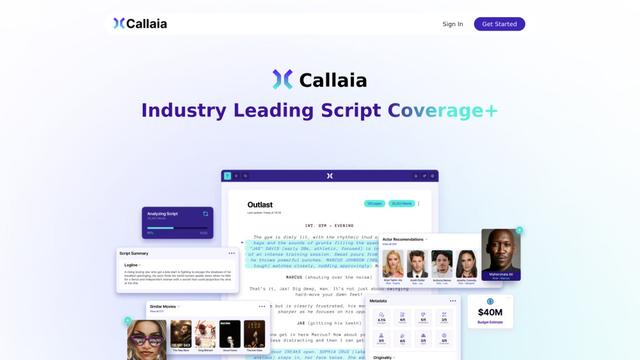
Callaia is an AI-powered script analysis tool that provides comprehensive script coverage, including logline, synopsis, character summaries, and actionable recommendations in under a minute for $79 per script.

Scribly AI
Scribly AI is an AI-powered content creation platform that helps users generate high-quality articles, blogs, emails, and various types of content in minutes while maintaining SEO optimization and brand voice consistency.
VocalScribe
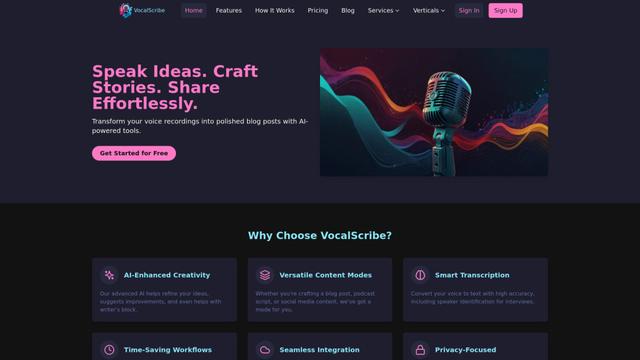
VocalScribe is an AI-powered platform that transforms voice recordings into polished blog posts and other content formats with smart transcription and enhancement capabilities.
Writers-Copilot
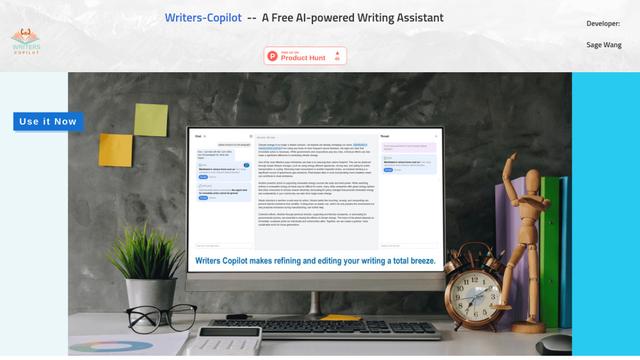
Writers-Copilot is a free AI-powered writing assistant that provides intelligent editing suggestions, real-time feedback, and content improvement capabilities to enhance writing quality and efficiency.
Popular AI Tools Like Velocity 2.0 Prompt Co-Pilot
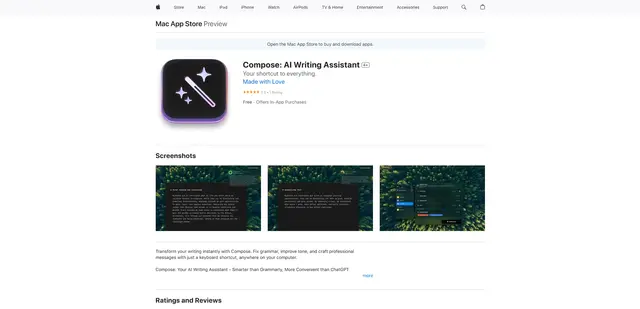
Compose for macOS
Compose for macOS is an AI-powered writing assistant that works system-wide, allowing users to transform and enhance their writing with just a keyboard shortcut across any application.
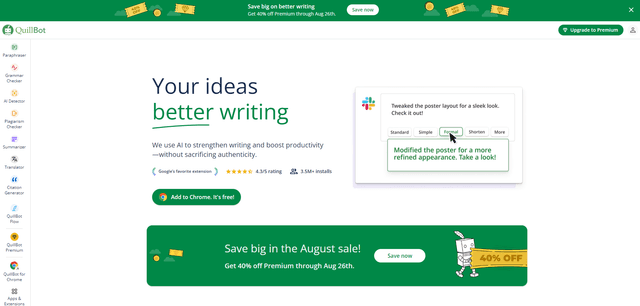
QuillBot
QuillBot is an AI-powered writing assistant that offers paraphrasing, grammar checking, and other tools to help users improve their writing quality and efficiency.

Doubao 1.6
Doubao 1.6 is an advanced multimodal AI model from ByteDance featuring enhanced reasoning capabilities, tool calling support, and adaptive thinking that balances performance with reasoning ability.
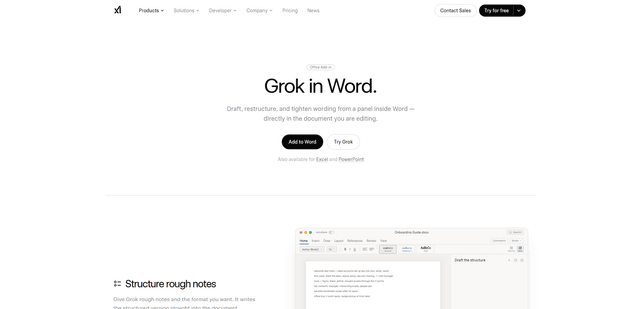
Grok by SpaceXAI for Word
Grok by SpaceXAI for Word is a free Microsoft 365 add-in that docks an AI side panel inside Word to draft, restructure, and apply undoable in-document edits while helping keep long documents stylistically consistent.