
V2Fun
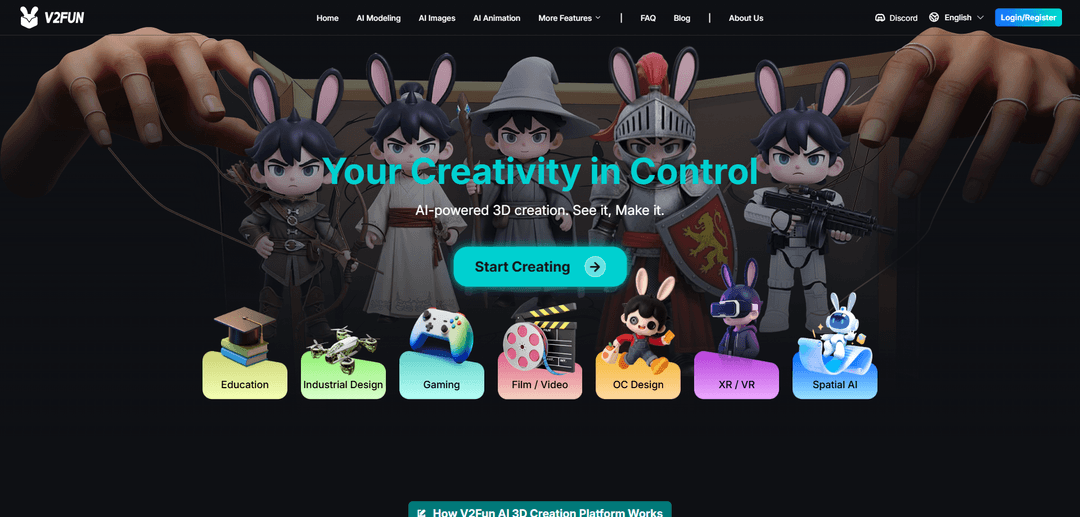
V2Fun is a browser-based, all-in-one AI 3D creation platform that generates 3D models from text or images and then streamlines texturing, auto-rigging, motion capture, and animation export in a single connected workflow.
https://v2fun.ai/?ref=producthunt
Product Information
Updated:Jul 16, 2026
What is V2Fun
V2Fun is an AI-powered 3D content creation platform designed to help creators and teams turn ideas into usable 3D assets quickly, with minimal technical overhead. Operating in the browser, it supports both text-to-3D and image-to-3D generation and connects traditionally fragmented steps—concept imagery, modeling, materials, rigging, motion, and export—into one continuous pipeline. It is positioned as a fast creation and prototyping layer for characters, props, and game assets, with exports intended for downstream tools and engines such as Blender, Maya, Unity, and Unreal Engine when deeper cleanup or advanced control is needed.
Key Features of V2Fun
V2Fun is a browser-based, AI-powered 3D content creation platform that connects the full early-to-mid 3D pipeline in one place: generating concept/reference images, creating 3D models from text or images (including higher-precision multi-view workflows), automatically rigging humanoid characters, generating PBR textures/materials, applying motions from a library or user files, and extracting motion from video for animation—then exporting assets for downstream tools and engines.
Text-to-3D & Image-to-3D generation: Create 3D models from a written prompt or a reference image, aimed at producing usable assets quickly with structure, detail, and natural lighting.
Multi-view reconstruction for higher geometric accuracy: Supports front/side/back (multi-view) image inputs to improve structural completeness and precision for cases where single-image generation isn’t reliable enough.
AI prompt optimization for 3D-ready results: An “Optimize Prompt” function enriches inputs with spatial/perspective cues and PBR/material/texture parameters to improve generation consistency and production readiness.
One-click humanoid auto-rigging: Uses AI keypoint recognition to generate a character skeleton from a static model (e.g., T-pose), with optional manual calibration for animation and mocap workflows.
AI texture & PBR material generation (incl. high-res options): Automates texturing/material creation (PBR sets such as roughness/bump, etc.) and enables fast style/material swaps without changing base geometry.
Integrated motion tools: library, retargeting, and video mocap: Animate characters via a built-in motion library, upload motion files (e.g., BVH/VMD mentioned in sources), or extract motion from ordinary video to drive 3D characters in the cloud.
Use Cases of V2Fun
Indie game development asset pipeline: Rapidly prototype and generate characters/props, auto-rig and motion-test them, then export to tools like Blender/Maya and engines like Unity/Unreal for further optimization and integration.
Digital humans, VTubers, and virtual idols: Create and animate humanoid characters quickly using auto-rigging plus motion library or video mocap, supporting frequent short-form content publishing and streaming workflows.
Film/animation previsualization and drafts: Generate characters and apply motions for fast storyboards, blocking, and animation drafts, helping teams validate ideas before high-end finishing in traditional DCC tools.
3D printing and designer toys: Turn concept art or images into 3D models intended to be print-ready, with multi-view workflows improving structural fidelity for physical output.
Industrial design and product visualization: Use multi-view modeling for more accurate forms and quickly iterate materials/finishes via AI PBR texture generation for visualization and presentation.
Education and beginner-friendly 3D creation: Lower the technical barrier by keeping modeling, rigging, texturing, and basic animation in one browser workflow—useful for teaching and rapid learning projects.
Pros
All-in-one, connected workflow (image → model → rig → motion → export) reduces tool switching and iteration time.
Multiple input paths (text, single image, multi-view) support both fast ideation and higher-accuracy reconstruction when needed.
Built-in motion options (library + video mocap) make it easier to validate characters as animatable assets quickly.
Cons
Rigging workflow is mainly aimed at standard humanoid characters; unusual anatomy, creatures, or complex rigs may need other tools.
Video motion capture is best suited to clear single-person footage; multi-person performance capture is described as a future direction in the sources.
For final production quality (topology control, advanced cleanup, exact hero-asset precision), downstream DCC work (e.g., Blender/Maya) may still be required.
Commercial usage rights can vary by plan/terms; users should verify licensing before client work, ads, or marketplace sales.
How to Use V2Fun
1) Open V2Fun in your browser and choose a creation path: Go to V2Fun’s web app and decide whether you want to start from (a) a text prompt (Text-to-3D) or (b) a reference image (Image-to-3D / Picture-to-3D). V2Fun is designed to run end-to-end in-browser without installing traditional 3D software.
2) Prepare your input (prompt or image) for best results: If using an image, pick a high-quality reference: clean background, even lighting, full subject visible, minimal occlusion (especially limbs for characters). If using text, write a clear description of the object/character, style, and key details you want preserved.
3) (Recommended) Click “Optimize Prompt” before generating: Use V2Fun’s “Optimize Prompt” feature to auto-enrich your input with spatial perspective cues, PBR material intent, and texture parameters. This is intended to improve conversion accuracy and produce more production-ready 3D results.
4) Generate the initial 3D model (Text-to-3D or Image-to-3D): Run the generation using your chosen workflow. V2Fun will create a 3D asset based on your prompt or reference image, aiming for accurate structure and rich surface detail suitable for downstream use.
5) Use Multi-View when accuracy and completeness matter: If a single image/prompt leaves missing or weak areas (commonly the back/hidden sides), use V2Fun’s multi-view workflow: generate or provide front/side/back (four-view) references, then run “Multi-View to 3D Model” to improve geometric precision and structural completeness.
6) Apply Smart Retopology to make the mesh clean and editable: Use V2Fun’s Smart Retopology to optimize topology while preserving surface detail. This produces a lighter, cleaner mesh (often quad-friendly) that is easier to edit, animate, and integrate into real-time or production pipelines.
7) Generate or refine textures with AI Texture Generation (PBR): Use the AI Texture/Material generation tools to produce PBR-style materials and textures (e.g., surface detail, roughness/gloss intent). This step is meant to reduce manual UV/texturing bottlenecks and quickly reach a usable look for games, film previz, or product visualization.
8) (Characters) Auto-rig the model with one-click rigging: If you’re working with a character, run V2Fun’s AI Automatic Rigging to generate a skeleton. Use manual node calibration if needed to correct keypoints. This prepares the character for animation and motion transfer.
9) Animate using the AI Animation Tool (library motions or uploads): After rigging, open the AI 3D Animation tool. Choose motions from the motion library or upload your own motion files. V2Fun will transfer the motion to your character to create an animation-ready result.
10) (Optional) Create animation from video with AI Motion Capture: If you have a reference performance, upload a normal video to the AI Motion Capture feature. V2Fun extracts human motion from the video and can drive your rigged character with that motion—no mocap suit required.
11) Test and iterate inside the same browser-based pipeline: Preview the model, textures, rig, and motion together. If something looks off (structure, materials, deformation), iterate by adjusting the prompt/image, re-running multi-view, retopology, texture generation, or rig calibration until it meets your project needs.
12) Export the asset for downstream tools and production use: Export in a format that matches your pipeline (V2Fun highlights exports such as FBX and GLB). Use FBX when you need rigging/animation compatibility for game and character workflows; use GLB for broad real-time/viewer compatibility. Then continue polishing in tools like Blender/Maya/Unity/Unreal if required.
13) Confirm usage rights before commercial release: Before using generated assets in client work, games, ads, marketplaces, or paid media, review V2Fun’s current subscription plan details and official license/terms to confirm commercial usage permissions for your specific asset and plan.
V2Fun FAQs
V2Fun is an AI-powered, all-in-one 3D content creation platform that helps users turn text prompts or images into usable 3D models, motions, and animations in a unified, browser-based workflow.
V2Fun Video
Popular Articles

Vosko AI: Localize and Dub Videos for Global Audiences
Oct 15, 2026

Atoms: A Multi-Agent AI Platform That Transforms Ideas into Launch-Ready Products
Oct 13, 2026

Nano Banana SBTI: What It Is, How It Works, and How to Use It in 2026
Apr 15, 2026

Atoms Review — The AI Product Builder Redefining Digital Creation in 2026
Apr 10, 2026
Latest AI Tools Similar to V2Fun
JustAHuman
JustAHuman is a gaming platform that rewards players for completing challenges while helping game creators process 3D assets through AI.
Sketcho
Sketcho is an AI-powered design tool that transforms sketches and ideas into high-quality professional designs through an intuitive interface.
Rendair
Rendair is an all-in-one AI-powered architectural rendering platform that offers quick, high-quality visualizations through both AI tools and professional 3D artists for architects, designers, and real estate professionals.
Triorama AI
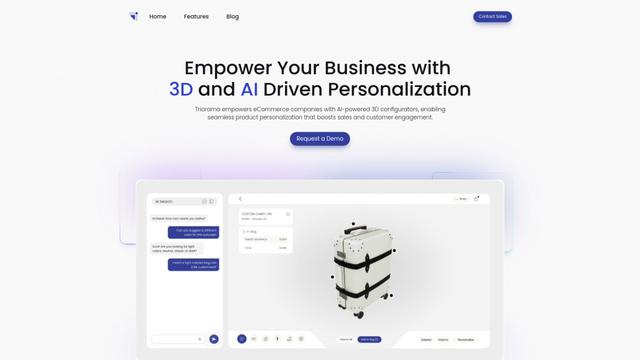
Triorama AI is an AI-powered 3D product configurator platform that enables eCommerce businesses to offer real-time product personalization and visualization capabilities to their customers.
Popular AI Tools Like V2Fun
Hunyuan3D-2.1
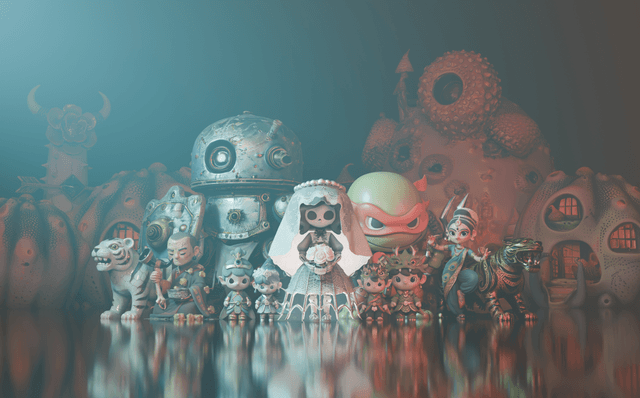
Hunyuan3D-2.1 is Tencent's first production-ready 3D asset generation system that combines fully open-source framework with physically-based rendering (PBR) texture synthesis to create high-fidelity 3D models from images or text descriptions.
Nova3D
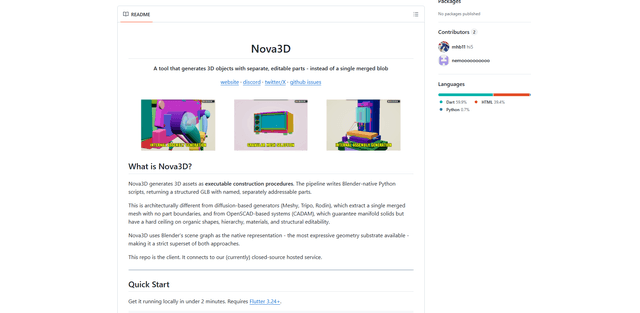
Nova3D is an AI 3D generation tool that produces structured, editable, part-aware 3D assets by generating Blender-native construction scripts and exporting a named, hierarchical GLB instead of a single merged mesh.
Modelify
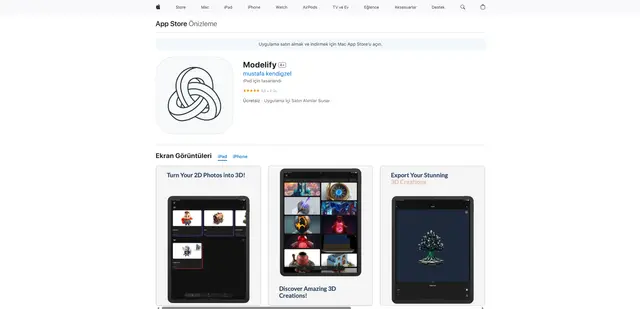
Modelify is an AI-powered mobile app that transforms 2D images into high-quality 3D models seamlessly on iPhone and iPad devices.
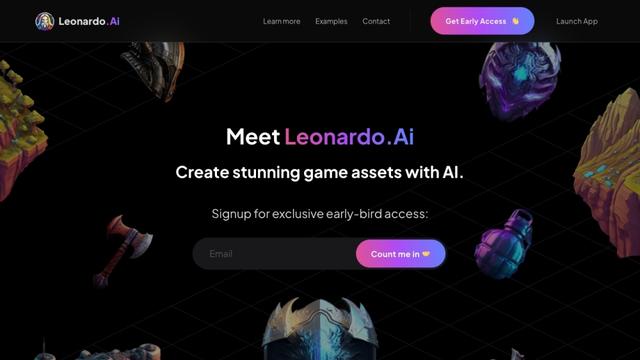
Leonardo.ai
Leonardo.ai is a powerful AI image generator platform that enables users to create high-quality art, images, and videos through innovative tools like text-to-image generation, AI canvas editing, and 3D texture generation.