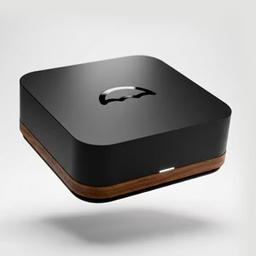
Umbrel
Umbrel is a user-friendly personal home cloud OS and hardware solution that allows you to self-host hundreds of apps, store files, run AI models, and manage your Bitcoin node - all from hardware you control.
https://umbrel.com/?utm_source=aipure&utm_medium=referral&utm_campaign=umbrel_pro_launch&ref=producthunt
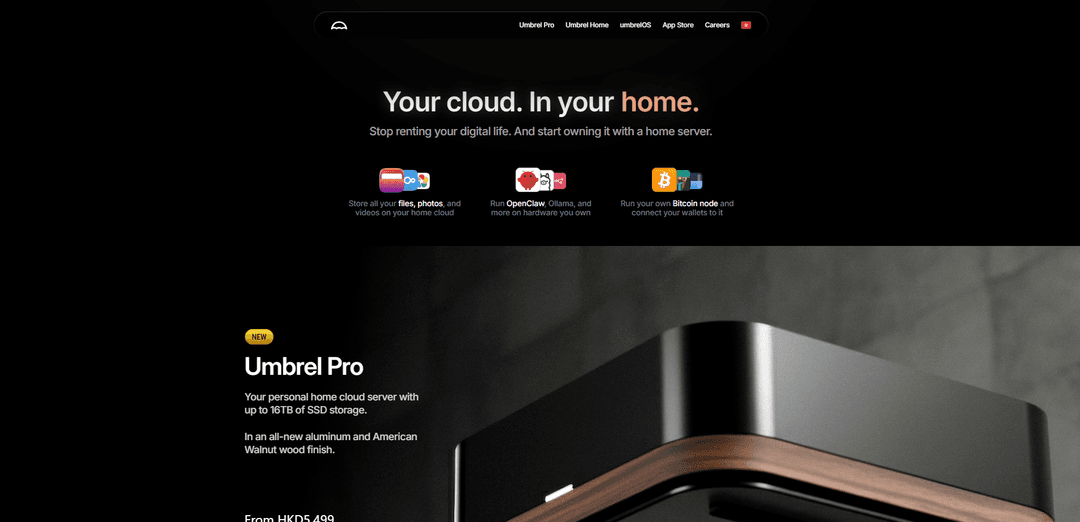
Product Information
Updated:Feb 15, 2026
What is Umbrel
Umbrel is both a software platform (umbrelOS) and hardware solution (Umbrel Home/Pro) that brings cloud capabilities to your home. It aims to help users take back control of their digital lives by providing an easy way to self-host applications and data instead of relying on third-party cloud services. The platform features a beautiful, intuitive interface and an integrated app store that allows users to install and manage various self-hosted applications with just one click, requiring no technical expertise.
Key Features of Umbrel
Umbrel is a comprehensive home server operating system that combines powerful self-hosting capabilities with user-friendly design. It features an integrated app store for one-click installation of various applications, supports up to 16TB of SSD storage, and offers seamless integration with Bitcoin nodes, AI models, media streaming, and home automation. The system prioritizes data privacy and user control while providing an intuitive interface for managing personal cloud services.
User-Friendly Interface: Beautiful and intuitive OS design with single sign-on capability and easy-to-use dashboard for managing all applications and services
App Store Integration: Built-in marketplace for one-click installation of hundreds of self-hosted applications including Nextcloud, Jellyfin, Bitcoin node, and AI models
Flexible Hardware Support: Compatible with various hardware platforms including Raspberry Pi, x86 systems, and dedicated Umbrel Home/Pro devices with up to 16TB storage
Automated Backup System: Built-in backup capabilities to automatically save files, apps, and data to external drives, NAS, or another Umbrel device
Use Cases of Umbrel
Personal Media Server: Stream personal movie and TV show collections to any device using integrated media server applications
Private AI Development: Run local AI models like DeepSeek R1 and LLama 3 for development and testing without exposing data to third parties
Home Network Management: Manage network-wide ad blocking, VPN access, and home automation through various integrated applications
Cryptocurrency Node Operation: Run Bitcoin and Lightning nodes with enhanced privacy and direct wallet connections
Pros
Easy to set up and use with minimal technical knowledge required
Strong focus on privacy and data ownership
Extensive app ecosystem with one-click installations
Flexible hardware compatibility options
Cons
No built-in health check system for services
Uses unencrypted HTTP for LAN communication
Some features require specific hardware configurations
How to Use Umbrel
Download and Install umbrelOS: Download the latest umbrelOS image for your device (Raspberry Pi, x86 system etc.) and use Balena Etcher to flash it to a microSD card or USB drive
Hardware Setup: Connect your storage device (SSD/HDD), power supply, and network cable to your device. For Raspberry Pi, ensure you use a proper 5V/3A power supply
First Boot: Insert the flashed storage media and power on your device. Wait a few minutes for umbrelOS to complete its initial boot and configuration
Access Web Interface: On any device connected to the same network, open a web browser and navigate to http://umbrel.local (or find your device's IP address if .local doesn't work)
Initial Configuration: Follow the setup wizard to create your password and configure basic settings. This will be your main dashboard login credential
Install Apps: Browse the Umbrel App Store through the dashboard and install desired applications with one click (Bitcoin Node, Nextcloud, Pi-hole etc.)
Configure Apps: Access each installed app through the dashboard and complete their individual setup processes as needed
Optional: Enable Remote Access: For advanced users, SSH access can be enabled using 'ssh -t [email protected]' with the same password used for the web interface
Regular Maintenance: Keep your system updated through the dashboard, monitor storage space, and backup important data regularly
Umbrel FAQs
Umbrel is a personal home cloud operating system (umbrelOS) that allows users to self-host various applications and services on their own hardware, giving them control over their data rather than relying on third-party cloud services.
Umbrel Video
Popular Articles

Atoms: A Multi-Agent AI Platform That Transforms Ideas into Launch-Ready Products
May 22, 2026

Nano Banana SBTI: What It Is, How It Works, and How to Use It in 2026
Apr 15, 2026

Atoms Review — The AI Product Builder Redefining Digital Creation in 2026
Apr 10, 2026

Kilo Claw: How to Deploy and Use a True "Do‑It‑For‑You" AI Agent(2026 Update)
Apr 3, 2026
Latest AI Tools Similar to Umbrel

Hapticlabs
Hapticlabs is a no-code toolkit that enables designers, developers and researchers to easily design, prototype and deploy immersive haptic interactions across devices without coding.

Monyble
Monyble is a no-code AI platform that enables users to launch AI tools and projects within 60 seconds without requiring technical expertise.
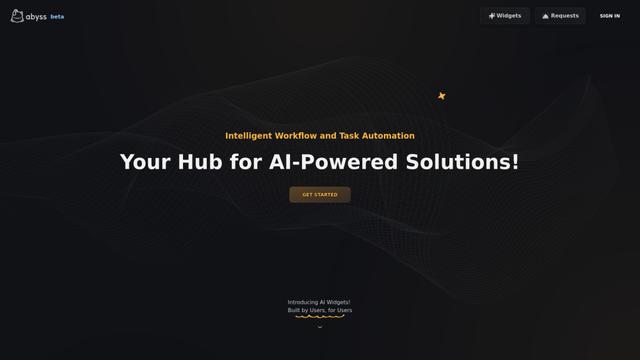
Abyss
Abyss is an AI-powered platform that enables users to create, share and run automated task-specific Widgets without requiring technical expertise.
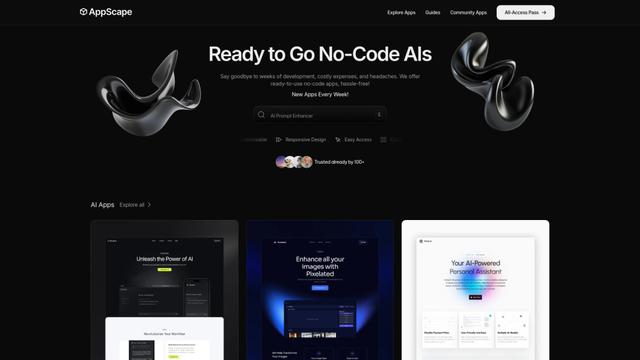
AppScape
AppScape is a no-code platform offering ready-to-use AI-powered apps and customizable SaaS solutions, enabling quick deployment without traditional development costs and technical expertise.
Popular AI Tools Like Umbrel
GitHub MCP Server
GitHub MCP Server is a Model Context Protocol server that enables seamless integration between AI models and GitHub APIs, providing standardized tools for repository management, issue tracking, and code operations.

GoCodeo SaaS Builder
GoCodeo SaaS Builder is an AI-native framework that automatically generates production-ready full-stack SaaS applications using autonomous AI agents, complete with authentication, real-time features, and TypeScript integration.

iBrowsy
iBrowsy is a modern, AI-powered web browser for macOS that combines intelligent features, privacy-first design, and seamless user experience with built-in GPT-4 assistance.
VibeSDK by CloudFlare
VibeSDK is an open-source AI-powered platform by Cloudflare that enables developers to deploy their own full-stack vibe coding environment with one click, allowing users to generate and deploy applications through natural language descriptions.