
trnscrb
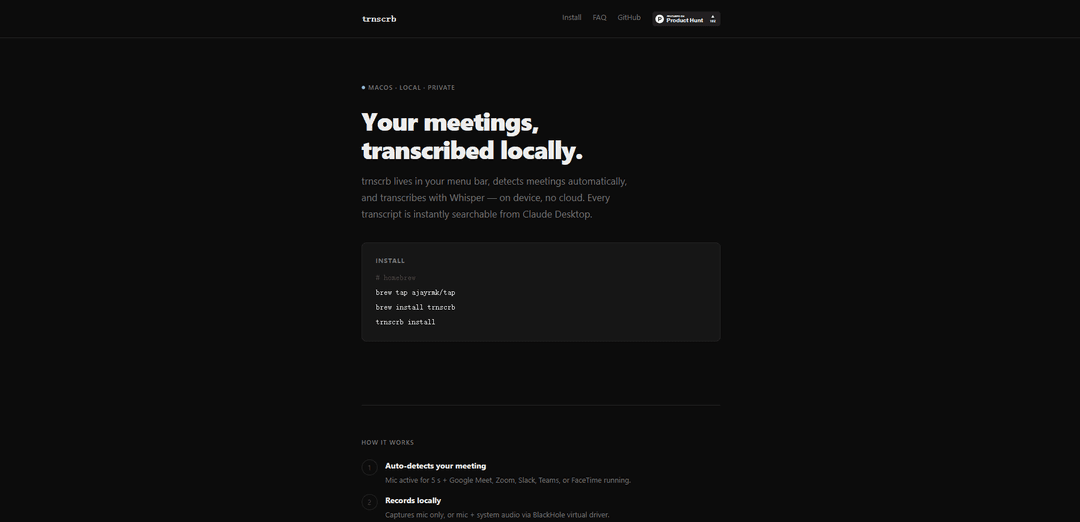
trnscrb is an offline meeting transcription tool for macOS that automatically detects and records meetings, transcribes them locally using Whisper AI, and saves searchable text files without requiring internet connectivity.
https://trnscrb.com/?ref=producthunt
Product Information
Updated:Mar 8, 2026
What is trnscrb
trnscrb is a sophisticated meeting transcription application designed specifically for macOS users. It's a local-first solution that works with popular meeting platforms including Google Meet, Zoom, Slack, Teams, and FaceTime. The tool distinguishes itself by operating completely offline, ensuring privacy and data security while providing professional-grade transcription services using the Whisper small model optimized for Apple Silicon through Metal acceleration.
Key Features of trnscrb
trnscrb is an offline meeting transcription tool for macOS that automatically detects and records meetings from popular platforms like Zoom, Google Meet, Slack, Teams, and FaceTime. It performs on-device transcription using Whisper AI model, saves transcripts locally as plain text files, and integrates with Claude Desktop for advanced search and analysis capabilities. The tool requires no internet connection for core functionality and supports both microphone-only and system audio recording.
Automatic Meeting Detection: Automatically detects active meetings by monitoring microphone activity and running meeting applications, requiring no manual intervention
Local Processing: Records and transcribes audio completely offline using the Whisper small model running on Apple Silicon Metal, ensuring privacy and security
Claude Desktop Integration: Seamlessly integrates with Claude Desktop for intelligent search, summarization, and analysis of meeting transcripts with natural language queries
Flexible Audio Capture: Supports both microphone-only recording and full system audio capture through BlackHole virtual driver for comprehensive meeting coverage
Use Cases of trnscrb
Remote Team Meetings: Automatically capture and transcribe virtual team meetings for documentation and future reference
Action Item Tracking: Extract and track action items from meetings using Claude Desktop's analysis capabilities
Meeting Archive Search: Search through past meeting transcripts to find specific discussions or decisions using natural language queries
Pros
Complete offline functionality for privacy and security
Seamless automatic detection and recording of meetings
Integration with Claude Desktop for advanced analysis
Cons
Limited to macOS platform only
Slower transcription on Intel Macs due to lack of Metal acceleration
Requires HuggingFace account for speaker labeling feature
How to Use trnscrb
Install trnscrb: Use Homebrew by running: 'brew tap ajayrmk/tap' followed by 'brew install trnscrb'. Alternatively, use pip/uv with: 'pip install trnscrb' or 'uv tool install trnscrb'
Run installation setup: Execute 'trnscrb install' which will automatically set up BlackHole virtual driver, HuggingFace token, Whisper model, Claude Desktop MCP config, and launch-at-login settings
Auto-detection of meetings: The app automatically detects when you're in a meeting by monitoring microphone activity (5+ seconds) and checking if Google Meet, Zoom, Slack, Teams, or FaceTime is running
Recording begins: Once a meeting is detected, trnscrb records locally using either microphone only or microphone + system audio (if using BlackHole virtual driver)
Transcription process: The app transcribes the recording on-device using the Whisper 'small' model, with no internet connection required. For Apple Silicon Macs, it uses Metal acceleration
Access transcripts: Transcripts are automatically saved as plain .txt files in the '~/meeting-notes/' directory. They can be searched and accessed through Claude Desktop
Optional: Enrich transcripts: Use 'trnscrb enrich' command to generate summaries and action items via Claude API (this is the only step that requires internet connection)
trnscrb FAQs
No. Recording and transcription are fully offline. The only exception is 'trnscrb enrich', which sends transcript text to the Claude API to generate a summary and action items.
Popular Articles

Atoms: A Multi-Agent AI Platform That Transforms Ideas into Launch-Ready Products
May 22, 2026

Nano Banana SBTI: What It Is, How It Works, and How to Use It in 2026
Apr 15, 2026

Atoms Review — The AI Product Builder Redefining Digital Creation in 2026
Apr 10, 2026

Kilo Claw: How to Deploy and Use a True "Do‑It‑For‑You" AI Agent(2026 Update)
Apr 3, 2026
Latest AI Tools Similar to trnscrb

Ticknotes
Ticknotes is an AI-powered meeting assistant that automatically records, transcribes, and generates personalized meeting summaries, action items, and key insights from audio, video, and text content.

Feta
Feta is an AI-powered meeting tool that helps product and engineering teams run efficient meetings by capturing discussions, automating tasks, and providing actionable insights through smart summaries and integrations.
TranscriptionPlus
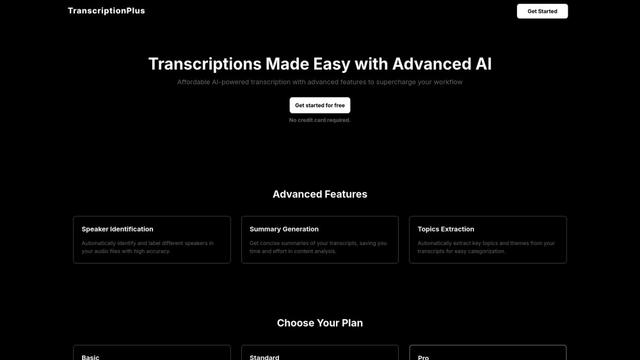
TranscriptionPlus is an AI-powered transcription service that offers accurate speech-to-text conversion with advanced features like speaker identification, summary generation, and multi-language support at affordable pricing tiers.
AudioScribe.io
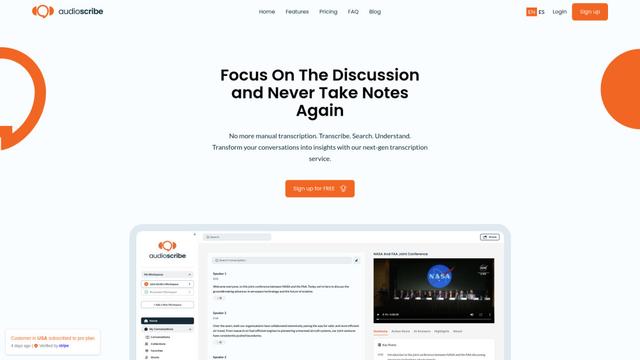
AudioScribe.io is a revolutionary AI-powered transcription service that converts audio and video content into accurate text while offering advanced features like automated meeting recording, full-text search, and multi-language support.
Popular AI Tools Like trnscrb
Ghost Pepper 🌶️
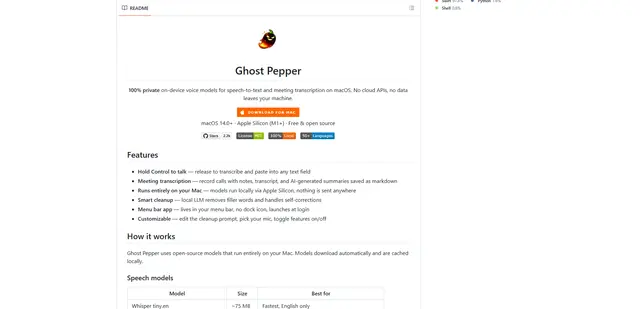
Ghost Pepper is a 100% local, privacy-focused speech-to-text and meeting transcription app for macOS that runs entirely on your Mac using open-source AI models, featuring hold-to-talk recording, intelligent text cleanup, and multi-language support without sending any data to the cloud.
Whisper AI
Whisper is an open-source automatic speech recognition system from OpenAI that approaches human-level accuracy and robustness for transcribing and translating speech in multiple languages.

Youtube to transcript
Youtube to Transcript is a Chrome extension that allows users to easily convert YouTube videos into text transcripts with features like multi-language support, AI-powered summarization, and downloadable formats.
inFin
inFin is a lightweight, user-friendly AI-powered voice notes app that offers unlimited recording, real-time transcription, and translation between Chinese and English, with offline capabilities and local storage for enhanced privacy.