
Trainer
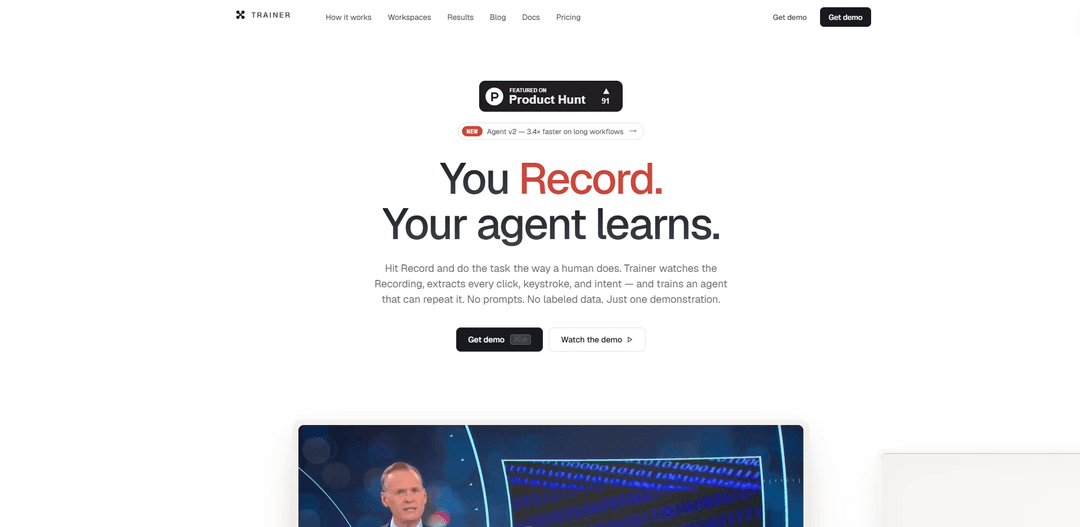
Trainer turns a single screen recording into a reusable, self-improving AI agent by capturing your clicks, keystrokes, and narrated intent—no prompts or labeled data required.
https://www.myagentrainer.com/?ref=producthunt
Product Information
Updated:Jun 8, 2026
What is Trainer
Trainer (myagentrainer.com) is a demonstration-based AI agent training and automation tool designed to help individuals and teams automate repetitive digital work by simply doing the task once. Instead of writing prompts, scripts, or building datasets, you record your workflow as you normally perform it—across any apps or websites—while Trainer captures screen activity, mouse/keyboard actions, and optional voice narration to understand what you’re trying to accomplish. It’s built to make practical agent automation accessible without complex AI configuration, and it offers a freemium model with free recording time to get started.
Key Features of Trainer
Trainer is a demonstration-based AI agent training and automation tool that turns a single screen recording of a real workflow into a reusable, self-improving agent. It captures screen video, clicks, keystrokes, and optional voice narration, analyzes the recording frame-by-frame to extract intent and atomic steps, compiles those steps into structured traces, and then trains/binds an agent to reliably repeat the task. With an SDK integration, every production run is evaluated (e.g., step accuracy/coverage/order integrity) and fed back into a continuous improvement loop—without requiring prompt engineering or labeled datasets.
Record-once training (no prompts, no labeled data): Users perform a task once while Trainer records screen, mouse, keystrokes, and narration; Trainer converts the demonstration into an agent-ready workflow without manual prompt writing or dataset creation.
Frame-by-frame analysis with intent extraction: A video/frame analyzer uses vision + speech-to-text to decompose the recording into atomic events (click targets, typed input, UI transitions) and aligns narration to inferred intent.
Structured traces in multiple formats: Trainer compiles extracted steps into reusable traces (e.g., natural language, JSON, and action-oriented DSL variants) that can be regenerated/refined without re-recording.
Agent training and binding to the human baseline: Trainer fine-tunes/conditions an agent against the captured demonstration so it can reproduce the workflow, using the recorded run as a baseline for expected step sequence and outcomes.
SDK injection + production-run evaluation loop: A lightweight SDK snippet streams agent runs back to Trainer, where they’re scored on metrics like step accuracy, coverage, and order integrity and then used to improve subsequent versions.
Local-first recording sessions: Recording sessions are captured locally on the user’s device, with time-aligned screen/audio/input data stored as a single timeline for later analysis and training.
Use Cases of Trainer
Finance ops: transaction reconciliation in accounting tools: Record a human matching bank/processor transactions to invoices (e.g., in QuickBooks) and deploy an agent to repeat weekly reconciliation while tracking step-level reliability.
Healthcare admin: front-desk intake and scheduling: Train agents to handle repetitive intake workflows (collecting patient info, updating charts, scheduling) by recording staff completing the process in existing systems.
Insurance: claims and quote-to-bind workflows: Automate FNOL/claim intake, policy renewals, and adjuster back-office tasks by recording the end-to-end process across portals and internal tools.
Legal ops: filings and case administration: Create agents for contract intake, e-discovery steps, court filing routines, or time-entry workflows by demonstrating the procedure once in firm-specific software.
E-commerce operations: returns and customer messaging: Record how an operator processes returns, updates listings, or responds to common support scenarios, then deploy an agent to execute the same flows at scale.
Logistics: dispatch and freight audit data entry: Train agents to book loads, update TMS/portals, enter BOL details, and reconcile freight invoices by capturing dispatcher workflows and replaying them reliably.
Pros
Fast onboarding: teach by doing—one recording can become a deployable agent without prompt engineering.
Observability + continuous improvement: production runs are scored (accuracy/coverage/order integrity) and feed a self-improving loop.
Works with real tools and UIs: designed for end-user workflows across apps rather than synthetic benchmarks.
Cons
UI volatility risk: workflow reliability may degrade when target apps change layouts, permissions, or step sequences, requiring re-analysis or updates.
Recording quality dependency: unclear narration, ambiguous UI states, or inconsistent human execution can reduce extracted-step fidelity and agent performance.
Integration overhead for feedback loop: to get full evaluation and iterative improvement, teams must add the SDK and operationalize run monitoring.
How to Use Trainer
1) Install Trainer and prepare your workflow: Go to https://www.myagentrainer.com/ and install Trainer for your OS (macOS/Windows/Linux). Make sure you can access the apps/sites you want to automate (e.g., QuickBooks, internal tools) and that you can complete the task manually end-to-end.
2) Start a new recording session: Open Trainer and create a new session (e.g., app.trainer.dev/sessions/new). Click Record to begin capturing your screen, mouse clicks, keystrokes, and microphone narration in one time-aligned timeline.
3) Perform the task exactly as a human would: While recording, do the full task step-by-step in the real tools you normally use. Click the actual UI elements, type into fields, and navigate normally. Speak your intent out loud as you go (your narration becomes the agent’s intent).
4) Stop and save the recording: When the task is complete, stop the recording and save the session. Trainer keeps sessions local-first (sessions stay on your device).
5) Run Analyze to extract steps from the video: Use Trainer’s Analyze step to process the recording. The frame analyzer scans frames (vision + ASR) and extracts atomic events (click targets, keystroke sequences, screen transitions) and aligns them with your narration to produce a structured step-by-step trace.
6) Review the generated trace: Read the extracted steps line-by-line (e.g., actions like “Open X”, “Filter vendor=…”, “Click Match”, “Skip refunds”). Confirm the intent and sequence match what you did.
7) Regenerate or refine without re-recording (optional): If a step is unclear or needs adjustment, regenerate/refine the trace rather than re-recording. Trainer can output the trace in multiple formats (natural language, JSON trace, action DSL, natural DSL) and you can switch formats as needed.
8) Train an agent from the trace: Bind a new agent to the trace and run the Train step. Trainer compiles the extracted steps into a prompt/trace package and fine-tunes the agent policy against the captured demonstration (no prompt engineering or manual labeling required).
9) Create an API key and add the Trainer SDK to your agent/app: Generate an API key in Trainer, then integrate the Trainer SDK into your code so production runs are logged and evaluated. Use the provided snippet pattern (e.g., logging each step via the SDK) to wire runs back to Trainer.
10) Run the agent on new inputs: Trigger the agent as a chat agent, background task, or with live UI state (same recording/loop, different modes). Provide the task input (e.g., “Reconcile Mercury invoices for this week”) and select a model if required by your setup.
11) Evaluate each run against the original trace: In Trainer, review run scoring and metrics such as step accuracy, coverage, and order integrity, charted against the human baseline. Use these results to identify where the agent deviates.
12) Improve over time with the closed-loop feedback: Keep running the agent in production with the SDK connected. Each run streams back as training data for the next iteration, sharpening the agent over time. For multi-stage processes, add multiple recordings to expand coverage and context.
Trainer FAQs
Trainer (myagentrainer.com) is a tool for training and automating AI agents by recording a task once. It captures your screen, clicks, keystrokes, and optional narration/intent, then turns that demonstration into an agent that can repeat the work—without prompt engineering or labeled data.
Popular Articles

Atoms: A Multi-Agent AI Platform That Transforms Ideas into Launch-Ready Products
May 22, 2026

Nano Banana SBTI: What It Is, How It Works, and How to Use It in 2026
Apr 15, 2026

Atoms Review — The AI Product Builder Redefining Digital Creation in 2026
Apr 10, 2026

Kilo Claw: How to Deploy and Use a True "Do‑It‑For‑You" AI Agent(2026 Update)
Apr 3, 2026
Latest AI Tools Similar to Trainer

Hapticlabs
Hapticlabs is a no-code toolkit that enables designers, developers and researchers to easily design, prototype and deploy immersive haptic interactions across devices without coding.

Monyble
Monyble is a no-code AI platform that enables users to launch AI tools and projects within 60 seconds without requiring technical expertise.
Abyss
Abyss is an AI-powered platform that enables users to create, share and run automated task-specific Widgets without requiring technical expertise.
AppScape
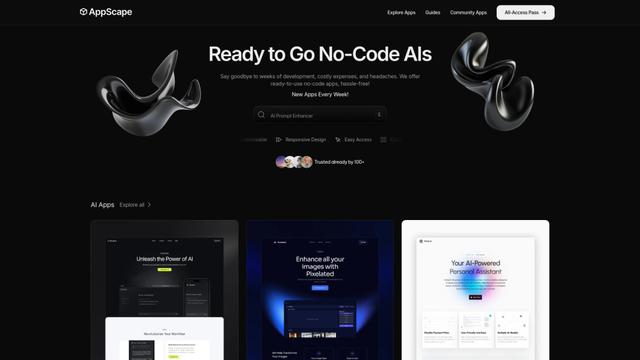
AppScape is a no-code platform offering ready-to-use AI-powered apps and customizable SaaS solutions, enabling quick deployment without traditional development costs and technical expertise.
Popular AI Tools Like Trainer
GitHub MCP Server
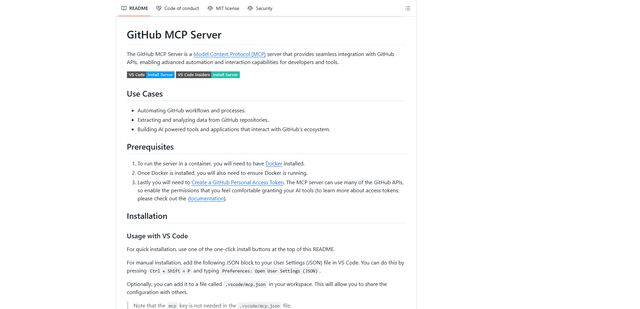
GitHub MCP Server is a Model Context Protocol server that enables seamless integration between AI models and GitHub APIs, providing standardized tools for repository management, issue tracking, and code operations.

GoCodeo SaaS Builder
GoCodeo SaaS Builder is an AI-native framework that automatically generates production-ready full-stack SaaS applications using autonomous AI agents, complete with authentication, real-time features, and TypeScript integration.

iBrowsy
iBrowsy is a modern, AI-powered web browser for macOS that combines intelligent features, privacy-first design, and seamless user experience with built-in GPT-4 assistance.
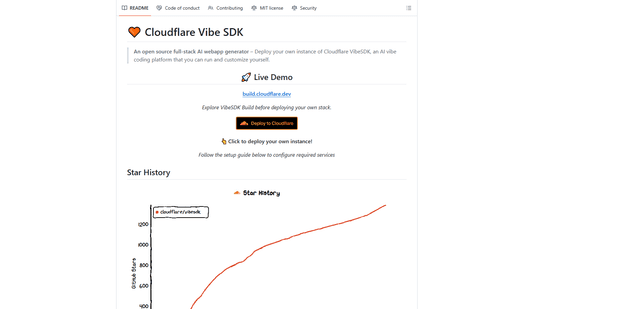
VibeSDK by CloudFlare
VibeSDK is an open-source AI-powered platform by Cloudflare that enables developers to deploy their own full-stack vibe coding environment with one click, allowing users to generate and deploy applications through natural language descriptions.