
TrafficClaw
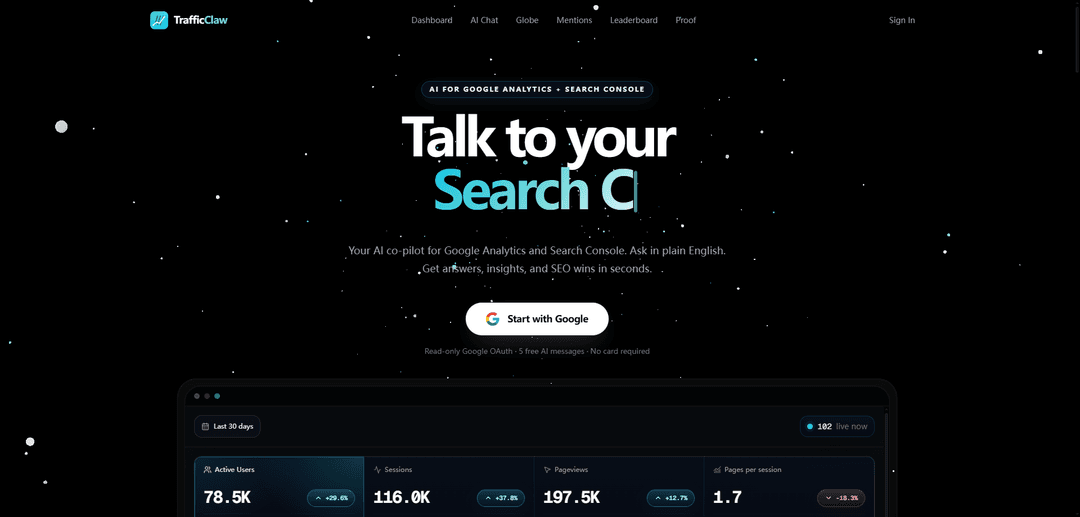
TrafficClaw is a Google Analytics alternative that turns your traffic into a conversational AI chat with a shareable dashboard, real-time 3D visitor globe, and built-in social-proof and SEO automation tools.
https://trafficclaw.com/?ref=producthunt
Product Information
Updated:May 18, 2026
What is TrafficClaw
TrafficClaw is an analytics product positioned as a simpler, more shareable alternative to Google Analytics. Instead of forcing users to navigate complex reports, it provides an AI chat interface that answers plain-English questions about traffic, pages, sources, and sessions, alongside a clean dashboard designed to be shared or embedded. It also layers on “live” presentation features—like a real-time interactive globe that shows active visitors—and integrates social-proof surfaces by tracking and embedding real-time mentions from X and Reddit.
Key Features of TrafficClaw
TrafficClaw is a Google Analytics alternative that turns your website analytics into an interactive, shareable experience: you can chat with your traffic data in plain English to get instant answers and next-step recommendations, monitor visitors live on a cinematic real-time 3D globe, and publish client- or team-friendly dashboards and social-proof embeds. It also includes an autonomous SEO bot that continuously runs SEO workflows like keyword discovery, internal linking, and content-decay detection to help prevent traffic drops and improve organic growth visibility.
AI traffic chat (plain-English analytics): Ask questions about traffic, pages, sources, and sessions without digging through reports; get instant answers plus clear recommended next steps.
Real-time 3D visitor globe: A live, rotating globe that shows active visitors as they arrive; designed to look premium and can be embedded on landing pages or displayed during launches.
Shareable/embeddable dashboards: Create a single dashboard you can share or embed for stakeholders, clients, and teammates—reducing the need for GA exports and screenshots.
Social-proof embeds (X + Reddit mentions): Track real-time mentions and turn them into no-code embeds to showcase credibility and community buzz on marketing pages.
Autonomous SEO Bot: An always-on SEO agent that performs automated keyword research, builds smart internal links, detects content decay before rankings slip, and scans for issues like cannibalization (plus Core Web Vitals monitoring).
Use Cases of TrafficClaw
SaaS growth & product marketing reporting: Use AI chat and shareable dashboards to quickly explain acquisition changes, campaign impact, and page performance to internal teams and investors.
Agency/client analytics deliverables: Embed a live dashboard and globe into client portals or decks to provide a polished, always-updating view of performance without GA complexity.
Launch monitoring for startups and indie makers: Run the real-time globe on a big screen during launches and use AI chat to diagnose spikes/drops immediately as traffic arrives.
Content/SEO operations for publishers and blogs: Leverage the SEO Bot for ongoing keyword discovery, internal linking suggestions, and content-decay alerts to protect and grow organic traffic.
Conversion-rate optimization with social proof: Embed live X/Reddit mentions on landing pages to increase trust and conversions, especially for products with active community discussion.
Pros
Plain-English AI chat reduces time spent navigating GA-style reports and speeds up diagnosis/action.
Highly shareable and embeddable visuals (dashboard + real-time globe + mention widgets) make analytics stakeholder-friendly.
Built-in autonomous SEO workflows (keyword research, internal linking, decay detection) support continuous organic growth.
Cons
Feature set is oriented toward conversational insights and presentation; teams needing deep custom analysis may still require raw-data pipelines/BI tools.
Some capabilities depend on third-party platforms (e.g., Google sign-in; X/Reddit mentions), which may be affected by external API or policy changes.
Not all measurement details (e.g., event schema flexibility, data retention/export options) are clear from the provided sources.
How to Use TrafficClaw
1) Sign in and connect your Google account: Go to https://trafficclaw.com/ and click “Start with Google” / “Sign In”. This connects TrafficClaw to your Google identity so it can pull your analytics data.
2) Open your TrafficClaw dashboard: After signing in, open the Dashboard (trafficclaw.com/#dashboard). This is your main place to view traffic, pages, sources, sessions, and shareable views.
3) Use AI Traffic Chat to ask questions about your traffic: Open “AI Chat” (trafficclaw.com/#ai-chat). Ask plain-English questions about traffic, pages, sources, and sessions. TrafficClaw returns instant answers plus clear next steps (what happened and what to fix).
4) Monitor Google Analytics & Search Console with AI insights: Use TrafficClaw’s AI layer on top of Google Analytics and Google Search Console to get AI-powered insights, traffic drop alerts, and automated SEO fixes (as described on the site).
5) View the Realtime Globe to see live visitors: Open the Globe view (trafficclaw.com/#globe). You’ll see a rotating 3D globe mapping active visitors in real time.
6) Click a visitor marker to inspect session details: On the live globe, click any visitor marker to see their country, engagement warmth, coordinates, and session details.
7) Embed or share the live globe: Use the provided demo-style embed link format (e.g., trafficclaw.com/embed/... with a token) to embed the globe on landing pages, decks, or client portals, or to run it on a big screen during launches.
8) Create and share a public/embeddable dashboard view: Use TrafficClaw’s “Shareable dashboard” feature (the site shows an “Open live dashboard” share link format like /share/... ?embed=true). Share it with clients or teammates, or embed it where needed.
9) Track and embed X (Twitter) mentions as social proof: Go to the X mentions section (linked as https://trafficclaw.com/x). Track real-time mentions and use the no-code embed to display them on your site for conversion-focused social proof.
10) Track and embed Reddit mentions as social proof: Go to the Reddit mentions section (linked as https://trafficclaw.com/reddit). Track real-time Reddit mentions and use the no-code embed to show authentic community conversations on your site.
11) Activate the Autonomous AI Agent (SEO Bot): Find the “Autonomous AI Agent” / “Meet your dedicated SEO Bot” section and activate it (“Activate SEO Bot”). It’s described as continuously analyzing your site and running SEO tasks like keyword discovery, smart internal linking, and content decay detection.
12) Use the SEO tools provided by the bot: Run the listed SEO tools as needed: Auto Keyword Research, AI Smart Linking, Content Decay Detector, Cannibalization Scanner, and Core Web Vitals. Use outputs to prioritize fixes (e.g., address content decay before traffic drops).
13) Choose a plan for AI-powered insights (if needed): If you want AI-powered insights/credits, go to Pricing (https://trafficclaw.com/pricing). The site notes: “All website features are free. Pick a plan for AI-powered insights. Credits reset each month — no rollover.”
14) Apply the NEWBEE20 discount code at checkout (optional): When purchasing a plan, apply code “NEWBEE20” for 20% off your first month (as stated in the source snippet).
TrafficClaw FAQs
TrafficClaw is a Google Analytics alternative that connects to your Google Analytics (GA) and Google Search Console (GSC) and provides an interface to ask questions about your traffic and get actionable insights, plus shareable/embeddable dashboards and real-time visualizations.
TrafficClaw Video
Popular Articles

Atoms: A Multi-Agent AI Platform That Transforms Ideas into Launch-Ready Products
May 22, 2026

Nano Banana SBTI: What It Is, How It Works, and How to Use It in 2026
Apr 15, 2026

Atoms Review — The AI Product Builder Redefining Digital Creation in 2026
Apr 10, 2026

Kilo Claw: How to Deploy and Use a True "Do‑It‑For‑You" AI Agent(2026 Update)
Apr 3, 2026
Latest AI Tools Similar to TrafficClaw
TubeVoice
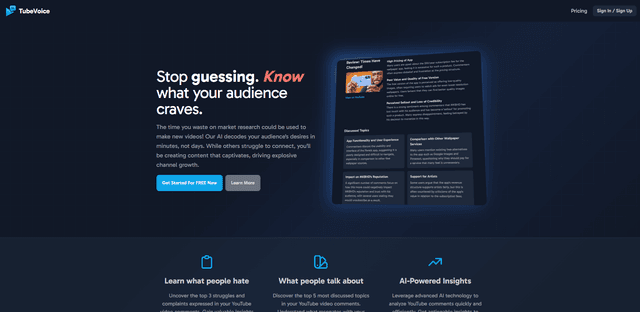
TubeVoice is an AI-powered YouTube comment analyzer that helps content creators understand their audience by providing insights from video comments through automated analysis.
ReviewPower
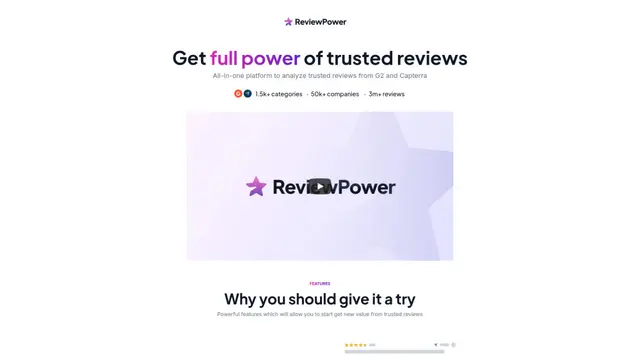
ReviewPower is an all-in-one platform that aggregates and analyzes trusted reviews from G2 and Capterra to help businesses gain valuable insights from customer feedback.

Insightfull
Insightfull is an AI-powered health tracking platform that helps users monitor symptoms, analyze health data, and receive personalized insights through symptom tracking, food logging, and medication management features.
SERPrecon
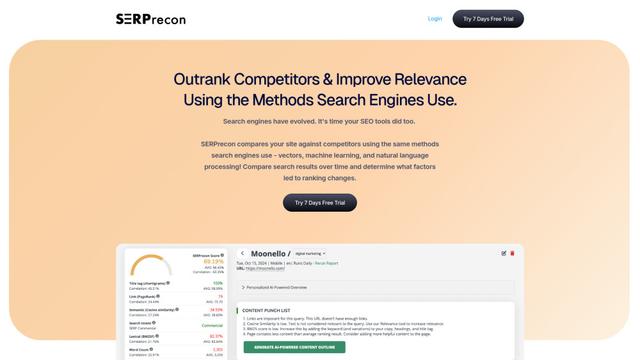
SERPrecon is an advanced SEO tool that leverages vectors, machine learning, and natural language processing to help users analyze and outrank competitors by using the same methods as modern search engines.
Popular AI Tools Like TrafficClaw
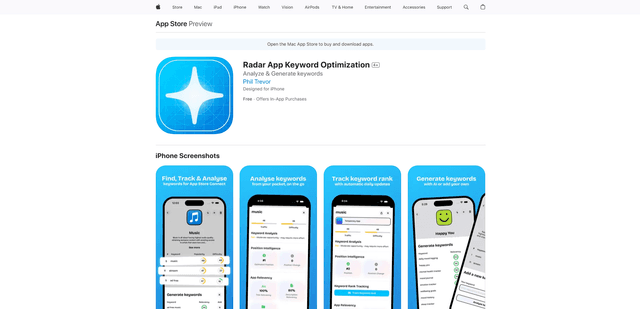
Radar
App Radar is a comprehensive app store optimization (ASO) tool that leverages AI-powered keyword research, competitor analysis, and automated tools to help improve app visibility and rankings across the Apple App Store and Google Play Store.
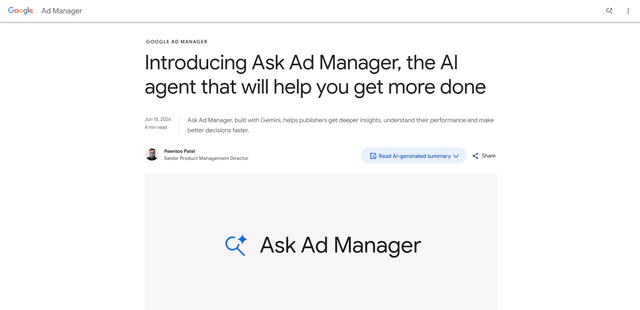
Ask Ad Manager by Google Ads
Ask Ad Manager is a Gemini-powered conversational agent inside Google Ad Manager that helps publishers troubleshoot issues in real time, generate custom performance reports from prompts, and navigate directly to the right settings using their own Ad Manager data.
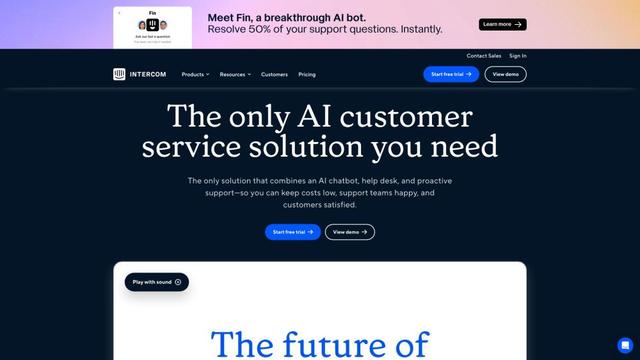
Intercom
Intercom is an AI-powered customer service platform that provides instant support, enhances agent productivity, and delivers insights to support leaders.
Branded
Branded is a market research company that uses AI and advanced sampling techniques to provide high-quality consumer insights and data.