
Trace
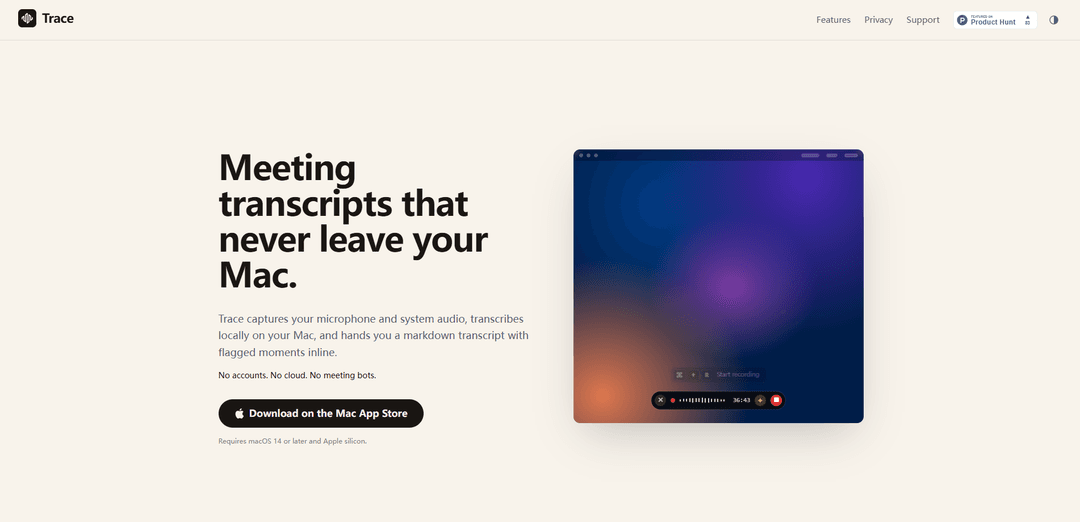
Trace is a Mac app that records microphone + system audio and produces fast, on-device markdown meeting transcripts with timestamped “key moments,” requiring no accounts, cloud uploads, or meeting bots.
https://traceapp.info/?ref=producthunt
Product Information
Updated:Jun 8, 2026
What is Trace
Trace is a privacy-first meeting transcription app for macOS that keeps your audio and transcripts on your own machine. Designed to stay “out of the way,” it can be summoned over any conferencing app (Zoom, Teams, Google Meet, Slack, and more) with a single keystroke, then generates clean, paste-ready markdown transcripts. It runs locally (no servers, no telemetry), supports Apple silicon Macs on macOS 14+, and saves each session as plain files you can copy, reopen, move, version, or delete from Finder.
Key Features of Trace
Trace is a macOS (Apple silicon) meeting transcription app that records microphone and system audio, transcribes entirely on-device, and outputs clean Markdown transcripts with inline, timestamped “key moments” you can flag during the call. It’s designed to stay out of the way (menu bar + a quick overlay), work with any conferencing app (Zoom/Teams/Meet/Slack, etc.), and keep everything private: no accounts, no cloud uploads, no meeting bots, and sessions saved locally as plain audio and transcript files you can copy into tools like Notion, Obsidian, or an AI summarizer of your choice.
On-device transcription (no cloud): Captures mic + system audio and transcribes locally on your Mac—no accounts, servers, uploads, or meeting bots involved.
System + microphone audio capture: Records both what you say and what you hear from other apps, enabling complete transcripts of calls and meetings.
Key moments with inline timestamps: Press a shortcut (e.g., ⌘K) mid-meeting to add a short note; Trace inserts it at the exact timestamp in the transcript for fast scanning later.
Live recap of recent conversation: A shortcut (e.g., ⌘?) expands the overlay to show a live transcript of the last couple minutes, interleaved with flagged moments, so you can quickly catch up.
Markdown-first export and local files: Outputs a formatted Markdown transcript (and related files) stored in Finder, easy to paste into Notion/Obsidian or share with an AI tool for summarization.
Meeting- and speaker-aware workflow: Optional Google Calendar read-only connection to auto-name recordings from events and provide reminders; identifies speakers with unique labels in the transcript.
Use Cases of Trace
Product & engineering meetings: Capture standups, planning, and incident reviews; flag decisions and action items as key moments for quick follow-up and documentation.
Sales calls and customer success: Transcribe discovery calls and QBRs locally; mark objections, requirements, and next steps in real time without relying on cloud recorders.
Legal, compliance, and privacy-sensitive orgs: Keep audio and transcripts on-device for internal discussions where recordings can’t be uploaded to third-party services.
Recruiting and interviews: Create interview transcripts and flag standout answers or evaluation notes at the moment they happen for easier debriefs.
Education and training: Record remote lectures, coaching sessions, or workshops and generate Markdown notes with highlighted moments for study guides or internal enablement.
Personal knowledge management: Turn meetings into searchable Markdown you can store in a notes vault (e.g., Obsidian), then optionally run through your preferred AI for summaries.
Pros
Strong privacy posture: on-device transcription with no accounts, no cloud uploads, and no telemetry.
Fast, low-friction workflow: keyboard shortcuts, overlay UI, and quick access from the menu bar.
Portable outputs: clean Markdown plus local audio/transcript files you can organize, version, or delete.
Cons
Platform limitations: requires macOS 14+ and Apple silicon.
Permissions required: needs system audio recording permission to capture other apps’ audio.
Not a built-in summarizer: you may still need external tools (e.g., Notion/Obsidian/ChatGPT/Claude) for downstream summarization workflows.
How to Use Trace
1) Install Trace: Download and install Trace from the Mac App Store. Confirm your Mac meets requirements: macOS 14+ and Apple silicon.
2) Grant required permissions: When prompted by macOS, allow Microphone access and System Audio Recording permission so Trace can capture both your mic and the audio from apps like Zoom/Teams/Meet. (Trace does not access your screen.)
3) Start a recording during a call: Join your meeting in any app (Zoom, Teams, Google Meet, Slack, etc.). Use Trace’s global shortcut ⌘R to start recording without switching apps.
4) Keep Trace out of the way: Let Trace run as an overlay “pill” that stays unobtrusive until you need it. Use ⌘H to hide the pill if you want it fully out of sight.
5) Mark key moments while you talk: At any important point, press ⌘K, type a short note, and hit Enter. Trace inserts that note into the transcript at the exact timestamp so you can jump to it later.
6) Peek at the last couple minutes (live recap): If you missed something, press ⌘? to expand the pill into a live transcript view of roughly the last two minutes, interleaved with the key moments you flagged.
7) Pause and resume when needed: Press ⌘P to pause recording and use the same control to continue when you’re ready.
8) Finish the session and get your transcript: Stop the recording when the meeting ends. Trace transcribes locally on your Mac and produces a clean markdown transcript with your flagged moments inline.
9) Find your files on disk: Open the session from the menu bar list (or reveal it in Finder). Each session is stored locally (e.g., under ~/Application Support/Trace/<session-folder>) and includes mic.wav, system.wav, transcript.md, and transcript.json.
10) Copy/paste the markdown anywhere: Open transcript.md and paste it into tools like Notion or Obsidian, or into an AI tool of your choice (e.g., ChatGPT/Claude) if you want it summarized.
11) (Optional) Enable meeting-aware titles via Google Calendar: If you want recordings to automatically pick up event titles and get a 1-minute pre-meeting reminder to record, connect Google Calendar (opt-in, read-only, off by default).
12) Manage your transcript history from the menu bar: Use the menu bar list to quickly access past sessions: re-open, copy the transcript, reveal the folder in Finder, move files into your vault, version them in git, or delete them.
Trace FAQs
Trace is a macOS app that captures your microphone and system audio and produces meeting transcripts locally on your Mac, including flagged “key moments” inline in the transcript.
Trace Video
Popular Articles

Vosko AI: Localize and Dub Videos for Global Audiences
Oct 15, 2026

Atoms: A Multi-Agent AI Platform That Transforms Ideas into Launch-Ready Products
Oct 13, 2026

Nano Banana SBTI: What It Is, How It Works, and How to Use It in 2026
Apr 15, 2026

Atoms Review — The AI Product Builder Redefining Digital Creation in 2026
Apr 10, 2026
Latest AI Tools Similar to Trace

Ticknotes
Ticknotes is an AI-powered meeting assistant that automatically records, transcribes, and generates personalized meeting summaries, action items, and key insights from audio, video, and text content.

Feta
Feta is an AI-powered meeting tool that helps product and engineering teams run efficient meetings by capturing discussions, automating tasks, and providing actionable insights through smart summaries and integrations.
TranscriptionPlus
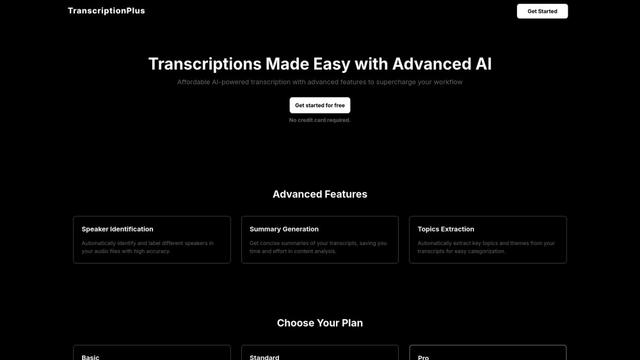
TranscriptionPlus is an AI-powered transcription service that offers accurate speech-to-text conversion with advanced features like speaker identification, summary generation, and multi-language support at affordable pricing tiers.
AudioScribe.io
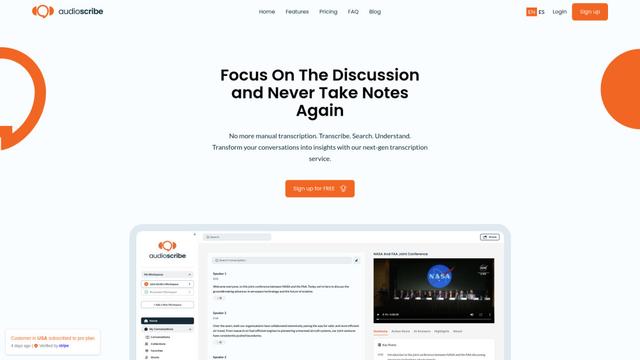
AudioScribe.io is a revolutionary AI-powered transcription service that converts audio and video content into accurate text while offering advanced features like automated meeting recording, full-text search, and multi-language support.
Popular AI Tools Like Trace
Ghost Pepper 🌶️
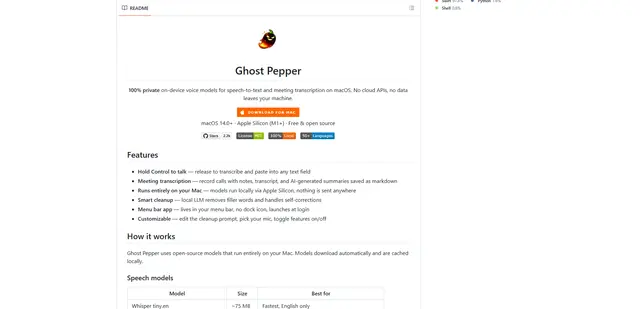
Ghost Pepper is a 100% local, privacy-focused speech-to-text and meeting transcription app for macOS that runs entirely on your Mac using open-source AI models, featuring hold-to-talk recording, intelligent text cleanup, and multi-language support without sending any data to the cloud.
Whisper AI
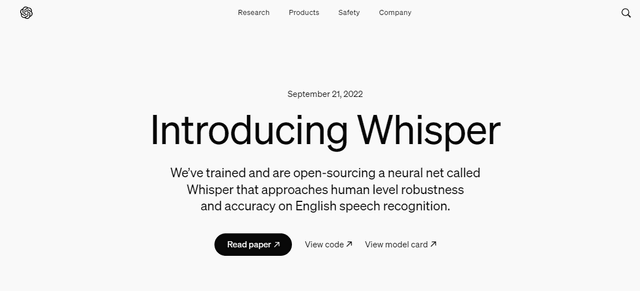
Whisper is an open-source automatic speech recognition system from OpenAI that approaches human-level accuracy and robustness for transcribing and translating speech in multiple languages.

Youtube to transcript
Youtube to Transcript is a Chrome extension that allows users to easily convert YouTube videos into text transcripts with features like multi-language support, AI-powered summarization, and downloadable formats.
inFin
inFin is a lightweight, user-friendly AI-powered voice notes app that offers unlimited recording, real-time transcription, and translation between Chinese and English, with offline capabilities and local storage for enhanced privacy.