
Taste Lab
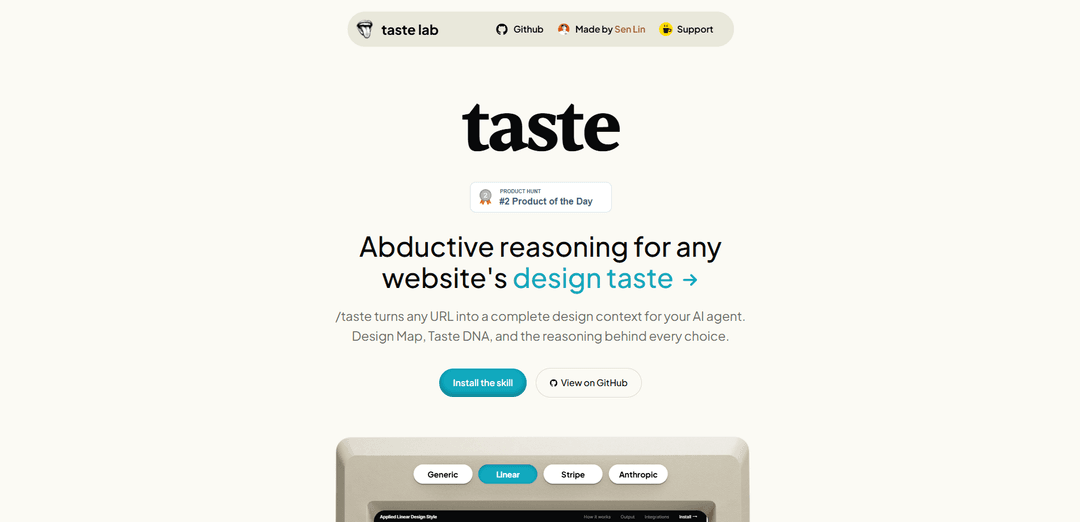
Taste Lab (/taste) turns any website URL into a complete, evidence-backed “design taste” brief—extracting precise UI measurements, system patterns, and a concise Taste DNA your AI agents can follow.
https://tastelab.xyz/?ref=producthunt
Product Information
Updated:Jun 16, 2026
What is Taste Lab
Taste Lab is a design-analysis tool that reverse engineers the visual “taste” of any website and converts it into an actionable design context for AI agents and builders. By analyzing a target URL, it produces a structured output that includes a full Design Map (design tokens such as colors, typography, spacing, radius, and shadows) and a Taste DNA (the reasoning and trade-offs behind the design decisions). The goal is to help teams and AI tools reproduce a site’s design intent with clarity—grounded in objective measurements rather than vague style adjectives.
Key Features of Taste Lab
Taste Lab (tastelab.xyz) is a design-analysis tool/skill that turns any website URL into a complete “design context” for AI agents. It uses a multi-agent pipeline to extract precise UI measurements (tokens like colors, typography, spacing, radius, shadows), detect system-level design rules, and infer the underlying “Taste DNA” (principles with triggers, decisions, evidence, and trade-offs). Outputs are produced as both Markdown and JSON and can be integrated into popular AI coding/design workflows (e.g., Cursor, Windsurf, Claude Code, Copilot) so agents can build consistent UI that matches a reference site’s design taste.
URL-to-design context extraction: Input a website URL and generate a structured design map capturing objective UI tokens such as hex colors, font sizes/weights, spacing units, radii, and shadows.
High-precision measurements (no approximations): Cites exact px/hex/ratios across ~20 measurement categories, producing a token set that can be reused as a design system baseline.
Pattern detection into system rules: Derives 5–8 systematic rules from the extracted measurements, each with evidence and an articulated design goal (why the rule exists).
Taste DNA principles with trade-offs: Generates four “taste principles” (including at least one restraint principle) that explain the reasoning behind key design choices, supported by evidence and explicit trade-offs.
Dual outputs: Markdown + JSON: Writes a human-readable brief (.md) and a machine-consumable file (.json) so teams can review decisions and tools can ingest tokens reliably.
Workflow integrations for AI tools: Exports to tool-specific instruction locations (e.g., Cursor rules, Windsurf rules, CLAUDE.md, Copilot instructions) so an AI agent can apply the extracted taste on subsequent runs.
Use Cases of Taste Lab
Design cloning for rapid prototyping: Product teams can feed a competitor or inspiration URL to generate a token set and principles that accelerate creating a similar-feeling UI without manual auditing.
Agent-guided UI implementation in code: Developers using AI coding assistants can attach the Taste Lab output so the agent generates components/pages that adhere to consistent spacing, typography, and color decisions.
Design system bootstrapping for startups: Early-stage teams can create an initial design system from a high-quality reference site, producing reusable tokens and rules to keep the product coherent as it scales.
Brand/design consistency audits: Design leads can compare outputs across multiple pages or properties to detect drift in tokens and rules, then standardize to a single set of principles.
Reusable “taste briefs” for agencies: Agencies can deliver a concise, evidence-backed design brief (tokens + principles + trade-offs) to align stakeholders and reduce back-and-forth during handoff.
Pros
Produces precise, evidence-backed design tokens (px/hex/ratios) suitable for programmatic reuse.
Captures not just what the UI is, but why it is that way (principles + trade-offs), improving agent reliability and team alignment.
Outputs in both human and machine-friendly formats and plugs into multiple AI toolchains.
Cons
Focused on extracting and codifying existing design taste; it may be less helpful for generating entirely novel visual directions from scratch.
Best results depend on the accessibility/structure of the target webpage and the fidelity of automated extraction (e.g., dynamic styles or canvas-heavy UIs can be harder to parse).
How to Use Taste Lab
1) Install prerequisites: Have a CLI environment ready (Claude Code or Gemini CLI). You’ll also need Playwright MCP available (it downloads a Chromium runtime ~100MB).
2) Clone the Taste skill into your agent’s skills directory: Clone the repo into the correct folder for your tool: Claude Code: `git clone https://github.com/senlindesign/taste-skill ~/.claude/skills/taste` or Gemini CLI: `git clone https://github.com/senlindesign/taste-skill ~/.gemini/skills/taste`.
3) Add the Playwright MCP server (one-time setup): Claude Code: run `claude mcp add playwright -s user -- npx -y @playwright/mcp@latest --isolated`. Gemini CLI: add Playwright MCP to `~/.gemini/settings.json` as: `{ "mcpServers": { "playwright": { "command": "npx", "args": ["-y", "@playwright/mcp@latest", "--isolated"] } } }`.
4) Restart your agent tool: Restart Claude Code or Gemini CLI so it loads the new skill and MCP server configuration.
5) Run Taste Lab on a website URL: Execute the command `/taste <url>` (example: `/taste https://linear.app`). Taste runs a 4-agent pipeline: Extract Measurements → Detect Patterns → Infer Taste → Observer (final editor/quality gate).
6) Review the generated outputs: Each run produces two files: `{domain}.md` and `{domain}.json`. They contain (1) a Design Map (tokens like colors, typography, spacing, radius, shadows with exact values) and (2) Taste DNA (4 principles with Trigger, Decision, Reason, Evidence, Trade-off; includes at least one Restraint principle).
7) Use the output to guide your AI tool: Apply the generated taste context by placing/appending it into the integration file your tool reads, e.g. Cursor: `.cursor/rules/{domain}-taste.mdc`, Windsurf: `.windsurf/rules/{domain}-taste.md`, Claude Code: `CLAUDE.md` (append a Design Taste section), GitHub Copilot: `.github/copilot-instructions.md`, Bolt: `.bolt/prompt`, Gemini: `GEMINI.md`.
8) Re-run your agent with the taste context enabled: Once the taste file is in your tool’s instruction/rules location, run your normal build/design tasks again; the agent should pick up the design tokens and Taste DNA principles on the next run.
Taste Lab FAQs
Taste Lab is a tool/skill that reverse engineers a website’s “design taste.” Its /taste command turns any URL into a complete design context for an AI agent, including a Design Map (design tokens) and a Taste DNA (principles and reasoning).
Taste Lab Video
Popular Articles

Vosko AI: Localize and Dub Videos for Global Audiences
Oct 14, 2026

Atoms: A Multi-Agent AI Platform That Transforms Ideas into Launch-Ready Products
Oct 13, 2026

Nano Banana SBTI: What It Is, How It Works, and How to Use It in 2026
Apr 15, 2026

Atoms Review — The AI Product Builder Redefining Digital Creation in 2026
Apr 10, 2026
Latest AI Tools Similar to Taste Lab
Personalized License Plate Generator
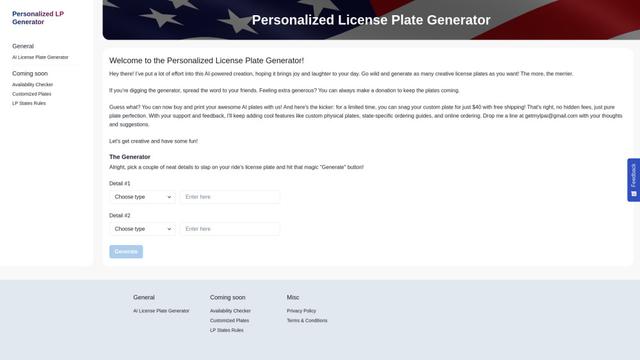
An AI-powered tool that generates unique and personalized license plate designs based on user input.
Keak
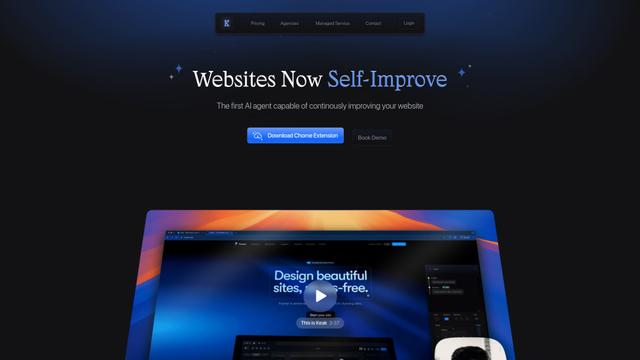
Keak is an AI-powered A/B testing tool that automatically generates website variations, launches tests, and optimizes conversions.
Makeasite
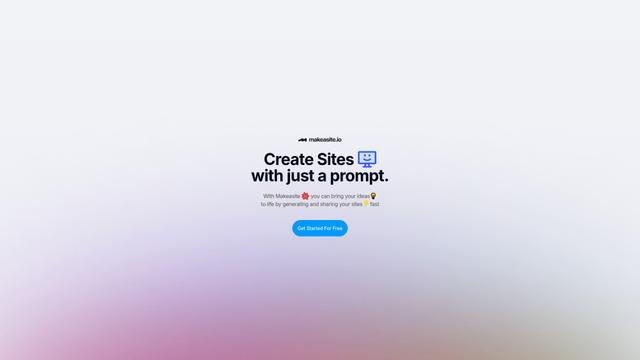
Makeasite is an innovative website builder that allows users to create and share websites quickly using just prompts.
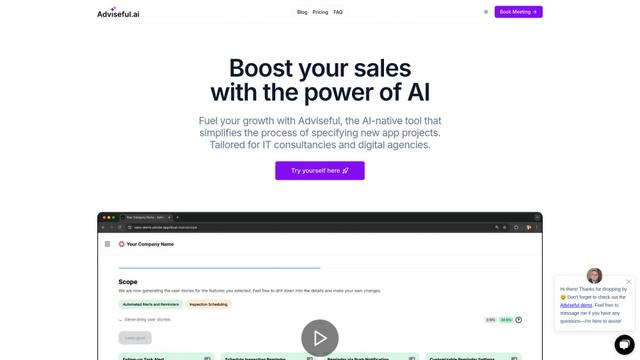
Adviseful
Adviseful is an AI-powered tool that accelerates web and mobile app planning for IT consultancies and digital agencies, turning ideas into qualified leads in minutes.
Popular AI Tools Like Taste Lab

GPT Engineer
GPT Engineer is an AI-powered software development tool that enables anyone to build web applications by chatting with an AI engineer.
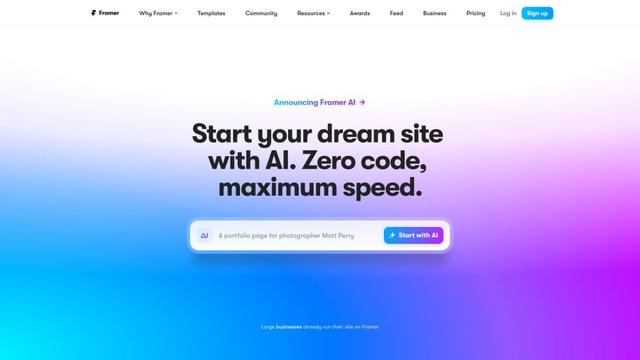
Framer
Framer is a powerful web builder that allows designers to create stunning, responsive websites with an intuitive interface and publish them instantly without coding.
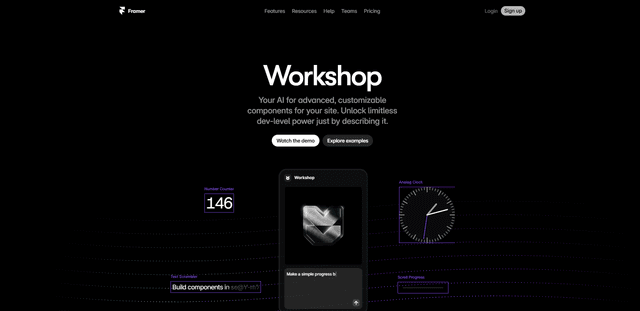
Framer Workshop
Framer Workshop is an AI-powered component generator built into Framer that allows designers and developers to create advanced, customizable website components without writing code through simple conversational prompts.

Wireframer
Wireframer is an AI-powered tool by Framer that quickly generates clean, responsive webpage layouts and wireframes from simple prompts, helping designers create structural blueprints without getting locked into specific visual styles.