
Superpowers AI
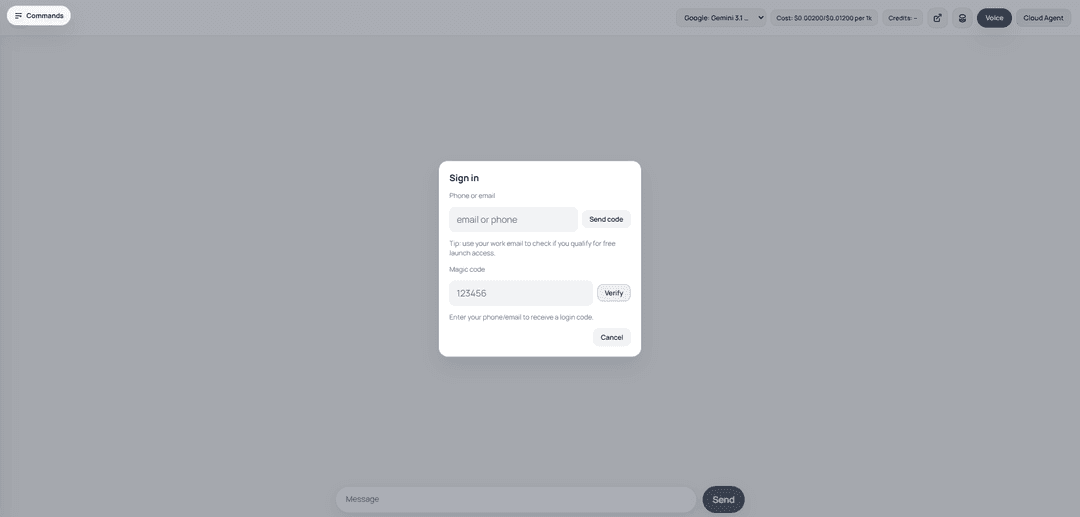
A complete software development workflow platform built on composable AI skills that empowers coding agents with automated capabilities.
https://getsupers.com/?ref=producthunt
Product Information
Updated:Mar 8, 2026
What is Superpowers AI
Superpowers AI is an open-source Chrome extension and development workflow system that enhances AI interactions and coding capabilities. Built on top of a set of composable 'skills', it provides automated AI-powered features that help developers and teams work more efficiently. The platform integrates seamlessly with existing tools and workflows while maintaining user privacy and data security.
Key Features of Superpowers AI
Superpowers AI is a comprehensive software development workflow framework that enhances AI coding agents with automated skills and structured practices. It provides a set of composable 'skills' that automatically trigger to help with various development tasks, making AI interactions more professional and systematic. The framework integrates with existing AI platforms and coding environments, offering features like project planning, debugging, code review, and version control workflows.
Automated Skills Triggering: Skills automatically activate based on context without requiring explicit commands, making the workflow more natural and efficient
Visual Project Management: Provides an n8n-style canvas showing feature nodes with status indicators (Grey/Red/Green) for at-a-glance project state visualization
Integrated Version Control: Built-in git workflows and integration with GitHub for bug tracking and collaboration
Advanced Debugging Tools: Captures comprehensive debugging data including API requests, DOM snapshots, screenshots, and console logs with source locations
Use Cases of Superpowers AI
Feature Planning and Development: Helps teams systematically plan and implement new software features with structured workflows and automated guidance
Code Debugging and Testing: Provides comprehensive debugging support with detailed runtime traces and automated test management
Team Collaboration: Facilitates collaborative development through integrated version control and project management features
Pros
Free and open-source
Runs 100% locally without external API calls
Integrates with existing AI platforms and tools
Provides structured and systematic development workflows
Cons
Currently in alpha version with potential stability issues
Requires initial setup and learning curve
Dependent on underlying AI platform capabilities
How to Use Superpowers AI
Install the Chrome Extension: Install Superpowers as a free, open-source Chrome extension from the Chrome Web Store
Connect Your API Keys: Connect your own API keys from your preferred AI providers to maintain control over usage and costs
Open Superpowers Sidebar: Press Cmd + Shift + U (Mac) or Ctrl + Shift + U (Windows/Linux) to open the Superpowers sidebar. Alternatively, right-click and select 'Use Superpowers' from the context menu
Install Required Skills: Run the commands '/plugin marketplace add obra/superpowers-marketplace' and '/plugin install superpowers@superpowers-marketplace' to install necessary skills
Trigger Skills Automatically: Start a new session and ask for something that should trigger a skill (e.g. 'help me plan this feature' or 'let's debug this issue'). The agent will automatically invoke the relevant superpowers skill
Use Multiple AI Providers: Take advantage of Superpowers' support for multiple AI providers by selecting the best model for your specific task
Review Generated Output: Review and iterate on the AI-generated content, plans, analysis or other outputs provided through the skills
File Issues/Contribute: If you find areas for improvement, file bugs against the GitHub repo (https://github.com/obra/Superpowers) or contribute new skills via pull requests
Superpowers AI FAQs
The four main superpowers of AI are: 1) content creation, 2) summarization, 3) basic data analysis, and 4) perspective taking.
Superpowers AI Video
Popular Articles

Atoms: A Multi-Agent AI Platform That Transforms Ideas into Launch-Ready Products
May 22, 2026

Nano Banana SBTI: What It Is, How It Works, and How to Use It in 2026
Apr 15, 2026

Atoms Review — The AI Product Builder Redefining Digital Creation in 2026
Apr 10, 2026

Kilo Claw: How to Deploy and Use a True "Do‑It‑For‑You" AI Agent(2026 Update)
Apr 3, 2026
Latest AI Tools Similar to Superpowers AI

Gait
Gait is a collaboration tool that integrates AI-assisted code generation with version control, enabling teams to track, understand, and share AI-generated code context efficiently.

invoices.dev
invoices.dev is an automated invoicing platform that generates invoices directly from developers' Git commits, with integration capabilities for GitHub, Slack, Linear, and Google services.

EasyRFP
EasyRFP is an AI-powered edge computing toolkit that streamlines RFP (Request for Proposal) responses and enables real-time field phenotyping through deep learning technology.

Cart.ai
Cart.ai is an AI-powered service platform that provides comprehensive business automation solutions including coding, customer relations management, video editing, e-commerce setup, and custom AI development with 24/7 support.
Popular AI Tools Like Superpowers AI

GitHub Copilot Chat
GitHub Copilot Chat is an AI-powered coding assistant that provides natural language interactions, real-time code suggestions, and contextual support directly within supported IDEs and GitHub.com.

CopilotForXcode
CopilotForXcode is an Xcode Source Editor Extension that integrates GitHub Copilot, Codeium, and ChatGPT to provide AI-powered code suggestions, chat assistance, and prompt-to-code functionality within Xcode.

BrowserAI
BrowserAI is an open-source library that enables running local Large Language Models (LLMs) directly in web browsers with WebGPU acceleration, offering privacy-focused AI capabilities without requiring server infrastructure.

OpenAI Codex CLI
OpenAI Codex CLI is a lightweight, open-source coding agent that runs in your terminal, enabling developers to translate natural language into code execution while providing ChatGPT-level reasoning with the ability to run code, manipulate files, and iterate under version control.