
Streva
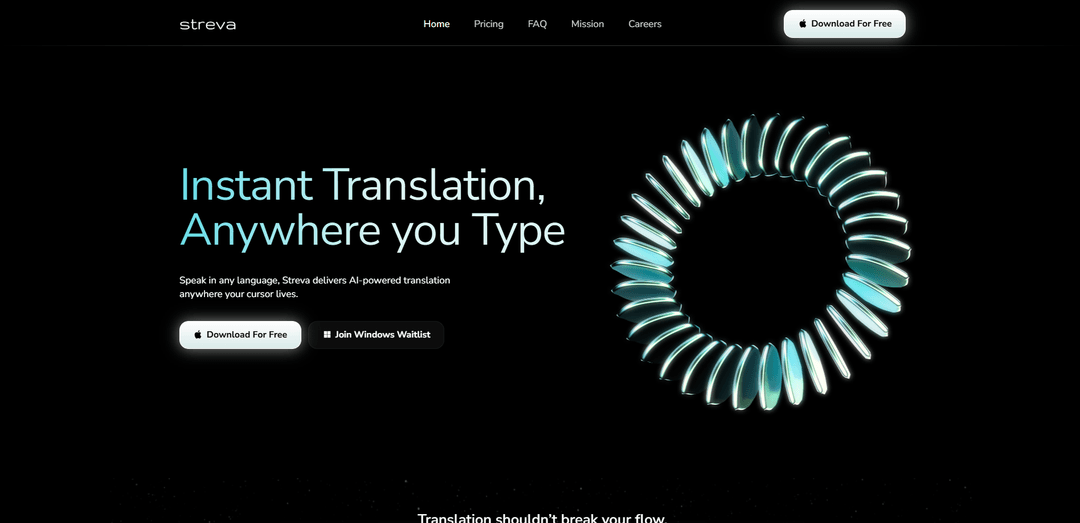
Streva is an AI-powered translation and transcription tool that enables instant, contextually-aware communication across 100+ languages directly within any application.
https://www.streva.ai/?ref=producthunt
Product Information
Updated:Apr 8, 2026
What is Streva
Streva is a native macOS application that brings seamless real-time translation and transcription capabilities to users' everyday workflows. It functions as a floating interface that works across all applications, allowing users to dictate, transform, or translate content without switching between different tools. The platform offers both free and premium subscription plans, with the basic free version providing essential features and word limits, while the pro version unlocks unlimited usage and advanced capabilities.
Key Features of Streva
Streva is an AI-powered translation and transcription tool that enables real-time language translation and voice-to-text conversion across 100+ languages. It features contextually-aware formatting that adapts to different applications, intent-driven translation that preserves meaning, and seamless integration with various platforms and apps. The tool offers both free and premium plans, with the ability to work directly within existing applications without requiring copy/paste actions.
Real-Time AI Translation: Provides instant translation across 100+ languages while preserving intent and context, working directly within any application
Voice-to-Text Transcription: Converts speech to text up to 5x faster than typing, with high accuracy and natural language processing capabilities
Contextual Formatting: Automatically adapts content formatting based on the application being used, ensuring appropriate style and tone
Privacy-First Design: Offers Private Mode where audio and transcripts are only processed for immediate requests and never retained or shared
Use Cases of Streva
International Business Communication: Enable smooth communication across language barriers in emails, meetings, and business documents
Academic Research & Note-Taking: Transform lectures and research materials into well-formatted notes with efficient voice dictation and translation capabilities
Cross-Platform Content Creation: Create content across different platforms (social media, documents, messaging) with consistent formatting and multi-language support
Pros
Works seamlessly across multiple applications without requiring copy/paste
High accuracy in translation and transcription with context preservation
User-friendly interface with no technical setup required
Cons
Currently only available for macOS (Windows version in development)
Free plan limited to 2,000 words per week
Requires internet connection for processing
How to Use Streva
Download Streva: Download Streva for Mac from their official website (streva.ai). Currently only available for MacOS, with Windows version on waitlist.
Choose a Plan: Select between Free (Basic) plan with 2,000 words per week or Pro plan ($15/month) with unlimited words. No credit card required for Free plan.
Install and Launch: Install the downloaded application on your Mac and launch it. The app will float across your Mac interface.
Enable Permissions: Grant necessary permissions for the app to work with your system for voice input and text entry across applications.
Select Target Application: Open any supported application where you want to input text (works with most apps including Slack, Gmail, Notes, etc.)
Activate Voice Input: Use Streva's floating interface to activate voice input when you want to dictate or translate text.
Speak or Input Text: Speak naturally in your preferred language. Streva will automatically transcribe and/or translate your speech into text.
Review and Edit: Check the transcribed/translated text which will appear directly in your target application. Edit if necessary.
Customize Settings: Personalize your experience by adding specific terms to your dictionary and adjusting other preferences as needed.
Monitor Usage: Keep track of your word count usage if on the free plan (2,000 words/week limit) or enjoy unlimited usage on Pro plan.
Streva FAQs
Yes, you can try Streva with the Free plan that includes 2,000 words per week and access to core features like translation and transcription. No credit card is required to start.
Streva Video
Popular Articles

Vosko AI: Localize and Dub Videos for Global Audiences
Oct 15, 2026

Atoms: A Multi-Agent AI Platform That Transforms Ideas into Launch-Ready Products
Oct 13, 2026

Nano Banana SBTI: What It Is, How It Works, and How to Use It in 2026
Apr 15, 2026

Atoms Review — The AI Product Builder Redefining Digital Creation in 2026
Apr 10, 2026
Latest AI Tools Similar to Streva

Ticknotes
Ticknotes is an AI-powered meeting assistant that automatically records, transcribes, and generates personalized meeting summaries, action items, and key insights from audio, video, and text content.

Feta
Feta is an AI-powered meeting tool that helps product and engineering teams run efficient meetings by capturing discussions, automating tasks, and providing actionable insights through smart summaries and integrations.
TranscriptionPlus
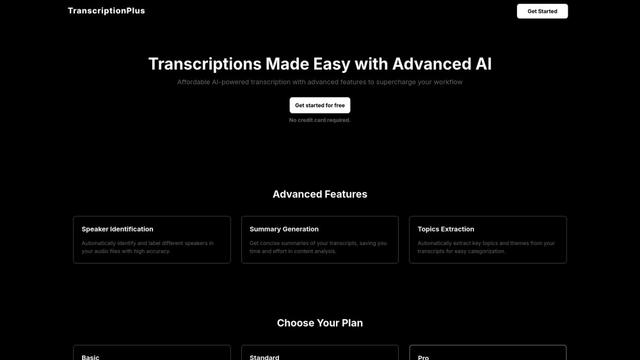
TranscriptionPlus is an AI-powered transcription service that offers accurate speech-to-text conversion with advanced features like speaker identification, summary generation, and multi-language support at affordable pricing tiers.
AudioScribe.io
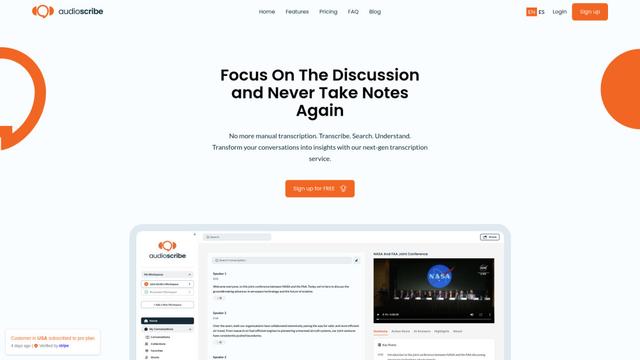
AudioScribe.io is a revolutionary AI-powered transcription service that converts audio and video content into accurate text while offering advanced features like automated meeting recording, full-text search, and multi-language support.
Popular AI Tools Like Streva
Ghost Pepper 🌶️
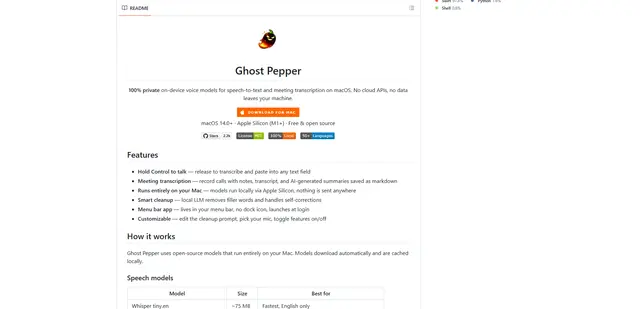
Ghost Pepper is a 100% local, privacy-focused speech-to-text and meeting transcription app for macOS that runs entirely on your Mac using open-source AI models, featuring hold-to-talk recording, intelligent text cleanup, and multi-language support without sending any data to the cloud.
Whisper AI
Whisper is an open-source automatic speech recognition system from OpenAI that approaches human-level accuracy and robustness for transcribing and translating speech in multiple languages.

Youtube to transcript
Youtube to Transcript is a Chrome extension that allows users to easily convert YouTube videos into text transcripts with features like multi-language support, AI-powered summarization, and downloadable formats.
inFin
inFin is a lightweight, user-friendly AI-powered voice notes app that offers unlimited recording, real-time transcription, and translation between Chinese and English, with offline capabilities and local storage for enhanced privacy.