Stenox
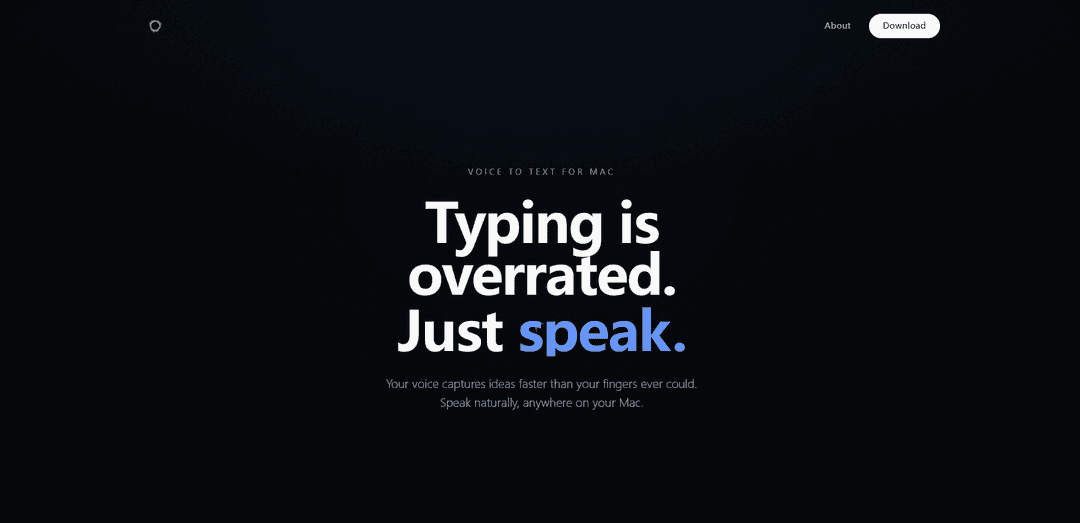
Stenox is a smart voice dictation app for macOS that allows users to dictate text anywhere with automatic cleanup of filler words, smart formatting, and flexible transcription options including local processing or cloud services.
https://stenox.app/?ref=producthunt
Product Information
Updated:Jan 8, 2026
What is Stenox
Stenox is an innovative voice-to-text application designed specifically for macOS users, offering a seamless way to convert speech into text across any application, browser, or text field. The app was created to address the need for a flexible, high-quality voice dictation tool that doesn't compromise on features or affordability. It provides users with multiple ways to run transcription: locally on-device using Whisper and MLX, through popular cloud providers with user's own API keys, or via Stenox Cloud.
Key Features of Stenox
Stenox is a smart voice dictation application for macOS that enables users to dictate text in any app, browser, or text field. It offers intelligent transcription capabilities with automatic cleanup of filler words, smart formatting, and live corrections. Users can choose between local processing using Whisper and MLX, cloud providers with their own API keys, or Stenox Cloud service.
Universal Compatibility: Works system-wide across any Mac application through a universal hotkey trigger
Smart Text Processing: Automatically removes filler words, handles live corrections, and understands context to capture intended meaning
Flexible Processing Options: Offers three ways to run: local on-device processing, bring-your-own API keys with multiple cloud providers, or Stenox Cloud service
App-Specific Profiles: Provides customizable settings for different applications like Slack, VS Code, and Notes with auto-detection
Use Cases of Stenox
Software Development: Speeds up coding workflow by allowing developers to dictate code and documentation
Content Creation: Enables faster content creation through voice dictation for writing articles, blogs, or social media posts
Personal Productivity: Facilitates quick note-taking, journaling, and brainstorming sessions through voice input
Professional Communication: Streamlines email composition and message writing in communication apps like Slack
Pros
Flexible deployment options (local or cloud)
Universal compatibility with all Mac apps
Privacy-focused with local processing option
No feature restrictions or upsells
Cons
Limited to macOS platform only
Requires subscription for continued use
May require powerful Mac hardware for local processing
How to Use Stenox
Install Stenox: Download and install Stenox app on your macOS device. The app is compatible with Mac computers.
Choose transcription provider: Select between running transcription locally using Whisper/MLX on Apple Silicon Macs, using your own API keys with cloud providers, or using Stenox Cloud service.
Set up hotkey: Configure the universal hotkey that will trigger voice dictation system-wide on your Mac.
Configure app profiles (optional): Set up different dictation settings for specific apps like Slack, VS Code, Notes etc. The app will auto-detect which profile to use.
Start dictating: Use the hotkey to start dictation in any app or text field. Speak naturally - the app will automatically remove filler words and clean up the text.
Make corrections: Say phrases like 'wait, no' or 'actually' to make live corrections to your dictation. The app will understand and adjust the text accordingly.
Stenox FAQs
Stenox is a smart voice dictation application for macOS that allows users to dictate text in any app, browser, or text field. It automatically cleans up speech by removing filler words and applying formatting.
Popular Articles

Vosko AI: Localize and Dub Videos for Global Audiences
Oct 15, 2026

Atoms: A Multi-Agent AI Platform That Transforms Ideas into Launch-Ready Products
Oct 13, 2026

Nano Banana SBTI: What It Is, How It Works, and How to Use It in 2026
Apr 15, 2026

Atoms Review — The AI Product Builder Redefining Digital Creation in 2026
Apr 10, 2026
Latest AI Tools Similar to Stenox

Ticknotes
Ticknotes is an AI-powered meeting assistant that automatically records, transcribes, and generates personalized meeting summaries, action items, and key insights from audio, video, and text content.

Feta
Feta is an AI-powered meeting tool that helps product and engineering teams run efficient meetings by capturing discussions, automating tasks, and providing actionable insights through smart summaries and integrations.
TranscriptionPlus
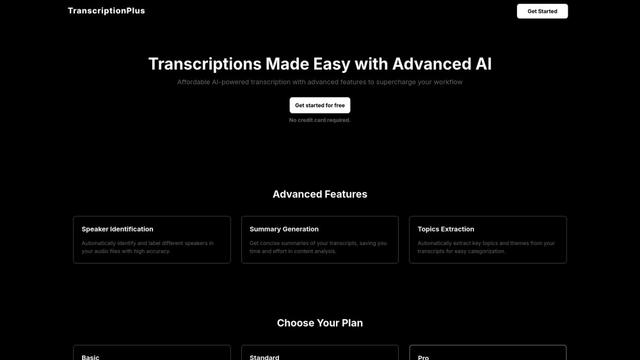
TranscriptionPlus is an AI-powered transcription service that offers accurate speech-to-text conversion with advanced features like speaker identification, summary generation, and multi-language support at affordable pricing tiers.
AudioScribe.io
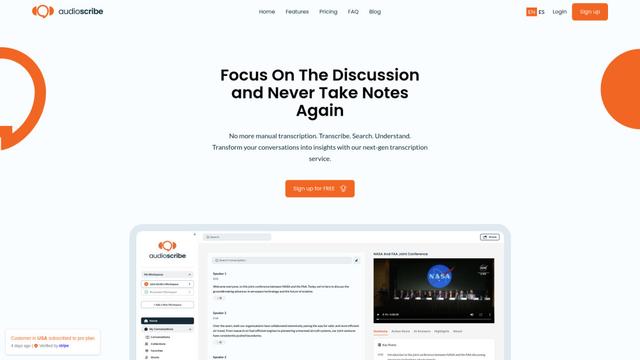
AudioScribe.io is a revolutionary AI-powered transcription service that converts audio and video content into accurate text while offering advanced features like automated meeting recording, full-text search, and multi-language support.
Popular AI Tools Like Stenox
Ghost Pepper 🌶️
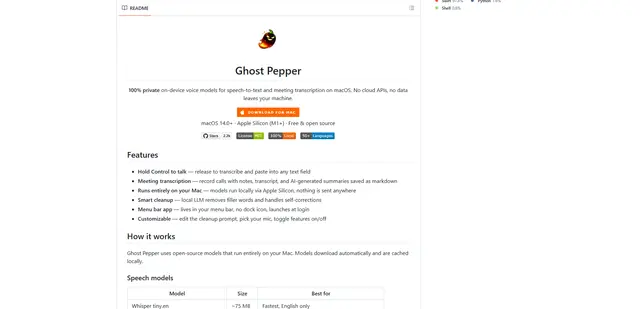
Ghost Pepper is a 100% local, privacy-focused speech-to-text and meeting transcription app for macOS that runs entirely on your Mac using open-source AI models, featuring hold-to-talk recording, intelligent text cleanup, and multi-language support without sending any data to the cloud.
Whisper AI
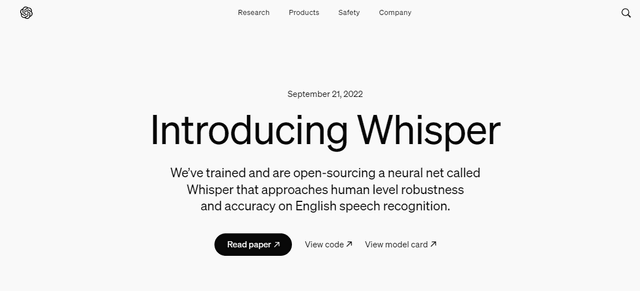
Whisper is an open-source automatic speech recognition system from OpenAI that approaches human-level accuracy and robustness for transcribing and translating speech in multiple languages.

Youtube to transcript
Youtube to Transcript is a Chrome extension that allows users to easily convert YouTube videos into text transcripts with features like multi-language support, AI-powered summarization, and downloadable formats.
inFin
inFin is a lightweight, user-friendly AI-powered voice notes app that offers unlimited recording, real-time transcription, and translation between Chinese and English, with offline capabilities and local storage for enhanced privacy.