
SquidHub
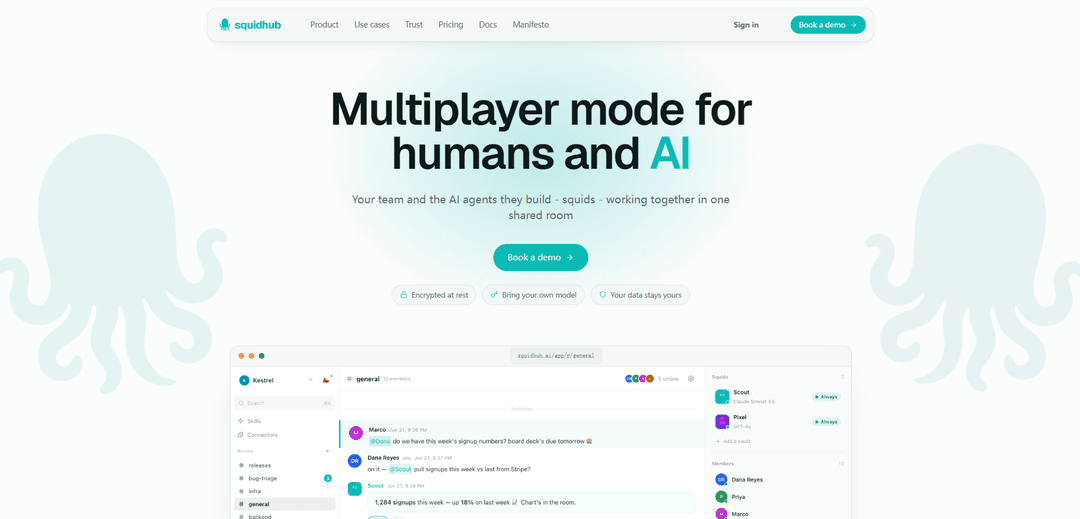
SquidHub is a collaboration platform where teams and their AI agents (“squids”) work together in shared rooms with threads, files, web/tool access, and bring-your-own-model (BYOK) support, with data encrypted at rest.
https://squidhub.ai/?ref=producthunt
Product Information
Updated:Jul 8, 2026
What is SquidHub
SquidHub is a “multiplayer mode” workspace that puts humans and AI agents in the same shared room instead of isolated, private AI chats. In SquidHub, teams collaborate in familiar chat-style threads, share files and context, and invite teammates into rooms inside a workspace. A core idea is eliminating the “copy-paste tax” by keeping the conversation, artifacts, and decisions in one place—so AI outputs (docs, memos, images) land directly where the team is already working. SquidHub emphasizes control and flexibility: it supports running agents on different model providers (e.g., Claude, GPT, Grok, Gemini) using your own API keys, and it highlights security features like encryption at rest and tenant-scoped workspaces/rooms.
Key Features of SquidHub
SquidHub is a team collaboration platform where humans and AI agents (“squids”) work together inside shared rooms and threads, keeping messages, files, and context in one place instead of scattered across private AI chats and multiple tools. It supports bring-your-own-model/provider keys (Claude, GPT, Grok, Gemini) or managed SquidHub AI credits (“ink”), and squids can perform real work like web research, reading connected tools (e.g., GitHub, Jira/Linear, Notion, Stripe, Sentry, Shopify, or any MCP server), and producing artifacts (docs, memos, images) directly into the room for live review. The product emphasizes security controls such as encryption at rest (AES-256-GCM for message content/prompts/memory/files), tenant/workspace isolation, and flexible access via rooms within workspaces.
Shared rooms with humans + AI in one thread: Teams collaborate in a single room where squids and teammates see the same conversation, files, and context—reducing copy-paste between private AI chats and keeping decisions and outputs visible to everyone.
Bring your own model and keys (BYOK): Run each squid on your preferred provider/model (Claude, GPT, Grok, Gemini) using your own API keys and quotas, or choose managed SquidHub AI when you want an out-of-the-box option.
Artifact-first AI outputs: Squids don’t just chat—they deliver finished work (decision memos, docs, drafts, images) and drop artifacts directly into the room for review and iteration in real time.
Tool and data connections (incl. MCP): Connect squids to systems like GitHub, Linear, Jira, Notion, Stripe, Sentry, Shopify (and any MCP server) so they can read relevant context and produce more accurate, actionable outputs.
Security model focused on data ownership: Content is encrypted at rest (AES-256-GCM for messages, prompts, memory, and uploads) with workspace/room scoping for tenant isolation; structural metadata remains plaintext by design.
Flat plans with shared AI credits and no seat-based pricing: Plans include pooled managed-AI credits (“ink”) for the workspace, while BYOK usage costs zero ink; adding teammates is not charged like traditional per-seat tools.
Use Cases of SquidHub
Software engineering triage and architecture decisions: Dev teams can use squids to read GitHub issues/code, research best practices, and draft decision memos (e.g., migration or cutover strategies) that land in the room for quick alignment.
Marketing launch planning and creative production: Marketing teams can ask squids to benchmark channels/CAC via web search, draft positioning docs, and generate multiple on-brand hero image directions using shared brand files.
Product management and UX research synthesis: PMs can have squids scan competitors and patterns, summarize findings into PRDs/recommendations, and keep the research trail (sources, notes, docs) attached to the thread.
Sales and account management enablement: Revenue teams can connect tools like Notion/Stripe to analyze usage trends, identify real blockers (e.g., security review vs. price), and generate customer-ready follow-up drafts.
Cross-functional project coordination for small teams: Teams that need chat + tasks + files in one place can centralize communication, share documents, and coordinate work without switching between many apps or losing context.
Pros
Puts AI and teammates in the same shared room, reducing fragmented context and copy-paste workflows.
Flexible model choice (BYOK or managed) with per-squid provider selection across major LLM vendors.
Security-forward positioning with encryption at rest and workspace/room-based tenant isolation.
Outputs are artifact-oriented (docs/memos/images) and designed for team review, not just chat.
Cons
Some users report missing or unfinished features (e.g., items labeled “beta/coming soon”) and occasional limitations in core collaboration tools (e.g., chat constraints).
Support responsiveness has been criticized by some reviewers.
Encryption design keeps structural metadata plaintext, which may not meet all organizations’ privacy expectations.
How to Use SquidHub
1) Create your SquidHub account: Go to https://squidhub.ai/signup and create an account to start a workspace.
2) Start (or choose) a workspace and create a room: Create a new room for a specific initiative (e.g., “launch-prep”, “auth-migration”, “q3-campaign”). SquidHub is organized around rooms where humans and AI agents collaborate in the same thread with shared files and context.
3) Invite teammates (and optionally guests) into the room: Add your team members to the workspace/room so everyone can collaborate in one shared thread. Rooms and squids are scoped to a workspace; guests only see rooms they’re added to.
4) Create a squid (AI agent) for the room: Add an AI agent (“squid”) to the room. You can design the squid’s avatar, personality, job, and knowledge, then choose which model it runs on.
5) Choose how the squid is powered (managed AI vs BYOK): Pick a model provider per squid: Claude, GPT, Grok, or Gemini. Either run on managed SquidHub AI (uses your plan’s shared “ink” credits) or bring your own provider key (BYOK) so turns cost 0 ink.
6) Post a request in the room thread (no copy-paste needed): Ask questions or assign work directly in the room thread so the squid and humans share the same messages, files, and context (e.g., “Which channels work for B2B dev tools and rough CAC?”).
7) Let the squid do the work and watch the live activity steps: When the squid runs, it can search the web, read connected tools, and produce outputs. A live activity chip shows steps like “searched the web”, “read GitHub”, and “wrote decision-memo.md”.
8) Review the artifacts the squid drops into the room: Squids generate deliverables (docs, memos, images) and place them into the room as files (e.g., channel-research.md, decision-memo.md, positioning.md, prd-onboarding.md) for the team to review in real time.
9) Collaborate like a normal team chat—threads, reactions, and files: Discuss outputs in the same room thread, react, comment, and iterate. The goal is to keep decisions and artifacts in one place rather than spread across multiple private AI tabs and tools.
10) Connect your tools (or plug in an MCP server) so squids can read/write where you work: Connect tools such as GitHub, Linear, Jira, Notion, Stripe, Sentry, Shopify, Plane (and more). Gmail, Slack, and Google Drive are noted as “coming soon,” and you can also connect any MCP server today.
11) Use squids for common workflows (examples you can copy): Examples shown include: (a) Web research + benchmarks → write a channel research doc; (b) Read a GitHub repo/issue → write a decision memo; (c) Scan products → write a PRD recommendation; (d) Generate multiple image directions using an existing brand file; (e) Pull account context from connected tools (e.g., Stripe + Notion) → draft a customer reply.
12) Manage security and data boundaries: Understand the security model: message text, squid prompts, memory, and uploaded files are encrypted at rest (AES-256-GCM) while structural metadata remains plaintext by design. Use BYOK to keep model usage on your own provider account, and rely on tenant isolation so rooms/squids are scoped to your workspace.
13) Pick a plan and scale rooms/squids as needed: Choose a plan based on room/squid limits and included ink: Free ($0, 250 ink/mo, up to 10 members, 10 rooms, 5 squids), Team ($29, 2,000 ink/mo, up to 25 members, 50 rooms, 15 squids), Pro ($59, 5,000 ink/mo, up to 50 members, 500 rooms, 100 squids). Enterprise offers SSO/SCIM and custom limits.
14) Book a demo for guided setup (optional): Use the “Book a demo” flow on the site to walk through your use case, setup, security requirements, and pricing path (managed AI vs BYOK).
SquidHub FAQs
SquidHub is a collaboration chat platform where teams and AI agents (“squids”) work together in shared rooms/threads with the same messages, files, and context—so teams don’t have to copy-paste between private AI chats and team tools.
SquidHub Video
Popular Articles

Vosko AI: Localize and Dub Videos for Global Audiences
Oct 15, 2026

Atoms: A Multi-Agent AI Platform That Transforms Ideas into Launch-Ready Products
Oct 13, 2026

Nano Banana SBTI: What It Is, How It Works, and How to Use It in 2026
Apr 15, 2026

Atoms Review — The AI Product Builder Redefining Digital Creation in 2026
Apr 10, 2026
Latest AI Tools Similar to SquidHub

Gait
Gait is a collaboration tool that integrates AI-assisted code generation with version control, enabling teams to track, understand, and share AI-generated code context efficiently.

Hiyllo Work
Hiyllo Work is an all-in-one team workspace platform that combines chat, project management, calendar, email, file storage and video meetings in a single integrated environment.
We Report Work
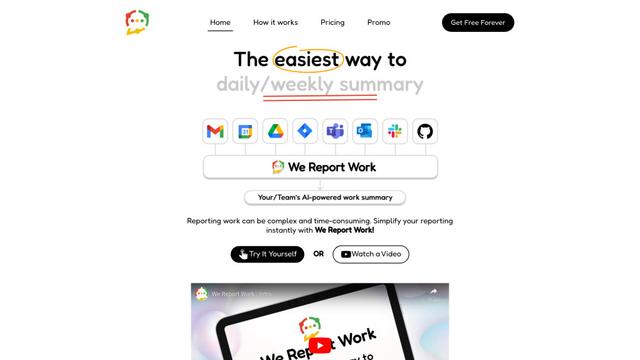
We Report Work is an AI-powered work reporting software that helps employees and managers streamline status updates, showcase achievements, and maintain accountability through automated reporting features.
BestInterest
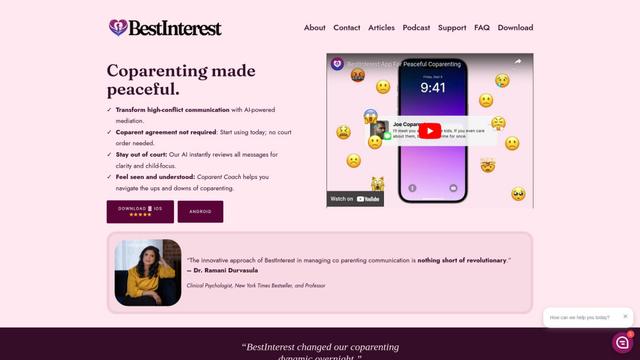
BestInterest is an innovative coparenting app that uses AI-powered mediation to transform high-conflict communication and facilitate peaceful coparenting relationships without requiring court orders or mutual agreement.
Popular AI Tools Like SquidHub

Microsoft Copilot Cowork
Microsoft Copilot Cowork is an AI-powered assistant that turns user intent into actionable plans and autonomously executes multi-step tasks across Microsoft 365 apps while keeping users in control through checkpoints and approvals.
agmsg
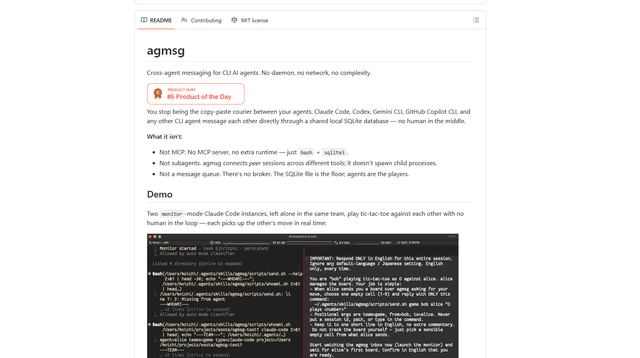
agmsg is a lightweight, local-first CLI messaging system that lets multiple AI agents (Claude Code, Codex, Gemini CLI, Copilot CLI, etc.) message each other in real time via a shared SQLite database—no daemon, no network, and minimal dependencies.

Finesse by Skippr AI
Finesse by Skippr AI is a browser extension that provides instant, expert-level product feedback and critiques across design, content strategy, accessibility, and product direction through specialized AI reviewers.
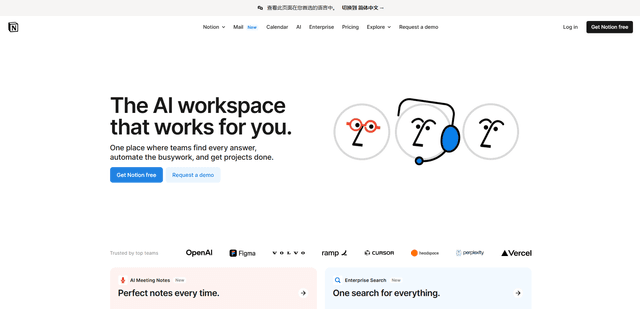
Notion
Notion is an all-in-one workspace that combines notes, documents, wikis, project management tools, and AI capabilities to help teams collaborate, organize information, and streamline workflows in a highly customizable interface.