SoundGate Guitar
SoundGate Guitar is an AI-powered guitar learning app that listens as you play, delivers real-time note and chord detection with instant feedback, and adapts practice guidance to your style to accelerate progress.
https://soundgate.ai/?ref=producthunt
Product Information
Updated:Aug 8, 2026
What is SoundGate Guitar
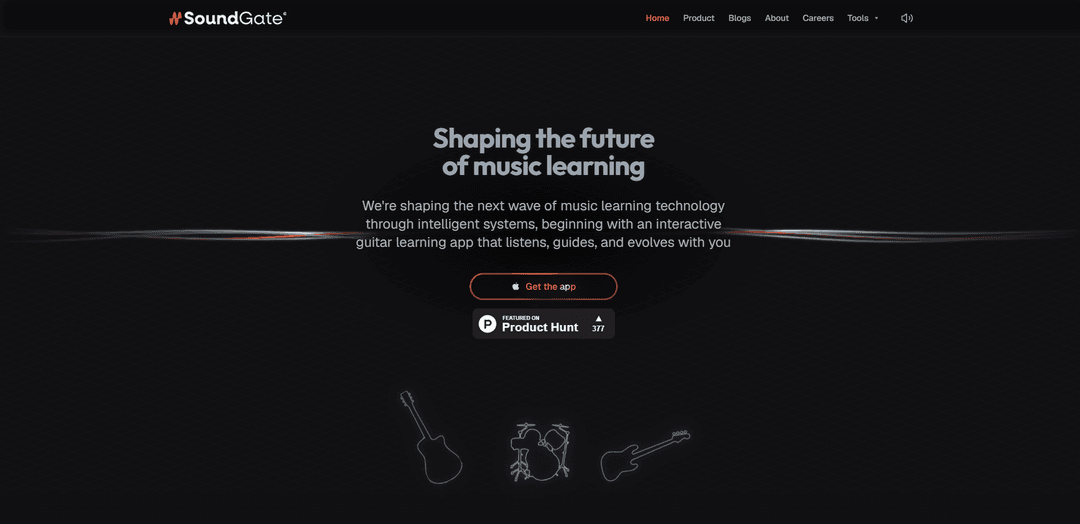
SoundGate Guitar is an interactive guitar learning and practice app designed to make self-guided practice more focused and effective. Built to address the common frustration of piecing together tutorials and tabs without knowing whether you’re improving, it combines intelligent listening with guided exercises to help players learn faster and stay motivated. Starting with guitar as its first product, SoundGate positions this app as the foundation of a broader vision: an ecosystem of AI tools that empower musicians to learn, create, and perform.
Key Features of SoundGate Guitar
SoundGate Guitar is an AI-powered guitar learning and practice app that listens as you play and provides real-time guidance to make practice more focused and effective. It offers instant feedback and adapts to your playing style, aiming to help learners improve faster and stay motivated. Core experiences include real-time note and chord detection (via mic or plug-in input), interactive fretboard visualization, and an AI chat tutor for help on difficult passages, positioning it as an intelligent companion for structured, feedback-driven practice.
Real-time listening & adaptive feedback: Analyzes your playing as you practice and adjusts guidance based on your style and progress, turning each session into targeted improvement rather than guesswork.
Real-time note & chord detection: Detects what you’re playing through your device microphone or a plugged-in setup, enabling immediate recognition of notes/chords while you perform.
Interactive fretboard visualization: Displays detected notes and shapes on an interactive fretboard in real time, helping you connect sound to fretboard location and build neck awareness.
AI-powered chat tutor: Provides on-demand help when you’re stuck—supporting practice with explanations, guidance, and troubleshooting for tricky passages.
Practice acceleration & motivation loop: Designed to keep practice structured and rewarding by offering instant feedback on issues like timing and tone, helping reinforce good habits and correct hidden mistakes.
Use Cases of SoundGate Guitar
Self-taught guitarist skill-building: Replaces fragmented tutorials and tabs with real-time feedback and guided practice, helping learners validate progress and correct mistakes immediately.
Music education support tool: Students can use it between lessons for structured practice with instant feedback, reinforcing concepts and improving consistency outside class time.
Timing and tone habit correction: Players focused on performance quality can use real-time analysis to identify timing/tone issues they might not notice on their own.
Fretboard mastery and scale exploration: Interactive fretboard tools can support learning scales, shapes, intervals, and patterns across the neck for faster navigation and improvisation readiness.
Event demos and engagement (e.g., expos/challenges): Suitable for hands-on demos and interactive challenges (as referenced for GITEX), showcasing real-time detection and coaching in a public, experiential setting.
Pros
Real-time feedback loop can make practice more efficient and focused than static tabs/tutorials
Interactive fretboard plus note/chord detection helps connect theory, ear, and technique
Adaptive guidance and AI tutor can improve motivation and reduce “stuck” moments
Cons
Detection accuracy and feedback quality may depend on input method and recording environment (mic vs. plug-in, background noise, etc.)
Requires relatively recent Apple OS versions (per listing: iOS 18+, macOS 15+ with Apple Silicon), which may limit device compatibility
App privacy practices are described by the developer but noted as not verified by Apple in the listing snippet
How to Use SoundGate Guitar
1) Install SoundGate Guitar: Download “SoundGate Guitar” from the App Store and install it on your iPhone/iPad (iOS 18+) or Apple Silicon Mac (macOS 15+).
2) Launch the app and prepare your setup: Open SoundGate Guitar and get your guitar ready. You can use your device’s built-in microphone or plug in your guitar (if your setup supports it) so the app can listen accurately.
3) Enable listening so SoundGate can analyze your playing: Start a practice session and allow microphone/audio permissions when prompted. SoundGate listens as you play to analyze notes and chords in real time.
4) Play to see real-time note & chord detection: Begin playing single notes or chords. The app detects what you’re playing and displays it on an interactive fretboard in real time so you can immediately confirm accuracy.
5) Use instant feedback to correct mistakes: Keep playing while watching the app’s guidance. SoundGate provides instant feedback as you play, helping you adjust finger placement, chord accuracy, and overall execution during the session.
6) Focus on timing and tone improvements: Repeat passages and pay attention to feedback related to timing and tone. Early testers report the app highlights habits you may not notice on your own, helping you refine your playing.
7) Practice scales and shapes with the interactive fretboard: Use the interactive fretboard to explore and practice guitar scales, chord shapes, arpeggios, intervals, and positions across the neck (e.g., scale “boxes” and patterns).
8) Ask the AI-powered chat tutor when you get stuck: If a passage or concept is confusing, use the built-in AI chat tutor to ask questions and get guidance while you practice.
9) Let SoundGate adapt your sessions over time: Continue practicing regularly. SoundGate is designed to guide and adapt to your style, helping each session stay focused so you can improve faster without guessing.
10) Iterate: play, review feedback, and repeat: Use a looped workflow: play a section, check the real-time detection and feedback, make corrections, and replay until the performance is consistent and clean.
SoundGate Guitar FAQs
SoundGate Guitar is an AI-powered guitar learning app that listens as you play, provides instant feedback, and adapts to your style so each practice session helps you progress.
SoundGate Guitar Video
Popular Articles

Vosko AI: Localize and Dub Videos for Global Audiences
Oct 15, 2026

Atoms: A Multi-Agent AI Platform That Transforms Ideas into Launch-Ready Products
Oct 13, 2026

Nano Banana SBTI: What It Is, How It Works, and How to Use It in 2026
Apr 15, 2026

Atoms Review — The AI Product Builder Redefining Digital Creation in 2026
Apr 10, 2026
Latest AI Tools Similar to SoundGate Guitar
MeloHunt
MeloHunt is a powerful AI-powered song generator that enables users to create original, high-quality music tracks without requiring any musical expertise.
ChopLab
ChopLab is an AI-powered tool that enables music producers to transform audio tracks into unique samples and custom drum packs through automated splitting, isolation, and chopping processes.
MindBound Labs
MindBound Labs is an innovative platform focused on accelerating Artificial Super Intelligence (ASI) through community engagement, combining NFC cards, AI prompts, and personalization across multiple creative domains.
MusicAny
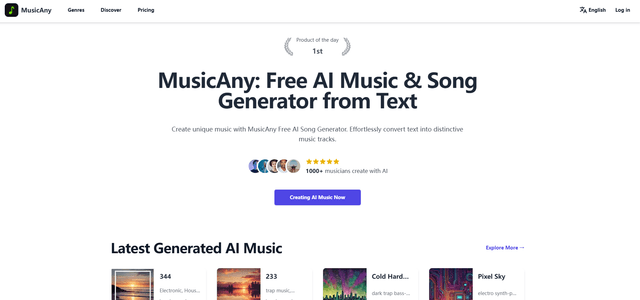
MusicAny is a cutting-edge free AI music generator that enables users to effortlessly create unique, royalty-free songs from text descriptions without any musical background.
Popular AI Tools Like SoundGate Guitar
Jammy Chat
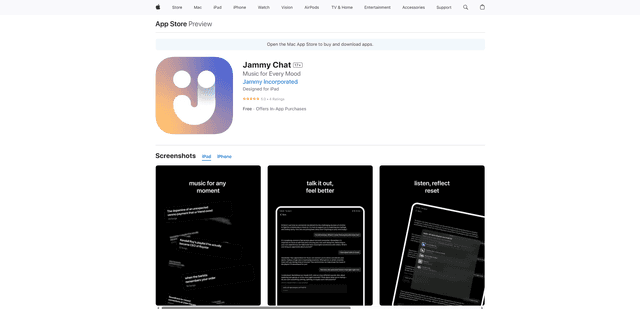
Jammy Chat is a music-infused mental health app that provides personalized playlists and emotional support by analyzing your mood through AI-powered conversations.
Jammy Chat
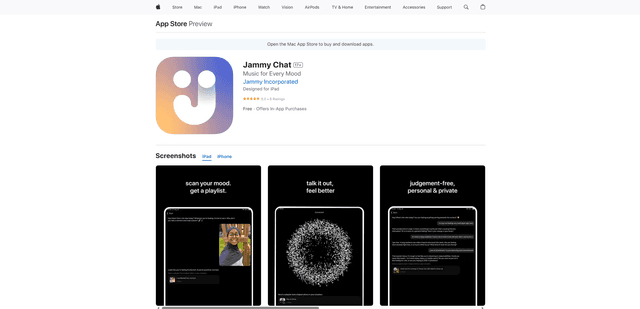
Jammy Chat is an AI-powered mental health app that scans users' facial expressions and provides personalized music playlists to help regulate emotions and improve mood.
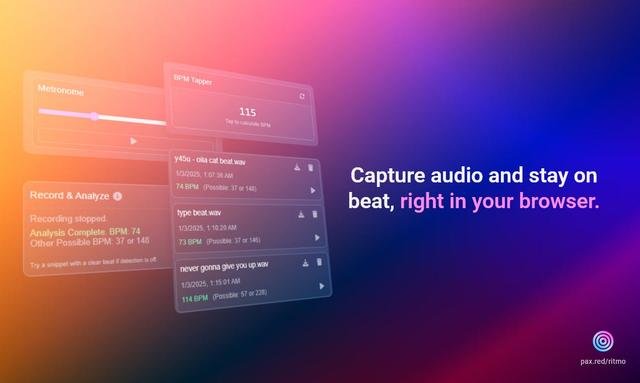
Ritmo
Ritmo is a smart audio toolkit Chrome extension that helps capture, analyze, and manage audio with features like BPM analysis, tap tempo, and metronome functionality.
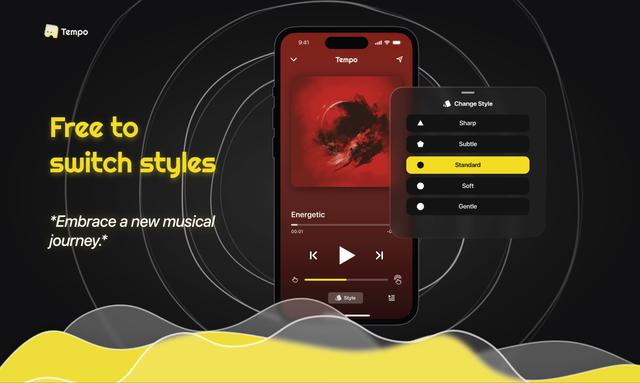
Tempo-Pulse
Tempo-Pulse is an AI-driven haptic music player that transforms any music into tactile sensations through innovative haptic technology, making music feelable for everyone including those who are hard of hearing.