Shuffle Design CLI
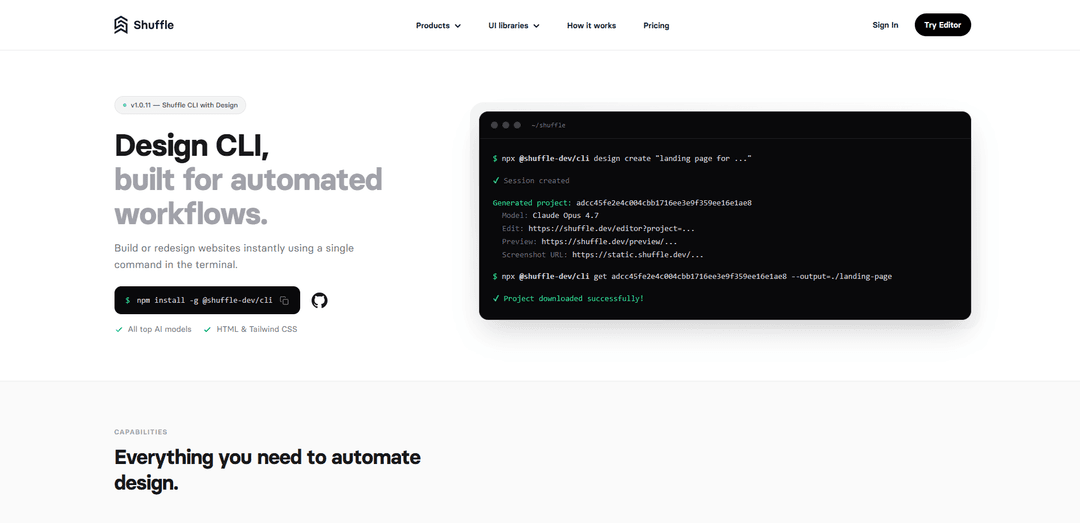
Shuffle Design CLI is a terminal-first tool that generates or redesigns full landing pages using top AI models and outputs clean, editable HTML + Tailwind CSS that you can preview, edit in Shuffle, and download locally.
https://shuffle.dev/design-cli?ref=producthunt
Product Information
Updated:Jun 8, 2026
What is Shuffle Design CLI
Shuffle Design CLI is the command-line version of Shuffle’s AI design tools, built to help developers and teams create new website designs or modernize existing ones directly from scripts, CI jobs, or everyday terminal workflows. With a single command, you can generate multiple design variants in parallel from a prompt, or redesign a live website by providing its URL and a design direction. Each result is delivered as ready-to-edit HTML and Tailwind CSS, with links to preview the design and open it in the Shuffle Editor for visual iteration.
Key Features of Shuffle Design CLI
Shuffle Design CLI is a command-line tool that generates new website/landing-page designs and redesigns existing websites from your terminal. It can run multiple leading AI design models (e.g., Claude, GPT, Gemini, Kimi) to produce several variants in parallel, then provides hosted preview/editor links and lets you download clean, editable HTML + Tailwind CSS projects for local development. It’s built for automation—usable in scripts, CI jobs, and internal tools—and can also be integrated into workflows like Slack bots or outreach pipelines.
Terminal-first design generation: Create full landing pages from a prompt with a single command (e.g., `npx @shuffle-dev/cli design create "..."`) and receive multiple design variants to compare.
AI-powered website redesign from a URL: Redesign any live site by providing a URL and direction; the CLI screenshots the page and generates a refreshed design with the same content (e.g., `npx @shuffle-dev/cli redesign create https://example.com "..."`).
Multi-model support & parallel variants: Supports top AI models and can run selected models (or all active models) to generate side-by-side alternatives for faster exploration and better outcomes.
Clean output: HTML + Tailwind CSS: Generates ready-to-edit front-end code (HTML and Tailwind CSS) designed to be inspectable, modifiable, and shippable rather than locked into a proprietary format.
Download and local sync workflow: Download generated projects to your machine (e.g., `npx @shuffle-dev/cli get <project_id> --output=...`) and keep work aligned between Shuffle’s editor and local dev environments.
Automation-friendly CLI options: Includes flags for choosing models, running all models, auto-downloading outputs, generating screenshots, and saving run metadata/URLs for repeatable scripted workflows.
Use Cases of Shuffle Design CLI
Agency client refresh proposals: Quickly generate redesigned versions of a client’s current site from its URL to pitch new directions and accelerate approvals before implementation.
SaaS marketing landing pages at scale: Generate multiple landing page variations from prompts, compare them, and export editable HTML/Tailwind to ship experiments and A/B tests faster.
Sales/outreach redesign offers: Automate prospect-specific redesign previews and send personalized outreach (e.g., via an email workflow) while tracking generated files and sent messages.
Slack-driven design requests for teams: Use the provided Slack bot approach so teammates can request new designs or redesigns directly in channels, centralizing design ops in existing communication tools.
CI/automation for design exploration: Run design generation in scripts or CI jobs to produce consistent, repeatable design outputs for internal review, design systems exploration, or rapid prototyping.
Pros
Fast, repeatable design creation and redesign via simple terminal commands—well-suited to automation and CI.
Multi-model generation produces multiple variants quickly, improving exploration and decision-making.
Outputs are downloadable as clean, editable HTML + Tailwind CSS, enabling straightforward handoff to developers.
Cons
Requires authentication and use of Shuffle’s platform for editing/preview links and project management.
Best fit for HTML/Tailwind workflows; teams on other stacks may need adaptation or additional conversion work.
Redesign mode depends on screenshotting a live URL, which may be limited by site access restrictions or dynamic/authenticated pages.
How to Use Shuffle Design CLI
1) Prerequisites: Install Node.js (so you can use npx/npm). The Shuffle Design CLI runs via npx or can be installed globally.
2) Install (optional) or run via npx: Option A (no install): run commands with `npx @shuffle-dev/cli ...`. Option B (global install): `npm install -g @shuffle-dev/cli`.
3) Authenticate: Run `npx @shuffle-dev/cli auth` and complete the browser login flow that opens automatically. You should see “Authentication successful!” when done.
4) Explore available commands: Run `npx @shuffle-dev/cli --help` to see top-level commands. For design generation help, run `npx @shuffle-dev/cli design create --help`.
5) Create a brand-new design from a prompt: Generate a landing page (or any page) from plain language: `npx @shuffle-dev/cli design create "landing page for ..."`. The CLI returns a project ID plus Edit/Preview URLs (and optionally a screenshot URL).
6) Choose models (interactive, specific, or all): To generate with specific model(s): `npx @shuffle-dev/cli design create -m <id> "..."` (repeat `-m` or use comma-separated IDs). To run all active design models without selecting interactively: add `--all`.
7) Auto-download generated files after each run (optional): Add `--download [directory]` to download project files after each successful generation, e.g. `npx @shuffle-dev/cli design create --download ./out "..."`.
8) Download only source files (optional): When using `--download`, add `--source-only` to extract only source files: `npx @shuffle-dev/cli design create --download ./out --source-only "..."`.
9) Generate screenshots (optional): Add `--screenshot` to generate a screenshot for each created project: `npx @shuffle-dev/cli design create --screenshot "..."`.
10) Save output URLs to a file (optional): Add `--save-output <file>` to store the output (including URLs) in a file: `npx @shuffle-dev/cli design create --save-output results.json "..."`.
11) Redesign an existing website from a URL: Provide a live URL plus a redesign direction: `npx @shuffle-dev/cli redesign create https://example.com "..."`. The CLI screenshots the page and generates redesigned variants with the same content but a fresh look.
12) Open the generated project in Shuffle Editor: Use the returned “Edit” URL (e.g., `https://shuffle.dev/editor?project=...`) to review and customize the design visually in Shuffle.
13) Download a project later by project ID: If you already have a project ID, download it with: `npx @shuffle-dev/cli get <project_id> --output=./landing-page`.
14) Sync a Shuffle project locally (optional workflow): To keep a local folder in sync with a Shuffle project, use: `npx @shuffle-dev/cli sync <project_id>` (project ID is found in the Shuffle Editor URL).
15) Use in automation (CI/scripts/bots): Because everything is command-based (prompt, URL redesign, model selection, download, screenshot, save-output), you can run it in scripts, CI jobs, or internal tools to generate repeatable design variants and artifacts.
Shuffle Design CLI FAQs
Shuffle Design CLI is a command-line tool that lets you generate new website/landing page designs and redesign existing websites directly from the terminal, producing clean, editable HTML and Tailwind CSS.
Popular Articles

How to Create Viral Talking Baby Podcast Videos with AI: Step-by-Step Guide
Nov 2, 2026

Proferex: A Cloud-Based Ad Tracking and Campaign Optimization Platform
Nov 2, 2026

Vosko AI: Localize and Dub Videos for Global Audiences
Oct 15, 2026

Atoms: A Multi-Agent AI Platform That Transforms Ideas into Launch-Ready Products
Oct 13, 2026
Latest AI Tools Similar to Shuffle Design CLI
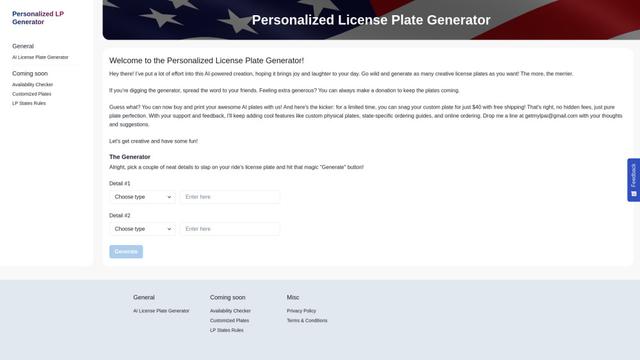
Personalized License Plate Generator
An AI-powered tool that generates unique and personalized license plate designs based on user input.
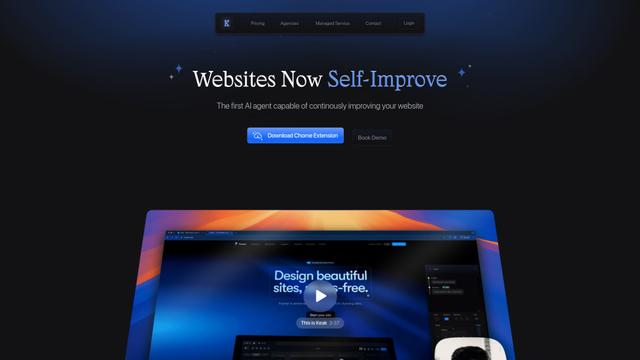
Keak
Keak is an AI-powered A/B testing tool that automatically generates website variations, launches tests, and optimizes conversions.
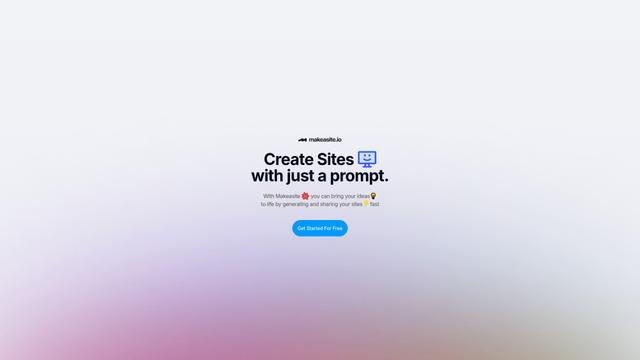
Makeasite
Makeasite is an innovative website builder that allows users to create and share websites quickly using just prompts.
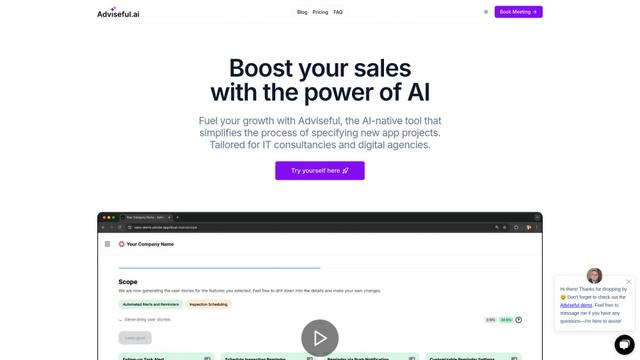
Adviseful
Adviseful is an AI-powered tool that accelerates web and mobile app planning for IT consultancies and digital agencies, turning ideas into qualified leads in minutes.
Popular AI Tools Like Shuffle Design CLI
GPT Engineer
GPT Engineer is an AI-powered software development tool that enables anyone to build web applications by chatting with an AI engineer.
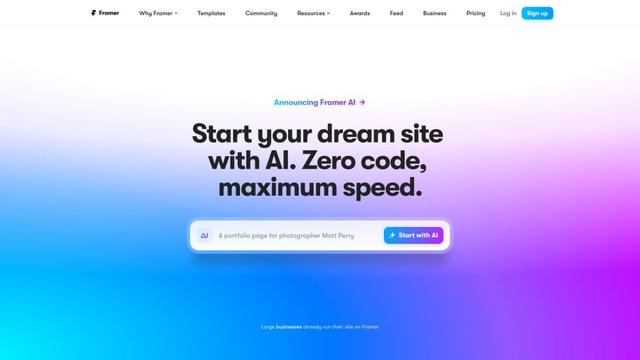
Framer
Framer is a powerful web builder that allows designers to create stunning, responsive websites with an intuitive interface and publish them instantly without coding.
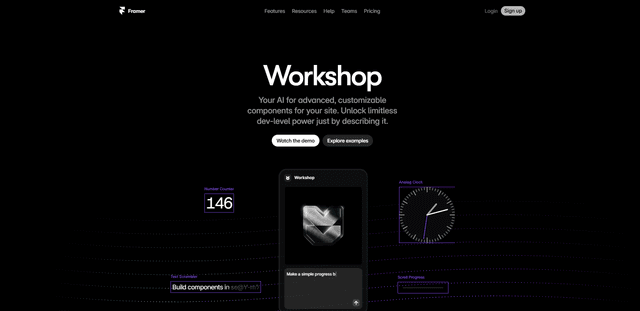
Framer Workshop
Framer Workshop is an AI-powered component generator built into Framer that allows designers and developers to create advanced, customizable website components without writing code through simple conversational prompts.

Wireframer
Wireframer is an AI-powered tool by Framer that quickly generates clean, responsive webpage layouts and wireframes from simple prompts, helping designers create structural blueprints without getting locked into specific visual styles.