SayCraft
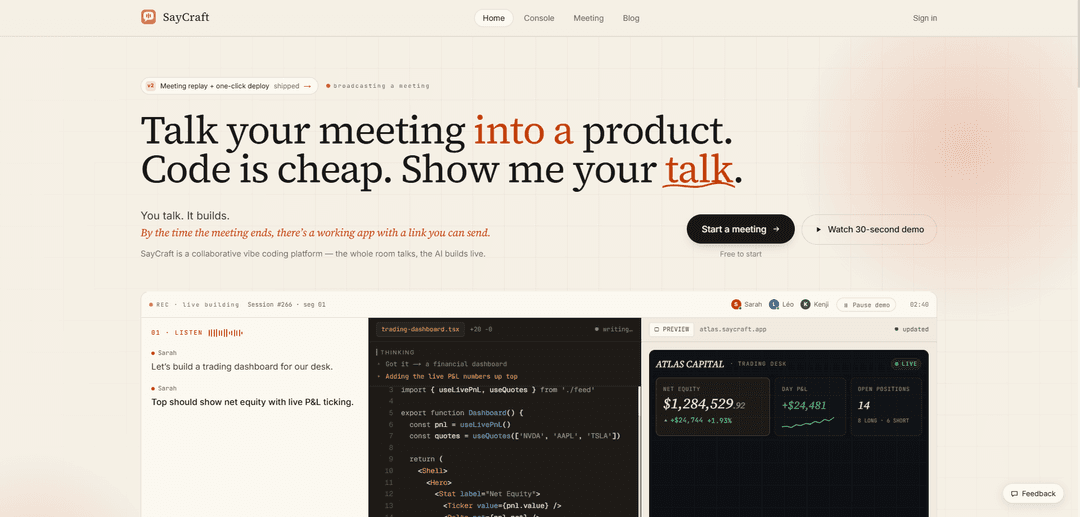
SayCraft is a collaborative vibe-coding platform that turns a real-time spoken meeting into a working web app, updating live on a shareable preview URL and leaving you with deployable, downloadable source code and a full meeting replay.
https://saycraft.ai/?ref=producthunt
Product Information
Updated:Jul 8, 2026
What is SayCraft
SayCraft is an AI app/website builder driven by conversation rather than typed prompts. Instead of writing specs or iterating through chat messages, you open a meeting (solo or with a team) and simply talk through what you want—screens, behaviors, and design direction—while the product is built in real time. It’s designed for practical, clickable outputs like MVPs, internal tools, admin dashboards, prototypes, and marketing-style websites, so the meeting ends with a live link you can review and share, not just notes.
Key Features of SayCraft
SayCraft is a collaborative “vibe coding” platform that turns a real-time spoken meeting into a working web app or website. Instead of typing prompts or writing specs, you talk (solo or with a team) while the AI transcribes, extracts requirements from messy conversation, and builds/runs code live with an instantly updating, shareable preview URL. After the meeting, you get a deployed result plus artifacts like replays and downloadable/exportable source so you can iterate in later meetings or hand off to developers.
Meeting-to-product workflow: Turns a live conversation into a real, running web application during the meeting—so you end the call with a functional product, not just notes.
Real-time transcript + requirements extraction: Transcribes every word as you speak and converts rambling discussion into clear product requirements without needing a structured spec.
Live preview URL that updates sentence-by-sentence: As participants talk, the app is built and re-rendered immediately on a shared preview link, enabling real-time review and alignment.
Interactive iteration by voice: You can reference elements in the preview (e.g., “make this bigger”) and the next build reflects the change, supporting rapid design/product iteration.
Meeting replay with build timeline: Replay the full session—audio, conversation, and how the product changed over time—so teams can audit decisions and revisit earlier states.
Export, deploy, and no lock-in: Each build can be one-click deployed and exported (e.g., downloadable project/source, push to GitHub), so teams can keep developing outside SayCraft.
Use Cases of SayCraft
Startup brainstorm → MVP in one meeting: Founders and small teams talk through core flows and screens and leave with a clickable prototype or early MVP to test and iterate.
Client kickoff call → live prototype: Agencies/consultants can build a working draft during the call, share a live URL, and resolve feedback by looking at the running product.
Internal tools & admin dashboards: Ops/finance/support teams can describe workflows out loud and quickly generate functional internal apps where behavior matters as much as UI.
Marketing/launch sites by voice: Create content- and design-led sites (landing pages, portfolios, small-business sites, event pages) by talking through structure and visual vibe.
Investor pitch → functional demo: Build a working demo during preparation (or rapidly iterate before a pitch) to show investors something interactive rather than slides.
Classroom/workshop live building: In group learning settings, participants collaborate verbally while the AI builds live, making product thinking and iteration visible to everyone.
Pros
Fast alignment: the whole team reviews one live, running preview during the conversation.
Low friction input: speaking replaces prompt-writing and formal specs; works even with messy discussion.
Strong handoff: replay + deploy + source export reduces lock-in and supports developer continuation.
Cons
Best fit is web apps/sites; may be less suitable for complex non-web or deeply specialized systems.
Voice-driven workflow depends on clear discussion and can be impacted by noisy environments or ambiguous verbal instructions.
Visual polish and correctness can vary by project and may still require iteration or developer refinement after export.
How to Use SayCraft
1) Start a new SayCraft meeting: Open SayCraft and click “Start a meeting.” Invite your team if you want a collaborative session, or run it solo (solo works the same way).
2) (Optional) Turn an old meeting into a build: Instead of starting live, upload a recording to have SayCraft turn a past meeting into a product.
3) Talk normally—no prompts: Begin describing what you want (MVP, internal tool, dashboard, landing page, etc.). Speak naturally; SayCraft transcribes every word in real time so you don’t need to take notes.
4) Watch the app build live as you speak: As the conversation continues, SayCraft turns your sentences into running code and updates a live preview in real time—building and reviewing happen simultaneously.
5) Let SayCraft extract requirements from messy conversation: Don’t worry about being structured. SayCraft reads through rambling or backtracking discussion and pulls out clear product requirements automatically.
6) Make changes on the fly by reacting to the preview: As you see the UI, request edits out loud (e.g., “make this bigger,” “change the vibe,” “add a section,” “adjust the flow”). The next compile updates the preview immediately.
7) Use element-specific feedback while viewing the preview: Hover an element in the preview and say what to change (e.g., “make this button bigger”). SayCraft applies the change in the next live update.
8) End the meeting and get the deliverables: When the meeting ends, SayCraft leaves you with a working website/app, a shareable live preview link, and a short summary of what was decided.
9) Replay the meeting to review decisions and changes: Use Meeting Replay to scrub through the timeline and review the audio, transcript, and how the product changed at each moment.
10) Deploy or export the project: Ship the result by using the auto-deployed shareable preview URL. If available on your plan, use one-click deploy for a live deployment link, or download the full project (zip/source) and/or push to GitHub.
11) Continue in a future meeting without starting over: Start the next meeting and pick up where you left off—SayCraft remembers the product you’ve been building so you can iterate continuously.
SayCraft FAQs
SayCraft is a collaborative vibe coding platform that turns a real-time team meeting (or even a solo session) into a working web app. You talk through what you want, and the AI builds it live with a shareable preview URL.
SayCraft Video
Popular Articles

Atoms: A Multi-Agent AI Platform That Transforms Ideas into Launch-Ready Products
May 22, 2026

Nano Banana SBTI: What It Is, How It Works, and How to Use It in 2026
Apr 15, 2026

Atoms Review — The AI Product Builder Redefining Digital Creation in 2026
Apr 10, 2026

Kilo Claw: How to Deploy and Use a True "Do‑It‑For‑You" AI Agent(2026 Update)
Apr 3, 2026
Latest AI Tools Similar to SayCraft
GPT Easy Web
GPT Easy Web is a user-friendly AI-powered platform that enables users to easily build, customize and manage websites through natural language interactions and automated tools without requiring coding knowledge.
AI Website Tool
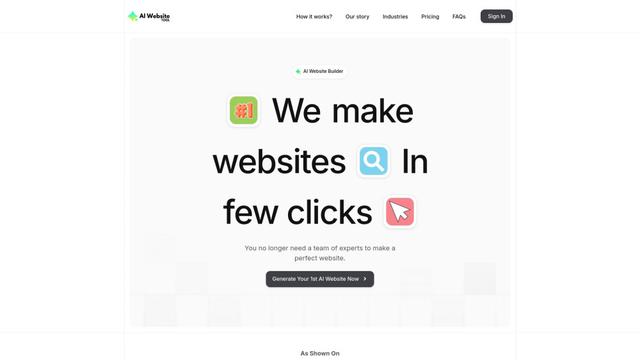
AI Website Tool is an AI-powered website builder that creates professional websites in minutes by automatically generating business-focused copy, custom visuals, and responsive designs with just a few clicks.

Softgen
Softgen.ai is an AI-powered full-stack project generator platform that enables users to transform their ideas into functional web applications without coding requirements.
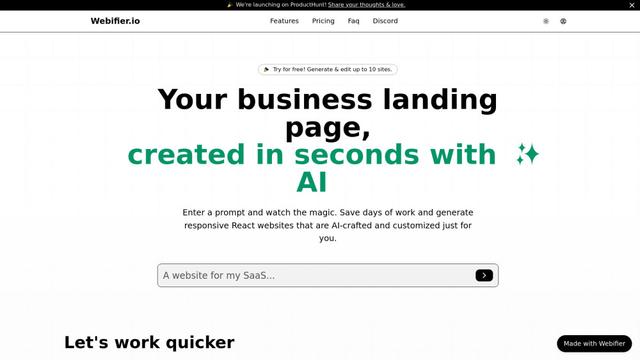
Webifier
Webifier is an AI-powered tool that transforms text prompts into fully functional React landing pages with clean, exportable code using NextJS14, TailwindCSS, and Shadcn components.
Popular AI Tools Like SayCraft
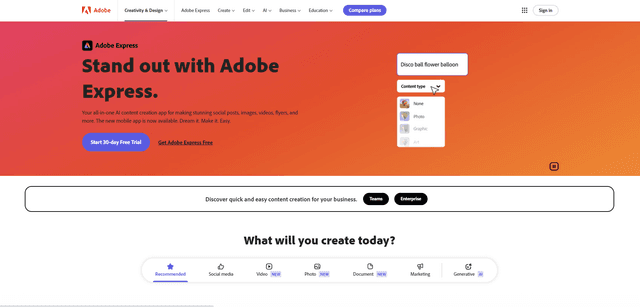
Adobe Express
Adobe Express is an all-in-one AI-powered content creation app for easily making stunning social posts, images, videos, flyers, and more with professionally designed templates and assets.
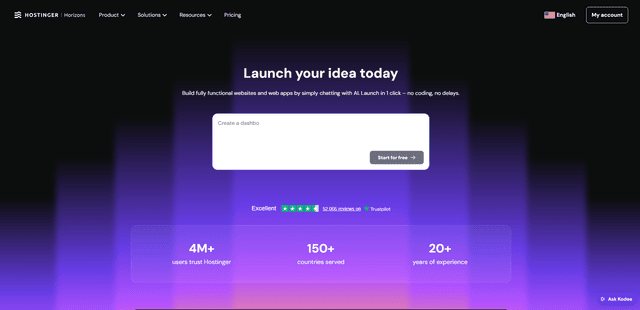
Hostinger
Hostinger is a web hosting and domain service provider offering AI-powered tools like Horizons that enables anyone to build, edit, and publish custom web apps and websites without coding through a simple chat interface.

GPT Engineer
GPT Engineer is an AI-powered software development tool that enables anyone to build web applications by chatting with an AI engineer.
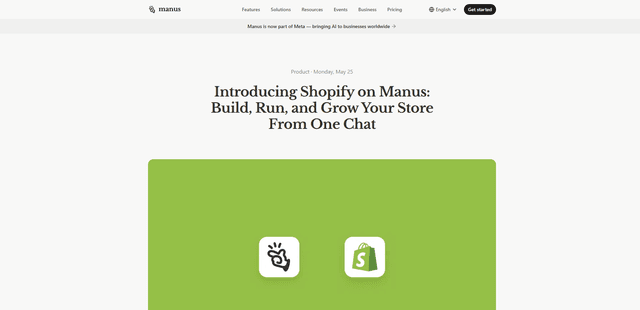
Manus Shopify Connector
Manus Shopify Connector lets you build a Shopify-backed storefront, manage your catalog, and generate data-driven campaigns from a single chat—using Shopify APIs with OAuth-scoped access and Shopify checkout.