
Retext
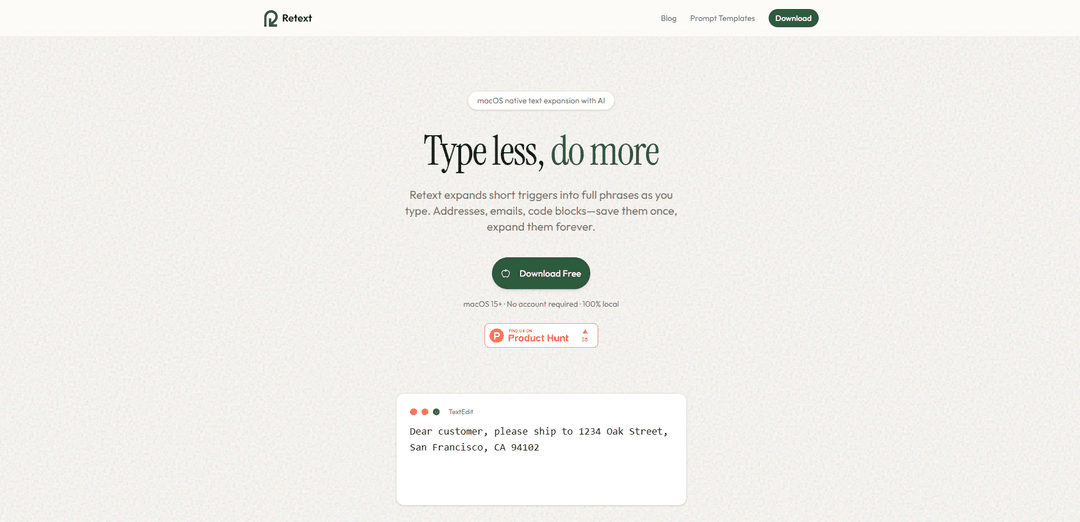
Retext is a native macOS text expander that instantly expands semicolon-based triggers into saved snippets anywhere you type, with optional AI-powered snippet generation and tag-based organization.
https://retext.io/?ref=producthunt
Product Information
Updated:Jul 8, 2026
What is Retext
Retext is a macOS app designed to reduce repetitive typing by turning short triggers into full phrases, templates, or code blocks across any application. Built natively in Swift, it runs quietly in the background and provides fast, reliable, system-wide text expansion in places like email, Slack, browsers, and editors such as VS Code. You can create and manage snippet libraries with a clean UI, organize them with tags, and optionally use built-in AI to generate snippet content from a title and prompt.
Key Features of Retext
Retext is a macOS-native, system-wide text expander that turns short triggers (like “;addr”) into full snippets instantly in any app. It focuses on staying out of your way with immediate replacement (no popups), a clean UI for organizing snippets with tags, and optional AI-assisted snippet generation (including prompt variations). Snippets are stored locally for privacy, with only AI prompts sent to Anthropic’s API when you use AI features. Retext requires Accessibility permissions to detect triggers and expand text, and it supports macOS 15 (Sequoia) or later.
Instant trigger-to-snippet expansion: Type a semicolon trigger (e.g., “;sig”, “;addr”) and Retext immediately replaces it with the full text—no clicks, delays, or popups.
Works everywhere on Mac: Runs in the background and expands text in any app where you can type, including email, Slack, VS Code, and browsers.
Tag-based snippet organization: Organize snippets with tags to group by project, client, or category for faster retrieval and maintenance.
AI-generated snippets and variations: Generate snippet content from a title and optional prompt; Pro includes unlimited AI generation and prompt variations (Free includes 1 complimentary generation).
Team shared snippet libraries: Team plans support shared snippet libraries with real-time sync and role-based permissions so teams can standardize responses and templates.
Privacy-first local storage: Snippets are stored locally on your Mac; only AI prompts are sent externally (to Anthropic) when AI generation is used.
Use Cases of Retext
Customer support canned replies: Standardize common ticket responses, troubleshooting steps, and escalation templates to reduce response time and improve consistency.
Sales outreach and quoting: Quickly insert outreach sequences, pricing blocks, meeting links, and follow-ups across CRM notes, email, and chat tools.
Developer boilerplate and commands: Expand frequently used code snippets, git commands, logging statements (e.g., “console.log(...)”), and template blocks inside editors like VS Code.
Writing and content workflows: Insert recurring phrases, markdown shortcuts, editorial notes, and structured sections to speed up drafting and formatting.
Student and academic repetition: Save citations, formulas, study notes, and commonly used links or phrases to reduce repetitive typing across documents.
Team-wide standardization: Share approved snippets (policies, signatures, brand voice responses) via synced libraries so everyone uses the same up-to-date text.
Pros
System-wide expansion across apps with instant replacement (no popups or workflow interruptions).
macOS-native (Swift) design aimed at being fast and lightweight.
Local snippet storage for privacy; external calls only when using AI generation.
Team plans enable shared libraries, real-time sync, and role-based permissions.
Cons
Requires macOS 15 (Sequoia) or later, limiting compatibility with older Macs.
Needs Accessibility permissions to function system-wide, which some users may be cautious about.
Trigger character is currently fixed to semicolon (;) and cannot be changed.
AI features depend on sending prompts to Anthropic’s API (not fully offline).
How to Use Retext
1) Download and install Retext: Go to https://retext.io/ and download Retext. Install it on your Mac (Retext requires macOS 15 Sequoia or later). Launch the app.
2) Grant Accessibility permission: When prompted, allow Accessibility access so Retext can detect your keystrokes and expand snippets system-wide. This permission is required for Retext to work in any app where you can type.
3) Create your first snippet: In Retext, add a new snippet. Set a short trigger (example: "addr") and enter the full text you want it to expand into (example: "1234 Oak Street, San Francisco, CA 94102"). Save the snippet.
4) Use the snippet anywhere by typing the trigger: In any app (Mail, Slack, VS Code, browser, etc.), type a semicolon followed by your trigger. Example: type ";addr" and Retext will instantly replace it with your saved full text.
5) Organize snippets with tags: Add tags to snippets to group them by project, client, or category. Use tags to keep a large snippet library easy to browse and maintain.
6) Try AI-generated snippets (optional): Use Retext’s AI feature to generate snippet text from a title and optional prompt. Note: if you use AI generation, your prompt is sent to Anthropic’s API. Free users get 1 complimentary AI generation; Pro users get unlimited.
7) Use common snippet patterns to speed up work: Create snippets for frequent text like email signatures (";sig"), meeting links (";meet"), canned replies (";ty"), or code blocks (";log" → "console.log('debugging here');"). Then type the semicolon + trigger to expand instantly.
8) Create and use a Team snippet library (optional): To share snippets across a team with real-time sync, download Retext and create a team from Settings. Team plans include shared snippet libraries and role-based permissions.
9) Remember the trigger character behavior: Retext currently uses semicolon (;) as the trigger character, and it cannot be changed at this time. Always type ";" + your trigger to expand.
Retext FAQs
Retext is a macOS-native text expander with AI that expands short triggers into full phrases as you type, helping you reuse things like addresses, email signatures, code blocks, and canned responses.
Retext Video
Popular Articles

Atoms: A Multi-Agent AI Platform That Transforms Ideas into Launch-Ready Products
May 22, 2026

Nano Banana SBTI: What It Is, How It Works, and How to Use It in 2026
Apr 15, 2026

Atoms Review — The AI Product Builder Redefining Digital Creation in 2026
Apr 10, 2026

Kilo Claw: How to Deploy and Use a True "Do‑It‑For‑You" AI Agent(2026 Update)
Apr 3, 2026
Latest AI Tools Similar to Retext
Callaia
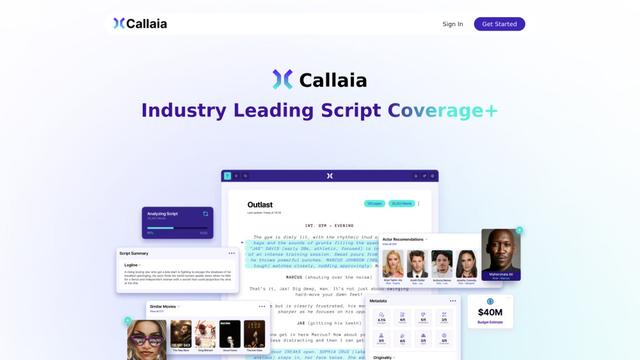
Callaia is an AI-powered script analysis tool that provides comprehensive script coverage, including logline, synopsis, character summaries, and actionable recommendations in under a minute for $79 per script.

Scribly AI
Scribly AI is an AI-powered content creation platform that helps users generate high-quality articles, blogs, emails, and various types of content in minutes while maintaining SEO optimization and brand voice consistency.
VocalScribe
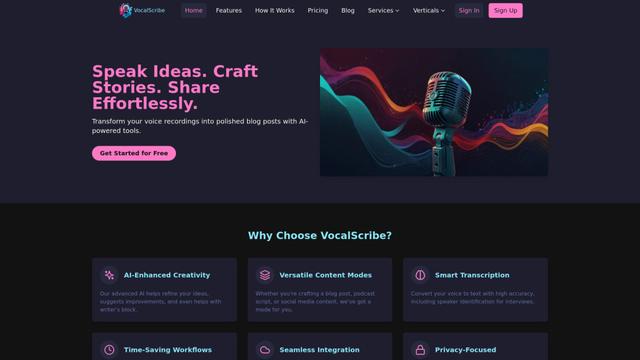
VocalScribe is an AI-powered platform that transforms voice recordings into polished blog posts and other content formats with smart transcription and enhancement capabilities.
Writers-Copilot
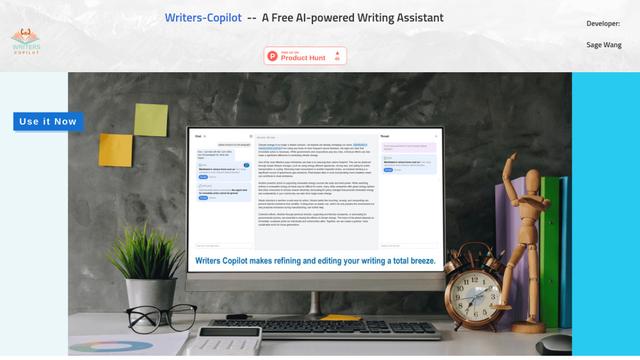
Writers-Copilot is a free AI-powered writing assistant that provides intelligent editing suggestions, real-time feedback, and content improvement capabilities to enhance writing quality and efficiency.
Popular AI Tools Like Retext
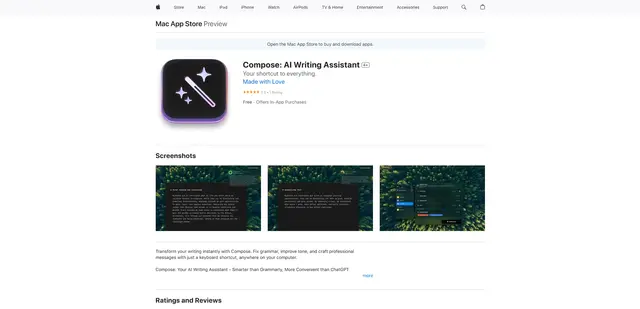
Compose for macOS
Compose for macOS is an AI-powered writing assistant that works system-wide, allowing users to transform and enhance their writing with just a keyboard shortcut across any application.
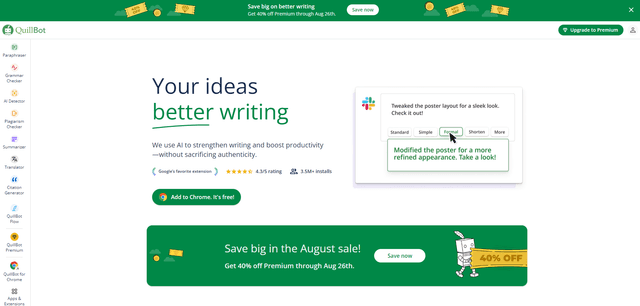
QuillBot
QuillBot is an AI-powered writing assistant that offers paraphrasing, grammar checking, and other tools to help users improve their writing quality and efficiency.
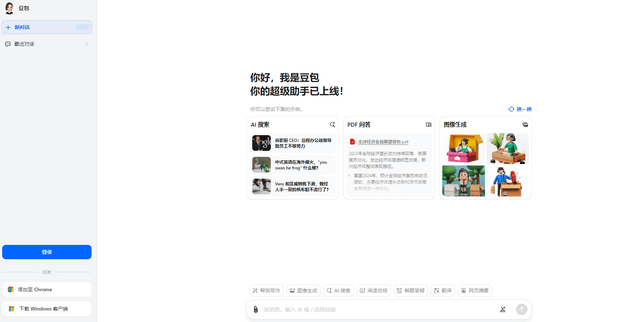
Doubao 1.6
Doubao 1.6 is an advanced multimodal AI model from ByteDance featuring enhanced reasoning capabilities, tool calling support, and adaptive thinking that balances performance with reasoning ability.
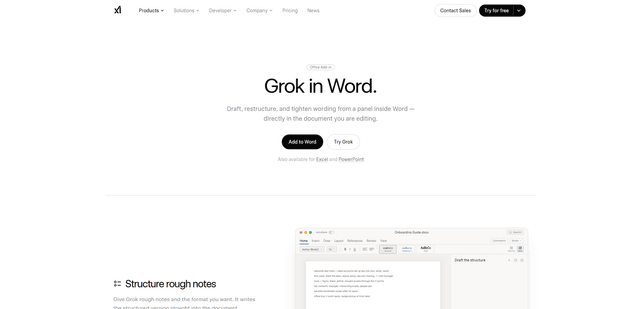
Grok by SpaceXAI for Word
Grok by SpaceXAI for Word is a free Microsoft 365 add-in that docks an AI side panel inside Word to draft, restructure, and apply undoable in-document edits while helping keep long documents stylistically consistent.