
Rerun
WebsiteNo-Code & Low-Code
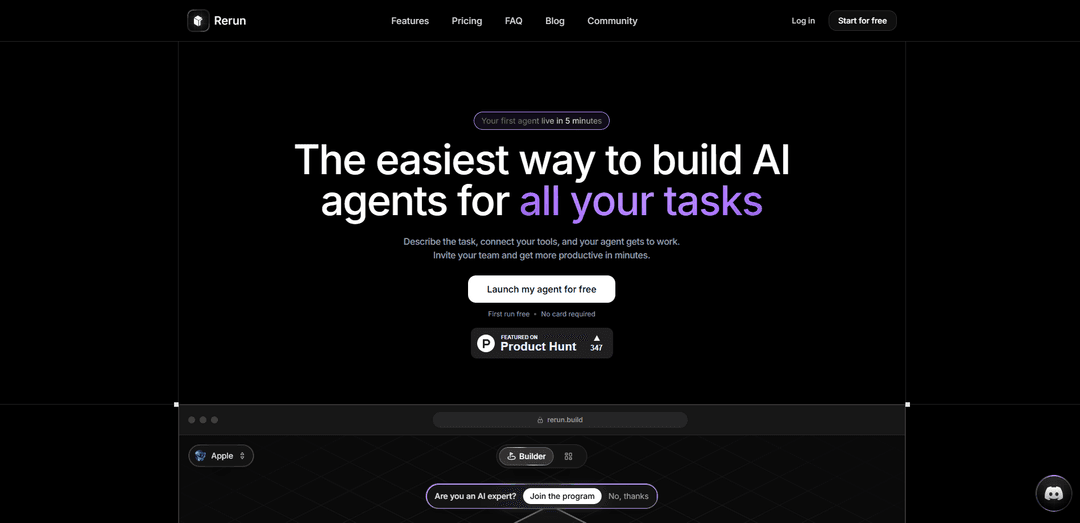
Rerun é uma plataforma sem código para construir, executar e monitorar agentes de IA com automação sempre ativa, aprovações "human-in-the-loop" e um painel ao vivo para visibilidade total em execuções, logs e métricas.
https://rerun.build/?ref=producthunt&utm_source=aipure
Informações do Produto
Atualizado:Aug 8, 2026
O que é Rerun
Rerun (rerun.build) é um produto de agente de IA projetado para tornar a automação autônoma acessível para não engenheiros e equipes. Em vez de gerenciar prompts, servidores e integrações frágeis, você descreve o que deseja fazer, conecta as ferramentas e modelos que prefere (ou usa modelos hospedados pelo Rerun) e, em seguida, monitora tudo a partir de um painel claro. A plataforma enfatiza a simplicidade ("sem código"), a transparência (nada é uma caixa preta) e o controle (os agentes pausam para aprovações antes de ações sensíveis).
Principais Recursos do Rerun
Rerun é uma plataforma sem código para construir e operar agentes de IA "always-on" que você pode monitorar em tempo real. Você descreve a tarefa, conecta ferramentas e modelos, e os agentes executam autonomamente em gatilhos (tempo, e-mail, mudanças), entregam o trabalho a outros agentes e pausam para aprovação humana antes de ações sensíveis. Ele fornece um painel legível com logs de execução, métricas, uso de tokens e transferências, suporta muitos provedores de LLM (ou suas próprias chaves/modelos locais) e executa cada espaço de trabalho em um servidor "espaço privado" dedicado e isolado na nuvem (com auto-hospedagem planejada).
Criação de agente sem código: Construa agentes descrevendo o trabalho – sem prompts, linhas de comando ou configuração pesada de engenharia necessária.
Automação always-on, orientada a eventos: Os agentes "acordam" automaticamente em horários, e-mails recebidos ou mudanças detectadas – nenhum botão de execução manual é necessário.
Aprovações com intervenção humana: Para ações sensíveis (por exemplo, pagamentos, e-mails de clientes), os agentes pausam e solicitam aprovação (no aplicativo ou via Slack) antes de prosseguir.
Monitoramento e observabilidade em tempo real: Painéis em tempo real mostram cada execução, etapa, uso de token, status e logs para que o comportamento do agente não seja uma caixa preta.
Modelos próprios ou incluídos: Use modelos hospedados pelo Rerun incluídos nos planos, ou conecte suas próprias assinaturas/chaves de API (e potencialmente modelos locais) em vários provedores.
Servidor de espaço de trabalho privado dedicado: Cada espaço de trabalho é executado em sua própria máquina isolada na nuvem com CPU/RAM dedicadas; a auto-hospedagem é indicada como "em breve".
Casos de Uso do Rerun
Triagem de caixa de entrada e operações diárias de e-mail: Elabore respostas no seu tom, arquive threads de baixo valor e sinalize os poucos e-mails que realmente precisam de atenção todas as manhãs.
Acompanhamento de vendas de entrada: Responda a novos leads, elabore o contato e rastreie as transferências – escalando para um humano quando as mensagens ou ofertas forem sensíveis.
Finanças e operações: cobrança de faturas e aprovações: Monitore pagamentos falhos, acompanhe faturas vencidas e encaminhe reembolsos/ajustes para aprovação explícita antes da execução.
Automação de suporte ao cliente: Lide com solicitações comuns de suporte, colete contexto e elabore respostas enquanto escala casos extremos ou ações arriscadas para revisão.
Relatórios de agência e atualizações de clientes: Compile relatórios e atualizações recorrentes em um cronograma e, em seguida, solicite aprovação antes de enviar externamente aos clientes.
Fluxos de trabalho de back-office de e-commerce: Processe tarefas rotineiras de pedidos/administração, sinalize estoque baixo ou anomalias e pause para confirmação humana em mudanças de alto impacto.
Vantagens
Baixa barreira de entrada: configuração sem código destinada a não engenheiros.
Forte visibilidade/controle: painéis em tempo real mais aprovações humanas para etapas sensíveis.
Estratégia de modelo flexível: suporta vários LLMs e permite que você traga suas próprias assinaturas/chaves.
Isolamento por padrão: servidor privado dedicado por espaço de trabalho reduz preocupações com vizinhos barulhentos e mistura de dados.
Desvantagens
A auto-hospedagem ainda não está disponível (listada como "em breve"), o que pode limitar as opções de implantação para algumas equipes.
Agentes autônomos ainda exigem supervisão e boas regras; a má configuração pode levar a ações incorretas, apesar dos portões de aprovação.
O preço inclui limites por plano (agentes, assentos, servidores incluídos/uso de modelo), o que pode restringir a escalabilidade sem atualizações.
Como Usar o Rerun
1) Instale o Rerun Viewer (rerun-cli): Escolha um método de instalação: (a) Baixe o binário rerun-cli para sua plataforma nos artefatos do GitHub Release, (b) via Cargo: `cargo binstall rerun-cli` (recomendado para binários) ou `cargo install rerun-cli --locked` (compilar a partir do código-fonte; requer Rust 1.92+), ou (c) via Snap (mantido pela comunidade): `snap install rerun`. Após a instalação, execute `rerun` para iniciar o Viewer.
2) Instale um SDK para sua linguagem (Python/C++/Rust): Após instalar o SDK para sua linguagem, configure um projeto que dependa do Rerun. Escolha o SDK da linguagem que deseja (Python inclui o Viewer; C++ e Rust também estão disponíveis). Certifique-se de que a versão do seu SDK corresponda à versão do Viewer, pois o formato de dados não é estável entre diferentes versões.
3) Crie uma gravação e salve-a em um arquivo .rrd (exemplo: Python): Registre dados em um fluxo de gravação e salve-o como um arquivo `.rrd`. Padrão de exemplo da documentação: crie um `RecordingStream`, chame `save("run-1.rrd")`, defina o tempo (por exemplo, `set_time("step", sequence=t)`) e `log(...)` dados a cada passo.
4) Abra uma gravação no Viewer: Inicie o Viewer com `rerun` e abra o `.rrd` que você criou. Você também pode passar um caminho de arquivo para abri-lo diretamente (a documentação observa: “rerun inicia o Viewer. Passe um arquivo para abri-lo diretamente”).
5) Carregue um layout de blueprint existente de um arquivo (útil para usuários de Rust/C++): Se você tiver um arquivo de blueprint criado anteriormente (por exemplo, salvo do Viewer ou criado com o SDK Python), você pode carregá-lo programaticamente usando `log_file_from_path`. Exemplo da documentação: inicialize/inicie o visualizador, então `rr.log_file_from_path(path_to_rrd)` e `rr.log_file_from_path(path_to_rbl)` para aplicar o blueprint.
6) (Opcional) Use um fluxo de trabalho de Catálogo para consulta/treinamento de múltiplas gravações: O catálogo do Rerun organiza as gravações como segmentos consultáveis. Fluxo de trabalho descrito na documentação: (1) registre/converta dados para `.rrd`, (2) inicie um servidor de catálogo (ou conecte-se ao Rerun Hub), (3) registre o `.rrd` como um segmento, então (4) visualize e consulte entre as gravações, e (5) conecte um Dataloader para gerar lotes de treinamento.
7) Compile a partir do código-fonte usando Pixi (se precisar de uma compilação de desenvolvimento): Se você quiser compilar a partir do código-fonte, faça isso dentro do ambiente Pixi (as fontes mencionam isso como o caminho fácil). As versões noturnas de desenvolvimento do `main` também estão disponíveis através da tag de pré-lançamento do GitHub.
8) Compile a documentação da API C++ localmente (colaboradores): A documentação da API C++ é construída com Doxygen e hospedada no GitHub. Para construí-los localmente, execute: `pixi run -e cpp cpp-docs`.
9) Solucione problemas comuns de configuração de compilação PyO3 (compilações Rust/Python): Se você vir um erro como “failed to parse contents of PYO3_CONFIG_FILE… failed to open PyO3 config file …/rerun_py/pyo3-build.cfg: No such file or directory”, isso indica que o arquivo de configuração PyO3 esperado está faltando nesse caminho. Certifique-se de que o arquivo exista ou que seu ambiente aponte `PYO3_CONFIG_FILE` para o local correto.
Perguntas Frequentes do Rerun
Rerun é uma plataforma para construir, executar, monitorar e compartilhar agentes de IA autônomos. Você descreve a tarefa, conecta ferramentas/modelos, e os agentes executam o trabalho enquanto você pode observar as execuções, logs e métricas a partir de um painel.
Vídeo do Rerun
Artigos Populares

Vosko AI: Localize e Duble Vídeos para Públicos Globais
Oct 15, 2026

Atoms: Uma Plataforma de IA Multiagente Que Transforma Ideias em Produtos Prontos para Lançamento
May 22, 2026

Nano Banana SBTI: O Que É, Como Funciona e Como Usá-lo em 2026
Apr 15, 2026

Análise do Atoms — O Construtor de Produtos de IA Redefinindo a Criação Digital em 2026
Apr 10, 2026
Ferramentas de IA Mais Recentes Semelhantes a Rerun

Hapticlabs
O Hapticlabs é um kit de ferramentas sem código que permite que designers, desenvolvedores e pesquisadores projetem, prototipem e implantem facilmente interações táteis imersivas em dispositivos sem codificação.
Monyble
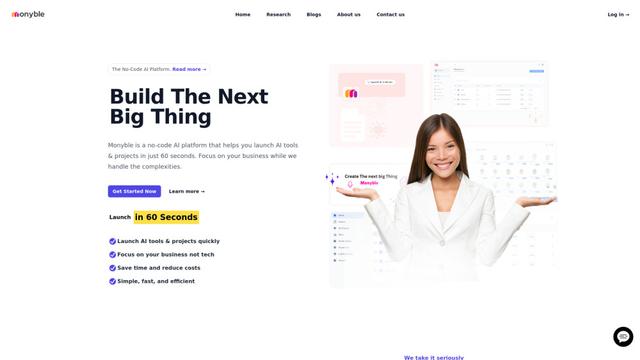
Monyble é uma plataforma de IA sem código que permite aos usuários lançar ferramentas e projetos de IA em 60 segundos, sem exigir expertise técnica.
Abyss
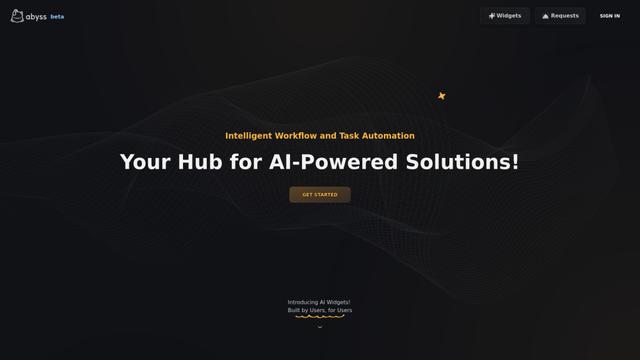
Abyss é uma plataforma impulsionada por IA que permite aos usuários criar, compartilhar e executar Widgets específicos de tarefas automatizadas sem exigir expertise técnica.
AppScape
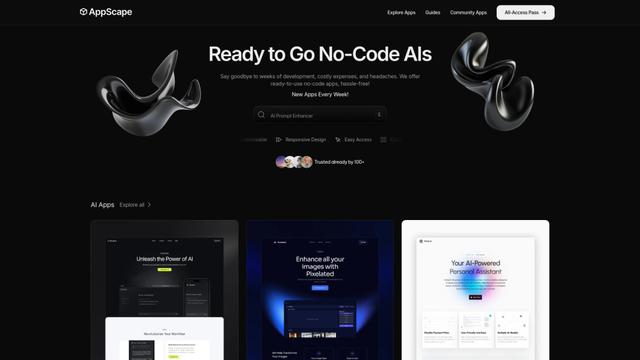
AppScape é uma plataforma sem código que oferece aplicativos prontos para uso alimentados por IA e soluções SaaS personalizáveis, permitindo uma implantação rápida sem custos tradicionais de desenvolvimento e expertise técnica.
Ferramentas de IA Populares Como Rerun
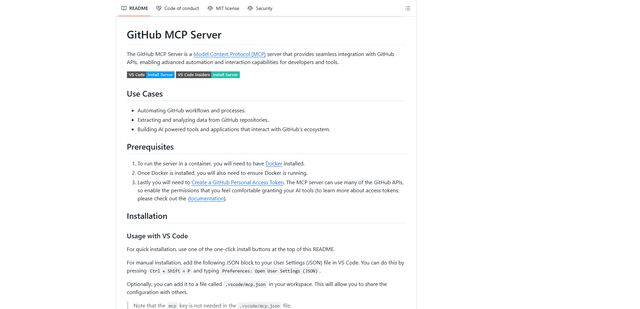
GitHub MCP Server
O GitHub MCP Server é um servidor Model Context Protocol que permite a integração perfeita entre modelos de IA e APIs do GitHub, fornecendo ferramentas padronizadas para gerenciamento de repositórios, rastreamento de issues e operações de código.
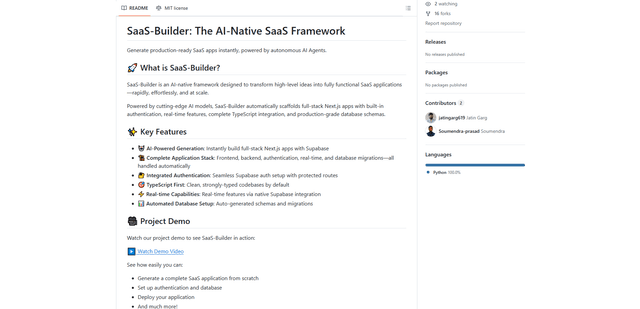
GoCodeo SaaS Builder
GoCodeo SaaS Builder é uma estrutura nativa de IA que gera automaticamente aplicativos SaaS full-stack prontos para produção usando agentes de IA autônomos, completos com autenticação, recursos em tempo real e integração TypeScript.
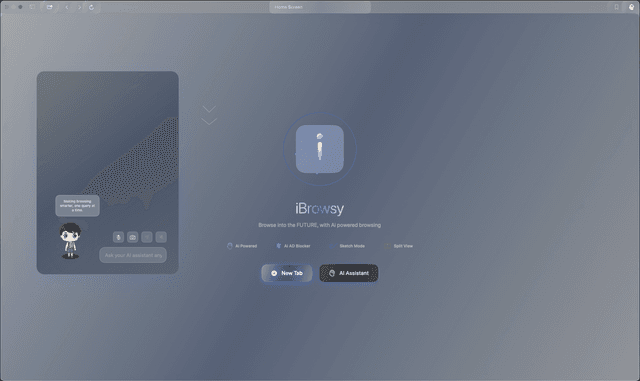
iBrowsy
iBrowsy é um navegador da web moderno, alimentado por IA para macOS que combina recursos inteligentes, design com prioridade à privacidade e experiência de usuário perfeita com assistência GPT-4 integrada.
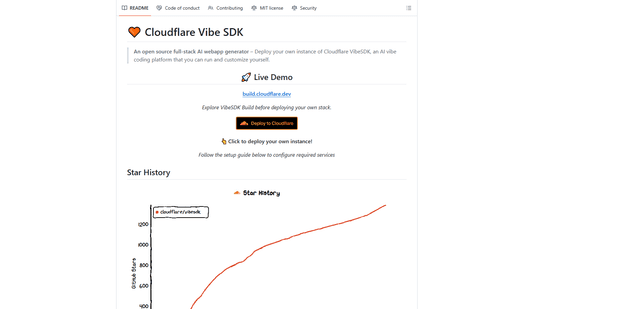
VibeSDK by CloudFlare
O VibeSDK é uma plataforma de código aberto com tecnologia de IA da Cloudflare que permite aos desenvolvedores implantar seu próprio ambiente de codificação vibe full-stack com um clique, permitindo que os usuários gerem e implantem aplicativos por meio de descrições em linguagem natural.