Relationship Builder Pro
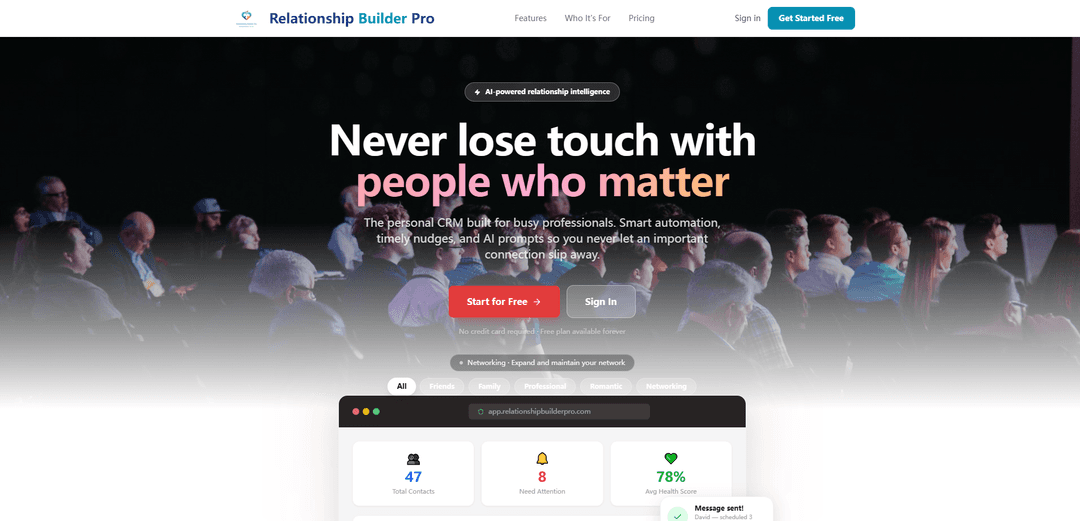
Relationship Builder Pro is an AI-powered personal CRM that keeps you close to the people who matter with smart nudges, health scores, conversation starters, and multi-channel messaging plus scheduling so important follow-ups never slip.
https://www.relationshipbuilderpro.com/?utm_source=aipure
Product Information
Updated:Aug 27, 2026
What is Relationship Builder Pro
Relationship Builder Pro is a personal CRM designed for busy professionals who want to stay genuinely connected to friends, family, mentors, customers, and key contacts without relying on memory or scattered apps. It brings your relationships into one organized system, helping you track contact “health,” get timely reminders, and draft thoughtful outreach with AI. With a free plan available forever (no credit card required) and upgrades for advanced features, it’s built to prevent relationships from going cold by making consistent, meaningful follow-up easier.
Key Features of Relationship Builder Pro
Relationship Builder Pro is an AI-powered personal CRM designed to help busy professionals stay genuinely connected with the people who matter. It centralizes contacts (imported from phone or LinkedIn or added manually), lets users set relationship goals and milestones, and then automates follow-through with timely nudges, health scores, AI conversation starters, and scheduling/automated messaging across multiple communication channels—so important connections don’t go cold.
Personal CRM with contact import & organization: Import contacts from your phone or LinkedIn (or add them manually) and categorize them by relationship type to keep your network organized in one place.
Relationship goals & milestones: Define how often you want to connect with each person and track key moments (e.g., birthdays, life events) so outreach matches the relationship.
Smart nudges & reminders: AI-driven prompts notify you when it’s been too long since you last reached out, or when an important moment is coming up, helping you act at the right time.
Health score per connection: A live “relationship health” score shows which connections need attention most, helping prioritize outreach and maintain warm relationships.
AI conversation starters & message drafts: Generates thoughtful conversation starters and drafts that build on prior context, making it easier to send authentic messages quickly.
Cross-channel integrations & advanced scheduling: Connect multiple communication channels (e.g., SMS, WhatsApp, iMessage, LinkedIn) and schedule messages so follow-ups happen reliably without switching apps.
Use Cases of Relationship Builder Pro
Founders & sales: keep pipelines warm: Track champions, prospects, and partners, get nudges before follow-ups slip, and schedule outreach to maintain momentum and reduce relationship drop-off.
Recruiting & job search: consistent follow-up: Manage recruiter/hiring-manager relationships, receive reminders for check-ins, and use AI drafts to send timely, professional follow-ups.
Customer success & account management: Maintain regular touchpoints with key accounts, use health scores to spot at-risk relationships, and schedule proactive check-ins to improve retention.
Professional networking & mentorship: Stay in touch with mentors, peers, and industry contacts using goal-based cadence and conversation prompts that make outreach easier and more personal.
Personal life: friends & family relationship upkeep: Get reminders for birthdays and meaningful moments, plus suggested messages, so personal relationships don’t fade due to busy schedules.
Pros
AI nudges, prompts, and health scores make it easier to prioritize and maintain relationships consistently.
Flexible contact ingestion (phone/LinkedIn/manual) and categorization supports both personal and professional networks.
Scheduling and multi-channel integrations reduce friction and help ensure follow-through.
Free plan available forever (with a contact limit), lowering the barrier to trying the product.
Cons
Free tier is limited (e.g., up to 25 contacts and fewer integrations), which may be restrictive for power users.
Effectiveness depends on accurate contact data and consistent user engagement with nudges and goals.
Cross-channel messaging integrations may raise privacy/compliance considerations depending on how it’s used in regulated environments.
How to Use Relationship Builder Pro
1. Sign up and open the app: Go to the Relationship Builder Pro signup page and create an account. After signup, open the web app (app.relationshipbuilderpro.com) to access your dashboard.
2. Add your contacts (import or manual): Start by bringing people into your personal CRM. Import contacts from your phone or LinkedIn, or add contacts manually. This creates your contact list that Relationship Builder Pro will track and nudge you about.
3. Categorize each contact by relationship type: Organize contacts by relationship type (e.g., friends/family, mentors, customers, champions, recruiters). Categorization helps the system tailor reminders, prompts, and goals to the kind of relationship you want to maintain.
4. Connect your communication channels: Integrate the messaging channels you use (e.g., SMS, WhatsApp, iMessage, LinkedIn, and others supported). This lets you send messages from one place without switching platforms. Note: the Free plan includes 1 channel integration; paid plans include all channel integrations.
5. Set relationship goals for each person: For each contact, define how often you want to connect (your cadence) and what milestones matter (e.g., birthdays, check-ins after job changes, follow-ups after meetings). These goals drive the timing and relevance of nudges.
6. Review your dashboard metrics: Use the dashboard to see your Total Contacts, who Needs Attention, and your Average Health Score. These indicators help you prioritize outreach and understand which relationships are going cold.
7. Act on “Today’s Nudges”: Open the “Today’s Nudges” list and work through the suggested actions (e.g., “It’s been 32 days — reach out?”, “Birthday in 3 days!”). These nudges are designed to prevent long gaps and help you show up at the right moment.
8. Use AI conversation starters and prompts: When you choose a nudge, use the AI-powered prompts to generate thoughtful conversation starters and message drafts. The goal is to help you reach out quickly while still sounding genuine and context-aware.
9. Schedule messages in advance: If you don’t want to send immediately, schedule the message for later (useful for birthdays, follow-ups, or planned check-ins). Free plan includes up to 7 days of message scheduling; paid plans include advanced scheduling.
10. Track progress via Health Scores: After you send or schedule outreach, monitor the contact’s Health Score and your overall relationship health. Scores update based on your follow-through, helping you see improvement over time and identify who still needs attention.
11. Expand and refine your system over time: Continue adding contacts, adjusting relationship goals, and acting on nudges daily/weekly. As your network grows, use the app’s organization and reminders to keep every important relationship from slipping through the cracks.
12. Upgrade when you outgrow the Free plan (optional): If you need more than 25 contacts, want AI-powered prompts, or want all channel integrations and advanced scheduling, upgrade to Pro or Executive. Start on Free and upgrade only when needed.
Relationship Builder Pro FAQs
Relationship Builder Pro is an AI-powered personal CRM designed to help busy professionals stay in touch with important people through smart automation, timely nudges, and AI prompts.
Popular Articles

Vosko AI: Localize and Dub Videos for Global Audiences
Oct 15, 2026

Atoms: A Multi-Agent AI Platform That Transforms Ideas into Launch-Ready Products
Oct 13, 2026

Nano Banana SBTI: What It Is, How It Works, and How to Use It in 2026
Apr 15, 2026

Atoms Review — The AI Product Builder Redefining Digital Creation in 2026
Apr 10, 2026
Latest AI Tools Similar to Relationship Builder Pro
Pulp Sense
Pulp Sense is an AI-driven agency that leverages smart process automation and custom solutions to optimize business operations and drive unlimited growth.
Vuepak
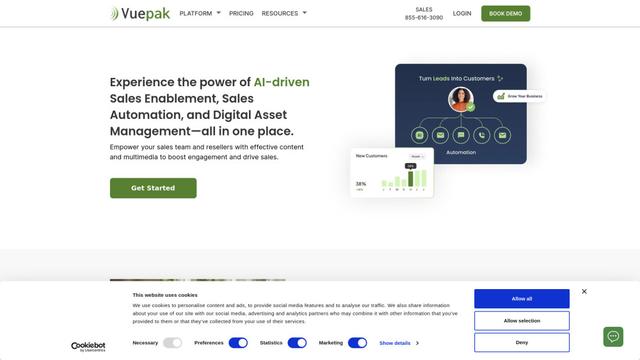
Vuepak is an AI-powered sales and marketing platform that combines sales enablement, automation, and digital asset management to help teams organize media assets into dynamic presentations for enhanced customer engagement.
Beyond AIO
Beyond AIO is an all-in-one AI-powered marketing platform that delivers smart, data-driven insights and solutions through predictive analytics, cross-channel integration, and real-time optimization capabilities.
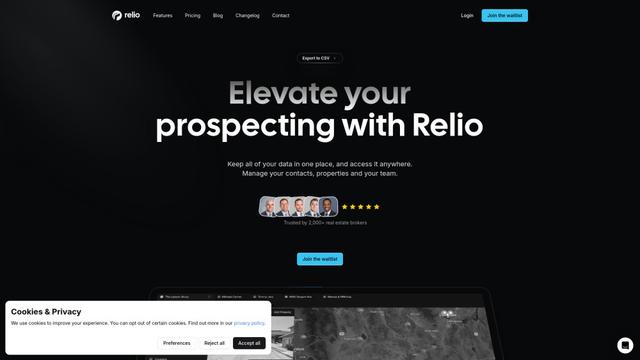
Relio CRM
Relio CRM is a comprehensive customer relationship management platform designed specifically for real estate professionals, offering contact management, pipeline tracking, and AI-powered data enrichment capabilities all in one centralized solution.
Popular AI Tools Like Relationship Builder Pro
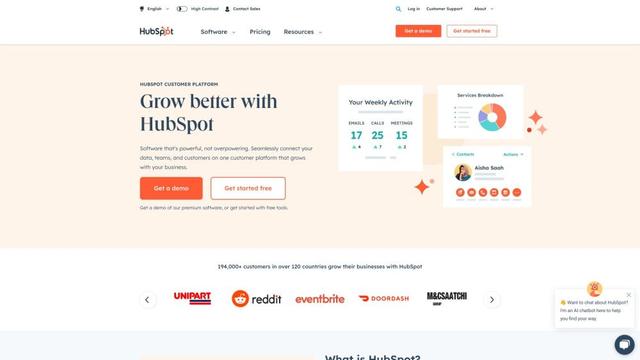
HubSpot
HubSpot is an all-in-one AI-powered customer platform that provides marketing, sales, service, operations, and website-building software to help businesses grow.
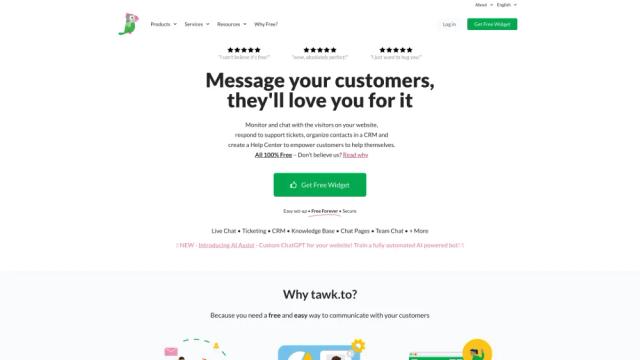
tawk.to
tawk.to is a 100% free live chat software that allows businesses to monitor and chat with visitors on their website or from a customizable page.
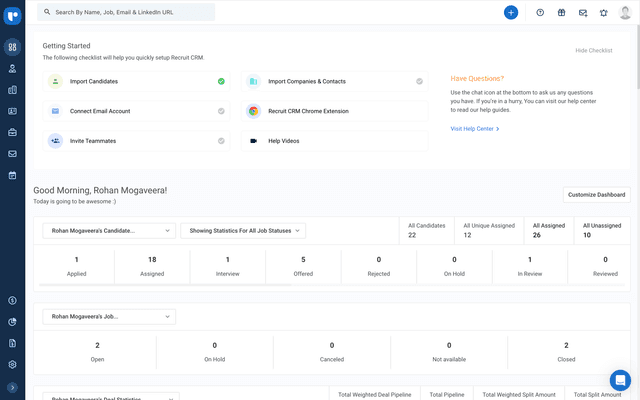
Recruit CRM
Recruit CRM is an all-in-one, AI-powered Applicant Tracking System (ATS) and Customer Relationship Management (CRM) software designed to streamline and automate the recruitment process for agencies.
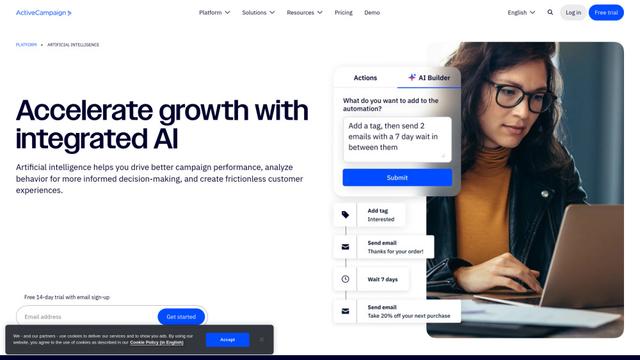
ActiveCampaign AI
ActiveCampaign AI is an integrated artificial intelligence solution that helps businesses drive better campaign performance, analyze customer behavior, and create personalized experiences across marketing automation, email marketing, and CRM.