
Quetext
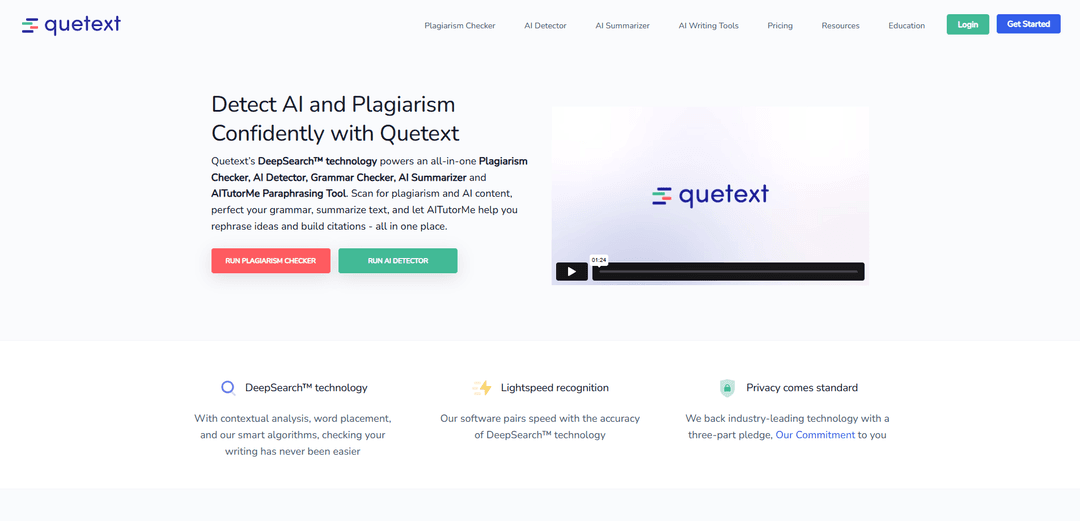
Quetextは、AIを活用したライティングインテグリティプラットフォームであり、盗用チェック、AIコンテンツ検出、文法チェック、および言い換えツールを独自のDeepSearch™テクノロジーと組み合わせて、コンテンツのオリジナリティと品質を保証します。
https://www.quetext.com/?ref=producthunt&utm_source=aipure
製品情報
更新日:2026年02月15日
Quetextとは
2012年に設立されたQuetextは、世界中の500万人以上の学生、教師、および専門家を支援する包括的なライティングアシスタントプラットフォームへと進化しました。これは、従来の盗用検出を超えて、AIコンテンツ検出、文法チェック、引用支援、テキスト要約などの統合ツールスイートを提供するクラウドベースのソリューションです。このプラットフォームは、ユーザーフレンドリーなインターフェースと詳細な類似性レポートで際立っており、学術的な誠実さを維持し、高品質のコンテンツを作成するための不可欠なツールとなっています。
Quetextの主な機能
Quetextは、盗用検出、AIコンテンツ検出、文法チェック、引用支援を組み合わせた、包括的なAI搭載の文章整合性プラットフォームです。独自のDeepSearch™テクノロジーは、数十億のWebページをスキャンして、直接的なコピーと「あいまいな」一致の両方を識別し、ColorGrade™フィードバックシステムは、理解しやすいように色分けされた結果を提供します。このプラットフォームには、コンテンツの独創性と品質を維持するために、言い換え、引用生成、文法チェックを行うAITutorMeなどの機能も含まれています。
DeepSearch™テクノロジー: コンテキスト分析、スマートアルゴリズム、および単語配置分析を組み合わせて、盗用とAIによって生成されたコンテンツを高精度で検出する独自のエンジン
ColorGrade™フィードバックシステム: 正確な一致(90〜100%)、ほぼ正確な一致(最大89%)、および潜在的な盗用を簡単に視覚化するためのあいまいな一致を区別する色分けされた強調表示システム
統合されたライティングツール: 引用ジェネレーター、文法チェッカー、AIサマライザー、およびAITutorMe言い換えツールを含む包括的なスイートで、執筆プロセス全体をサポートします
インタラクティブなスニペットビューアー: 一致したコンテンツと元のソースを並べて比較できるため、ユーザーは潜在的な盗用問題を簡単に確認して対処できます
Quetextのユースケース
学術的誠実性: 学生と教育者は、課題、研究論文、論文の独創性と適切な引用を確認できます
コンテンツ作成: ライターとコンテンツ作成者は、品質基準を維持しながら、自分の作品が独創的であり、意図しない盗用がないことを確認できます
研究の検証: 研究者と学者は、出版前に自分の作品の独創性を検証し、出典を適切に引用できます
AIコンテンツの検証: 組織は、AIによって生成されたコンテンツを検出して、提出物や出版物の信頼性を維持できます
メリット
直感的な色分けシステムを備えたユーザーフレンドリーなインターフェース
盗用チェック、AI検出、およびライティング支援を組み合わせた包括的な機能セット
競合他社と比較してリーズナブルな価格
デメリット
無料版は制限されています(わずか500語)
一部の競合他社ほど広範な学術データベースへのアクセスがない可能性があります
コンテンツのチェックには手動での貼り付けが必要です(基本バージョンではファイルの直接アップロードはできません)
Quetextの使い方
Quetextにアクセス: Quetextのウェブサイトにアクセスし、メールアドレスを使用してアカウントにサインアップします(電話番号は不要)。無料版を使用するか、プレミアムプランにアップグレードできます。
テキストを入力: テキストをコピーしてQuetextのテキストボックスに貼り付けるか、プレミアムプランをお持ちの場合は、ドキュメントを直接アップロードします。システムでは、1回のチェックあたり最大25,000語まで許可されています。
チェックを実行: 「チェック」ボタンをクリックして、テキストを分析します。Quetextは、DeepSearchテクノロジーを使用して、ウェブサイト、学術雑誌、研究論文を含む数十億のソースをスキャンします。
結果を確認: ColorGrade™フィードバックを確認します。これは、完全一致を1つの色で、\"あいまいな\"一致(言い換えられたコンテンツ)を別の色で強調表示します。インタラクティブなスニペットテキストビューアーを使用して、潜在的なソースと並べて一致を確認します。
引用を生成: 必要に応じて、引用アシスタントを使用して、一致したソースの引用を、好みの形式(APAなど)で自動的に作成します。
修正を行う: 盗用またはAI検出の結果に基づいてテキストを編集し、オリジナリティを確保します。
レポートをエクスポート: プレミアムプランをお持ちの場合は、スキャン結果を文書化した包括的なオリジナリティレポートをダウンロードできます。これは、記録保持や他の人との共有に使用できます。
Quetextのよくある質問
いいえ、Quetextはほとんどの情報源によるとAPIを提供していませんが、いくつかの矛盾する情報があるようです。




Quetextに類似した最新のAIツール
Humanize AI
Humanize AIは、ロボット的な響きを排除し、すべてのAI検出ツールを回避しながら、AI生成テキストを自然な人間のようなコンテンツに変換する無料のオンラインプラットフォームです
Wandpen
Wandpenは、執筆する場所でシームレスに機能する気を散らさないAI再作成Chrome拡張機能であり、プレミアム制限なしにすべての機能に無制限にアクセスできます
InclusivitEasy
InclusivitEasyは、偏見を検出し、包括的な代替案を提案し、コミュニケーションの感受性についてユーザーを教育するAI駆動の多言語包括的言語チェッカーです。
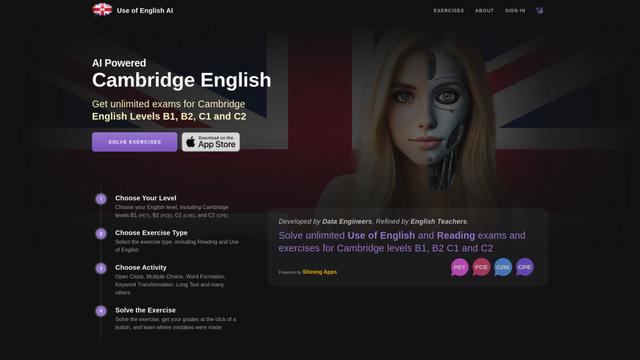
Use of English AI
英語AIの利用は、B1、B2、C1、C2レベルのケンブリッジ英語試験のために無限の練習演習を生成するAIを使用した革新的なプラットフォームです
Quetextに似た人気のAIツール
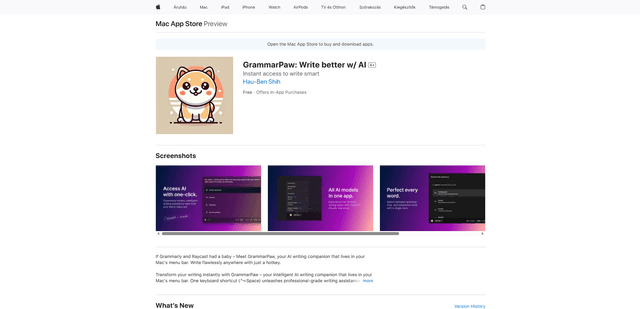
GrammarPaw – AI Writing assistant on Mac
FreemiumAI Grammar Checker
GrammarPawは、Macのメニューバーに常駐するインテリジェントなAI文章作成コンパニオンであり、キーボードショートカット(⌃⌥Space)でアクセスして、文法の修正、書き換え、およびテキストの翻訳を簡単に行うことができます。
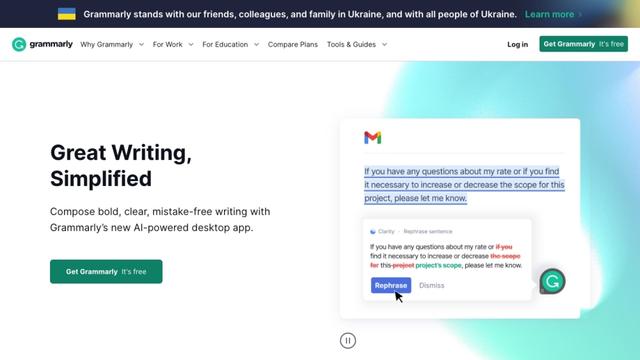
Grammarly
Free TrialAI Grammar Checker
Grammarlyは、AIを搭載した記述アシスタントであり、文法、スペル、トーン、スタイルをチェックすることにより、ユーザーが記述を改善するのに役立ち、さまざまなプラットフォームおよびアプリケーションでリアルタイムの提案を提供します。
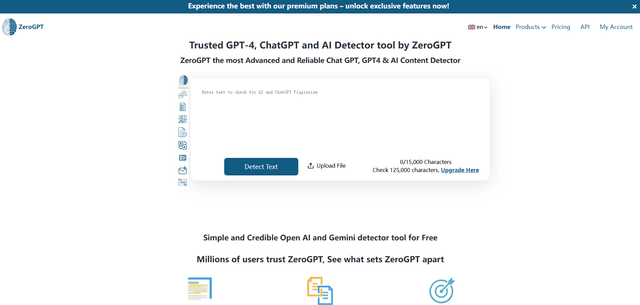
ZeroGPT
ZeroGPTは、テキストがAI(ChatGPT、GPT-4、Geminiなど)によって書かれたか人間によって書かれたかを判断するために分析する非常に正確なAI検出ツールを備えた包括的なAIコンテンツスイートであり、要約、言い換え、翻訳、文法チェック機能などの追加機能も提供しています。
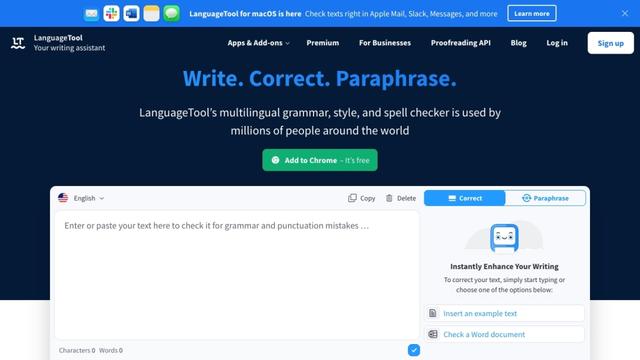
LanguageTool
FreemiumAI Grammar Checker
LanguageToolは、30以上の言語をサポートし、さまざまなプラットフォームやアプリケーションに統合されたオープンソースのAI駆動の文法、スタイル、スペルチェッカーです。