
Qik Office
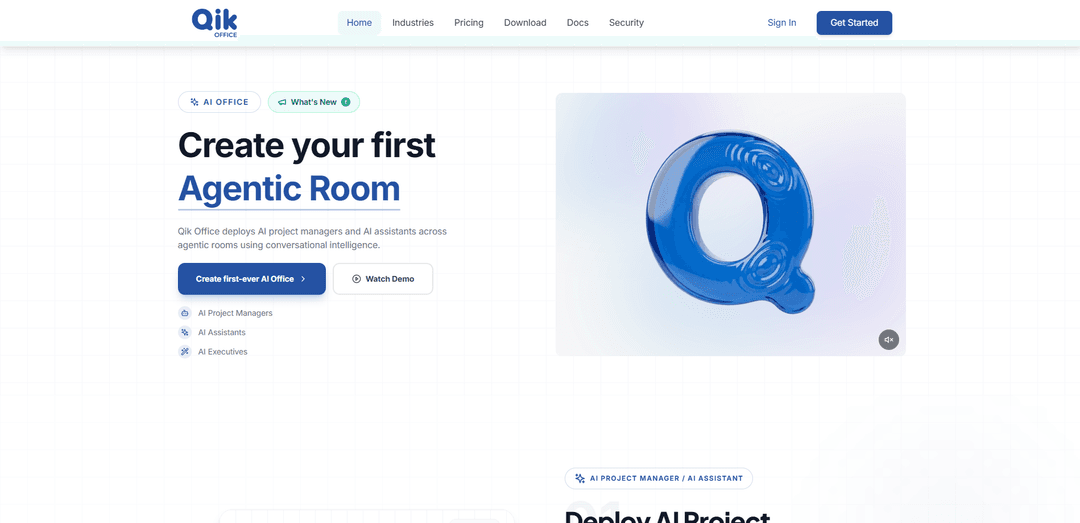
Qik Office là một công cụ tổ chức công việc AI triển khai Người quản lý dự án AI và Phòng Agentic để hợp nhất các cuộc họp, trò chuyện, nhiệm vụ, tệp và lịch trình thành các không gian làm việc có cấu trúc, an toàn và có thể hành động.
https://qikoffice.com/?ref=producthunt&utm_source=aipure
Thông tin Sản phẩm
Đã cập nhật:Jul 8, 2026
Qik Office là gì
Qik Office là một ứng dụng văn phòng do AI điều khiển được xây dựng để giúp các tổ chức sắp xếp và thực hiện công việc ở một nơi—kết hợp giao tiếp, cộng tác và quản lý dự án theo mô hình “văn phòng kỹ thuật số” mô phỏng cách các nhóm hoạt động trong một nơi làm việc thực tế. Nó tập trung các cuộc họp trực tuyến, trực tiếp và kết hợp cùng với các cuộc trò chuyện, ghi chú, việc cần làm, nhiệm vụ, tệp, bảng trắng, bản ghi, bản chép lời và biên bản do AI tạo ra, để các nhóm có thể giữ ngữ cảnh, quyết định và theo dõi liên tục được căn chỉnh. Được thiết kế cho các doanh nghiệp từ các công ty khởi nghiệp đến các doanh nghiệp lớn, Qik Office cũng nhấn mạnh bảo mật và quyền riêng tư cấp doanh nghiệp với các tính năng như mã hóa phòng và đổi mới bảo vệ dữ liệu doanh nghiệp.
Các Tính năng Chính của Qik Office
Qik Office là một nền tảng "văn phòng kỹ thuật số" được hỗ trợ bởi AI, hợp nhất giao tiếp kinh doanh, cộng tác và thực hiện dự án vào các Phòng Tác nhân (Agentic Rooms) liên tục, ràng buộc theo ngữ cảnh. Nó tự động sắp xếp các tạo phẩm công việc (trò chuyện, tệp, chương trình nghị sự, cuộc họp, ghi chú, việc cần làm, bảng trắng, bản ghi âm, bản chép lời) và biến các cuộc hội thoại từ các cuộc họp trực tuyến, trực tiếp hoặc kết hợp thành các đầu ra có cấu trúc như biên bản, mục hành động, bảng chạy nước rút và báo cáo. Sản phẩm cũng nhấn mạnh bảo mật cấp doanh nghiệp (ví dụ: mã hóa phòng và "kén" dữ liệu doanh nghiệp) và thêm phân tích/thông tin kinh doanh để đưa ra những hiểu biết sâu sắc từ dữ liệu doanh nghiệp thống nhất trên các phòng ban và dự án.
Phòng Tác nhân với Quản lý dự án AI: Các phòng liên tục nơi các quản lý dự án AI và đồng đội con người cùng tồn tại, giữ các cuộc trò chuyện, nhiệm vụ, quyết định và tạo phẩm trong một ngữ cảnh chung để thúc đẩy thực hiện liên tục.
Thông tin hội thoại → Hành động có cấu trúc: Chuyển đổi các tương tác trên trò chuyện, cuộc gọi, cuộc họp, ghi chú và tệp thành các tạo phẩm có cấu trúc—nhiệm vụ, quyết định, tóm tắt, biên bản và các mục hành động—giảm công việc theo dõi thủ công.
Ghi lại cuộc họp cho công việc trực tuyến và trực tiếp: Hỗ trợ ghi âm tự động, chép lời và biên bản/mục hành động do AI tạo ra cho các cuộc gọi ảo và các cuộc họp trực tiếp để đảm bảo "bộ nhớ cuộc họp" và khả năng nhớ lại hoàn hảo.
Trung tâm cộng tác hợp nhất: Tập hợp lịch trình, chương trình nghị sự, cuộc họp, trò chuyện, chia sẻ tệp, ghi chú, việc cần làm, bảng trắng, bản ghi âm và lịch sử có thể tìm kiếm trong một mô hình không gian làm việc/phòng duy nhất.
Quản lý dự án và chạy nước rút tự động: AI có thể ưu tiên các nhiệm vụ, theo dõi hoàn thành, xác định các trở ngại và giúp giữ các dự án đúng tiến độ (bao gồm tạo bảng chạy nước rút và kế hoạch thực hiện từ các cuộc họp hoặc lệnh).
Quản trị, quyền riêng tư và bảo mật cấp doanh nghiệp: Được thiết kế để sử dụng trong doanh nghiệp với các đổi mới bảo mật như mã hóa phòng và kén dữ liệu doanh nghiệp để bảo vệ thông tin nhạy cảm của tổ chức.
Các Trường hợp Sử dụng của Qik Office
Chạy nước rút và họp đứng kỹ thuật (Công nghệ): Chuyển đổi các cuộc họp đứng, lập kế hoạch chạy nước rút và đánh giá thành bảng chạy nước rút, các nhiệm vụ ưu tiên, các trở ngại và báo cáo trạng thái tự động tạo ra trong các phòng chuyên dụng cho từng tính năng/nhóm.
Thực hiện giao dịch và theo dõi tuân thủ (Tài chính): Tập trung các cuộc trò chuyện với khách hàng, tài liệu, biên bản cuộc họp và các mục hành động trong các phòng giao dịch; tạo các bản tóm tắt có cấu trúc và hồ sơ thân thiện với kiểm toán cho các quy trình tuân thủ.
Cập nhật chính sách và hoạt động nhân sự (Nhân sự/Vận hành nhân sự): Điều hành các phòng nhân sự để triển khai chính sách, vòng tuyển dụng và quan hệ nhân viên; tự động ghi lại các ghi chú cuộc họp, quyết định và các hành động theo dõi được giao để thực hiện nhất quán.
Bàn giao lâm sàng và điều phối chăm sóc (Y tế): Sử dụng các phòng liên tục để các nhóm ghi lại các cuộc thảo luận, ghi chú bàn giao và các mục hành động với bộ nhớ cuộc họp có thể tìm kiếm để giảm mất mát thông tin giữa các ca làm việc.
Bàn giao ca và quy trình chất lượng (Sản xuất): Ghi lại các cuộc họp sản xuất và bàn giao ca bằng bản ghi âm/bản chép lời và biên bản AI; theo dõi các vấn đề, hành động khắc phục và trách nhiệm trong một phòng vận hành.
Cuộc gọi khách hàng và phân phối dự án (Đại lý/Dịch vụ chuyên nghiệp): Biến các cuộc họp khách hàng thành các sản phẩm bàn giao: biên bản, các mục hành động, dòng thời gian và bảng nhiệm vụ—giữ các tệp, cuộc trò chuyện và phê duyệt được tổ chức cho mỗi phòng khách hàng.
Ưu điểm
Mô hình không gian làm việc tất cả trong một: hợp nhất các cuộc họp, trò chuyện, tệp, nhiệm vụ và ghi chú vào các phòng liên tục để giảm sự phân tán công cụ.
Tự động hóa mạnh mẽ: biên bản do AI tạo ra, bản chép lời, các mục hành động và đầu ra có cấu trúc có thể giảm công việc quản trị thủ công.
Hoạt động trên các kịch bản trực tuyến, trực tiếp và kết hợp, bảo toàn bộ nhớ cuộc họp và lịch sử có thể tìm kiếm.
Tư thế bảo mật hướng doanh nghiệp với mã hóa phòng và kén dữ liệu doanh nghiệp (như đã mô tả).
Nhược điểm
Phạm vi tính năng rộng có thể tạo ra sự phức tạp trong việc giới thiệu cho các nhóm đã quen với các công cụ riêng biệt và quy trình làm việc đơn giản hơn.
Một số tuyên bố về hiệu suất/ROI (ví dụ: tăng năng suất lớn) là do nhà cung cấp đưa ra và có thể khác nhau tùy theo tổ chức và mức độ chấp nhận.
Tự động hóa nâng cao và quy trình làm việc tác nhân có thể phụ thuộc vào các mẫu sử dụng nhất quán và chất lượng dữ liệu (ghi lại cuộc họp, tham gia, tích hợp).
Cách Sử dụng Qik Office
1) Cài đặt Qik Office trên thiết bị của bạn: Tải xuống và cài đặt Qik Office (có sẵn trên iOS App Store, Google Play Store và các nền tảng máy tính để bàn). Mở ứng dụng để bắt đầu thiết lập.
2) Tạo Văn phòng AI của bạn: Bắt đầu thiết lập ban đầu để tạo Văn phòng AI của tổ chức bạn (không gian làm việc cấp cao nhất của bạn sẽ chứa tất cả các phòng, người dùng và dữ liệu công việc).
3) Tạo Phòng Agentic đầu tiên của bạn: Tạo một “Phòng Agentic” (một không gian làm việc liên tục, ràng buộc theo ngữ cảnh) nơi mọi người và các nhà quản lý/trợ lý dự án AI cùng tồn tại và cộng tác trên ngữ cảnh được chia sẻ.
4) Thêm đồng đội vào phòng: Mời hoặc thêm người dùng phòng (thành viên nhóm của bạn) để các cuộc trò chuyện, nhiệm vụ, tệp và quyết định nằm trong một phạm vi thống nhất.
5) Sử dụng phòng làm nơi duy nhất cho các tạo phẩm công việc: Trong phòng, giữ công việc của bạn cùng nhau—tin nhắn/cập nhật, tệp, ghi chú, việc cần làm, nhiệm vụ và các tạo phẩm liên quan đến cuộc họp—để mọi thứ vẫn được tổ chức và có thể tìm kiếm.
6) Đưa ra lệnh trực tiếp trong Trung tâm chỉ huy: Sử dụng Trung tâm chỉ huy để hướng dẫn người quản lý dự án AI lập kế hoạch và thực hiện công việc. Ví dụ: “Lập kế hoạch cho sprint tiếp theo—xác thực backend cho Mark, frontend cho Sara. Hạn chót thứ Sáu. Tạo phòng cho từng người.”
7) Xem xét các đầu ra có cấu trúc do AI tạo ra: Sau một lệnh, xem xét những gì người quản lý dự án AI tạo ra (ví dụ: kế hoạch, bảng sprint, nhiệm vụ, tạo phòng và các đầu ra có cấu trúc như tóm tắt và báo cáo).
8) Chạy các cuộc họp tự động thúc đẩy thực thi: Tổ chức các cuộc họp trực tuyến, trực tiếp hoặc kết hợp trong Qik Office. Trí tuệ cuộc họp của Qik ghi lại cuộc thảo luận và biến nó thành hành động có cấu trúc (biên bản, mục hành động và theo dõi).
9) Sử dụng bot cuộc họp AI cho các cuộc họp trực tuyến: Đối với các cuộc họp ảo (ví dụ: Zoom/Google Meet/Teams), sử dụng hỗ trợ bot cuộc họp AI để ghi lại, chép lời và tóm tắt các cuộc trò chuyện để bạn có được bộ nhớ cuộc họp đáng tin cậy.
10) Sử dụng chế độ cuộc họp trực tiếp cho các cuộc họp mặt đối mặt: Đối với các cuộc họp thực tế, sử dụng chế độ cuộc họp trực tiếp để Qik vẫn có thể tạo biên bản, điểm thảo luận và mục hành động, đồng thời giao việc cần làm trong cuộc họp.
11) Theo dõi nhiệm vụ và tiến độ trong phòng: Sử dụng các chế độ xem/bảng nhiệm vụ của phòng để theo dõi những gì đang Làm/Đã làm. Qik có thể ưu tiên các nhiệm vụ đang hoạt động và giữ cho việc thực hiện phù hợp với ngữ cảnh của phòng.
12) Tìm kiếm và xem lại bộ nhớ cuộc họp bất cứ lúc nào: Sử dụng tìm kiếm AI trên các cuộc họp và lịch sử phòng để nhanh chóng tìm thấy các quyết định trước đó, biên bản, mục hành động và các tạo phẩm được chia sẻ.
13) Liên tục biến các cuộc trò chuyện thành hành động có cấu trúc: Dựa vào trí tuệ đàm thoại của Qik để biến các tương tác đang diễn ra (trò chuyện, ghi chú, tệp, cuộc họp) thành các tạo phẩm có cấu trúc như nhiệm vụ, quyết định, biên bản và tóm tắt.
14) Sử dụng trí tuệ kinh doanh để có được thông tin chi tiết từ dữ liệu doanh nghiệp: Sử dụng lớp phân tích/thông tin tình báo để tạo ra các bảng điều khiển, báo cáo, số liệu và thông tin chi tiết theo thời gian thực từ dữ liệu công việc có cấu trúc và phi cấu trúc trên các phòng và không gian làm việc.
15) Mở rộng quy mô bằng cách tạo thêm phòng cho các phòng ban và dự án: Tạo thêm phòng cho các chức năng (Tài chính, Vận hành, Nhân sự, CNTT) và các dự án để giao tiếp phân tán trở thành các không gian làm việc có cấu trúc được quản lý dưới Văn phòng AI của bạn.
Câu hỏi Thường gặp về Qik Office
Qik Office là một ứng dụng tổ chức văn phòng/công việc AI hợp nhất giao tiếp và cộng tác kinh doanh, tổ chức dữ liệu công việc trên các không gian làm việc và "phòng" cố định, đồng thời sử dụng AI để tạo ra các kết quả có cấu trúc như biên bản, tóm tắt và báo cáo.
Video Qik Office
Bài viết phổ biến

Cách tạo video podcast em bé biết nói viral bằng AI: Hướng dẫn từng bước
Nov 2, 2026

Proferex: Nền tảng theo dõi quảng cáo và tối ưu hóa chiến dịch dựa trên đám mây
Nov 2, 2026

Vosko AI: Bản địa hóa và Lồng tiếng Video cho Khán giả Toàn cầu
Oct 15, 2026

Atoms: Nền tảng AI đa tác nhân biến ý tưởng thành sản phẩm sẵn sàng ra mắt
May 22, 2026
Công cụ AI Mới nhất Tương tự Qik Office

Ticknotes
Ticknotes là một trợ lý cuộc họp được hỗ trợ bởi AI tự động ghi lại, phiên âm và tạo ra các tóm tắt cuộc họp cá nhân hóa, các mục hành động và những hiểu biết chính từ nội dung âm thanh, video và văn bản.

Feta
Feta là một công cụ cuộc họp được hỗ trợ bởi AI giúp các nhóm sản phẩm và kỹ thuật tổ chức các cuộc họp hiệu quả bằng cách ghi lại các cuộc thảo luận, tự động hóa các nhiệm vụ và cung cấp các thông tin có thể hành động thông qua các tóm tắt thông minh và các tích hợp.
Aimeet
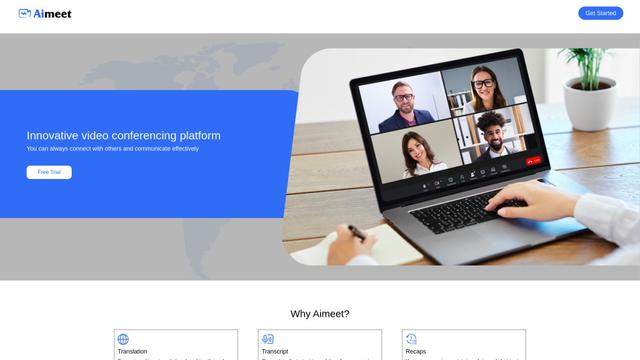
Aimeet là một nền tảng giao tiếp toàn diện được hỗ trợ bởi AI, kết hợp dịch thuật theo thời gian thực, phiên âm, chia sẻ màn hình và khả năng họp không giới hạn cho sự hợp tác ảo hiệu quả.
MinutesLink
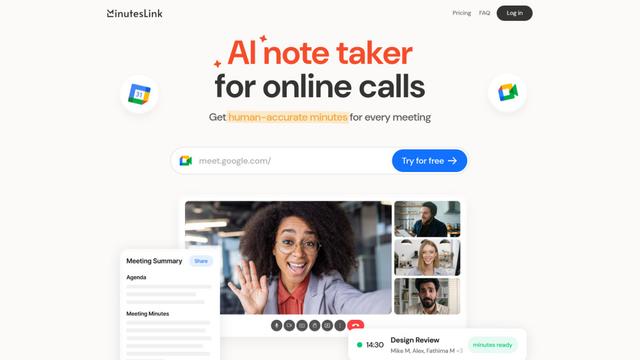
MinutesLink là một trợ lý ghi chú mạnh mẽ được hỗ trợ bởi AI, tự động ghi lại, chuyển ngữ, tóm tắt và tổ chức các cuộc họp ảo trong khi xây dựng các hình đại diện kỹ thuật số cá nhân hóa từ dữ liệu cuộc họp.
Công cụ AI Phổ biến Giống Qik Office
Second Brain for AI
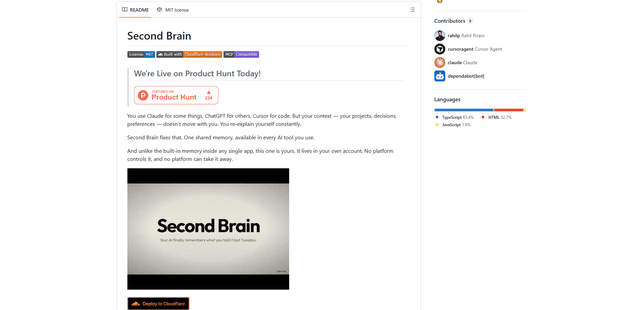
Second Brain for AI là một lớp bộ nhớ bền vững, tự lưu trữ, tương thích MCP trên Cloudflare cho phép Claude, ChatGPT, Cursor và các máy khách AI khác lưu trữ và gọi lại ngữ cảnh chia sẻ một cách ngữ nghĩa trên các phiên.
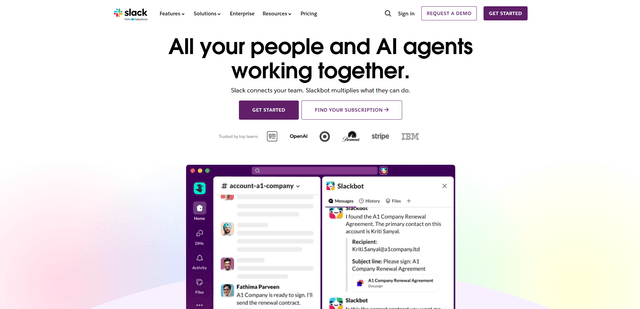
Slack
Slack là một nền tảng làm việc được hỗ trợ bởi AI, tập hợp giao tiếp nhóm, kênh, tệp, tự động hóa và tích hợp ứng dụng vào một không gian làm việc đàm thoại duy nhất.
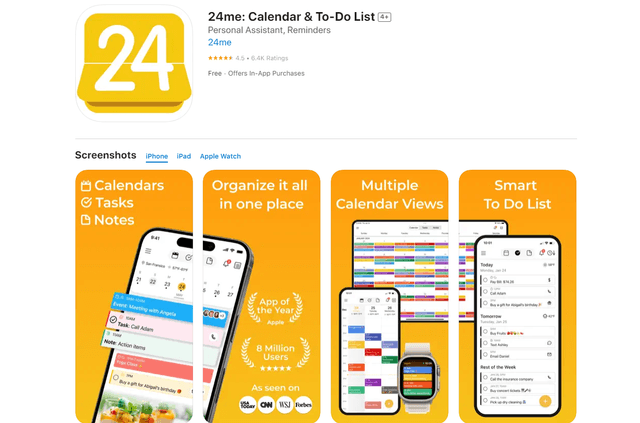
24me Smart Personal Assistant
24me là một ứng dụng trợ lý cá nhân thông minh đoạt giải thưởng kết hợp lịch, danh sách việc cần làm, ghi chú và tài khoản cá nhân trong một nền tảng thống nhất để giúp nâng cao năng suất và quản lý thời gian.
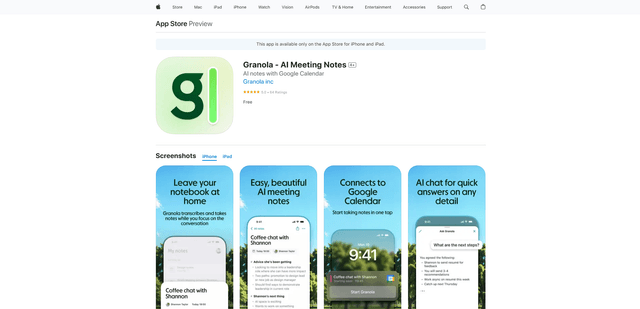
Granola for iOS
Granola cho iOS là một ứng dụng notepad được hỗ trợ bởi AI, giúp người dùng dễ dàng ghi lại, phiên âm và tóm tắt các cuộc trò chuyện trong cuộc họp thông qua khả năng ghi chú thông minh và ghi âm một chạm.