
Portal
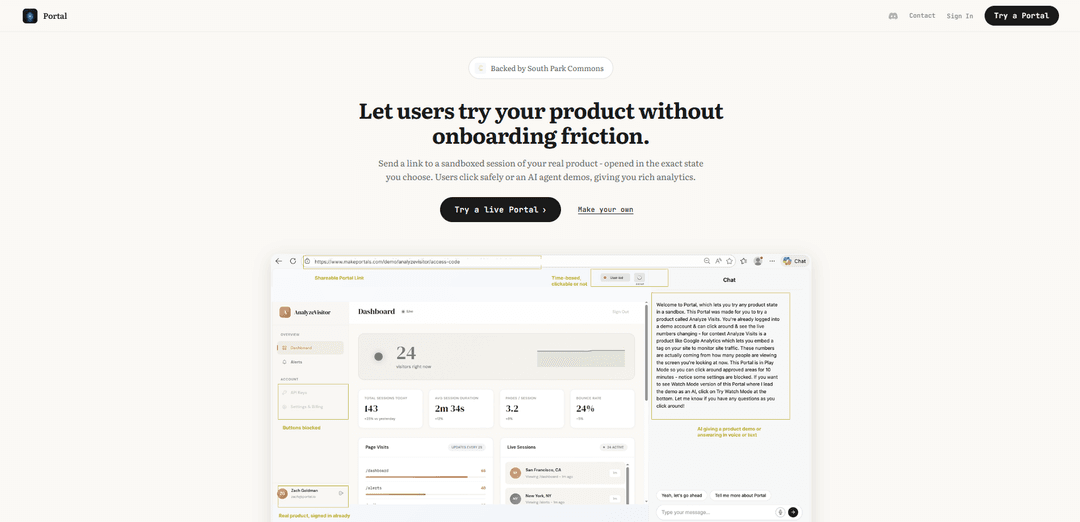
Portal is an innovative technology that allows users to share interactive product demos by creating sandboxed sessions of real applications that open in exact predetermined states with AI-guided walkthroughs and analytics.
https://www.makeportals.com/?ref=producthunt
Product Information
Updated:Feb 8, 2026
What is Portal
Portal represents a revolutionary approach to product demonstrations and user onboarding. Unlike traditional demo methods that rely on videos, screenshots, or scripted tours, Portal enables companies to create authentic, interactive experiences of their actual products. It allows users to explore a real, running instance of an application while maintaining security through sandboxed environments and controlled access. The technology combines the authenticity of live product interaction with the safety of demo environments, enhanced by AI-guided assistance.
Key Features of Portal
Portal is a tool that allows users to create sandboxed, interactive demos of their products by generating shareable links that open the application in a specific preconfigured state. It combines real product instances with AI-guided demonstrations, analytics tracking, and controlled access features to provide a seamless demo experience without requiring installation or setup.
Sandboxed Product Sessions: Creates isolated instances of the real product that users can safely explore without affecting the main system
AI-Guided Demonstrations: Provides 24/7 product demos through an AI agent that can guide users through features and functionality
State-Specific Access: Allows creators to define exact starting points and states for demos, ensuring users see specific features or flows
Analytics Tracking: Captures detailed analytics on user interactions and click patterns during demo sessions
Use Cases of Portal
Product Development Feedback: Founders can share specific features with testers or stakeholders to gather focused feedback without exposing the entire system
Sales Demonstrations: Sales teams can provide prospects with interactive product demos that showcase specific features without requiring setup
User Research: Researchers can conduct usability testing by sending portal links and tracking user behavior and pain points
Developer Workshops: DevRel teams can provide consistent demo environments for workshop participants without installation hassles
Pros
No installation or setup required for users
Real product experience rather than limited mockups
Secure access with built-in guardrails
Cons
May require initial setup effort to configure demo states
Depends on stable internet connection for access
How to Use Portal
Choose your starting point: Select the exact state/view of your product that you want users to start from when they open the Portal
Configure Portal settings: Set up guardrails, access expiration, and whether you want AI guide enabled for product demos
Generate Portal link: Create a shareable Portal link that will open your product in the configured state
Share Portal link: Send the Portal link to users, who can then instantly access a sandboxed version of your product without setup
Choose interaction mode: Select either 'Watch Mode' for AI-guided demos or 'Play Mode' to let users explore freely with safety guardrails
Monitor analytics: Track user interactions and behavior through the analytics dashboard showing every click and action taken in the Portal session
Portal FAQs
Portal is a tool that allows you to create shareable, sandboxed sessions of your product where users can try it in a controlled environment, starting from an exact state you choose, with built-in analytics and AI-guided demos.
Portal Video
Popular Articles

Vosko AI: Localize and Dub Videos for Global Audiences
Oct 15, 2026

Atoms: A Multi-Agent AI Platform That Transforms Ideas into Launch-Ready Products
Oct 13, 2026

Nano Banana SBTI: What It Is, How It Works, and How to Use It in 2026
Apr 15, 2026

Atoms Review — The AI Product Builder Redefining Digital Creation in 2026
Apr 10, 2026
Latest AI Tools Similar to Portal
GPT Easy Web
GPT Easy Web is a user-friendly AI-powered platform that enables users to easily build, customize and manage websites through natural language interactions and automated tools without requiring coding knowledge.
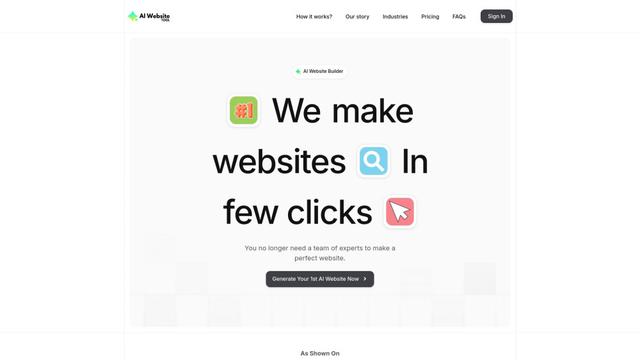
AI Website Tool
AI Website Tool is an AI-powered website builder that creates professional websites in minutes by automatically generating business-focused copy, custom visuals, and responsive designs with just a few clicks.

Softgen
Softgen.ai is an AI-powered full-stack project generator platform that enables users to transform their ideas into functional web applications without coding requirements.
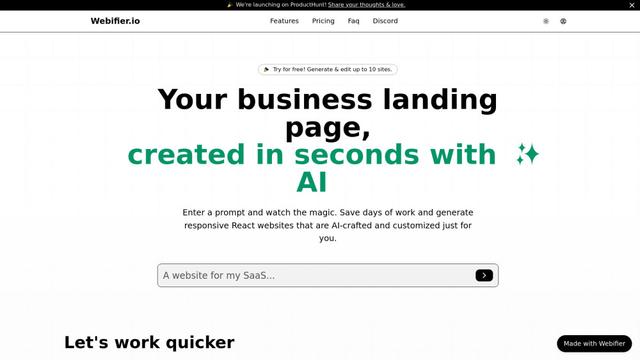
Webifier
Webifier is an AI-powered tool that transforms text prompts into fully functional React landing pages with clean, exportable code using NextJS14, TailwindCSS, and Shadcn components.
Popular AI Tools Like Portal
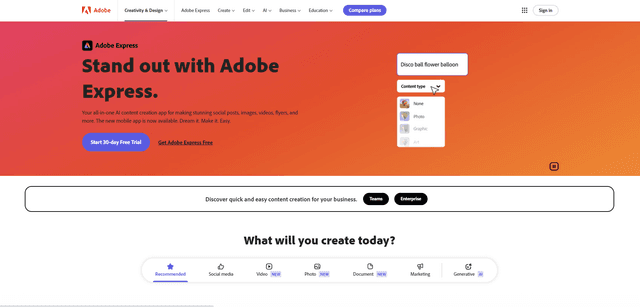
Adobe Express
Adobe Express is an all-in-one AI-powered content creation app for easily making stunning social posts, images, videos, flyers, and more with professionally designed templates and assets.
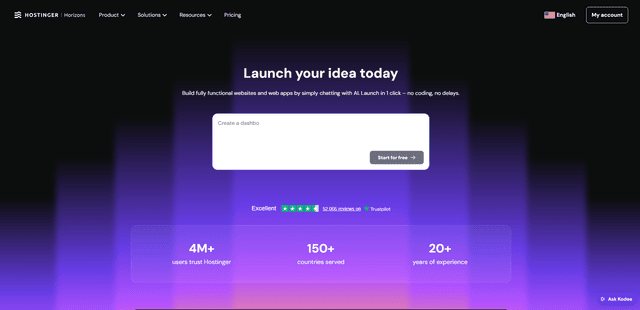
Hostinger
Hostinger is a web hosting and domain service provider offering AI-powered tools like Horizons that enables anyone to build, edit, and publish custom web apps and websites without coding through a simple chat interface.

GPT Engineer
GPT Engineer is an AI-powered software development tool that enables anyone to build web applications by chatting with an AI engineer.
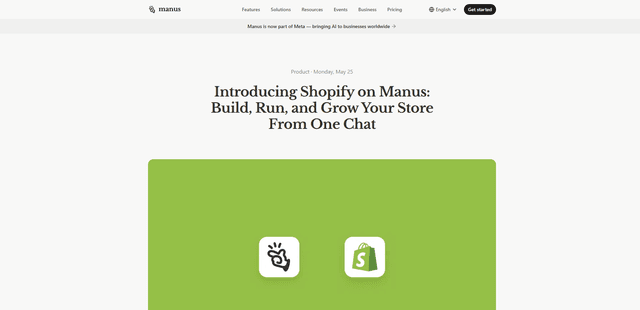
Manus Shopify Connector
Manus Shopify Connector lets you build a Shopify-backed storefront, manage your catalog, and generate data-driven campaigns from a single chat—using Shopify APIs with OAuth-scoped access and Shopify checkout.