
PodcastorAI
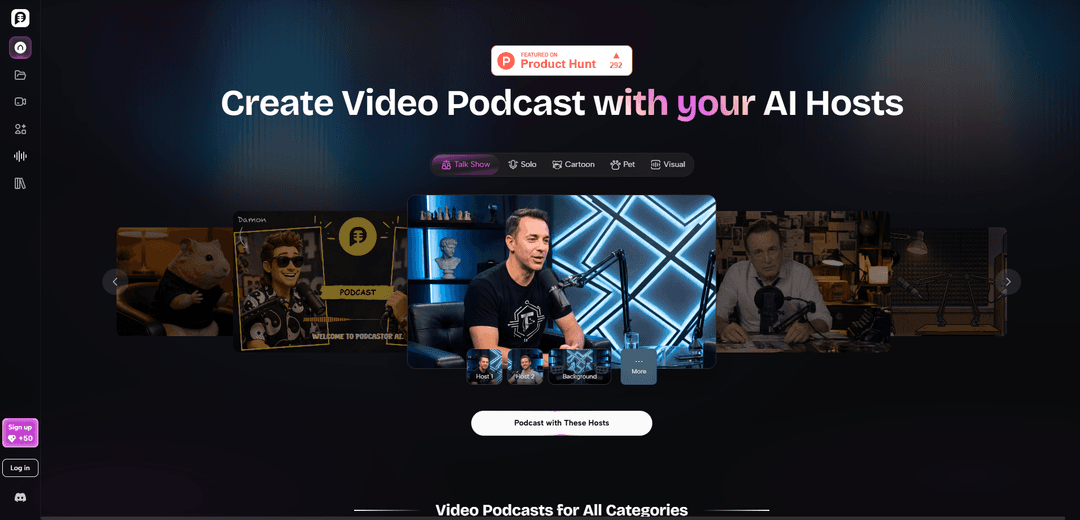
PodcastorAI is an AI video podcast generator that turns PDFs, documents, URLs, notes, and recordings into publish-ready podcast scripts, voices, and studio-style videos with customizable AI hosts, layouts, and captions.
https://podcastor.ai/?ref=producthunt
Product Information
Updated:Aug 8, 2026
What is PodcastorAI
PodcastorAI is an all-in-one platform for creating professional audio and video podcasts without traditional recording or editing workflows. It helps creators, marketers, and educators convert existing content—such as PDFs, slide decks, web articles, notes, or audio—into structured podcast scripts and natural-sounding episodes. With options to choose AI hosts, voices (including voice cloning), and video formats designed for platforms like YouTube, Spotify, Apple Podcasts, TikTok, and more, PodcastorAI focuses on making podcast production faster while keeping the output editable and brand-aligned.
Key Features of PodcastorAI
PodcastorAI is an AI video podcast generator that turns existing content—PDFs, documents, URLs, notes, and audio recordings—into structured podcast scripts and then produces studio-style audio and video podcasts. It extracts key insights, organizes them into chapters and natural conversational flows, and lets creators customize the show format (solo, two-host dialogue, talk show, split-screen), voices (including voice cloning), and on-screen AI hosts (including a photo-based “digital twin” avatar). Finished episodes can be exported with captions and platform-ready layouts for publishing to channels like YouTube, Spotify, Apple Podcasts, TikTok, and more.
Content-to-script automation: Upload PDFs, docs, URLs, notes, or recordings; PodcastorAI extracts key insights and turns them into a structured, professional podcast script with a natural flow (often chaptered).
AI host / avatar creation: Create a personalized on-screen AI podcast host by uploading a photo, enabling a consistent host across episodes or different hosts per story.
Flexible show formats & layouts: Choose between solo narration, two-host conversations, talk-show style, or split-screen discussions, with configurable conversation styles and visual layouts.
AI voice selection + voice cloning: Generate studio-quality podcast audio using natural AI voices or clone your own voice to match a brand or creator identity.
Fast video podcast rendering: Render a complete video podcast in minutes (audio + AI host visuals), reducing the need for cameras, studios, and manual editing workflows.
Export & publish-ready outputs: Export episodes with captions and platform-friendly formats for sharing on YouTube, Spotify, Apple Podcasts, TikTok, and other channels.
Use Cases of PodcastorAI
Content repurposing for creators and marketers: Convert blogs, reports, product updates, and trending topics into publishable audio/video episodes to expand reach without recording from scratch.
Education and training content: Turn lessons, slide decks, or study notes into audio/video podcasts so students or employees can review material on their own time.
Internal communications & knowledge sharing: Transform company docs, meeting notes, or policy updates into conversational episodes for easier consumption across teams.
Research-to-audio summaries: Convert research papers, whitepapers, and business reports into structured, listener-friendly podcast scripts and narrated episodes.
Interview-style or panel-like episodes without cameras: Use two-host or split-screen formats to simulate discussion-based shows when you don’t want to appear on camera or manage a studio setup.
Social-first video podcast distribution: Produce captioned, platform-ready video podcasts suited for YouTube and short-form channels (e.g., TikTok), accelerating publishing cadence.
Pros
End-to-end workflow (script → audio → video) in one platform, reducing production time and complexity.
Supports many input types (PDFs, URLs, notes, audio), making it easy to repurpose existing content.
Strong customization: AI hosts/avatars, multiple formats (solo/two-host/split-screen), and voice options including cloning.
Publish-ready exports with captions and layouts designed for major platforms.
Cons
AI-generated scripts/voices may still require human review and edits to ensure accuracy, tone, and brand alignment.
Using photo-based AI hosts and voice cloning can raise consent/rights and brand-safety considerations that users must manage.
Creative control may be less granular than fully manual production tools for creators who want frame-by-frame or DAW-level editing.
How to Use PodcastorAI
1) Open PodcastorAI and start a new project: Go to https://podcastor.ai/ and click “Start Creating” (or open a specific tool like the AI Video Podcast Generator) to begin a new podcast episode project.
2) Create (or select) your AI podcast host: Upload a photo to create a personalized AI host/avatar for your show. Reuse the same host across episodes for consistency, or create different hosts for different stories/series.
3) Choose your episode format and layout: Select the style you want: solo narrator, two-host conversation, talk show, or split-screen discussion. Pick the on-screen layout and conversation style that matches your brand and platform (YouTube, Spotify video, TikTok, etc.).
4) Import your source content: Add the material you want to turn into a podcast by uploading PDFs/documents/PPTs, pasting a URL, adding notes, or uploading an audio recording. PodcastorAI will parse the content and identify key ideas.
5) Generate a structured podcast script: Let PodcastorAI automatically extract key insights and organize them into a professional, conversational script (including natural dialogue flow for multi-host formats).
6) Review and edit the script: Preview the generated script and refine it for tone, pacing, and clarity. Adjust sections, reorder points, and tweak the dialogue so it sounds like a real episode rather than a direct read-through.
7) Select voices (or clone your own): Choose from natural-sounding AI voices (including multi-language options) or use voice cloning to match your own voice. Assign voices to each host if you’re using a two-host/talk-show format.
8) Generate the audio podcast: Convert the script into studio-style audio using your selected voices. This produces a podcast-ready voice track for the episode.
9) Render the video podcast: Generate the video version by placing your AI host(s) on screen with your chosen layout. Add platform-ready elements such as captions and supported formats as needed.
10) Export and publish: Download the finished audio/video file(s) and publish to platforms like YouTube, Spotify, Apple Podcasts, and TikTok. Export in the format(s) best suited to each platform.
11) Create short clips for social media (optional): If available in your workflow, generate short vertical segments from the episode for social distribution (e.g., TikTok/Shorts/Reels) to promote the full episode.
PodcastorAI FAQs
PodcastorAI is an AI video podcast generator that turns documents, URLs, PDFs, notes, audio recordings, and ideas into professional podcast scripts, audio episodes, and video podcasts in one platform.
PodcastorAI Video
Popular Articles

Vosko AI: Localize and Dub Videos for Global Audiences
Oct 15, 2026

Atoms: A Multi-Agent AI Platform That Transforms Ideas into Launch-Ready Products
Oct 13, 2026

Nano Banana SBTI: What It Is, How It Works, and How to Use It in 2026
Apr 15, 2026

Atoms Review — The AI Product Builder Redefining Digital Creation in 2026
Apr 10, 2026
Latest AI Tools Similar to PodcastorAI

PodExtra AI
PodExtra AI is an advanced AI-powered podcast tool that transforms podcast content into digestible formats through transcripts, summaries, mind maps, outlines, highlights and takeaways.
AIdeaflow Podcast
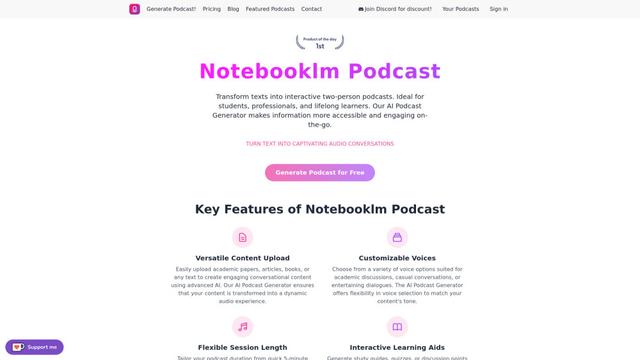
AIdeaflow Podcast is an AI-powered platform that transforms text into engaging podcast content with natural conversations across 120+ voices and multiple languages.
PodcastWorld
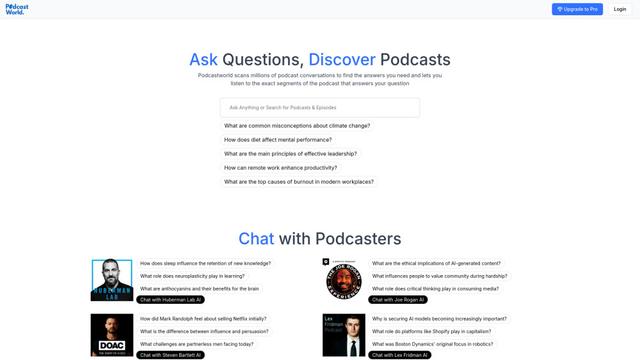
PodcastWorld is an AI-powered conversational search engine that scans millions of podcast conversations to find specific answers, provide audio segments, and enable direct interaction with podcasters.
TLDL - Too Long; Don't Listen
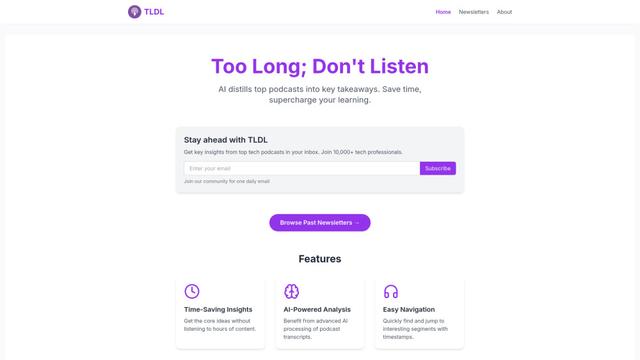
TLDL is an AI-powered podcast app and service that distills top podcasts into key insights and summaries, making podcast listening more efficient and social.
Popular AI Tools Like PodcastorAI
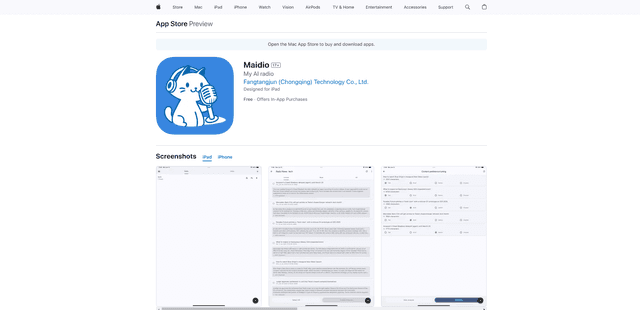
Maidio
Maidio is an innovative AI-powered app that automatically converts RSS news feeds into engaging podcast-style conversations between a host and assistant.
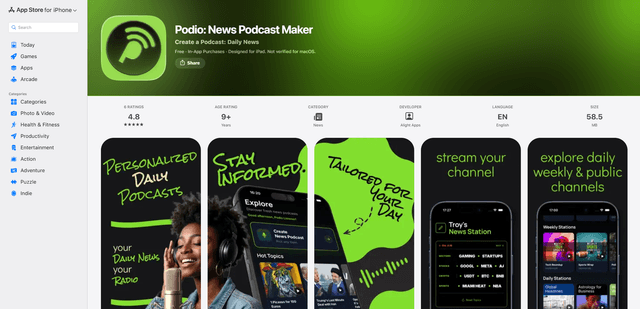
Podio
Podio is an AI-powered news audio app that instantly streams a personalized radio-style podcast channel from your chosen topics, with daily updates, custom episode creation, and natural-sounding AI narration.
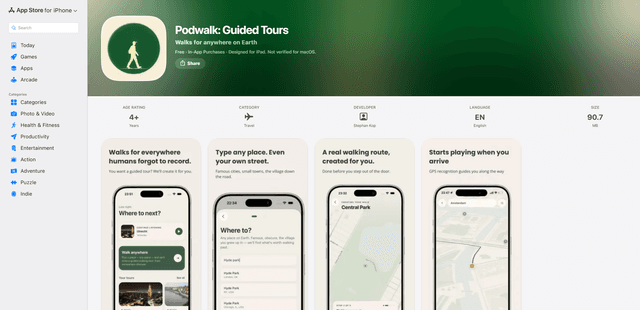
PodWalk: Guided Tours
PodWalk: Guided Tours is an audio walking tour app that generates custom, geofenced, hands-free narrated routes for virtually any place on Earth, with offline downloads, live transcripts, and multiple tour lengths and themes.
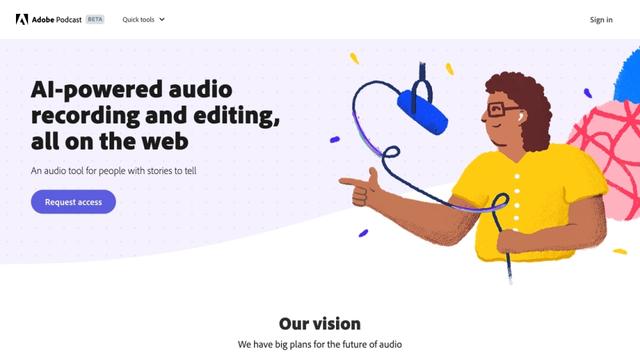
Adobe Podcast
Adobe Podcast is an AI-powered web-based audio toolset that allows users to record, enhance, edit, and share high-quality podcasts and voiceovers with professional-sounding results.