
Plexa
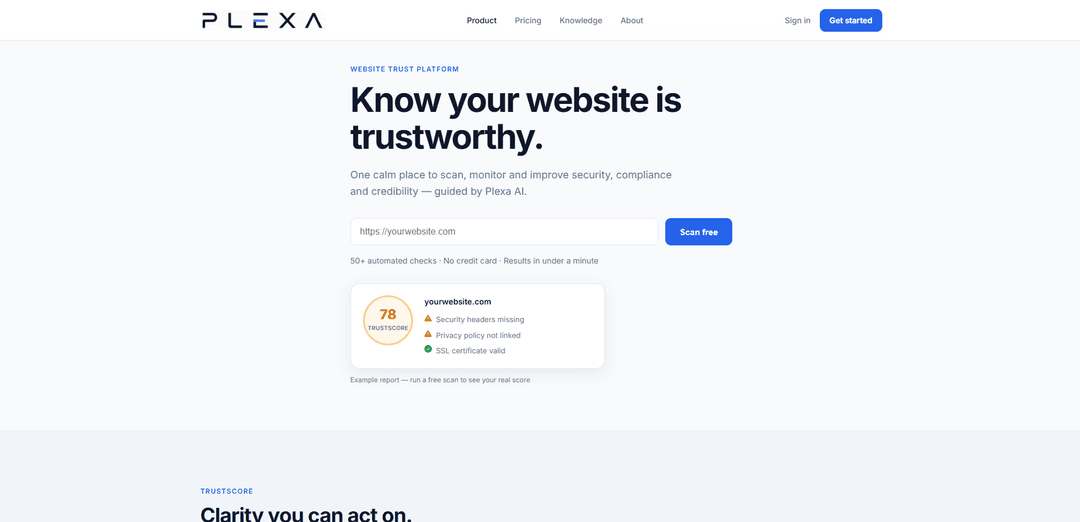
Plexa Trust is a website trust platform that scans your site with 50+ automated checks, assigns a single TrustScore across security/compliance/performance/SEO, and provides AI-guided fix steps plus embeddable verified trust badges.
https://plexatrust.com/?ref=producthunt
Product Information
Updated:Jul 15, 2026
What is Plexa
Plexa (via its Plexa Trust product) is a website trust and credibility platform designed to help businesses quickly understand how trustworthy their website appears to customers and partners. It brings security, compliance, performance and SEO signals into one calm dashboard, producing a clear TrustScore with prioritized findings you can act on. Built for teams like e-commerce stores, agencies and SaaS companies, Plexa Trust aims to make it easy to scan, monitor and continuously improve the signals that impact user confidence and conversion.
Key Features of Plexa
Plexa Trust is a website trust platform that scans and monitors a site’s security, compliance, credibility, performance, accessibility and SEO, then rolls the results into a single TrustScore with prioritized findings. It provides actionable, AI-guided fix instructions (including business impact, difficulty, time estimates, and expected TrustScore recovery) and offers embeddable, verifiable trust badges so businesses can publicly prove their website’s trustworthiness to visitors and partners.
One-minute website trust scan: Runs 50+ automated checks across SSL, security headers, privacy/terms/cookie policies, SEO signals, accessibility, trust signals, email security (SPF/DMARC), DNS, robots.txt, sitemaps, and security.txt.
Unified TrustScore with prioritization: Summarizes security, compliance, performance and SEO into a single score and ranks issues by expected impact so teams know what to fix first.
AI-generated fix guides: Plexa AI analyzes each finding and produces step-by-step remediation guidance including business impact, difficulty level, estimated time, and expected TrustScore recovery.
Continuous monitoring (account feature): Unlocks ongoing monitoring and full audit reporting to help maintain and improve trust posture over time.
Embeddable verified trust badges: Provides widgets that display a live verified TrustScore and link to a public verification page; includes light/dark themes and embed options (WordPress, Shopify, HTML).
Use Cases of Plexa
E-commerce checkout trust boosting: Online stores can scan for security/compliance gaps and embed a verified TrustScore badge on checkout or footer to increase buyer confidence.
SaaS security & compliance readiness: SaaS companies can track SSL, headers, policies, and email/DNS security signals to reduce risk and demonstrate credibility to customers and procurement teams.
Agency website audits at scale: Digital agencies can quickly assess client sites, prioritize high-impact fixes, and use AI fix guides to standardize remediation workflows.
Marketing/SEO technical hygiene checks: Teams can validate SEO essentials (robots.txt, sitemaps, signals) alongside performance and trust indicators to improve visibility and conversion.
Accessibility and trust-signal improvement: Organizations can identify accessibility and trust-signal gaps and follow guided fixes to improve user experience and perceived credibility.
Pros
Fast, consolidated view of website trust via a single TrustScore and prioritized findings
Actionable AI fix guides with effort/impact context (difficulty, time, expected score recovery)
Publicly verifiable trust badges to prove credibility on-site
Free scan available without creating an account
Cons
Full audit report, monitoring, AI features, and badges require creating an account
Primarily focused on website trust posture; may not replace deeper, specialized security testing tools for advanced needs
How to Use Plexa
1) Run a free scan (no account required): Go to https://plexatrust.com/ and use the “Scan your website” / hero URL field to start a scan. Plexa Trust runs 50+ automated checks and returns results in under a minute.
2) Review your TrustScore: After the scan completes, view your TrustScore—a single score summarising security, compliance, performance and SEO. Use it as the high-level indicator of how trustworthy your site appears based on the checks.
3) Understand what Plexa scanned for: Open the scan findings to see what was checked, including: SSL certificates (and expiry), security headers, exposed sensitive paths, privacy/terms/cookie policies, SEO signals, accessibility, trust signals, email security (SPF/DMARC), DNS, robots.txt, sitemaps, and security.txt.
4) Prioritise fixes by impact: Use the prioritised findings list to focus on what matters most first. Plexa ranks issues by expected impact so you can avoid low-value noise and address the biggest TrustScore drivers.
5) Use Plexa AI to generate fix instructions (requires free account): Create a free account via https://plexatrust.com/register.php to unlock the full audit report and AI features. For each finding, use Plexa AI to get a detailed fix guide with business impact, step-by-step instructions, difficulty level, estimated time, and expected TrustScore recovery.
6) Apply the recommended fixes on your website: Implement the steps provided by Plexa AI for each issue (e.g., SSL/certificate updates, adding security headers, publishing/adjusting policy pages, improving accessibility, configuring SPF/DMARC, adding robots.txt/sitemap/security.txt).
7) Re-scan to confirm improvements: Run another scan after changes to verify that findings are resolved and to see how your TrustScore changes based on the updated checks.
8) Enable monitoring (requires account): With an account, turn on monitoring so Plexa Trust can track your website’s trust posture over time and help ensure your TrustScore keeps improving rather than regressing.
9) Add a verified Trust Badge (requires account): From your account, get a Trust Badge and embed it on your site (e.g., checkout, footer, or landing pages). Choose light/dark themes and use the provided WordPress, Shopify, or HTML embed code. Visitors can click the badge to view your public verification page with your live TrustScore.
10) Use badges and verification responsibly: Do not modify badges or use them in a misleading way. Badges/verification may be revoked if scores fall below published thresholds or misuse is detected.
Plexa FAQs
Plexa Trust is a website trust platform that lets you scan, monitor and improve your site’s security, compliance and credibility, guided by Plexa AI.
Popular Articles

Vosko AI: Localize and Dub Videos for Global Audiences
Oct 15, 2026

Atoms: A Multi-Agent AI Platform That Transforms Ideas into Launch-Ready Products
Oct 13, 2026

Nano Banana SBTI: What It Is, How It Works, and How to Use It in 2026
Apr 15, 2026

Atoms Review — The AI Product Builder Redefining Digital Creation in 2026
Apr 10, 2026
Latest AI Tools Similar to Plexa
GPT Easy Web
GPT Easy Web is a user-friendly AI-powered platform that enables users to easily build, customize and manage websites through natural language interactions and automated tools without requiring coding knowledge.
AI Website Tool
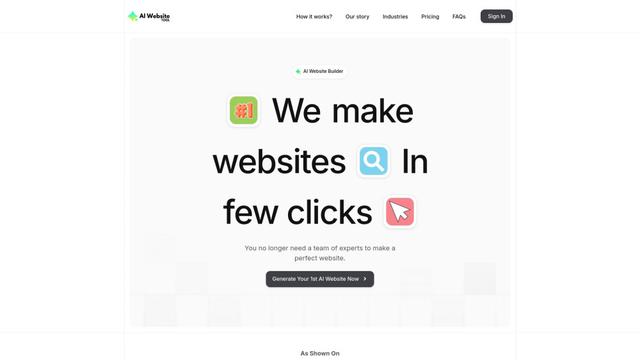
AI Website Tool is an AI-powered website builder that creates professional websites in minutes by automatically generating business-focused copy, custom visuals, and responsive designs with just a few clicks.
Softgen
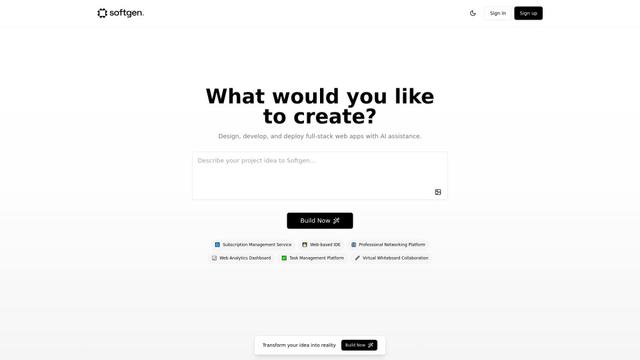
Softgen.ai is an AI-powered full-stack project generator platform that enables users to transform their ideas into functional web applications without coding requirements.
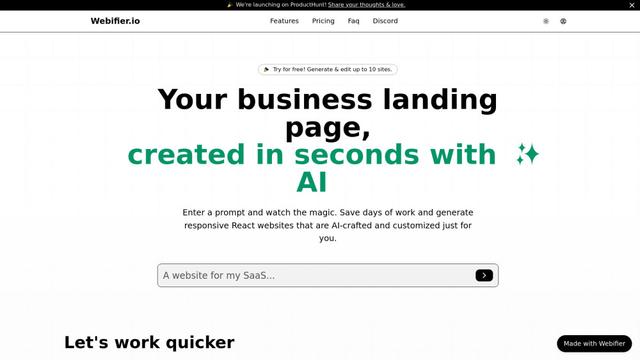
Webifier
Webifier is an AI-powered tool that transforms text prompts into fully functional React landing pages with clean, exportable code using NextJS14, TailwindCSS, and Shadcn components.
Popular AI Tools Like Plexa
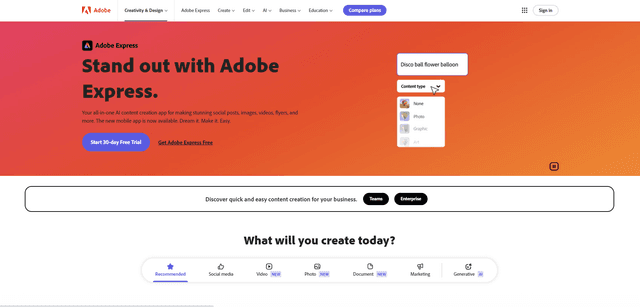
Adobe Express
Adobe Express is an all-in-one AI-powered content creation app for easily making stunning social posts, images, videos, flyers, and more with professionally designed templates and assets.
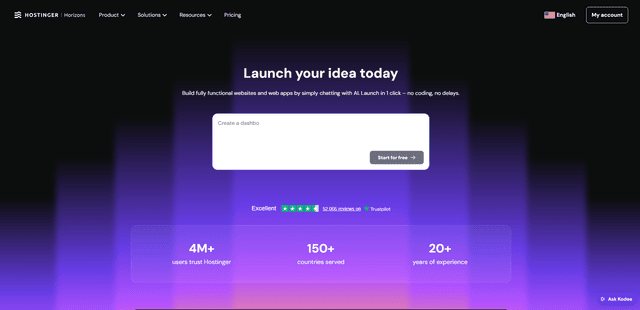
Hostinger
Hostinger is a web hosting and domain service provider offering AI-powered tools like Horizons that enables anyone to build, edit, and publish custom web apps and websites without coding through a simple chat interface.
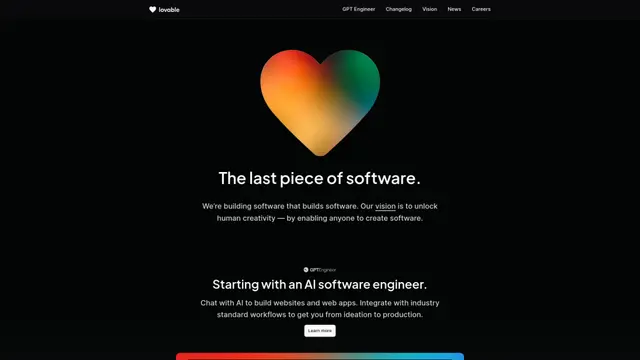
GPT Engineer
GPT Engineer is an AI-powered software development tool that enables anyone to build web applications by chatting with an AI engineer.
Manus Shopify Connector
Manus Shopify Connector lets you build a Shopify-backed storefront, manage your catalog, and generate data-driven campaigns from a single chat—using Shopify APIs with OAuth-scoped access and Shopify checkout.