
PhoneDiffusion
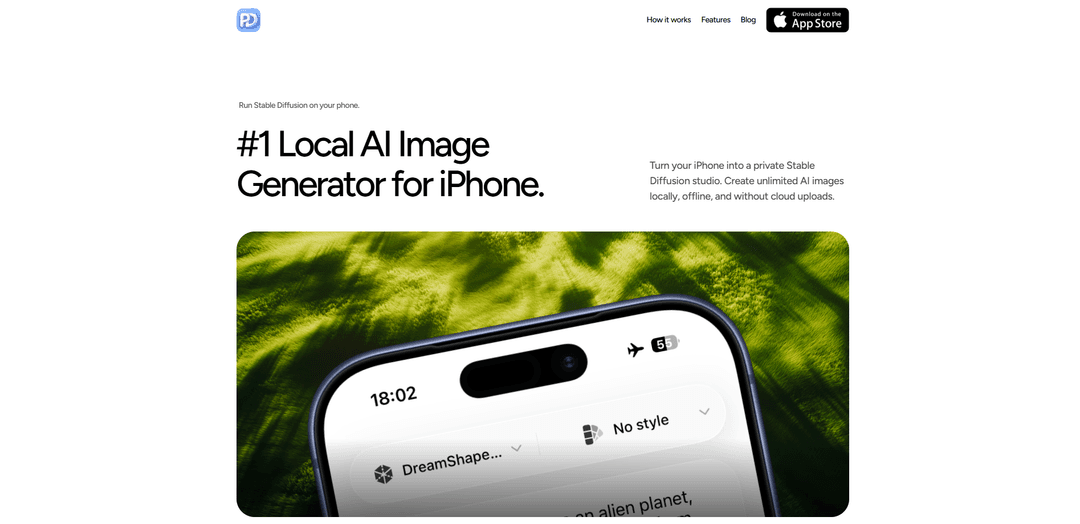
PhoneDiffusion is an iPhone app that runs Stable Diffusion locally for private, offline AI image generation with curated SD 1.5/SDXL model packs and creator-focused controls—no accounts, queues, or cloud uploads.
https://phonediffusion.com/?ref=producthunt
Product Information
Updated:Jun 8, 2026
What is PhoneDiffusion
PhoneDiffusion is a local AI image generator for iPhone that turns your device into a private Stable Diffusion studio. Instead of sending prompts and images to a cloud service, it performs on-device generation and keeps your prompts, outputs, and history stored locally. The app is designed to be intentionally simple—download the app and a model pack, generate images without internet access, and optionally save results to Photos—while offering a clear Free vs Pro upgrade path.
Key Features of PhoneDiffusion
PhoneDiffusion is an iPhone app that runs Stable Diffusion locally on-device, turning your phone into a private, offline AI image-generation workspace. It supports curated SD 1.5 and SDXL model packs (device-dependent), stores prompts and outputs on the phone, and avoids cloud queues, accounts, and per-image credit systems. The workflow is designed to be simple—download a model once, generate anywhere without internet, and optionally save images to Photos—while still offering more “pro” style controls than typical one-tap cloud apps.
On-device Stable Diffusion generation: Generates images directly on your iPhone instead of sending prompts/images to a cloud service, enabling local performance and private creation.
Offline workflow after setup: Once the app and a model pack are downloaded, you can generate images without an internet connection—useful for travel, secure environments, or low-connectivity situations.
Privacy-first local storage: Prompts, generation history, and outputs stay on-device; the app is positioned as “no prompt uploads” and “no cloud uploads” by default.
Curated SD 1.5 and SDXL model packs: Routes devices to an optimized launch model—typically faster SD 1.5 packs on more devices and higher-quality SDXL workflows on supported iPhones.
Simple prompt-to-image studio with styles: A streamlined flow: choose model/style, write a prompt, generate, and save/share—aimed at creators who want a clean local ‘workspace’ experience.
Optional Photos access (add-only): Doesn’t require Photos access at launch; requests add-only permission when you explicitly save an image, reinforcing a privacy-oriented UX.
Use Cases of PhoneDiffusion
Creator ideation on the go: Artists and designers can rapidly explore concepts, compositions, and styles from a phone—without needing a laptop or a cloud rendering queue.
Privacy-sensitive prototyping: Teams or individuals can generate visuals locally when prompts or concepts are confidential (e.g., unreleased product ideas, internal campaign concepts).
Offline content generation for travel and field work: Generate illustrations, backgrounds, or moodboard assets in airplanes, remote locations, or venues with poor connectivity.
Social content and thumbnail creation: Creators can produce quick visuals for posts, story backgrounds, or video thumbnails directly on iOS and export to Photos when ready.
Education and demos without accounts: Teachers or presenters can demonstrate text-to-image diffusion on a phone without creating accounts, managing credits, or relying on live internet.
Pros
Private by default: prompts, images, and history stay on-device with no cloud uploads.
Works offline after model download, avoiding queues and connectivity issues.
Supports both SD 1.5 (speed) and SDXL (quality) via curated device-appropriate model packs.
No account and no per-image credit system positioning (local, unlimited-style workflow).
Cons
Performance and model availability depend on iPhone hardware; SDXL is only on supported devices.
Requires an initial model download and on-device storage for model packs and outputs.
Feature set is intentionally simple; advanced workflows may still be more flexible on desktop Stable Diffusion setups.
Some capabilities are split between Free and Pro (details may vary), implying paywalled controls for power users.
How to Use PhoneDiffusion
1) Install PhoneDiffusion: Download and install PhoneDiffusion from the App Store on your iPhone.
2) Download a model pack (first-time setup): In the app, download the recommended Stable Diffusion model pack for your device. PhoneDiffusion routes your iPhone to an optimized launch model (typically SD 1.5 for speed on more devices, or SDXL workflows on supported iPhones).
3) Go offline (optional): After the app and model pack are downloaded, you can disconnect from the internet. Generation runs locally on-device.
4) Choose a model and style: Open PhoneDiffusion and select an optimized Stable Diffusion model pack and a style preset before generating.
5) Write your prompt: Enter a text prompt describing what you want to generate (subject, scene, lighting, style cues, etc.).
6) Generate the image locally: Tap Generate to run the prompt-to-image workflow on your iPhone (not in a cloud render queue).
7) Review results in local history/gallery: Browse your generated images and prompt history inside the app; prompts and outputs stay on your iPhone.
8) Save to Photos (only if you choose): If you want to export an image, use the save action. PhoneDiffusion requests add-only Photos permission at save time (not at launch).
9) Share your output (optional): After saving (or via iOS share options if available), share the generated image as you would any other photo.
10) (Optional) Use Pro controls for more control: If you upgrade to Pro, use advanced settings such as manual CFG, step controls, and batch generation (availability depends on the app version).
PhoneDiffusion FAQs
Yes. PhoneDiffusion runs Stable Diffusion model packs locally on iPhone using on-device processing.
PhoneDiffusion Video
Popular Articles

How to Create Viral Talking Baby Podcast Videos with AI: Step-by-Step Guide
Nov 2, 2026

Proferex: A Cloud-Based Ad Tracking and Campaign Optimization Platform
Nov 2, 2026

Vosko AI: Localize and Dub Videos for Global Audiences
Oct 15, 2026

Atoms: A Multi-Agent AI Platform That Transforms Ideas into Launch-Ready Products
Oct 13, 2026
Latest AI Tools Similar to PhoneDiffusion

AiSource
AiSource is a unified platform that allows users to generate and compare images using multiple leading AI text-to-image generators in one place without requiring separate subscriptions.
SampleFaces
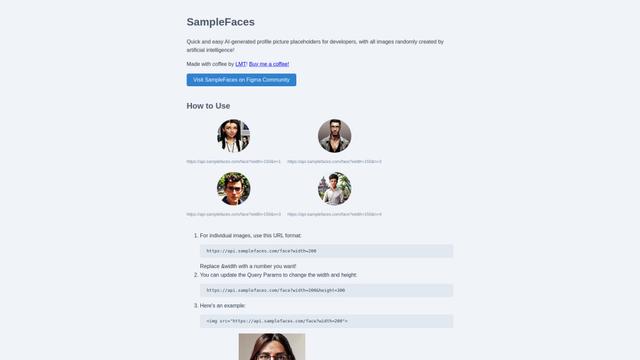
SampleFaces is a free web service that provides AI-generated profile pictures for developers and designers to use as placeholders in their projects.
ImageKit.io
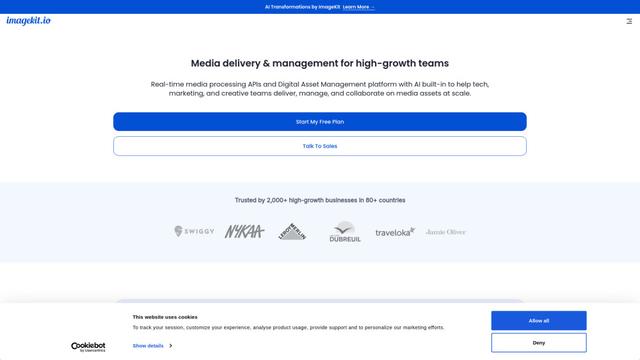
ImageKit.io is a comprehensive media management and delivery platform that provides real-time image and video optimization, processing APIs, and Digital Asset Management (DAM) solutions for delivering high-quality visual experiences on websites and apps.

FASHN
FASHN is a self-funded, AI-first company that develops cutting-edge virtual try-on technology and image-based generative models tailored specifically for the fashion industry.
Popular AI Tools Like PhoneDiffusion
ChatGPT Images(GPT Image 1.5)
FreemiumAI Photo & Image Generator
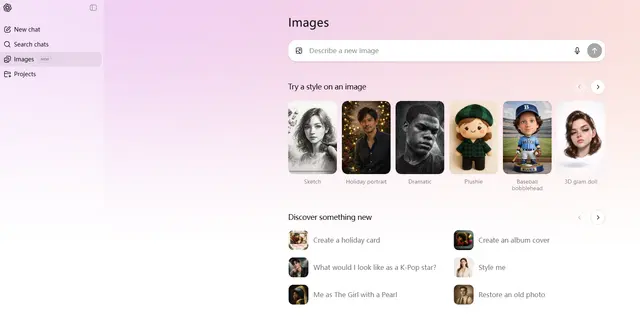
ChatGPT Images, powered by GPT Image 1.5, is OpenAI's flagship image generation model that offers 4x faster processing, stronger instruction following, precise editing capabilities, and enhanced detail preservation for creating and editing high-quality AI-generated images.
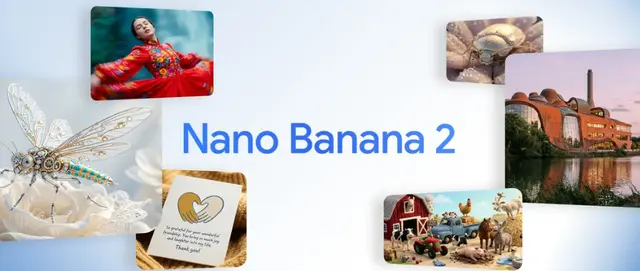
Nano Banana 2 (Gemini 3.1 Flash Image) - Official
FreemiumAI Photo & Image Generator
Nano Banana 2 (Gemini 3.1 Flash Image) is Google's latest state-of-the-art image generation model that combines Pro-level quality with Flash-speed performance, offering enhanced visual fidelity, real-world knowledge integration, and advanced editing capabilities.
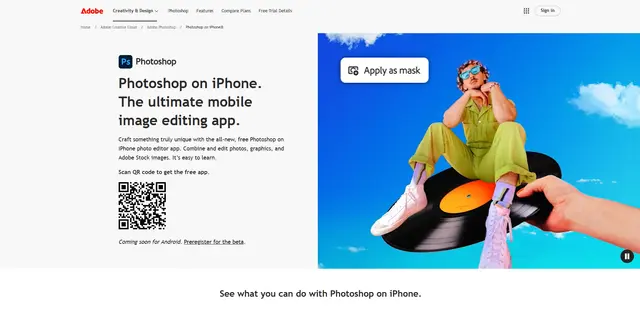
Adobe Photoshop App
Adobe Photoshop App is a free, powerful mobile photo editor that allows users to combine and edit photos, graphics, and Adobe Stock images with professional-grade tools and AI features optimized for touch devices.
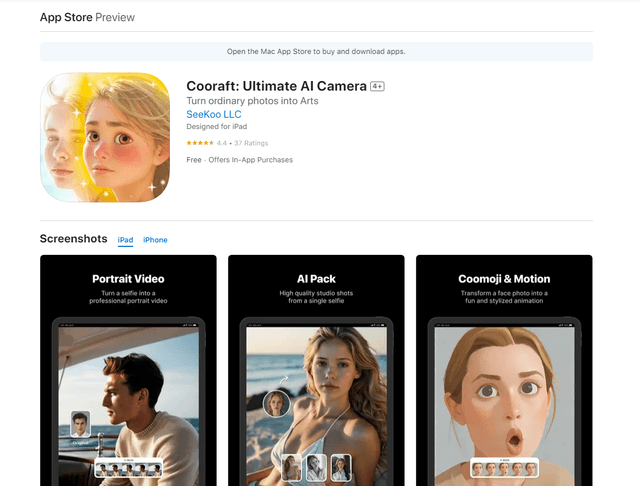
Cooraft: Ultimate AI Camera
Cooraft is an AI-powered camera app that transforms selfies and photos into stunning studio-quality videos, animations, and artistic renderings with just one tap.