
PauseBuy
PauseBuy is a mindful-shopping tool that adds a brief “pause” before you open selected shopping apps/sites and helps you reflect on purchases—sometimes by translating prices into the work-time needed to afford them—so you can avoid impulse buys.
https://pausebuy.sevencamps.com/?ref=producthunt
Product Information
Updated:Aug 8, 2026
What is PauseBuy
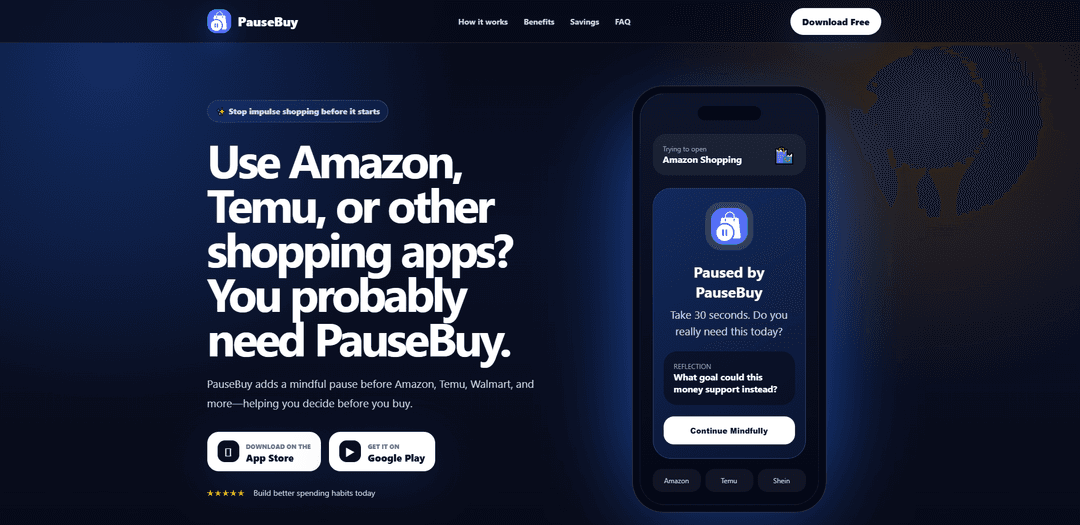
PauseBuy is a mindful spending app/extension designed to help you rethink impulse shopping before it happens. Instead of encouraging you to never shop, it creates a small moment of reflection when you’re about to browse high-temptation stores like Amazon, Temu, Shein, Walmart, and more. Built around habit-building and user choice, PauseBuy focuses on adding perspective to spending decisions (e.g., prompting reflection questions or showing the “time cost” of a price after you set your income) while staying lightweight and requiring minimal permissions.
Key Features of PauseBuy
PauseBuy is a mindful-shopping tool (available as a browser extension and an app-style “pause screen” experience) designed to reduce impulse spending by inserting a short reflection step before you shop. It can intercept access to selected shopping destinations (e.g., Amazon, Temu, Shein, Walmart) and prompt you to pause for ~30 seconds with quick questions about need and goals. In its extension form, it can also reframe prices by converting product costs into the amount of work-time required to earn them—helping you evaluate purchases in terms of time and effort rather than discounts or trends—while remaining lightweight and privacy-oriented (not requiring shopping passwords or card details).
App/site interception (“Pause shield”): When you open selected shopping apps or sites, PauseBuy displays a calm shield screen that creates a brief delay and breaks the impulse loop before you start browsing.
Customizable blocked/paused list: Choose which shopping destinations trigger the pause (e.g., Amazon, Temu, Shein, Walmart and others depending on device/browser permissions), so you can target your biggest spending triggers.
Guided reflection prompts: Quick questions (e.g., “Do you really need this today?” and “What goal could this money support instead?”) encourage intentional decisions rather than trend- or deal-driven buys.
Price-to-work-time conversion (extension): Set your income once and PauseBuy converts item prices into the hours of work needed to afford them, showing the time cost next to prices while you shop online.
Savings estimation mindset: Helps you quantify the impact of avoiding small impulse purchases (e.g., monthly/yearly savings estimates) to reinforce habit change over time.
Privacy-lean design: Positioned as secure and minimal-permission: it does not require shopping passwords or payment card details and aims to stay lightweight with minimal settings.
Use Cases of PauseBuy
Late-night impulse browsing control: People who scroll and buy at night can use the pause screen to interrupt autopilot behavior and reconsider urgency before purchasing.
Deal-and-trend resistance (TikTok/viral buys): When a trend triggers a quick purchase, the reflection prompts and time-cost framing help evaluate whether the item is worth the sacrifice of time/money.
Budgeting and personal finance habit building: Individuals trying to save for goals (debt payoff, emergency fund, travel) can use PauseBuy to redirect spending by asking what goal the money could support instead.
Reducing clutter and buyer’s remorse: Frequent online shoppers who end up with unopened packages can use the intentional pause to cut down on low-value purchases that become clutter.
Mindful shopping coaching/education: Financial educators or coaches can recommend PauseBuy as a practical tool that turns abstract concepts (opportunity cost) into an in-the-moment decision aid.
Pros
Creates a simple, effective “speed bump” that interrupts impulse buying and encourages intentional decisions.
Customizable to the specific apps/sites that trigger overspending (Amazon/Temu/Shein/Walmart, etc.).
Time-cost conversion reframes spending in a highly intuitive way (work-hours), improving purchase awareness.
Privacy-oriented positioning: does not require shopping passwords or card details and aims for minimal permissions/lightweight setup.
Cons
Effectiveness depends on user compliance—motivated users can still bypass the pause and proceed to buy.
Coverage may vary by platform/permissions (which apps/sites can be intercepted depends on device/browser constraints).
Time-to-earn calculations can be oversimplified (doesn’t automatically account for taxes, fixed expenses, or variable income).
How to Use PauseBuy
1. Install PauseBuy: Install PauseBuy from the appropriate store for your device/browser (e.g., Chrome Web Store for the Chrome extension, or the app store for the mobile app).
2. Open PauseBuy and review what it does: PauseBuy is designed to promote mindful spending by adding a short “pause” before you shop. It’s not meant to restrict your freedom—you can disable it in device settings at any time.
3. Choose which shopping apps/sites to pause: Select the shopping apps that trigger impulse buying (examples mentioned include Amazon, Temu, Shein, Walmart, and other shopping apps). These are the apps that will show the PauseBuy shield when opened.
4. (If using the price-to-work-time feature) Set your income once: Enter your income so PauseBuy can convert product prices into the amount of work-time needed to earn them, giving you a clearer sense of the “time cost” of purchases.
5. Shop as usual: Continue browsing shopping apps/sites normally. PauseBuy runs in the background and activates only when you open an app/site you selected.
6. When the PauseBuy shield appears, take the pause: When you open a selected shopping app, PauseBuy intercepts and shows a calm shield screen prompting you to wait briefly (e.g., “Take 30 seconds. Do you really need this today?”).
7. Reflect using the on-screen prompts: Answer the quick reflection questions (for example: “What goal could this money support instead?”) to break the impulse loop and decide with intention.
8. Decide: continue or stop: After reflecting, either proceed to shop intentionally or exit the shopping app/site if you realize you don’t need the purchase.
9. Use display options (if available) while browsing: If you’re using the extension version that shows time cost, toggle the display mode to see “price + hours” or “hours only” next to prices as you browse.
10. Estimate your savings (optional): Use the savings calculator concept to estimate how much you could save by avoiding a few impulse purchases each month (e.g., average impulse purchase amount × purchases avoided).
11. Adjust or disable anytime: Update which apps are paused whenever your triggers change. You can also enable/disable PauseBuy from device settings; it does not prevent uninstalling apps or changing settings.
PauseBuy FAQs
PauseBuy is a mindful shopping app/extension designed to reduce impulse buying by adding a short “pause” screen before you open selected shopping apps or sites, prompting you to reflect before purchasing.
Popular Articles

Vosko AI: Localize and Dub Videos for Global Audiences
Oct 15, 2026

Atoms: A Multi-Agent AI Platform That Transforms Ideas into Launch-Ready Products
Oct 13, 2026

Nano Banana SBTI: What It Is, How It Works, and How to Use It in 2026
Apr 15, 2026

Atoms Review — The AI Product Builder Redefining Digital Creation in 2026
Apr 10, 2026
Latest AI Tools Similar to PauseBuy
TubeVoice
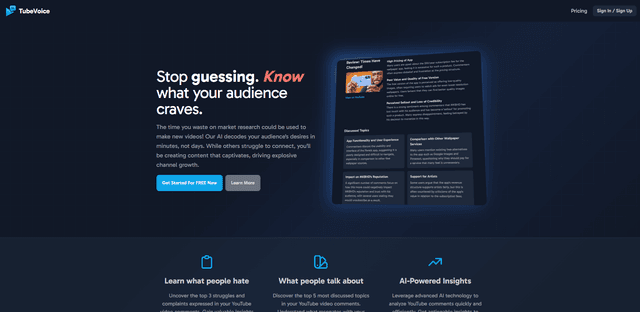
TubeVoice is an AI-powered YouTube comment analyzer that helps content creators understand their audience by providing insights from video comments through automated analysis.
ReviewPower
ReviewPower is an all-in-one platform that aggregates and analyzes trusted reviews from G2 and Capterra to help businesses gain valuable insights from customer feedback.

Insightfull
Insightfull is an AI-powered health tracking platform that helps users monitor symptoms, analyze health data, and receive personalized insights through symptom tracking, food logging, and medication management features.
SERPrecon
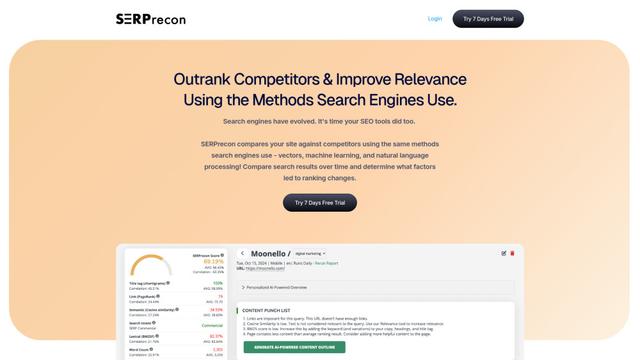
SERPrecon is an advanced SEO tool that leverages vectors, machine learning, and natural language processing to help users analyze and outrank competitors by using the same methods as modern search engines.
Popular AI Tools Like PauseBuy
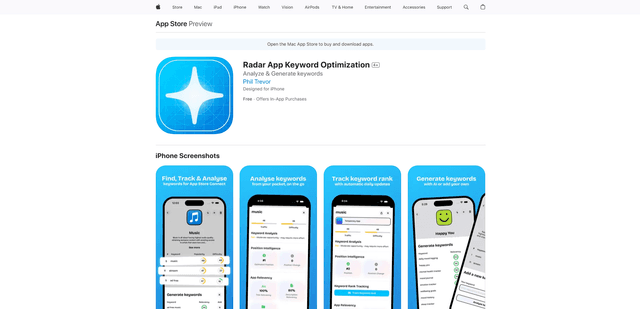
Radar
App Radar is a comprehensive app store optimization (ASO) tool that leverages AI-powered keyword research, competitor analysis, and automated tools to help improve app visibility and rankings across the Apple App Store and Google Play Store.
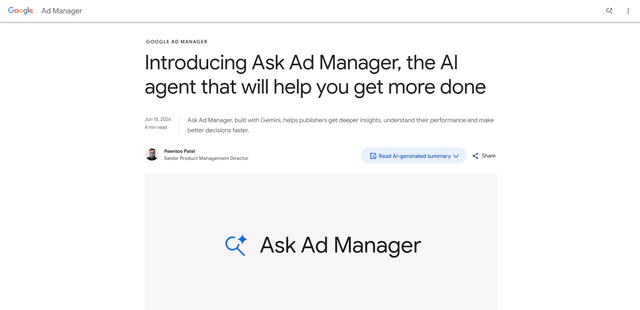
Ask Ad Manager by Google Ads
Ask Ad Manager is a Gemini-powered conversational agent inside Google Ad Manager that helps publishers troubleshoot issues in real time, generate custom performance reports from prompts, and navigate directly to the right settings using their own Ad Manager data.

Intercom
Intercom is an AI-powered customer service platform that provides instant support, enhances agent productivity, and delivers insights to support leaders.

Branded
Branded is a market research company that uses AI and advanced sampling techniques to provide high-quality consumer insights and data.