
Papermark
Papermark is an open-source, secure document-sharing and virtual data room platform that lets you share confidential files via trackable links with page-level analytics, granular access controls, and custom branding (including custom domains).
https://www.papermark.com/?ref=producthunt

Product Information
Updated:Jul 8, 2026
What is Papermark
Papermark is a secure document-sharing and virtual data room (VDR) solution built for high-stakes workflows like fundraising, M&A, due diligence, investor relations, and client portals. It’s positioned as an open-source alternative to DocSend, giving teams a modern way to distribute sensitive decks, contracts, and diligence materials while maintaining control over access and visibility into engagement. Papermark can be used as a hosted product or self-hosted on your own infrastructure, making it appealing to organizations that want both strong security and greater control over where their data lives.
Key Features of Papermark
Papermark is an open-source, DocSend-style document sharing and virtual data room (VDR) platform built for securely distributing confidential documents with strong access controls, branding, and detailed engagement analytics. It supports self-hosting to keep sensitive data within your own infrastructure, while also offering enterprise-grade controls such as SSO, granular permissions, dynamic watermarking, NDA gating, audit logs, IP allow-listing, and end-to-end encryption. Papermark is designed for deal workflows (fundraising, M&A, due diligence) and teams that need visibility into how recipients interact with documents (including page-by-page tracking) alongside a modern, easy-to-use interface.
Secure data rooms (VDR): Create structured data rooms with folders/documents, multiple shareable links, and granular access controls designed for sensitive deal workflows.
Page-by-page engagement analytics: Track document performance in near real time—see who viewed, when, and how recipients engaged with each page to inform follow-ups and decision-making.
Enterprise security controls: Includes SSO, NDA gating, dynamic watermarking, audit logs, IP allow-listing, and end-to-end encryption to support controlled external sharing.
Custom branding and domains: Present documents and data rooms with custom domains and branding elements (e.g., logos/colors) to maintain a professional, consistent recipient experience.
Self-hosting option (privacy-first): Deploy Papermark on your own infrastructure to keep confidential information inside your organization’s security perimeter and reduce third-party exposure.
Modern UI and workflow templates/AI-assisted structure: Beginner-friendly interface with templates (e.g., fundraising, M&A) and AI-assisted organization to speed up data room setup and ongoing management.
Use Cases of Papermark
Fundraising for startups and VC reporting: Share pitch decks and investor updates with controlled access, NDA gating, and analytics to understand investor engagement and improve outreach.
M&A and due diligence: Run secure diligence rooms with audit logs, granular permissions, watermarking, and lifecycle controls to manage sensitive transaction documents.
Investment management and LP/investor relations: Distribute reports, financials, and portfolio materials in branded rooms while tracking who accessed what and maintaining a clear activity trail.
Real estate transactions: Share property documents, leases, and disclosures with controlled external access and visibility into stakeholder review progress.
Client portals for agencies and professional services: Provide clients a secure, branded space for proposals, deliverables, and contracts while monitoring engagement and controlling downloads/views.
Government or regulated document distribution: Distribute sensitive documents with strong controls (IP allow-listing, audit logs, NDA gating) and the option to self-host for tighter governance.
Pros
Open-source with self-hosting support, improving transparency and allowing sensitive data to stay within your infrastructure
Strong recipient visibility via page-by-page analytics and real-time engagement tracking
Enterprise-grade controls (SSO, audit logs, watermarking, NDA gating, IP allow-listing, encryption) suited for external confidential sharing
Cons
Not a fit if you need e-signatures in the same workflow (you may need DocuSign/PandaDoc instead)
May be insufficient for enterprises needing the most advanced compliance/security requirements beyond its current feature set
If you need deeper analytics such as heatmaps or advanced engagement scoring, you may need a more specialized analytics-focused tool
How to Use Papermark
1) Sign in and complete onboarding: Log into your Papermark account and finish the onboarding steps so your workspace is ready for uploading and sharing documents.
2) Upload your first document (file upload): From the dashboard, click “Upload document” and select the file(s) you want to share (e.g., PDF, PPT/PPTX, DOC/DOCX, XLS/XLSX, CSV, TXT, images). Wait for the upload to complete.
3) Upload a Notion document (link import): Choose the Notion option, paste a public Notion page link, submit it, and Papermark will generate a shareable link (often copied to your clipboard automatically).
4) Preview your document inside Papermark: Open the document page and click the Preview (eye) icon in the top-right action bar. The preview opens in a full-screen modal; use the on-screen arrows or your keyboard Left/Right keys to flip pages.
5) Create a trackable share link: Locate your document in Papermark and use its associated share link. Click the link to copy it to your clipboard, then share it via email, Slack, social media, or internal tools. Recipients typically don’t need an account to view.
6) Configure link access controls (permissions): In link settings, apply controls such as password protection, expiration dates, restricting access to specific email domains (allow/block lists), disabling downloads, and revoking access at any time—even after sharing.
7) Use a Data Room (VDR) for multi-document sharing: Create a Data Room when you need to share many files securely (e.g., fundraising, M&A, due diligence). Click “Create Data Room,” name it, then upload and organize documents into folders.
8) Bulk upload and preserve folder structure in a Data Room: Drag-and-drop multiple files (or entire folder structures) into the Data Room. Papermark supports bulk uploads and can preserve hierarchy, making it easier to build a structured room quickly.
9) Add advanced Data Room protections (when needed): Enable enterprise-style controls such as NDA gating (require signing before access), dynamic watermarking (viewer-specific marks like email/IP/custom text), screenshot protection, and granular permissions for users/groups.
10) Brand your sharing experience: Set up custom domains and branding (logo/colors/favicon) to fully white-label the viewer experience where your plan supports it.
11) Track document analytics and viewer engagement: Use Papermark analytics to monitor view count, average view duration, completion rates, time spent per page, engagement patterns, and drop-off points. You can also see individual viewer tracking (who viewed and how they engaged).
12) Act on engagement signals with notifications and integrations: Connect integrations (e.g., Slack notifications, Zapier automations, CRM workflows, webhooks) to route view events into your team’s workflow and follow up based on real engagement.
13) Manage versions without changing the shared link: Upload a new version of a document when you need updates; Papermark can display the latest version in previews while keeping sharing consistent.
14) Collaborate with your team: Add team members to your Papermark workspace so multiple people can manage documents, links, permissions, and analytics together.
15) (Optional) Self-host Papermark for maximum control: If you need full infrastructure control, use Papermark’s self-hosting option (noting it’s open source). A common hosted deployment path mentioned is using Vercel plus Vercel Storage (Blob and Postgres).
Papermark FAQs
Papermark is a secure data room and document-sharing platform for modern dealmakers that lets you share confidential documents with control, visibility, and trust.
Papermark Video
Popular Articles

Atoms: A Multi-Agent AI Platform That Transforms Ideas into Launch-Ready Products
May 22, 2026

Nano Banana SBTI: What It Is, How It Works, and How to Use It in 2026
Apr 15, 2026

Atoms Review — The AI Product Builder Redefining Digital Creation in 2026
Apr 10, 2026

Kilo Claw: How to Deploy and Use a True "Do‑It‑For‑You" AI Agent(2026 Update)
Apr 3, 2026
Latest AI Tools Similar to Papermark
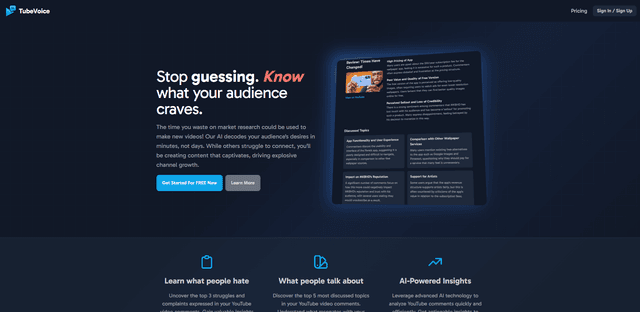
TubeVoice
TubeVoice is an AI-powered YouTube comment analyzer that helps content creators understand their audience by providing insights from video comments through automated analysis.
ReviewPower
ReviewPower is an all-in-one platform that aggregates and analyzes trusted reviews from G2 and Capterra to help businesses gain valuable insights from customer feedback.

Insightfull
Insightfull is an AI-powered health tracking platform that helps users monitor symptoms, analyze health data, and receive personalized insights through symptom tracking, food logging, and medication management features.
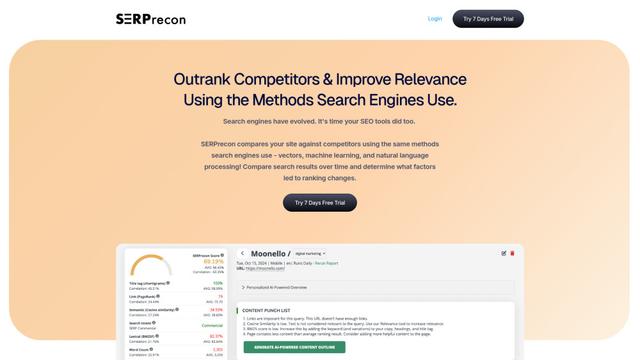
SERPrecon
SERPrecon is an advanced SEO tool that leverages vectors, machine learning, and natural language processing to help users analyze and outrank competitors by using the same methods as modern search engines.
Popular AI Tools Like Papermark
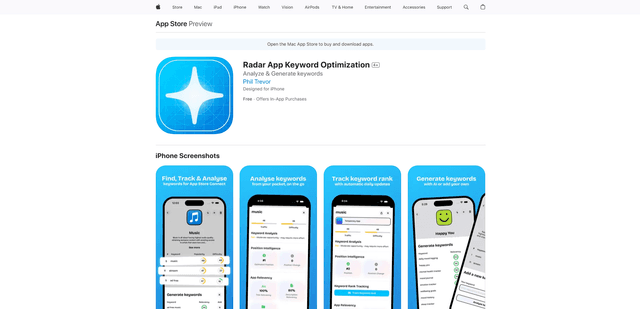
Radar
App Radar is a comprehensive app store optimization (ASO) tool that leverages AI-powered keyword research, competitor analysis, and automated tools to help improve app visibility and rankings across the Apple App Store and Google Play Store.
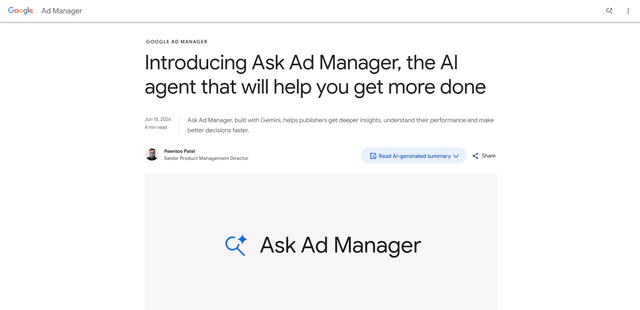
Ask Ad Manager by Google Ads
Ask Ad Manager is a Gemini-powered conversational agent inside Google Ad Manager that helps publishers troubleshoot issues in real time, generate custom performance reports from prompts, and navigate directly to the right settings using their own Ad Manager data.
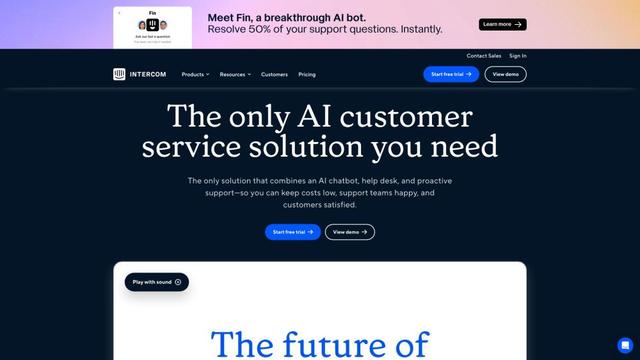
Intercom
Intercom is an AI-powered customer service platform that provides instant support, enhances agent productivity, and delivers insights to support leaders.
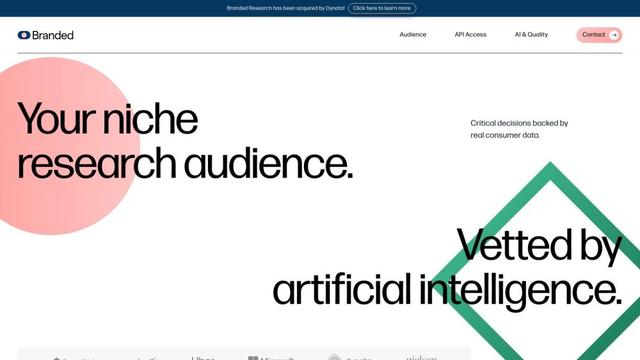
Branded
Branded is a market research company that uses AI and advanced sampling techniques to provide high-quality consumer insights and data.