Panzoe
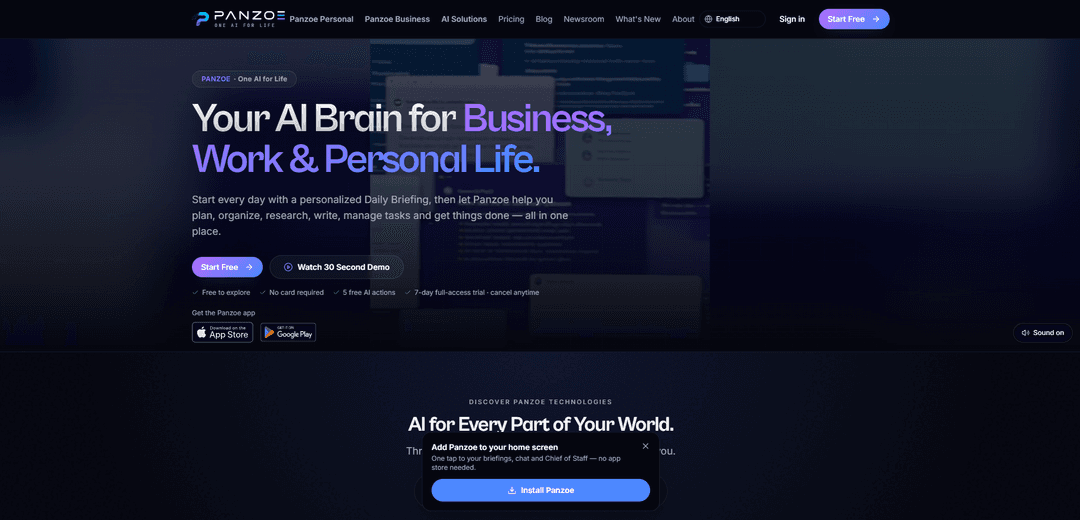
Panzoe is an AI operating system for work and personal life that combines 25 specialist assistants, a shared AI Brain, daily briefings, productivity tools, and optional app integrations in one platform.
https://panzoe.ai/?utm_source=aipure
Product Information
Updated:Oct 13, 2026
What is Panzoe
Panzoe is an early-stage, Canada-incorporated AI platform designed to help people manage business, home, health, learning, and everyday life from one connected workspace. It provides a personalized AI assistant supported by a shared memory layer called AI Brain, enabling its specialist copilots to retain relevant context across projects, routines, preferences, and connected information. Panzoe is available on web, iOS, and Android, and offers plans ranging from a free exploration tier to personal, family, and business subscriptions.
Key Features of Panzoe
Panzoe is an all-in-one AI operating system for business, work, and personal life. It combines a shared AI Brain, 25 specialist assistants across Business, Home, Health, Life, and Learning, personalized daily briefings, AI writing and research tools, task and calendar support, and optional integrations with services such as Google Workspace, Microsoft 365, Notion, GitHub, Slack, and Dropbox. The platform is designed to reduce app switching by bringing connected information, context-aware assistance, document and email intelligence, planning, and automation into one workspace.
Shared AI Brain: A persistent, context-aware AI memory connects Panzoe’s assistants so information, preferences, projects, and routines can be reused across different areas of the platform.
Personalized Daily Briefings: Creates a morning overview of calendars, priority emails, documents, tasks, reminders, conflicts, and recommended next actions, with optional natural-voice playback.
25 Specialist AI Assistants: Provides dedicated assistants for business operations, home management, health, finance, travel, learning, study planning, relationships, maintenance, and more.
Connected Productivity Workspace: Optionally connects Gmail, Google Calendar, Google Drive, Outlook, Microsoft 365, OneDrive, Notion, GitHub, Slack, and Dropbox to consolidate work and personal information.
Email, Document, and Meeting Intelligence: Summarizes emails and documents, drafts replies, extracts meeting decisions and action items, and helps users search and understand connected information.
Planning and AI Tools: Includes tools such as smart tasks, calendar management, scenario planning, budgeting, subscription tracking, nutrition support, wellbeing check-ins, and AI-assisted writing and research.
Use Cases of Panzoe
Professional Workday Management: Professionals can use daily briefings to identify priority emails, prepare for meetings, resolve calendar conflicts, draft follow-ups, and keep action items organized.
Small Business Operations: Business owners can use the Business Suite for executive briefs, KPI anomaly detection, project-risk forecasting, compliance tracking, meeting intelligence, and decision routing.
Household and Family Coordination: Parents and homeowners can manage family schedules, school-related tasks, household bills, maintenance reminders, inventories, meals, and life administration in one place.
Student Learning and Skill Development: Students can build study plans, organize courses and knowledge, receive tutoring support, and use persistent context to track learning goals and skills over time.
Personal Finance and Life Administration: Individuals can use finance, budget, savings-goal, subscription-detection, travel, and administrative assistants to organize recurring responsibilities and planning decisions.
Health and Wellbeing Routines: Users can support medication reminders, fitness goals, nutrition planning, and wellbeing check-ins while keeping related routines within their broader daily plan.
Pros
Consolidates a wide range of AI assistants, productivity tools, and personal-management functions into one platform.
Uses a shared AI Brain to preserve context across business, home, health, learning, and life workflows.
Offers optional integrations with major Google, Microsoft, and productivity services while remaining usable without integrations.
Emphasizes privacy controls, OAuth-based connections, encryption, audit trails, data export, and account deletion options.
Cons
The broad all-in-one scope may require time to configure and learn before users receive the full benefit.
The quality of briefing, summaries, and recommendations may depend on the completeness and accuracy of connected or manually entered data.
Some advanced functionality and higher AI usage limits require a paid subscription after the free exploration and trial periods.
As an early-stage platform, its integrations, feature set, and user experience may continue to evolve.
How to Use Panzoe
1. Open Panzoe and create an account: Visit panzoe.ai or download the Panzoe app from the Apple App Store or Google Play. Start with the free exploration option; no card is required for the initial free AI actions.
2. Sign in and set up your profile: Sign in using a supported method such as Google or Microsoft, then provide basic preferences, priorities, and the areas of life you want help with, such as business, home, health, learning, or personal administration.
3. Begin without integrations or connect your existing services: Panzoe can be used manually without connecting other apps. To create a more personalized workspace, connect services such as Gmail, Google Calendar, Google Drive, Google Contacts, Outlook, Microsoft Calendar, Microsoft 365, OneDrive, Notion, GitHub, Slack, or Dropbox.
4. Authorize connections securely: Use the OAuth authorization flow when connecting accounts. Panzoe states that it does not see or store your Google or Microsoft passwords. Review the requested permissions and approve only the access you are comfortable granting.
5. Review your dashboard and AI Brain: Open the main dashboard to access the AI Brain, connected workspaces, assistants, tools, tasks, calendar information, and saved context. The shared AI Brain is intended to retain relevant preferences and project context across Panzoe's assistants.
6. Read or listen to your Daily Briefing: Use the Daily Briefing at the start of the day to review upcoming meetings, priority emails, documents, reminders, tasks, conflicts, and suggested next actions. If voice briefing is available in your account, listen to it while preparing for the day.
7. Ask Panzoe for help: Open Ask Panzoe or the built-in assistant and type or speak a request. For example: ask it to prioritize your day, summarize important emails, prepare for a meeting, create a study plan, organize a project, or draft an email reply.
8. Choose a specialist assistant for a focused task: Select an assistant from the Business, Home, Health, Life, or Learning suite. Examples include AI Chief of Staff, Projects and Operations, Meeting Intelligence, Home Assistant, Maintenance, Nutrition, Finance Assistant, Travel and Admin, Study Planner, and Skills.
9. Use AI tools to act on information: Use available tools for tasks such as email summaries, document summaries and questions, draft replies, meeting summaries, smart tasks, calendar organization, research, planning, scenario analysis, budgeting, subscription review, nutrition support, and wellbeing check-ins.
10. Manage tasks, calendar items, and suggested actions: Turn insights from briefings, emails, meetings, or conversations into tasks and calendar actions. Review suggested conflicts or priorities, then approve, defer, delegate, edit, or schedule the actions that fit your plans.
11. Add information manually when needed: If you do not connect external accounts, enter projects, notes, schedules, documents, goals, household information, and reminders manually. Panzoe is designed to remain usable with or without integrations.
12. Review privacy and manage connected data: Open account or integration settings to view connected services, disconnect an integration, request synced-data removal, export your data, or delete your account. Review privacy controls before adding sensitive personal, business, financial, or health information.
13. Explore the full-access trial or choose a plan: After using the free AI actions, start the available 7-day full-access trial if desired. Review pricing and select a Basic, Pro, Family, or Business option according to your required AI usage, features, and number of users.
Panzoe FAQs
Panzoe is an AI operating system for business, work and personal life. It combines a shared AI Brain, daily briefings, specialist AI assistants and productivity tools in one platform.
Popular Articles

How to Create Viral Talking Baby Podcast Videos with AI: Step-by-Step Guide (2025)
Nov 2, 2026

Vosko AI: Localize and Dub Videos for Global Audiences
Oct 15, 2026

Atoms: A Multi-Agent AI Platform That Transforms Ideas into Launch-Ready Products
Oct 13, 2026

Nano Banana SBTI: What It Is, How It Works, and How to Use It in 2026
Apr 15, 2026
Latest AI Tools Similar to Panzoe
Stoke
Stoke is an AI-powered relationship assistant app that helps users remember important dates, plan surprises, set goals, and improve their romantic relationships.
Codlixe
FreemiumLife Assistant
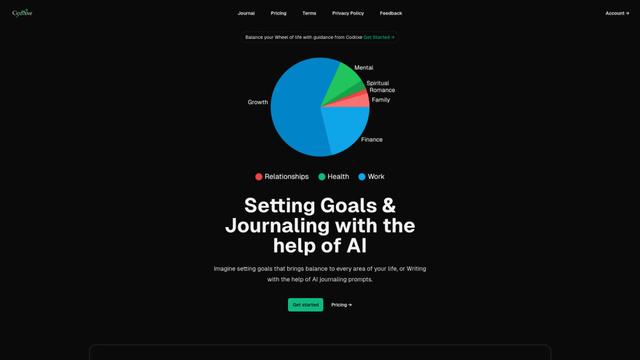
Codlixe is an AI-powered goal setting and journaling platform that helps users balance different areas of their life through personalized suggestions and prompts.
Palmyst
Palmyst is an AI-powered palm reading app that provides personalized insights and guidance through analysis of palm images.
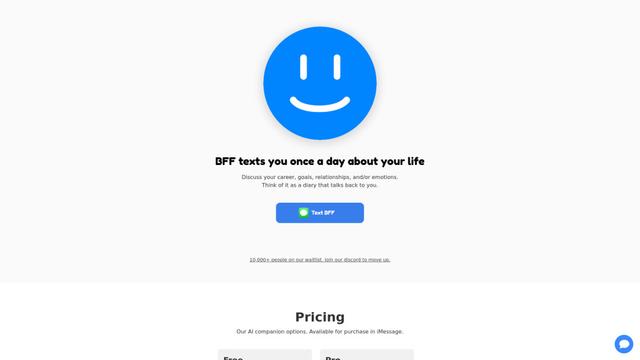
Textbff
TextBFF is an AI companion that texts you once a day to discuss your life, goals, and emotions.
Popular AI Tools Like Panzoe
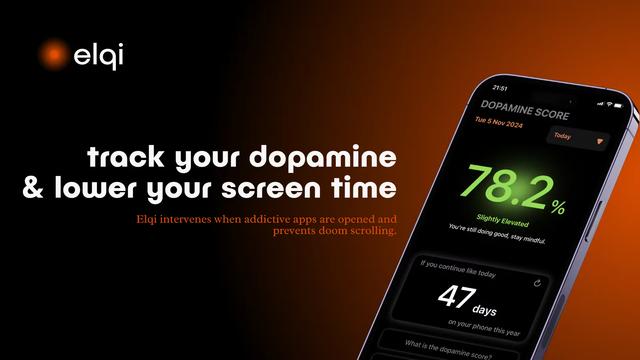
Elqi
Elqi is a dopamine tracking and digital wellness app that helps users combat phone addiction through mindfulness exercises, app blocking, and dopamine level monitoring.

Futudo
Futudo is an innovative AI life assistant that combines advanced AI technology with personal planning to help users shape their destiny by defining goals, breaking bad habits, and unlocking their potential.
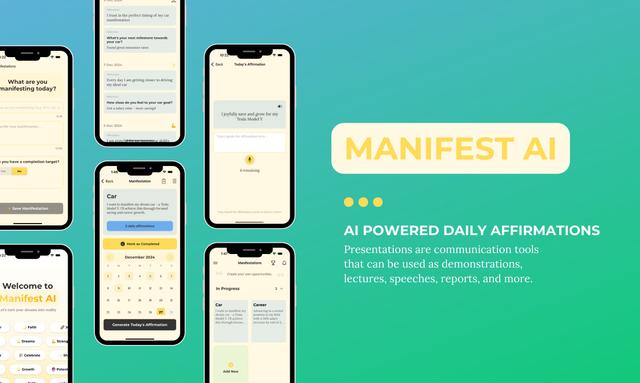
Manifest AI
Manifest AI is a personal AI-powered manifestation app that helps users transform their mindset and achieve their goals through customized affirmations, goal tracking, and various manifestation techniques.
Center Meditation Timer
Center Meditation Timer is a minimalist meditation companion app that offers customizable timers, tracking capabilities, and seamless integration across Apple devices without unnecessary distractions like guided meditations or background music.