
PageGains
WebsiteAI Website Builder
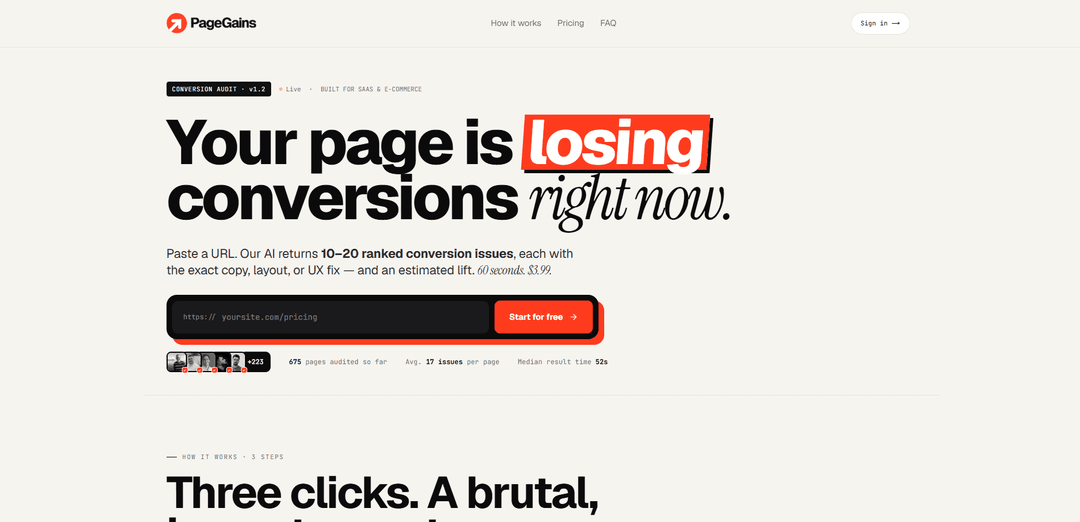
PageGains is a web-based AI conversion audit tool that analyzes any public URL in ~60 seconds and returns 10–20 ranked CRO issues with exact copy/UX fixes and estimated lift.
https://pagegains.com/?ref=producthunt
Product Information
Updated:Jul 8, 2026
What is PageGains
PageGains helps SaaS and e-commerce teams improve conversion rates by quickly identifying what’s hurting performance on a specific page—like a landing page, pricing page, product page, cart, or checkout. Instead of generic best-practice checklists, it generates a page-specific report with prioritized issues and concrete recommendations you can implement immediately. It’s positioned as a fast, affordable alternative to CRO agencies and consultants, with pay-per-audit pricing and no subscription.
Key Features of PageGains
PageGains is a web-based AI conversion rate optimization (CRO) auditor that analyzes any public URL (SaaS or e-commerce) and returns a ranked list of 10–20 page-specific conversion issues with exact copy/layout/UX fixes and estimated lift, typically in about 60 seconds. It scans a broad set of CRO signals (e.g., clarity, friction, trust, hierarchy, readability, pricing, forms, mobile layout), provides sharable reports (HTML/PDF), and lets users copy recommendations as clean markdown or as ready-to-paste prompts for AI coding agents (e.g., Cursor/Claude/ChatGPT). It includes a post-audit chat assistant (“GainBot”) to clarify findings and guide implementation, uses a pay-per-audit credit model with no subscription, and supports common site stacks like Shopify, WooCommerce, Webflow, and Framer.
URL-based conversion audits in ~60 seconds: Paste any public page URL and receive a conversion score plus 10–20 ranked issues with actionable fixes—no scripts, installs, or tracking required.
120-signal CRO scan with prioritization: Analyzes clarity, CTA strength, trust signals, friction points, page structure, forms, pricing anchors, readability, and mobile layout, then ranks recommendations by severity/impact.
Exact rewrites + UX/layout guidance: Each finding includes concrete copy rewrites (headlines, CTAs, microcopy) and specific layout/UX changes rather than generic advice.
Predicted lift estimates: Recommendations include an estimated lift range to help teams focus on the highest-leverage improvements first.
Copy-to-agent implementation workflow: One-click copy of fixes as markdown or as pre-wrapped prompts for AI coding agents; includes bulk “copy for agent” to ship changes faster.
Sharable reports + GainBot follow-up chat: Exports a shareable HTML/PDF report and provides a built-in chat to ask questions about findings and get implementation guidance tailored to the audited page.
Use Cases of PageGains
SaaS landing page optimization: Audit a homepage, pricing, feature, or comparison page to improve messaging hierarchy, above-the-fold clarity, CTA placement, objection handling, and signup-flow friction.
E-commerce product page conversion fixes: Identify missing trust badges, weak CTAs, unclear product copy, social proof gaps, and friction points on high-traffic product pages to increase add-to-cart and purchase rate.
Checkout/cart friction reduction: Audit cart/checkout flows to spot form friction, trust/security reassurance gaps, confusing steps, and mobile usability issues that drive abandonment.
Paid-traffic landing page QA: Before (or after) running ads, audit campaign landing pages to ensure the headline/offer match, reduce distractions, and strengthen conversion-critical elements.
Agency/consultant-style audits for small teams: Founders and lean marketing teams can get rapid, page-specific CRO recommendations comparable to agency deliverables without the time/cost overhead.
Iterative CRO sprints and re-audits: Run 2–3 rounds of audits on the same pages after implementing fixes to continuously uncover and prioritize the next set of conversion improvements.
Pros
Fast, actionable, page-specific CRO recommendations (ranked issues + exact fixes) in about a minute.
Low-cost pay-per-audit pricing with no subscription; credits don’t expire and includes a money-back guarantee.
Strong implementation workflow via copy-as-markdown and copy-as-agent prompts; sharable HTML/PDF outputs.
Works across common SaaS and e-commerce stacks (e.g., Shopify/WooCommerce/Webflow/Framer) and adapts to page type.
Cons
Requires a public URL; pages behind logins or heavy protection (e.g., Cloudflare) may take longer or be harder to analyze.
Best accuracy is on English-language pages; non-English audits may be less precise.
Tool provides recommendations only—users must implement changes themselves (or via an agent/dev).
Full report requires payment (free tier is a preview/score rather than the complete set of findings).
How to Use PageGains
1) Choose the first page to audit: Pick a high-leverage URL. For SaaS, start with your homepage or pricing page, then move to feature pages and any page you run paid traffic to. For e-commerce, start with your highest-traffic product page, then your homepage, then cart/checkout.
2) Open PageGains: Go to https://pagegains.com/ (or the specific campaign/ref link you have).
3) Paste your URL: In the input field (“Paste a URL”), paste the full public URL of the page you want audited (landing, product, pricing, checkout, etc.).
4) Start the audit: Run the analysis. PageGains crawls the page like a real visitor (above-the-fold, scroll depth, forms, CTAs) and scans ~120 signals (clarity, friction, trust, hierarchy, readability, pricing anchors, form length, mobile layout).
5) Review the initial free preview: Every audit starts free. You’ll immediately see your conversion score and a preview of the top issues without entering a credit card.
6) Unlock the full report (optional): To see all findings (typically 10–20 ranked issues), predicted lift ranges, and the full set of exact rewrites and recommendations, unlock the report for $3.99 per audit (or use a cheaper per-audit credit pack).
7) Work through the ranked issues in order: Use the priority ranking and severity to tackle the highest-impact fixes first (e.g., headline clarity, CTA visibility, trust/social proof placement, pricing page structure, form friction, mobile layout issues).
8) Copy the recommended fixes: For each finding, use the Copy button to copy the recommendation as clean markdown or as a ready-to-paste prompt for an AI coding agent.
9) Export fixes in bulk for your AI agent (optional): Use the report navigation’s bulk “Copy for agent” option to copy every recommendation at once, then paste into tools like Cursor, Claude, or ChatGPT to implement changes faster.
10) Ask GainBot for implementation help: Open the GainBot chat attached to your audit and ask for deeper explanations or step-by-step instructions for specific fixes (e.g., “Which should I tackle first on Shopify?” or “How do I improve my pricing page CTA without being pushy?”). GainBot uses your page + your findings for context-specific guidance.
11) Implement changes on your site: Apply the recommended copy/layout/UX changes in your site builder or codebase. PageGains never touches your site—implementation is fully under your control.
12) Re-scan the same page after updates: Run PageGains again on the updated URL to confirm improvements and surface the next set of highest-impact issues. The biggest gains typically come from 2–3 rounds of iteration.
13) Repeat across your key pages: After improving your first page, audit the next most important pages (SaaS: pricing → feature → paid-traffic pages; e-commerce: product → homepage → cart/checkout).
14) Manage audits and credits: Use audits whenever you want—there’s no daily limit. Credits (including packs) don’t expire, and your analysis history is saved in your account so you can revisit reports over time.
PageGains FAQs
PageGains is a web-based AI conversion rate optimization (CRO) tool that audits a public URL and returns 10–20 ranked conversion issues with specific copy, layout, or UX fixes and an estimated lift.
PageGains Video
Popular Articles

Vosko AI: Localize and Dub Videos for Global Audiences
Oct 15, 2026

Atoms: A Multi-Agent AI Platform That Transforms Ideas into Launch-Ready Products
Oct 13, 2026

Nano Banana SBTI: What It Is, How It Works, and How to Use It in 2026
Apr 15, 2026

Atoms Review — The AI Product Builder Redefining Digital Creation in 2026
Apr 10, 2026
Latest AI Tools Similar to PageGains
GPT Easy Web
GPT Easy Web is a user-friendly AI-powered platform that enables users to easily build, customize and manage websites through natural language interactions and automated tools without requiring coding knowledge.
AI Website Tool
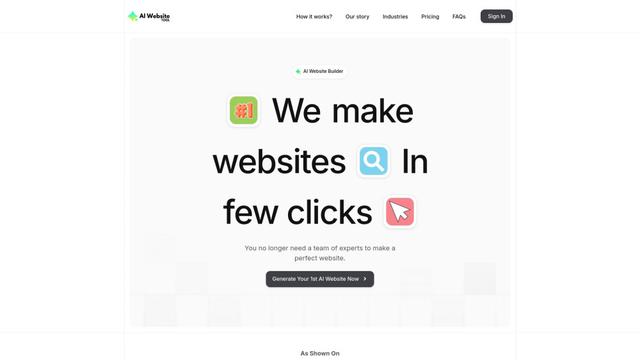
AI Website Tool is an AI-powered website builder that creates professional websites in minutes by automatically generating business-focused copy, custom visuals, and responsive designs with just a few clicks.

Softgen
Softgen.ai is an AI-powered full-stack project generator platform that enables users to transform their ideas into functional web applications without coding requirements.
Webifier
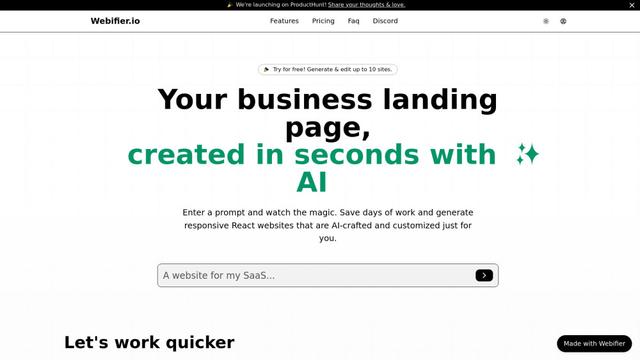
Webifier is an AI-powered tool that transforms text prompts into fully functional React landing pages with clean, exportable code using NextJS14, TailwindCSS, and Shadcn components.
Popular AI Tools Like PageGains
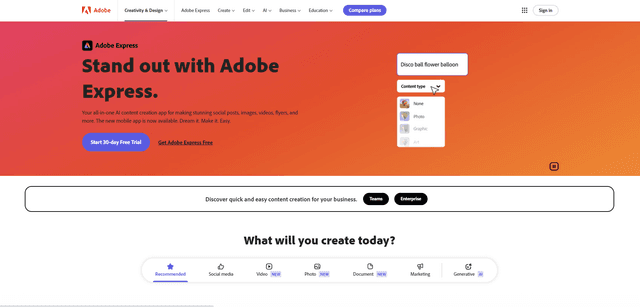
Adobe Express
Adobe Express is an all-in-one AI-powered content creation app for easily making stunning social posts, images, videos, flyers, and more with professionally designed templates and assets.
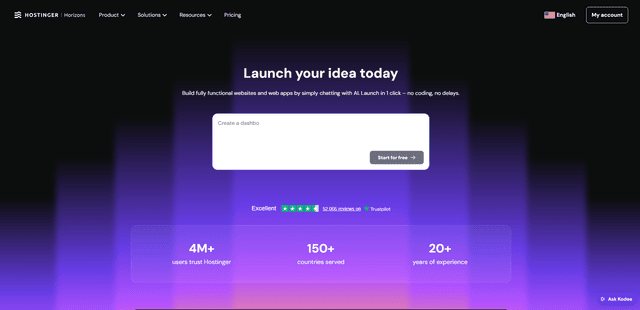
Hostinger
Hostinger is a web hosting and domain service provider offering AI-powered tools like Horizons that enables anyone to build, edit, and publish custom web apps and websites without coding through a simple chat interface.

GPT Engineer
GPT Engineer is an AI-powered software development tool that enables anyone to build web applications by chatting with an AI engineer.
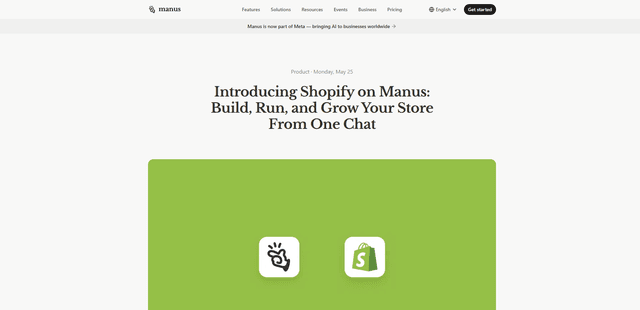
Manus Shopify Connector
Manus Shopify Connector lets you build a Shopify-backed storefront, manage your catalog, and generate data-driven campaigns from a single chat—using Shopify APIs with OAuth-scoped access and Shopify checkout.