
onBeacon
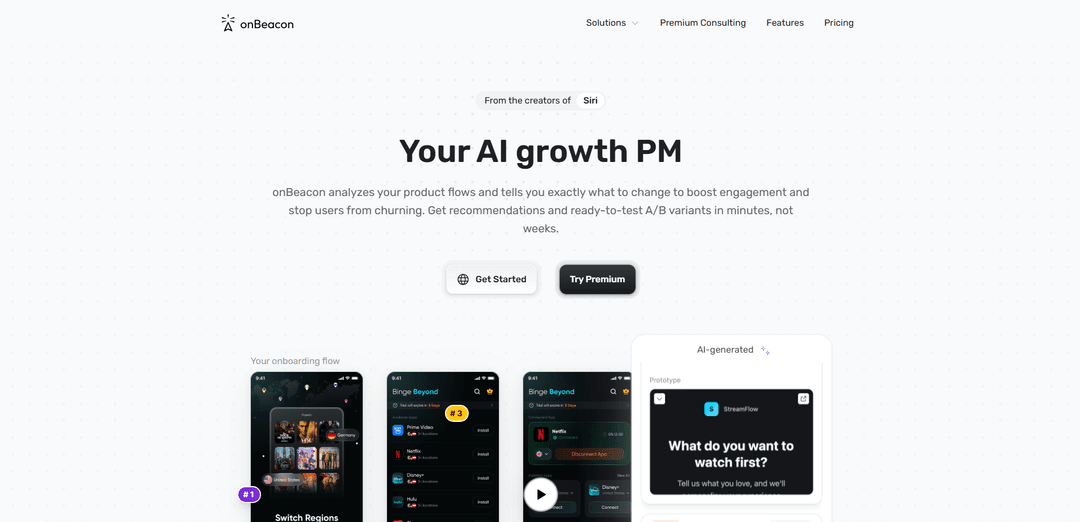
onBeacon is an AI assistant for product and UX teams that audits UI screens and flows in seconds—analyzing layout, color, typography, hierarchy, microcopy, and behavioral principles—to surface UX and growth improvements tied to activation, retention, and conversion.
https://onbeacon.ai/?ref=producthunt
Product Information
Updated:May 18, 2026
What is onBeacon
onBeacon (also referred to as Beacon AI) is a UX and growth-focused AI design partner that helps product teams quickly review interfaces and user flows to identify usability issues, design inconsistencies, and conversion blockers. Positioned like having a senior product designer review your work instantly, it provides structured, actionable feedback aimed at improving key growth metrics. The product is built for fast iteration before handoff, helping teams validate hypotheses and refine designs without long review cycles.
Key Features of onBeacon
onBeacon is an AI assistant for product and UX teams that reviews UI screens and end-to-end product flows to surface usability, accessibility, and conversion issues. It analyzes visual design (color, layout, typography, hierarchy), microcopy, and behavioral friction points, then produces structured, actionable suggestions tied to growth metrics (activation, retention, conversion). The goal is to replace slow manual review cycles with fast, consistent “linting” and expert-style feedback before handoff, and to turn insights into ready-to-test prototype directions.
AI UI “linting” for visual quality: Automatically inspects color, spacing/layout, typography, and visual hierarchy to catch UI issues and polish screens toward pixel-perfect, on-brand output.
Design consistency checks against best practices: Flags inconsistencies and heuristic violations to help teams keep interfaces aligned with UX best practices and (where applicable) their design system.
Flow and funnel reviews for growth outcomes: Audits product flows to identify where users get stuck, what creates friction, and what to redesign to improve activation, retention, and conversion.
Microcopy and UX clarity feedback: Reviews UI text and messaging for clarity and persuasion, highlighting confusing or low-converting copy and suggesting improvements.
Behavioral science–driven recommendations: Evaluates screens and flows through cognitive biases and behavioral principles to uncover actionable UX and growth opportunities.
Rapid, structured review output: Delivers expert-style feedback in seconds/minutes to reduce meeting-heavy review cycles and speed up iteration and decision-making.
Use Cases of onBeacon
SaaS onboarding optimization: Audit sign-up and first-run experiences to reduce drop-off, clarify value props, and improve activation metrics.
E-commerce checkout conversion lift: Review cart and checkout screens to detect friction (form complexity, unclear CTAs, trust gaps) and propose changes to increase purchases.
Mobile app UI QA before release: Run quick pre-handoff checks on key screens to catch visual hierarchy, typography, and layout issues that commonly slip into production.
Design system governance for product teams: Identify inconsistent patterns across screens and recommend standardization to keep multi-designer products cohesive.
Growth experiments and A/B test ideation: Generate prioritized UX and copy hypotheses linked to conversion/engagement drivers, accelerating experiment backlogs.
Pros
Fast expert-like design and UX feedback that can shorten review cycles
Catches visual/UI issues (hierarchy, typography, layout) and consistency gaps early
Links recommendations to growth metrics, helping teams prioritize impact
Cons
AI feedback may be imperfect and still requires human judgment and validation
Effectiveness depends on the quality/coverage of the screens and flows provided
May not fully reflect a team’s unique brand/design system without customization
How to Use onBeacon
1. Open onBeacon and start a new review: Go to https://onbeacon.ai/ and begin a new analysis/review session for the product flow or screen you want feedback on.
2. Share the UI you want reviewed: Provide onBeacon with the screens for the flow you’re working on (e.g., upload/share screenshots of key steps like onboarding, paywall, checkout, or a funnel step) so it can analyze the interface in context.
3. Specify what you’re optimizing for (optional but recommended): Indicate the goal of the flow (activation, conversion, retention, reducing drop-off, improving clarity of microcopy, etc.) so recommendations are aligned to the metric you care about.
4. Run the AI review: Trigger the review. onBeacon analyzes the UI, microcopy, and flow structure and evaluates it against 130+ behavioral science principles/heuristics to identify usability and growth opportunities.
5. Read the labeled findings: Review the structured output: onBeacon highlights where users may get stuck, what may hurt conversion, and which elements are worth redesigning, presented as clear, actionable guidance.
6. Turn recommendations into tasks: Convert the labeled feedback into an actionable task list (an “inbox” of items) so you can assign, prioritize, and implement changes without lengthy manual review cycles.
7. Generate ready-to-test prototype ideas: Use onBeacon’s output to create or request AI-generated prototype variations based on the recommendations, so you can quickly validate alternatives.
8. Apply changes to key flows and iterate: Implement the highest-impact fixes in your product (onboarding, paywalls, funnels, core screens), then re-run onBeacon on the updated screens to confirm improvements and uncover next iterations.
onBeacon FAQs
onBeacon is an AI assistant for product and UX teams that provides AI-powered suggestions to improve UX and drive growth metrics.
Popular Articles

Atoms: A Multi-Agent AI Platform That Transforms Ideas into Launch-Ready Products
May 22, 2026

Nano Banana SBTI: What It Is, How It Works, and How to Use It in 2026
Apr 15, 2026

Atoms Review — The AI Product Builder Redefining Digital Creation in 2026
Apr 10, 2026

Kilo Claw: How to Deploy and Use a True "Do‑It‑For‑You" AI Agent(2026 Update)
Apr 3, 2026
Latest AI Tools Similar to onBeacon
Morphr
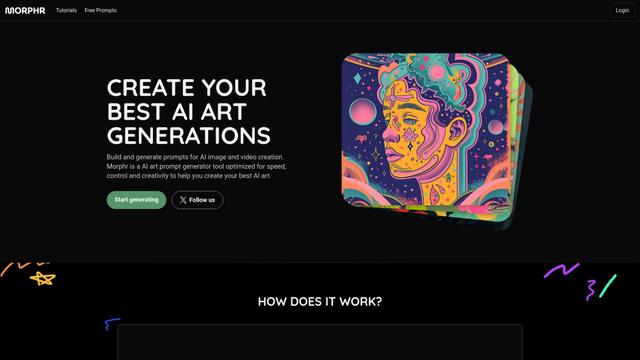
Morphr is an AI-powered art prompt generator that helps create and optimize prompts for various AI art and video generation platforms like Midjourney, DALL-E, and others.

Alpaca
Alpaca is an AI-powered canvas for digital artists that instantly stylizes and renders early concept sketches, enabling rapid iteration from first concept to final design.

GraphicInfo
GraphicInfo is an AI-powered infographic creation tool that turns text content into compelling visuals with just one click.
ModaMind
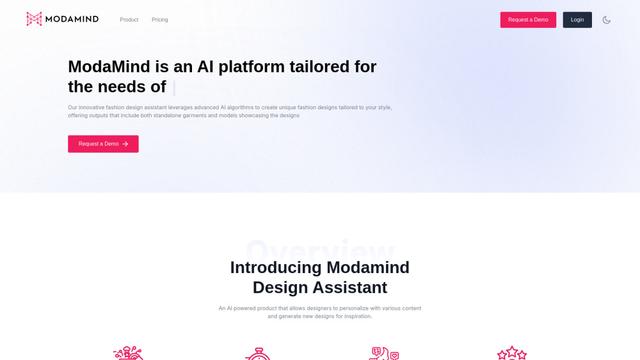
ModaMind is an AI-powered fashion design assistant that generates unique designs and provides creative inspiration for the fashion industry.
Popular AI Tools Like onBeacon
Figma AI
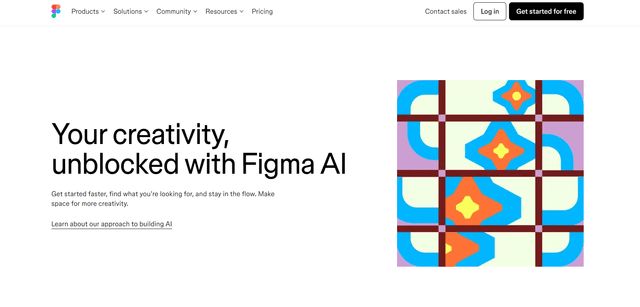
Figma AI is a suite of AI-powered features integrated into Figma's design platform to enhance creativity, streamline workflows, and boost productivity for designers and teams.
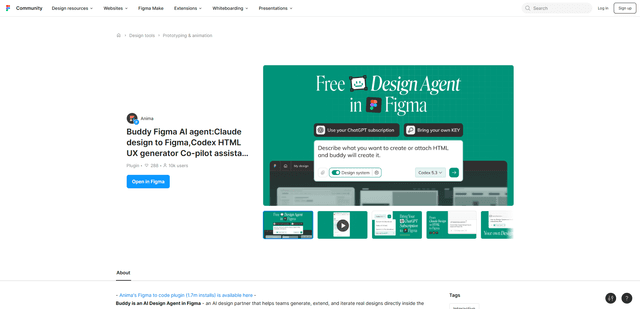
Buddy
FreemiumAI Art &Design Assistant
Buddy is an AI design agent plugin for Figma that generates and edits real, editable UI directly on the canvas, including HTML-to-Figma and website URL cloning, with parallel AI chats for faster iteration.
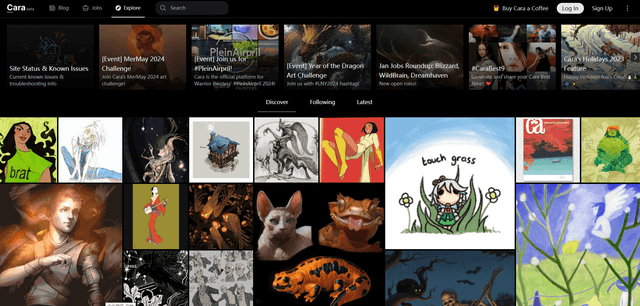
Cara
Cara is an anti-AI social media and portfolio platform for artists that bans AI-generated content and protects artists' work.
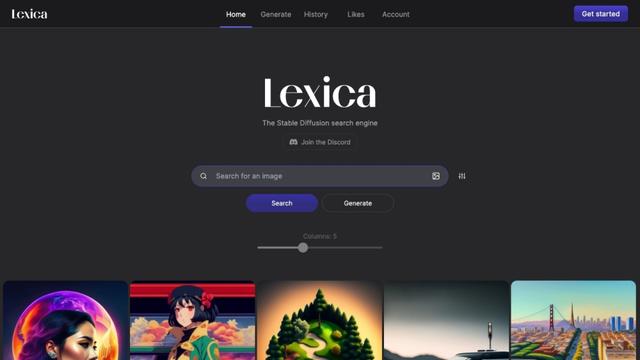
Lexica
Lexica is an AI-powered art generation tool that allows users to create custom images using AI technology.