
Buddy
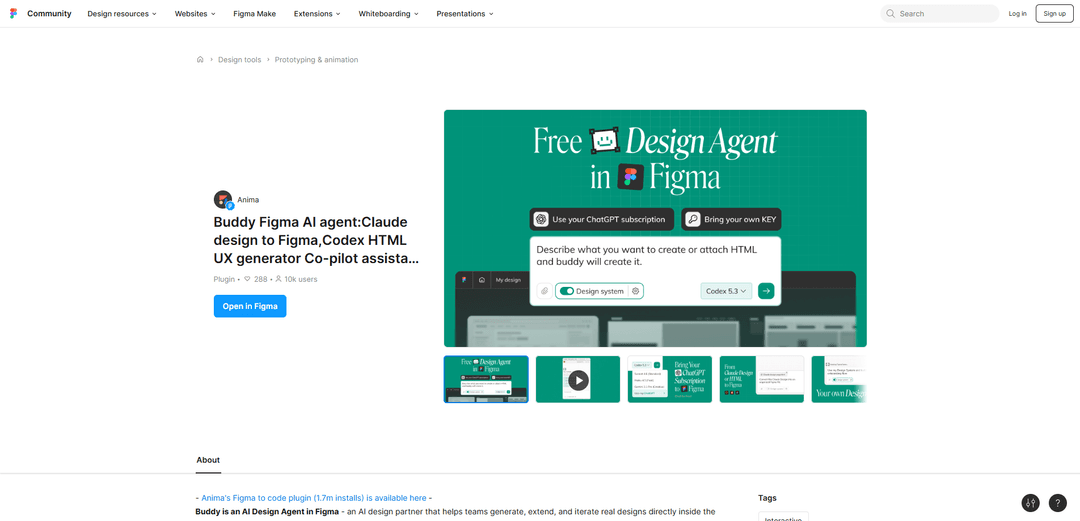
Buddy is an AI design agent plugin for Figma that generates and edits real, editable UI directly on the canvas, including HTML-to-Figma and website URL cloning, with parallel AI chats for faster iteration.
https://www.figma.com/community/plugin/1616481120325792817/buddy-figma-design-agent-ux-ai-co-pilot-ux-assistant-ai-chat-god-mode-wireframe-generator?ref=producthunt
Product Information
Updated:Jul 8, 2026
Buddy Monthly Traffic Trends
Buddy received 89.4m visits last month, demonstrating a Slight Growth of 0.7%. Based on our analysis, this trend aligns with typical market dynamics in the AI tools sector.
View history trafficWhat is Buddy
Buddy is an AI Design Agent (UX Co‑pilot) that runs inside Figma to help product teams generate, extend, and iterate on real designs without leaving the canvas. Positioned as a Figma assistant, it supports creating screens, flows, components, and variants via chat, and can also recreate existing interfaces by converting HTML files or public website URLs into editable Figma layers. Buddy is built for teams that want AI-assisted design workflows directly in Figma, from early wireframes to more complete UI layouts.
Key Features of Buddy
Buddy is an AI design agent that works directly inside Figma as a design partner/UX co-pilot, helping teams generate and iterate real, editable designs on the canvas. It can create screens, flows, components, and variants via chat, automate repetitive editing tasks, and support parallel chats to explore multiple directions at once. Buddy also accelerates “starting from existing UI” workflows by recreating editable Figma layers from live websites (URL paste) or from HTML files, and it can fit into Anima’s broader handoff workflow when teams need a path from Figma to production code.
Chat-driven UI generation in Figma: Generate screens, user flows, components, and variants from prompts without leaving the Figma canvas.
Website-to-Figma cloning (URL import): Paste a public link and Buddy recreates the page layout inside Figma with editable layers, sections, and components.
HTML-to-Figma conversion: Drop an HTML file (or use HTML-based workflows) to convert existing UI into structured Figma layers for faster iteration.
In-canvas editing & automation: Acts as a Figma assistant to edit existing designs, speed up repetitive tasks, and help teams move faster during production work.
Parallel AI chats for exploration: Run multiple chats at the same time to explore different page variants, device versions, or design directions side-by-side.
Multi-model + handoff ecosystem support: Designed to work with your “LLM of choice” and pairs with Anima’s handoff tooling when engineering needs a cleaner path to code.
Use Cases of Buddy
Product teams prototyping new features: Rapidly generate and iterate new screens/flows (e.g., onboarding, checkout, settings) directly in the existing Figma file to speed alignment with PMs and engineers.
Marketing landing pages and A/B variants: Create multiple landing page directions in parallel chats, compare layouts quickly, and iterate on sections/components without rebuilding from scratch.
Competitive analysis and redesign starting point: Clone public webpages into editable Figma layers to analyze patterns, benchmark UX, and use as a starting baseline for a redesign.
Design system extension and component iteration: Generate component variants and screen compositions that teams can refine into reusable patterns, accelerating library growth and consistency work.
Agency workflows for faster client drafts: Turn a client’s existing site (URL/HTML) into an editable Figma file, then propose improved layouts and page variants for review cycles.
Design-to-engineering handoff acceleration: When teams are ready to build, Buddy’s outputs can align with Anima’s broader workflow to reduce friction from Figma to implementation.
Pros
Works directly inside the Figma canvas, reducing context switching for generation and iteration.
Fast “import existing UI” workflows via URL cloning and HTML-to-Figma conversion into editable layers.
Parallel chats enable quicker exploration of multiple concepts/variants simultaneously.
Useful as a practical assistant for repetitive editing and production tasks, not just ideation.
Cons
Quality and usefulness may vary by task; generated layouts can be generic and still require designer refinement.
Some review/analysis feedback may be returned as text, requiring manual application/verification in the Figma file.
Website/HTML recreation fidelity can depend on the source page complexity and may require cleanup for a polished design system fit.
How to Use Buddy
1. Install Buddy from Figma Community: Open the Buddy plugin page in Figma Community and click Install. (Buddy is listed as “Buddy Figma design agent / UX AI co-pilot”.)
2. Open the Figma file where you want to work: Launch Figma Design and open (or create) the file/project where you want Buddy to generate or edit designs directly on the canvas.
3. Run the Buddy plugin: In your Figma file, open the Plugins menu, find Buddy, and run it to open Buddy’s chat-based assistant UI.
4. (Optional) Prepare your design system context: If your file already contains components, variables, typography, colors, and styles, keep them in the file so Buddy can generate screens aligned to your existing visual language.
5. Generate a new screen or UI from chat: In Buddy’s chat, describe what you want (e.g., a screen, flow, component, or variants). Buddy will generate real, editable Figma layers directly on the canvas.
6. Edit or extend existing designs via chat: Select an existing frame/screen (if needed) and ask Buddy to modify it (e.g., iterate on layout, create variants, extend a flow). Buddy applies changes on-canvas using Figma-native structures like layers and components.
7. Clone a live website into Figma (URL → Figma): Paste a public website URL into Buddy’s chat. Buddy recreates the page layout inside Figma with editable layers/sections/components—useful for redesigns when no Figma source exists.
8. Import from HTML (HTML → Figma): Drop/attach an HTML file in Buddy (or provide HTML) and ask Buddy to convert it into Figma layers, turning the structure into editable design elements.
9. Explore multiple directions in parallel: Use Buddy’s parallel chats to run multiple design tasks at once (e.g., one chat for a landing page variant, another for a mobile version), then compare results side-by-side in the same file.
10. Iterate quickly with follow-up prompts: Continue the conversation to refine: request alternative layouts, additional screens in a flow, component variants, or alignment to your brand/design system. Buddy is designed for rapid generate → review → iterate cycles.
Buddy FAQs
Buddy is an AI Design Agent in Figma—an AI design partner that helps teams generate, extend, and iterate real designs directly inside the Figma canvas.
Buddy Video
Popular Articles

Vosko AI: Localize and Dub Videos for Global Audiences
Oct 15, 2026

Atoms: A Multi-Agent AI Platform That Transforms Ideas into Launch-Ready Products
Oct 13, 2026

Nano Banana SBTI: What It Is, How It Works, and How to Use It in 2026
Apr 15, 2026

Atoms Review — The AI Product Builder Redefining Digital Creation in 2026
Apr 10, 2026
Analytics of Buddy Website
Buddy Traffic & Rankings
89.4M
Monthly Visits
#201
Global Rank
#15
Category Rank
Traffic Trends: Jul 2024-Jun 2025
Buddy User Insights
00:13:32
Avg. Visit Duration
20.5
Pages Per Visit
24.06%
User Bounce Rate
Top Regions of Buddy
US: 15.36%
IN: 11.43%
RU: 8.18%
CN: 4.61%
JP: 3.39%
Others: 57.02%
Latest AI Tools Similar to Buddy
Morphr
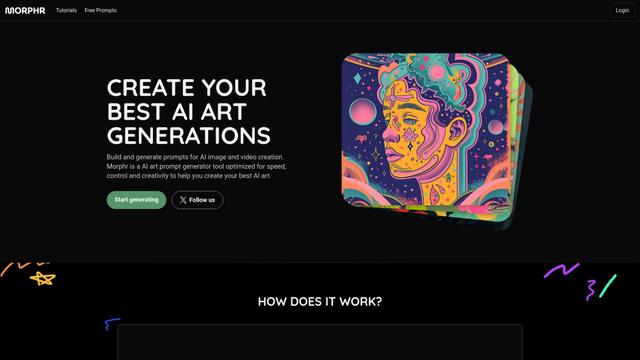
Morphr is an AI-powered art prompt generator that helps create and optimize prompts for various AI art and video generation platforms like Midjourney, DALL-E, and others.
Alpaca
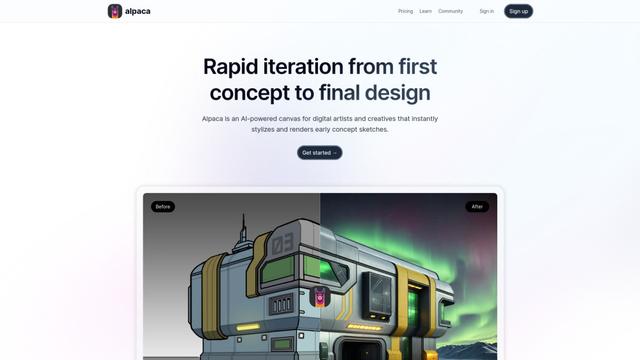
Alpaca is an AI-powered canvas for digital artists that instantly stylizes and renders early concept sketches, enabling rapid iteration from first concept to final design.
GraphicInfo
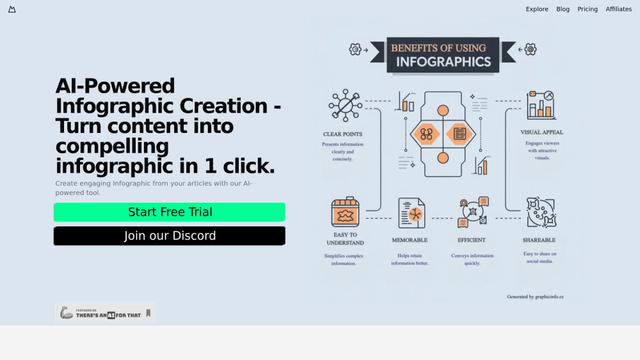
GraphicInfo is an AI-powered infographic creation tool that turns text content into compelling visuals with just one click.
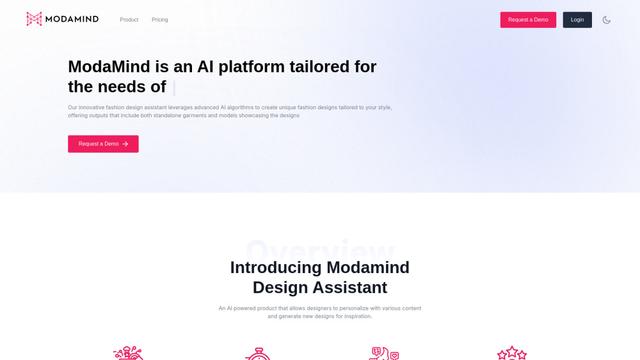
ModaMind
ModaMind is an AI-powered fashion design assistant that generates unique designs and provides creative inspiration for the fashion industry.
Popular AI Tools Like Buddy
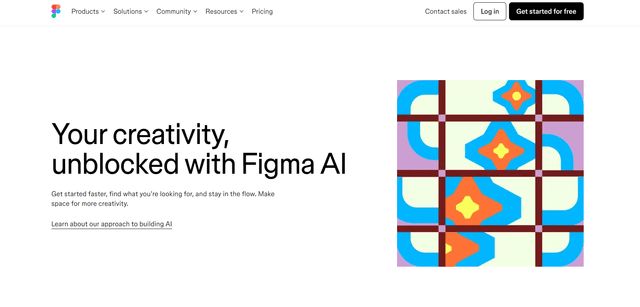
Figma AI
Figma AI is a suite of AI-powered features integrated into Figma's design platform to enhance creativity, streamline workflows, and boost productivity for designers and teams.
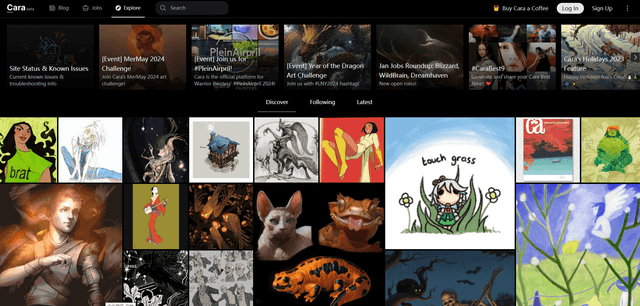
Cara
Cara is an anti-AI social media and portfolio platform for artists that bans AI-generated content and protects artists' work.
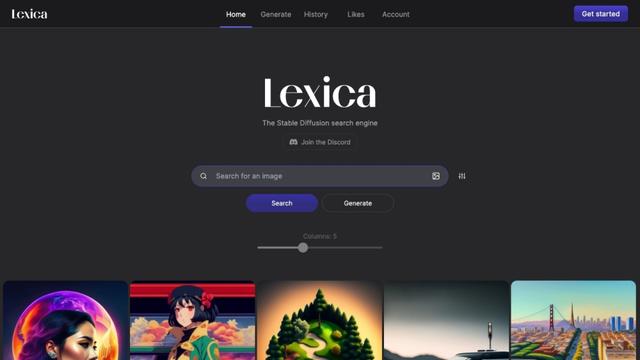
Lexica
Lexica is an AI-powered art generation tool that allows users to create custom images using AI technology.
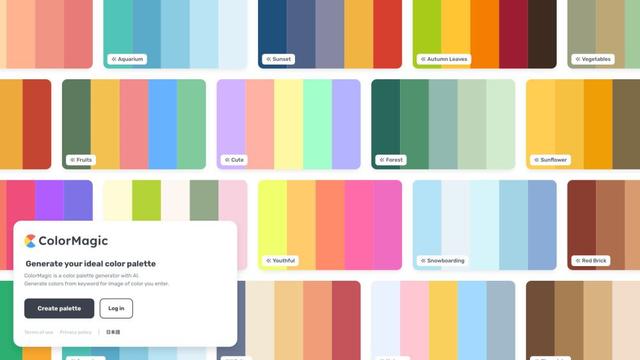
ColorMagic
ColorMagic is an AI-powered color palette generator that creates harmonious color schemes from keywords or images for various design projects.