
Omniwork
WebsiteCreative Writing
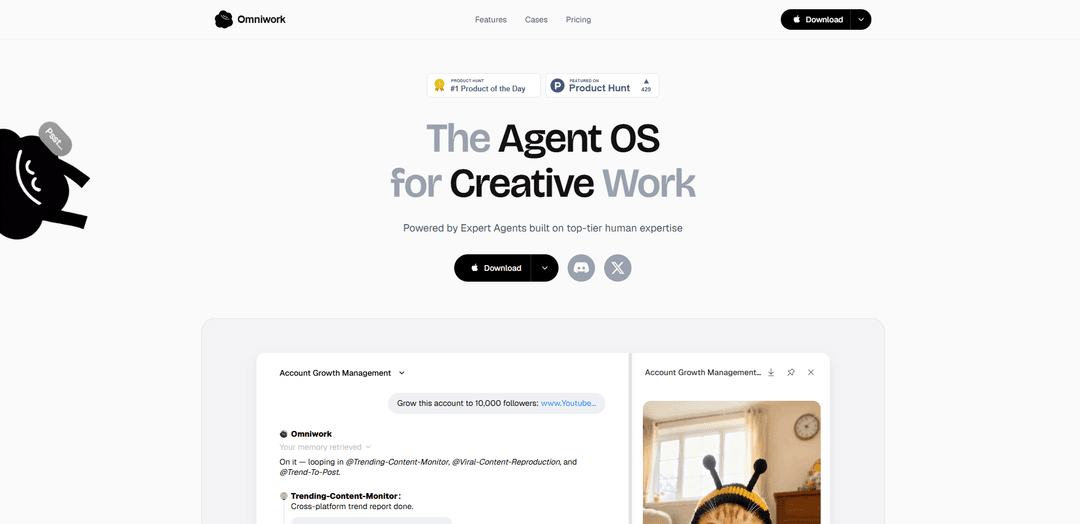
Omniwork is an “Agent OS” for creative work that orchestrates ready-to-use Expert Agents and expert teams with persistent memory, workflows, and integrations to take projects from goal to delivery.
https://www.omniwork.ai/?ref=producthunt
Product Information
Updated:Aug 15, 2026
What is Omniwork
Omniwork is a unified workspace designed to help creators and creative teams execute real production work using autonomous AI agents built on top-tier human expertise. Positioned as “The Agent OS for Creative Work,” it offers an Experts Market of specialized agents (e.g., video editing, growth marketing, content insights, film production, music production) and team-style orchestration that coordinates planning, execution, revision, and deliverables. Omniwork is used across creative scenarios such as social media operations, film/short drama production, and game development, and it emphasizes reusable workflows, collaboration, and context that persists across projects.
Key Features of Omniwork
Omniwork is an “Agent OS for Creative Work” that unifies autonomous AI agents (“Expert Agents”), expert-team orchestration, and a growing memory/context layer into a single workspace. It helps creators and teams set a goal, automatically coordinate the right agents through playbooks and review gates, and deliver finished outputs (e.g., scripts, edits, marketing assets, or game prototypes). Omniwork emphasizes reusable expert-built workflows, team collaboration, integrations, and persistent project memory (style, standards, lore, inspiration) to improve consistency and speed across creative production.
Expert Agents marketplace: Access 100+ ready-to-use Expert Agents built from top-tier creator expertise (e.g., Growth Marketing Expert, Professional Video Editor, Music Producer, Film Production Director), with the option to build agents from your own workflows.
Goal-to-delivery orchestration: Set a creative goal and Omniwork coordinates multiple agents to plan, execute, revise, and deliver outputs—supporting structured steps like collecting references, drafting shot lists, building schedules, and producing final deliverables.
Workflow playbooks & review gates: Run repeatable creative processes using playbooks and checkpoints (review gates) to keep quality controlled while agents handle execution-heavy tasks.
Persistent creative memory: Maintains context such as style preferences, project lore, standards, and inspiration across agents and projects—helping outputs stay consistent with your taste and history.
Deep tasks & automation: Supports longer, multi-step “deep tasks” for end-to-end work (e.g., trend research → content recreation → copywriting → performance tracking), with higher tiers enabling more automation and volume.
Team collaboration & enterprise options: Includes collaboration features and higher-tier capabilities like custom workflows, custom AI training, SSO, and advanced security for organizational use.
Use Cases of Omniwork
Social media operations & growth: Automate an end-to-end social workflow: cross-platform trend monitoring, viral content recreation planning, caption/copy generation, publishing support, and performance tracking across accounts.
Film/TV short drama & AI film production: Coordinate expert agents for pre-production and production tasks such as reference collection, shot lists, schedules, revisions, and packaging deliverables—highlighted by the Shanghai Theatre Academy collaboration for premium short drama and AI film workflows.
Indie mini-game development: Use expert teams to compress a typical 3–5 person mini-game pipeline into a solo creator plus Omniwork—covering planning through code implementation for lightweight games.
AI-native interactive narrative games: Support interactive video game formats where agents help generate dynamic narrative content and character interactions, adapting story direction based on player input.
Music creation & music therapy workflows: Leverage music-focused expert agents for composition/production tasks and specialized workflows (e.g., research-to-practice translation), aligning with the Shanghai Conservatory of Music collaboration.
Pros
Strong creative specialization: expert-built agents and playbooks tailored to creator workflows (video, music, marketing, games).
Orchestration across multiple agents: structured goal-to-delivery coordination reduces manual project management overhead.
Consistency via memory: persistent style/context helps maintain a coherent voice and creative direction across outputs.
Scales from individual to org: free starter plus enterprise features like SSO, advanced security, and custom training.
Cons
Pricing can be high at the top end: Ultimate plan is positioned for organizations ($1999/yr), which may be steep for many creators.
Deep-task limits by plan: lower tiers restrict the number of longer, multi-step tasks per month.
Best fit is creative work: positioning and agent library are optimized for creative production, potentially less suited to non-creative operational teams.
How to Use Omniwork
1) Get Omniwork: Go to https://www.omniwork.ai/ and click “Download” (Mac). Install and launch Omniwork on your desktop.
2) Start in the unified workspace: Open Omniwork to access the centralized workspace where you can chat, assign tasks, and coordinate multiple Expert Agents in one place.
3) Choose a starting path: use ready-made Experts or build from your own workflow: Use “Expert Agents, Ready to Use” to pick prebuilt Experts (built from top-tier creator expertise), or set up your own workflows if you already have a repeatable process you want Omniwork to follow.
4) Browse and add Experts from the Experts Market: Open the “Experts Market” and select the Experts you need (examples shown: Trending Content Monitor, Viral Content Reproduction, Trend to Post, Account Monitoring Expert, Professional Video Editor, Music Producer, Film Production Director, Voice Actor, FMV Game Creator). Add them to your workspace so they’re available for tasks.
5) Set a clear goal for orchestration: Create a project goal (e.g., “Grow this account to 10,000 followers” or “Deliver a short drama final cut v1”). Omniwork is designed to orchestrate Agents from goal → plan → execution → revision → delivery.
6) Assign a Task Pack (goal-to-deliver workflow): Pick a Task Pack that matches your outcome (example shown: “Short Drama Social Media”). Use it to structure the work into steps like collecting references, drafting a shot list, building a schedule, and producing a deliverable (e.g., “Final cut • v1”).
7) Let Omniwork coordinate multiple Agents automatically: Run the workflow so Omniwork can loop in the right Agents for each stage. Example flow shown: it assigns Trending-Content-Monitor to produce a cross-platform trend report, Viral-Content-Reproduction to select a viral video to recreate, and Trend-To-Post to write social copy.
8) Review intermediate outputs (documents and media): Open the generated artifacts in your workspace (examples shown: “Cross-Platform Trend….html” and “Social Media Copy.html”, plus previewable videos). Use these as review checkpoints before moving to the next stage.
9) Use review gates and revisions to refine: Iterate by requesting changes (tone, structure, creative direction) and re-running parts of the workflow. Omniwork supports “Workflows / Playbooks / Review gates” so you can control when work advances to the next step.
10) Save and grow your Memory for consistent results: Add preferences and project context to Memory so future tasks match your standards. Examples shown include: preferred writing style, visual taste (dark/desaturated), pacing (slow-burn), and dialogue style (naturalistic).
11) Track performance with monitoring Experts (when applicable): For social/content workflows, enable an Expert like “Account Monitoring Expert” to track performance on published content and keep monitoring results inside the same workspace.
12) Explore case-based workflows for your domain: Use “Cases” to follow proven setups for your category (examples shown: Premium Short Drama & AI Film Production; Coding-based Mini Game Development; Professional Music Creation & Music Therapy; AI-Native Interactive Video Games; Social Media Operation & Marketing). Start from the closest case and adapt.
13) Pick a plan that matches your workload: Starter (Free) is for exploring (includes 100+ AI agents, 5 deep tasks/month, basic integrations). Pro ($69/mo) is for scaling (unlimited agents, auto workflow, deep tasks/month, all integrations, custom workflows, team collaboration). Ultimate ($1999/yr) adds org features (custom AI training, SSO & advanced security, dedicated success manager, priority support).
14) Join the community for help and updates: Use the official community links for support and collaboration: Discord (https://discord.gg/5WG4N6Xzj) or WeChat (QR code on the site; WeChat ID: omniworkservice).
Omniwork FAQs
Omniwork is “The Agent OS for Creative Work,” a unified workspace that coordinates autonomous AI agents (called Expert Agents) to help plan, execute, revise, and deliver creative work.
Popular Articles

How to Create Viral Talking Baby Podcast Videos with AI: Step-by-Step Guide
Nov 2, 2026

Proferex: A Cloud-Based Ad Tracking and Campaign Optimization Platform
Nov 2, 2026

Vosko AI: Localize and Dub Videos for Global Audiences
Oct 15, 2026

Atoms: A Multi-Agent AI Platform That Transforms Ideas into Launch-Ready Products
Oct 13, 2026
Latest AI Tools Similar to Omniwork
Gift.Gifts
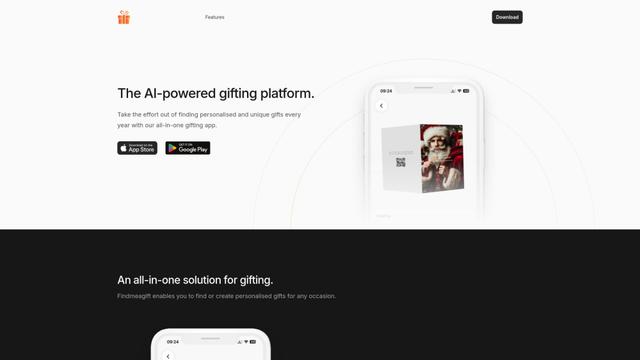
Gift.Gifts is an AI-powered all-in-one gifting platform that helps users find, create and manage personalized gifts through smart recommendations, face-swap customization, and an intelligent chatbot assistant.
Prompt Generator
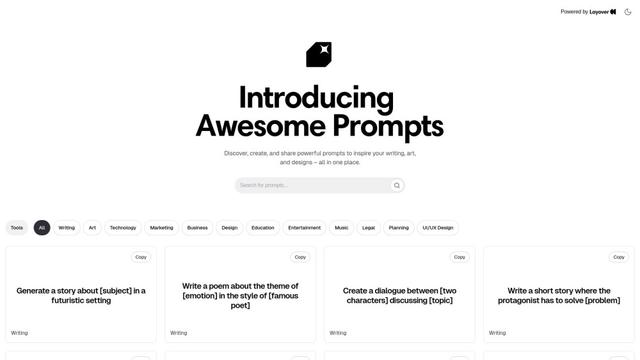
A specialized AI-powered tool that generates customized, context-aware prompts across multiple domains like writing, art, marketing, technology, and business to enhance interactions with AI language models.
Precog by Ubik
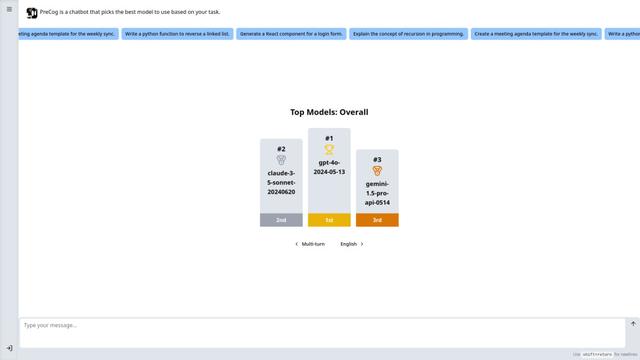
Precog by Ubik is an intelligent AI assistant that automatically selects and utilizes the optimal AI model for each specific task, offering versatile assistance for coding, writing, and other needs.
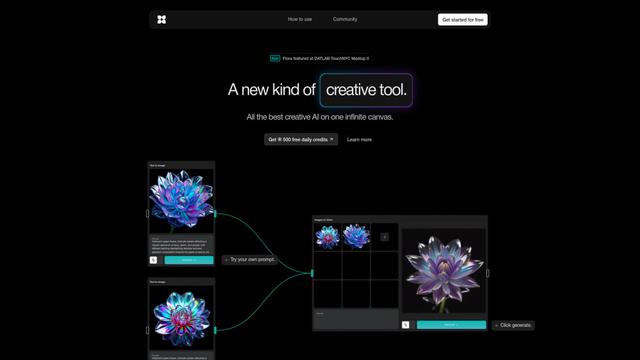
FLORA
FLORA is an innovative AI-powered creative tool that combines multiple AI capabilities on an infinite canvas to enable personalized plant identification, creative design, and interactive botanical assistance.
Popular AI Tools Like Omniwork
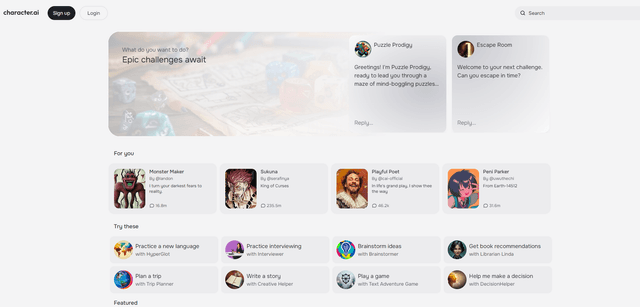
character.ai
Character.AI is an AI-powered platform that allows users to create and interact with customizable AI characters for conversation, creativity, and learning.
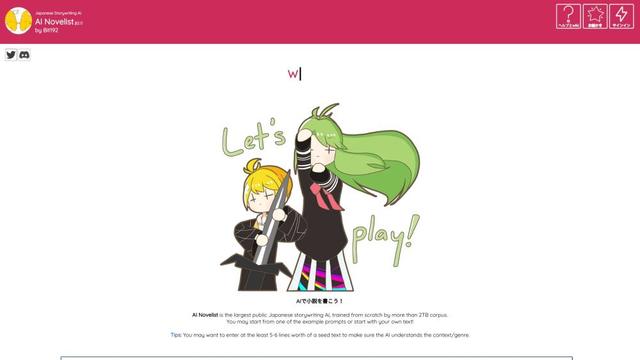
Japanese AI Novelist
Japanese AI Novelist is the largest public Japanese storywriting AI, trained on over 2TB of data to generate original novels and stories.
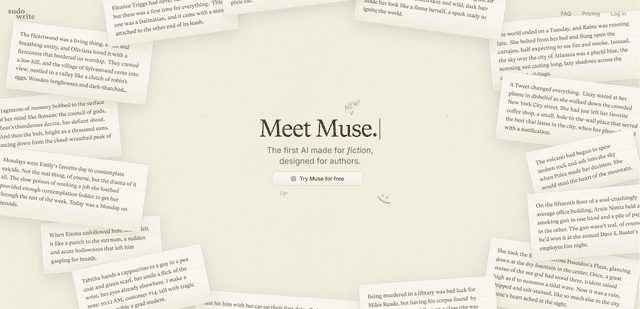
Muse by Sudowrite
Muse by Sudowrite is the first AI model specifically designed for fiction writing, offering advanced storytelling capabilities, unique prose generation, and chapter-length outputs to help authors craft compelling narratives.
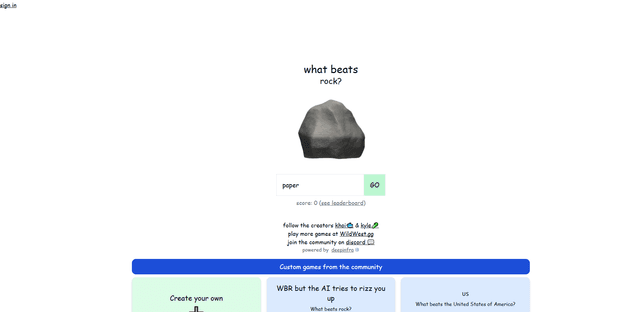
What Beats Rock Game
What Beats Rock is an AI-powered endless variation of Rock Paper Scissors where players creatively propose items that can beat the previous object, with their answers evaluated by a language model for validity.