
Octolane
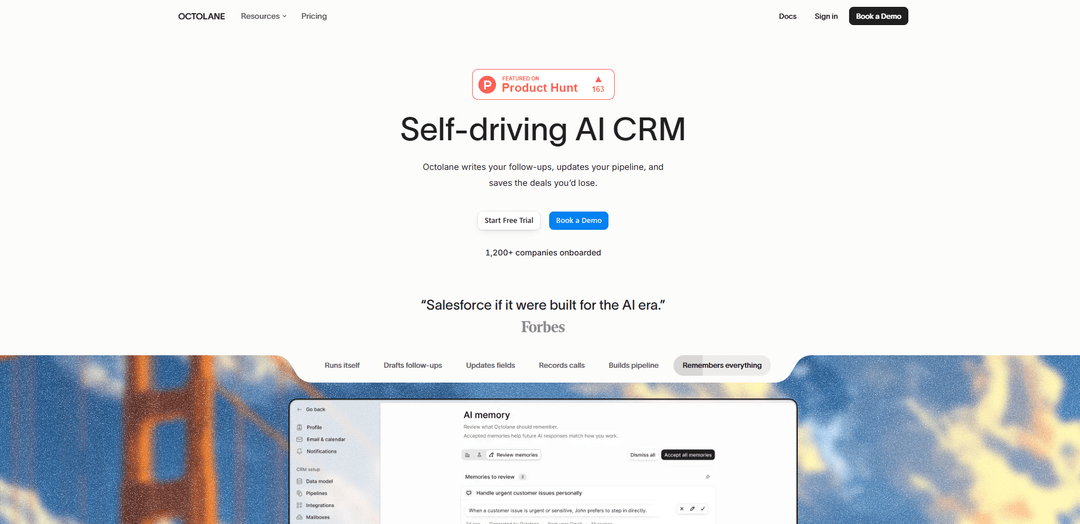
Octolane is a self-driving AI CRM that reads your Gmail and Google Calendar activity to automatically update pipelines, draft follow-ups, and trigger sales actions without manual data entry.
https://octolane.com/?ref=producthunt
Product Information
Updated:Jun 8, 2026
What is Octolane
Octolane is an AI-native “self-driving” CRM built to replace manual CRM upkeep with automation. It connects to the emails and meetings your team already has (notably Gmail and Google Calendar), extracts key sales signals, and keeps your CRM records and pipeline continuously up to date. Positioned as a “system of action” rather than just a system of record, Octolane is designed to help founders and sales teams spend less time on admin work and more time closing deals, with fast onboarding and one-click imports from existing CRMs.
Key Features of Octolane
Octolane is a “self-driving” AI CRM that connects to your email, calendar, website, and many data sources to automatically capture sales activity, update CRM fields and deal stages, draft or send follow-ups, enrich contacts/accounts, and recommend next steps—reducing manual data entry and helping teams avoid losing deals. It also supports fast one-click imports from existing CRMs with AI field mapping and duplicate merging, and offers team/enterprise capabilities like multi-step AI agent workflows, forecasting, and security/compliance options.
Self-updating pipeline: Automatically interprets sales interactions (e.g., emails/meetings) to update deal stages, opportunity records, and activity history so pipelines stay current with minimal manual work.
AI follow-ups and next-step suggestions: Drafts follow-up emails, suggests next actions, and can automate follow-ups to keep deals moving and reduce the chance of leads going cold.
Automatic data extraction from conversations: Extracts key deal details (e.g., budget, timeline, stakeholders, license counts) from messages and fills CRM fields without requiring reps to log information.
One-click CRM import with AI cleanup: Imports contacts, accounts, deals, and history; AI maps fields and merges duplicates during import to reduce post-migration data cleanup.
Data enrichment + website visitor identification (Business+): Enriches contact/account records and identifies website visitors to improve lead context and prioritization for outbound and inbound motions.
AI agents for end-to-end workflows (Team/Enterprise): Runs multi-step workflows across tools (e.g., sequences, routing, updates, handoffs) and adds capabilities like pipeline forecasting; enterprise options include SSO/SAML and compliance programs.
Use Cases of Octolane
Founder-led sales for early-stage startups: A small team can run outbound/inbound with call-joining AI, automated follow-ups, and a CRM that updates itself—freeing time for product and fundraising.
B2B SaaS GTM teams managing full pipeline: Business teams can automate CRM hygiene, enrich leads, track website visitors, and standardize follow-up execution to improve speed-to-lead and conversion.
Agencies/consultancies tracking multi-stakeholder deals: Automatically captures new stakeholders, budgets, and timelines from email threads and meetings, keeping client opportunities accurate without constant manual logging.
RevOps pipeline governance and forecasting: Revenue organizations can use automated activity capture and stage updates plus forecasting (Team/Enterprise) to improve reporting quality and predictability.
CRM migration from tools like HubSpot/Attio: Teams can move contacts/accounts/deals/history quickly with AI field mapping and duplicate merging, reducing migration effort and data-quality issues.
Pros
Reduces manual CRM data entry by auto-capturing activity and updating records
Automates follow-ups and next steps, helping prevent deal slippage
Fast migration/import with AI field mapping and duplicate merging
Strong data-ownership stance (export anytime; claims no training on customer data; zero-retention agreements with model providers)
Cons
Self-serve free trial is only available for the Pro plan; higher tiers require a demo
Advanced capabilities (multi-step agent workflows, enterprise compliance/SSO) are gated to higher-tier plans
Heavy reliance on integrations (email/calendar/website/data sources) means value depends on correct connectivity and permissions
How to Use Octolane
1) Choose a plan and create your Octolane workspace: Go to Octolane and sign up. Pick the plan that matches your setup: Pro (founders, up to 3 seats), Business (full GTM teams), Team (agent-driven workflows, forecasting), or Enterprise (SSO/SAML, compliance like SOC 2/ISO 27001/HIPAA). Note: the 7-day free trial is available on Pro only.
2) Connect your core data sources: Connect Octolane to the systems it uses to run your pipeline automatically—email and calendar are key, and Octolane can also connect to your website and many other data sources (250+).
3) Import your existing CRM (optional but recommended): Use the one-click importer to bring in contacts, accounts, deals, and history from tools like HubSpot, Salesforce, or Pipedrive. Octolane’s AI maps fields and merges duplicates during import so you don’t have to clean data afterward.
4) Verify your migrated records and pipeline structure: After import, review that your contacts/accounts/deals and pipeline stages look correct. Octolane is designed to reduce manual cleanup by auto-mapping fields and deduping during migration.
5) Start using Octolane for meeting + call assistance (Pro and above): Enable the AI to join calls and capture context. Octolane can draft follow-ups and suggest next steps based on what happened in the meeting.
6) Let Octolane draft follow-ups and approve/send them: Use the drafted follow-up emails Octolane generates from your interactions. Review, edit if needed, and send—Octolane is built to remove the manual writing and logging work.
7) Rely on automatic CRM updates from real customer messages (Business and above): As emails and meeting notes come in, Octolane can extract key deal details (e.g., budget, timeline, stakeholders) and update the pipeline automatically so you don’t have to manually edit fields.
8) Turn on automated follow-ups and sequences (Business/Team): Configure Octolane to send follow-ups automatically. On Team plans, you also get unlimited email sequences for scaled outbound/follow-up execution.
9) Enable enrichment and website visitor identification (Business): Use Octolane’s enrichment to keep contact records up to date and identify website visitors so your team can prioritize and act on high-intent accounts.
10) Set up multi-step AI agent workflows (Team/Enterprise): Configure AI agents to run end-to-end workflows (multi-step actions) so Octolane can execute playbooks automatically, not just recommend next steps.
11) Use forecasting and pipeline management (Team): For revenue orgs, use Team features like pipeline forecasting to track expected outcomes while Octolane keeps deal data current through automation.
12) Manage seats and billing from settings: Add/remove users as needed (Pro supports up to 3 seats). Upgrade, downgrade, or cancel anytime from settings; upgrades prorate and downgrades apply at the end of the billing period.
13) Export your data anytime (and understand retention): Export contacts, accounts, deals, meetings, emails, and notes as CSV or JSON whenever you want—even after cancellation. Octolane retains data for 30 days post-cancellation, then permanently deletes it.
14) Review data privacy and enterprise security options (as needed): Octolane states it does not use your CRM data, calls, emails, or customer info to train models. It also states third-party models operate under zero-data-retention agreements. Enterprise customers can request a DPA and sub-processor list, and can use SSO/SAML and compliance options.
Octolane FAQs
Octolane is a self-driving AI CRM that keeps itself updated by reading your team’s existing Gmail emails and Google Calendar meetings, extracting key signals, and writing clean updates back into the CRM automatically.
Octolane Video
Popular Articles

Proferex: A Cloud-Based Ad Tracking and Campaign Optimization Platform
Nov 4, 2026

How to Create Viral Talking Baby Podcast Videos with AI: Step-by-Step Guide
Nov 2, 2026

Vosko AI: Localize and Dub Videos for Global Audiences
Oct 15, 2026

Atoms: A Multi-Agent AI Platform That Transforms Ideas into Launch-Ready Products
Oct 13, 2026
Latest AI Tools Similar to Octolane
Pulp Sense
Pulp Sense is an AI-driven agency that leverages smart process automation and custom solutions to optimize business operations and drive unlimited growth.
Vuepak
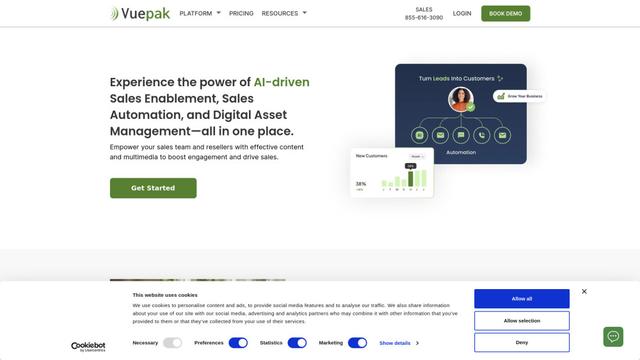
Vuepak is an AI-powered sales and marketing platform that combines sales enablement, automation, and digital asset management to help teams organize media assets into dynamic presentations for enhanced customer engagement.
Beyond AIO
Beyond AIO is an all-in-one AI-powered marketing platform that delivers smart, data-driven insights and solutions through predictive analytics, cross-channel integration, and real-time optimization capabilities.
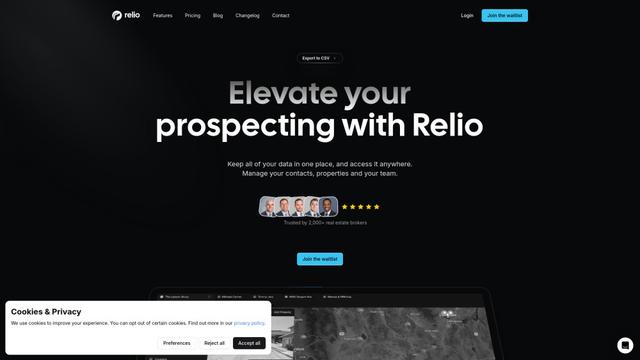
Relio CRM
Relio CRM is a comprehensive customer relationship management platform designed specifically for real estate professionals, offering contact management, pipeline tracking, and AI-powered data enrichment capabilities all in one centralized solution.
Popular AI Tools Like Octolane
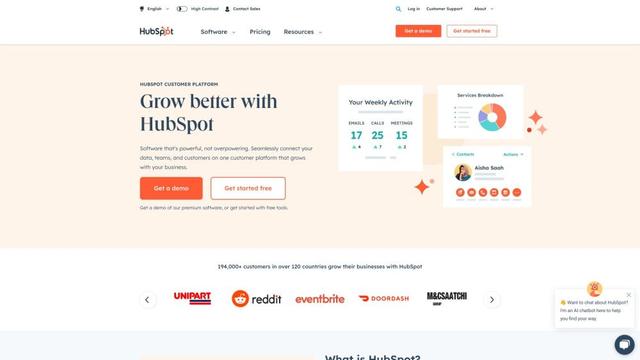
HubSpot
HubSpot is an all-in-one AI-powered customer platform that provides marketing, sales, service, operations, and website-building software to help businesses grow.
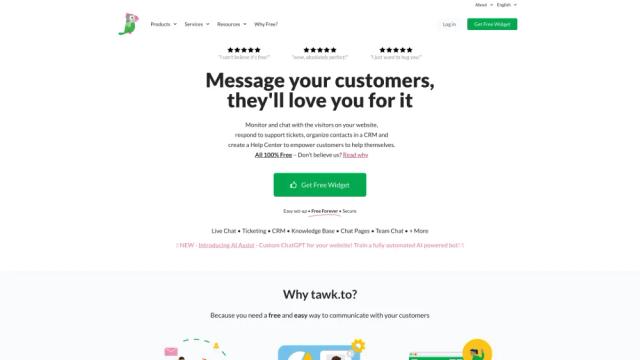
tawk.to
tawk.to is a 100% free live chat software that allows businesses to monitor and chat with visitors on their website or from a customizable page.
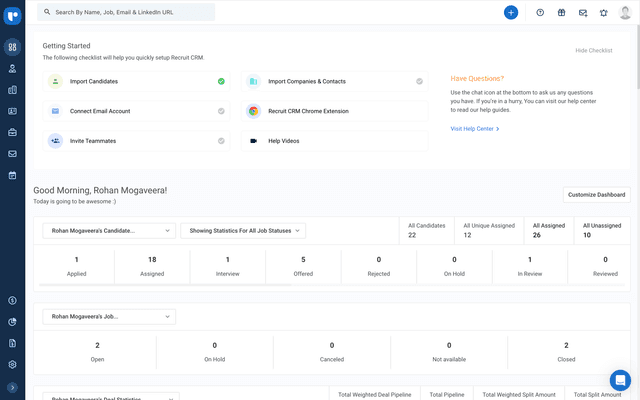
Recruit CRM
Recruit CRM is an all-in-one, AI-powered Applicant Tracking System (ATS) and Customer Relationship Management (CRM) software designed to streamline and automate the recruitment process for agencies.
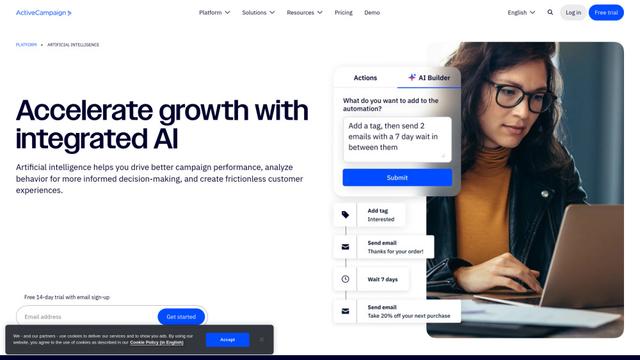
ActiveCampaign AI
ActiveCampaign AI is an integrated artificial intelligence solution that helps businesses drive better campaign performance, analyze customer behavior, and create personalized experiences across marketing automation, email marketing, and CRM.