
MyStudyDeck
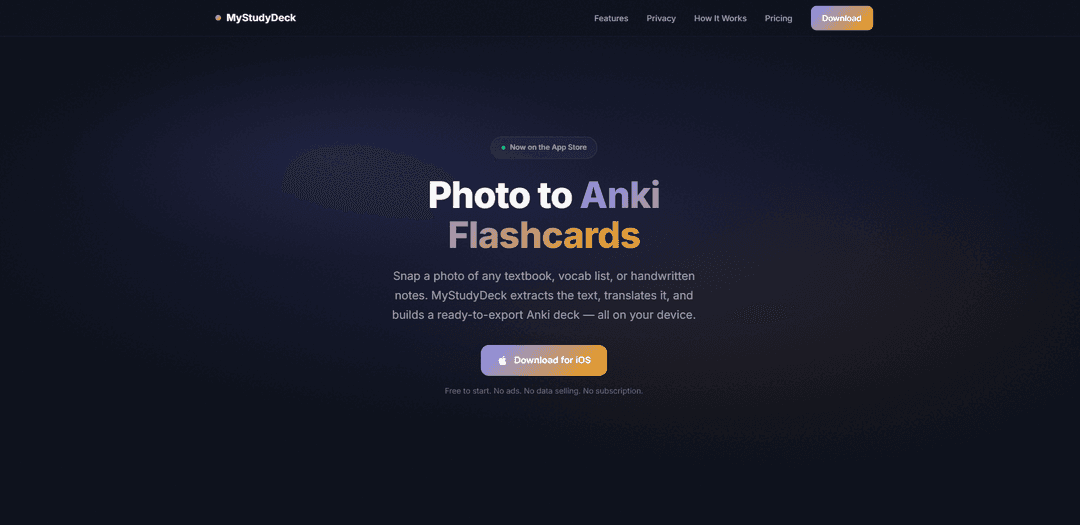
MyStudyDeck is an iOS app that turns photos of textbooks or notes into ready-to-export Anki decks using fully on-device OCR, on-device translation, and one-tap .apkg export—no accounts or cloud required.
https://mystudydeck.store/?ref=producthunt
Product Information
Updated:Jun 16, 2026
What is MyStudyDeck
MyStudyDeck is a privacy-first flashcard creation app for iPhone that helps you quickly convert real-world study materials—like textbook pages, vocabulary lists, whiteboards, or handwritten notes—into Anki-compatible flashcards. Available on the App Store, it’s free to start (up to 3 cards) and offers a one-time purchase for unlimited creation, multiple card types, batch building, and .apkg export. The core promise is speed and simplicity: capture content with your camera, generate cards, and export directly to AnkiMobile or anywhere via the iOS Share Sheet.
Key Features of MyStudyDeck
MyStudyDeck is an iOS app that turns photos of textbooks, vocab lists, and handwritten notes into Anki-ready flashcards using fully on-device OCR (Apple VisionKit) and on-device translation (Apple Translation). It lets you select extracted terms, auto-fill translations, build cards in multiple formats (including image-based and fill-in styles), and export standard Anki-compatible .apkg decks with embedded images—without accounts, cloud sync, ads, or data selling, emphasizing a privacy-first, offline-capable workflow.
Photo-to-flashcards OCR: Capture study material with the camera and extract text instantly using on-device Apple VisionKit OCR (works offline).
On-device translation: Automatically translate selected terms using Apple’s Translation framework locally, supporting multiple source and target languages without network calls.
Selectable term chips & tokenization: OCR output is tokenized into tappable terms so you can quickly choose exactly what you want to turn into cards.
Flexible card builder (4 types): Create Plain, Image, Fill-in, and Multi-field cards, including batch creation to generate multiple cards from a single photo.
Anki .apkg export with embedded images: Exports standard Anki-compatible .apkg decks (including images) via Share Sheet to AnkiMobile, Files, AirDrop, iCloud Drive, or email—no desktop required.
Privacy-first, zero-backend architecture: No account or sign-in; photos and study content stay on-device in a local database, with no ads and only anonymous crash/usage analytics.
Use Cases of MyStudyDeck
Language vocabulary building: Snap vocab lists or textbook pages (e.g., Japanese/Chinese/Korean/Arabic), select words, auto-translate them, and export to Anki for spaced-repetition study.
Classroom note digitization to Anki: Photograph handwritten notes or whiteboards, extract key terms, and turn them into flashcards for quick review before quizzes and exams.
Medical/law/technical term memorization: Convert dense terminology from printed materials into structured flashcards (multi-field or cloze/fill-in) to support high-volume memorization.
Offline study workflows in restricted environments: Use OCR and translation without uploading content or requiring an internet connection—useful where connectivity or data-sharing is limited.
Fast Anki deck creation for tutors and educators: Batch-create cards from worksheets or textbook excerpts and share .apkg decks with students who use AnkiMobile.
Pros
Strong privacy posture: on-device OCR/translation, no account, no cloud backend, no ads/data selling
Direct Anki interoperability via standard .apkg export (including images) without needing a desktop
Fast creation flow from real-world materials (photos) with batch card generation and multiple card types
Cons
Platform limitation: primarily positioned as an iOS app (iPhone/iPad); no confirmed Android support in provided sources
Free tier is limited (e.g., up to 3 cards) and full functionality requires a one-time Pro purchase
No cloud sync/account features by design, which may be a drawback for users who want cross-device syncing or collaborative deck management
How to Use MyStudyDeck
1) Install MyStudyDeck: Download MyStudyDeck from the iOS App Store and open it. No account or sign-in is required.
2) Start a new capture: Choose the photo capture flow in the app to create cards from real study material (textbook pages, vocab lists, whiteboards, or handwritten notes).
3) Take a clear photo of your study material: Point your camera at the page/notes and take a photo. The app runs on-device OCR immediately (works offline).
4) Let OCR extract the text: MyStudyDeck uses Apple VisionKit to read text locally on your device. Extracted terms appear as selectable items (tokenized chips).
5) Select what you want to learn: Tap the extracted terms/phrases you want to turn into flashcards. You can choose only the items you need from the photo.
6) Auto-translate selected terms (optional): Use the built-in on-device translation (Apple Translation framework) to automatically fill the back of cards in your target language (supports 10+ languages).
7) Choose a card type: Pick one of the four card types based on your study goal: Plain, Image, Fill-in, or Multi-field.
8) Build cards (single or batch mode): Create cards from your selected terms. Use batch mode to generate multiple cards from one photo more quickly.
9) Review and adjust card content: Confirm the front/back fields (and any extra fields for Multi-field cards). Ensure translations and formatting look correct before exporting.
10) Export as an Anki deck (.apkg): Tap Export to generate a standard Anki-compatible .apkg file (with embedded images when applicable).
11) Send the .apkg to AnkiMobile (or elsewhere): Use the iOS Share Sheet to open the .apkg directly in AnkiMobile or share it to Files, AirDrop, iCloud Drive, or email—no desktop required.
12) Import and study in Anki: In AnkiMobile, import the deck from the received .apkg and begin reviewing normally using Anki’s spaced repetition.
13) Understand free vs Pro limits: Free tier lets you create up to 3 cards to try the workflow. Pro is a one-time purchase that unlocks unlimited flashcard creation, all 4 card types, batch creation, and .apkg export (with future updates included).
MyStudyDeck FAQs
MyStudyDeck is an iOS app that lets you snap a photo of study material (textbooks, vocab lists, handwritten notes), extracts the text with on-device OCR, optionally translates it on-device, and builds an Anki-ready deck you can export.
MyStudyDeck Video
Popular Articles

Vosko AI: Localize and Dub Videos for Global Audiences
Oct 15, 2026

Atoms: A Multi-Agent AI Platform That Transforms Ideas into Launch-Ready Products
Oct 13, 2026

Nano Banana SBTI: What It Is, How It Works, and How to Use It in 2026
Apr 15, 2026

Atoms Review — The AI Product Builder Redefining Digital Creation in 2026
Apr 10, 2026
Latest AI Tools Similar to MyStudyDeck
Snapmark
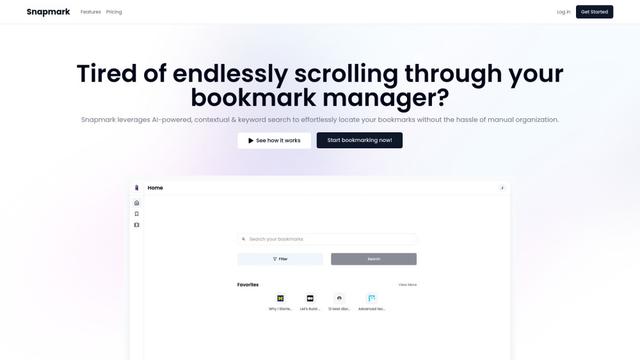
Snapmark is an AI-powered search engine for bookmarks that allows users to save, search, and organize websites, images, and text without manual tagging or categorization.
Uměl.cz
Uměl.cz is a Czech AI-powered search engine that provides intelligent and contextual answers to user queries.
想读 (WantRead)
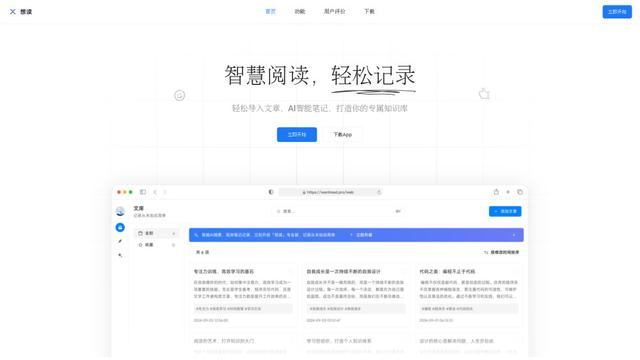
想读(WantRead) is an AI-powered reading and note-taking platform that helps users easily import, read, annotate and build their personal knowledge base.

PodExtra AI
PodExtra AI is an advanced AI-powered podcast tool that transforms podcast content into digestible formats through transcripts, summaries, mind maps, outlines, highlights and takeaways.
Popular AI Tools Like MyStudyDeck

Rememberall
Rememberall is a secure, open-source long-term memory solution that enables AI applications and GPT models to maintain persistent memory across conversations through semantic search and vector storage capabilities.
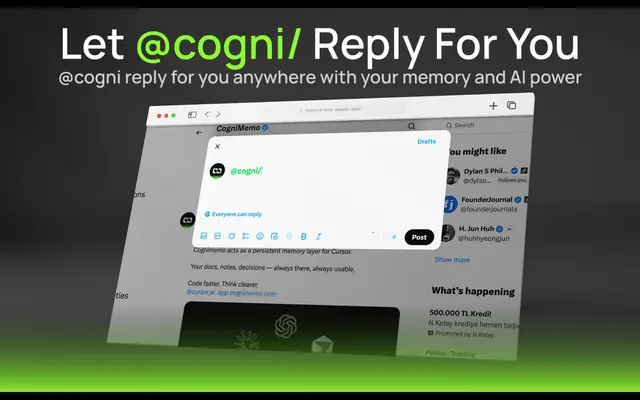
CogniMemo Extension
CogniMemo is a browser extension that adds long-term memory capabilities to AI tools like ChatGPT, Claude, Gemini, and DeepSeek by enabling context-aware conversations and knowledge management through saved notes and past chats.
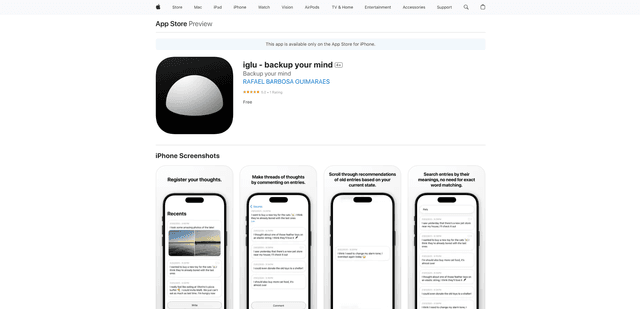
iglu
Iglu is a private, AI-powered micro-journaling app that helps users record, organize, and revisit their thoughts, memories, and ideas through text and media entries with intelligent search and recommendation features.
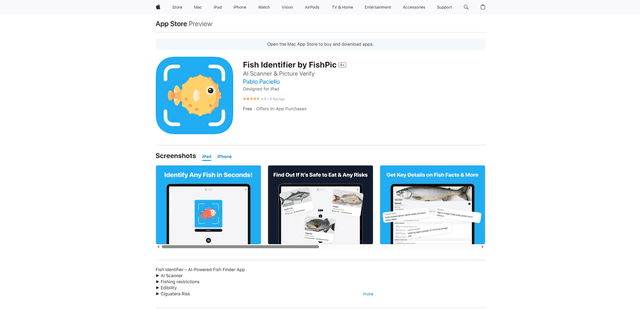
FishPic
FishPic is an AI-powered fish identification app that instantly recognizes fish species from photos while providing comprehensive information about edibility, regulations, and recipes.