
Mutter AI Dictation
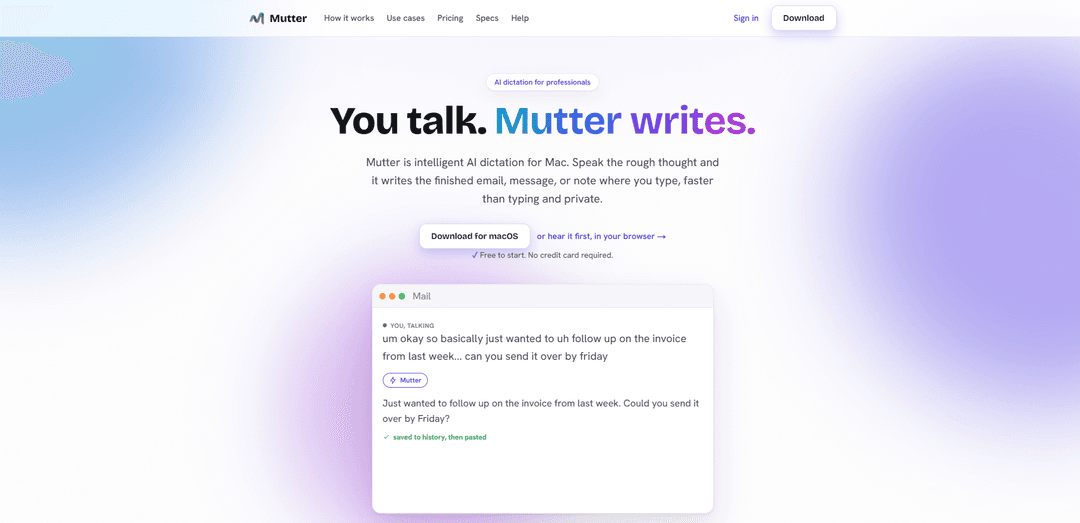
Mutter is a Mac AI dictation app that turns messy speech into polished, ready-to-use writing in any app—up to 3× faster than typing—with optional 100% on-device private, offline transcription.
https://muttervoice.com/?ref=producthunt
Product Information
Updated:Jul 8, 2026
What is Mutter AI Dictation
Mutter is an AI dictation tool for professionals designed to convert spoken, half-formed thoughts into clean, finished text wherever your cursor is—email, docs, chat, notes, or editors. Instead of only transcribing verbatim, Mutter can rewrite your speech into well-structured writing, removing filler words and applying your preferred tone via customizable Styles and a personal Dictionary. It offers two plans: a cloud-based option that works on any Mac (including Intel), and a premium Private, On-device option for Apple Silicon that keeps transcription fully local and can run offline.
Key Features of Mutter AI Dictation
Mutter is a macOS AI dictation tool that turns natural, messy speech into polished writing wherever your cursor is—emails, Slack, docs, notes, and more—aiming to be about 3× faster than typing. It can clean up filler words and stumbles, apply per-app “Styles,” and learn domain terms via a custom Dictionary. A standout feature is “Intent mode (Compose),” where Mutter detects what you’re trying to create (e.g., reply email, bug report, task list, AI prompt) and drafts a finished version for review before inserting. For privacy-sensitive work, Mutter offers a 100% on-device Private mode (Apple Silicon) that works fully offline and keeps audio on the Mac, while also saving every dictation to a local searchable history so words aren’t lost to flaky input fields.
System-wide dictation anywhere: Types where your cursor is—email, Slack, documents, notes, editors, and web apps—so you can dictate without switching tools.
Intent mode (Compose) drafting: A dedicated hotkey that turns a rough thought into the right artifact (email, Slack message, memo, task list, AI prompt, bug report) and shows a draft for review before it lands.
AI cleanup into finished writing: Removes filler words and false starts, adds structure and punctuation, and produces text that needs fewer edits than plain dictation.
Private on-device mode (offline): On Apple Silicon, transcription can run fully on-device so no audio leaves the machine—usable with Wi‑Fi off for sensitive dictation.
Styles + custom Dictionary: Save different voices/tones per app (e.g., formal investor email vs casual Slack) and teach Mutter names, abbreviations, and specialized vocabulary once.
Searchable local history + “never lose a word”: Dictations are saved to a local searchable history immediately (before pasting), helping prevent losing text in glitchy fields (e.g., web forms/EHRs).
Use Cases of Mutter AI Dictation
Clinicians: faster notes with sensitive data kept local: Dictate clinical notes or messages in Private mode so protected information stays on-device, with history to prevent loss in web-based EHR text boxes.
Law firms: contract and case-note dictation: Draft client emails, matter notes, and structured summaries by voice; Private mode supports confidentiality needs and custom Dictionary improves legal terminology.
Founders/Operators: inbox and backlog clearing: Turn spoken thoughts into clean emails, task lists, and memos between meetings; Intent mode reduces the friction of choosing formats and rewriting.
Support/Sales: rapid, consistent messaging: Use per-app Styles to keep tone consistent across CRM notes, customer replies, and internal chat; dictate responses directly where you work.
Developers/PMs: bug reports and AI prompts by voice: Say “there’s a bug…” to generate a structured report, or dictate longer AI prompts quickly for tools like ChatGPT/Cursor—then review and insert.
Education: personalized feedback at scale: Speak the feedback you’d give a student and have Mutter convert it into clear, encouraging written comments faster than typing each one.
Pros
Strong privacy option: 100% on-device Private mode that works offline and keeps audio on the Mac.
More than transcription: Intent mode produces ready-to-send drafts (email/tasks/prompts) instead of verbatim text.
Works across apps: system-wide cursor-based insertion plus per-app Styles and a custom Dictionary.
Reliability: local searchable history helps prevent losing dictated text in unreliable input fields.
Cons
Mac-only: designed for macOS; Private on-device mode requires Apple Silicon (cloud mode can run on Intel).
Subscription pricing: higher cost for the on-device Private tier compared with basic built-in dictation.
Cloud mode privacy tradeoff: cloud transcription sends an utterance to a provider (even if encrypted and not stored), which may not fit all compliance needs.
How to Use Mutter AI Dictation
1) Install Mutter on your Mac: Download and install Mutter for macOS from the official site, then launch the app.
2) Sign in (required for dictation): Create an account and sign in. Your account acts as your license and can sync your plan and searchable history across devices.
3) Choose your plan and privacy mode: Pick Cloud-based (works on Intel + Apple Silicon) or Private, On-device (Apple Silicon only). If you need maximum privacy, enable Private mode so transcription runs fully on-device and can work offline.
4) Place your cursor where you want text to appear: Click into any text field (email, docs, chat, editor, EHR—anywhere that accepts keyboard input). Mutter pastes wherever your cursor is.
5) Start standard dictation (Press & hold hotkey): Press and hold Mutter’s dictation hotkey from any app to begin capturing speech.
6) Speak your content naturally: Talk normally—even with pauses, filler words, and false starts. Mutter transcribes and cleans up filler, punctuation, and formatting as you go.
7) Release to paste polished text: Release the hotkey to finish. Mutter pastes the polished text instantly into your active app.
8) Use Compose / Intent mode for “finished writing,” not just a transcript: Hold the Compose (Intent mode) hotkey and speak a rough thought like “reply to Josh…” or “there’s a bug…”. Mutter detects what you’re creating (email, Slack message, memo, task list, AI prompt, etc.) and drafts a ready-to-review version.
9) Review before inserting (Compose / Intent mode): In Intent mode, review the generated draft, then insert it where your cursor is (or copy it) when it looks right.
10) Turn on offline dictation when needed (Private mode): If you’re on the Private, On-device plan, enable Private mode and dictate with Wi‑Fi off. No audio leaves your Mac in this mode.
11) Add specialized terms to your Dictionary: Add names, jargon, drug names, procedures, and abbreviations to Mutter’s Dictionary so they’re spelled correctly every time.
12) Use Styles to match the writing context: Configure Styles so output matches where you’re writing (e.g., casual for chat, polished for email, structured for notes).
13) Find past dictations in your local searchable history: Use Mutter’s searchable history to retrieve what you dictated. Dictations are saved immediately when you finish—before pasting—so you don’t lose text if an app field glitches.
14) Understand what gets sent in Cloud mode vs Private mode: In Private mode, transcription stays on-device and nothing is uploaded. In Cloud mode, a single utterance is sent to the transcription provider over an encrypted connection and is not stored; Intent mode sends only transcript text (not audio).
15) Cancel anytime if you no longer need it: Cancel from within the app in a couple of clicks; your plan remains active until the end of the paid period.
Mutter AI Dictation FAQs
Mutter is a Mac app for voice-to-finished-writing: you speak a rough thought and it produces polished text where your cursor is (email, docs, chat, notes), aiming to be about 3× faster than typing.
Popular Articles

Vosko AI: Localize and Dub Videos for Global Audiences
Oct 15, 2026

Atoms: A Multi-Agent AI Platform That Transforms Ideas into Launch-Ready Products
Oct 13, 2026

Nano Banana SBTI: What It Is, How It Works, and How to Use It in 2026
Apr 15, 2026

Atoms Review — The AI Product Builder Redefining Digital Creation in 2026
Apr 10, 2026
Latest AI Tools Similar to Mutter AI Dictation
Heartbeat
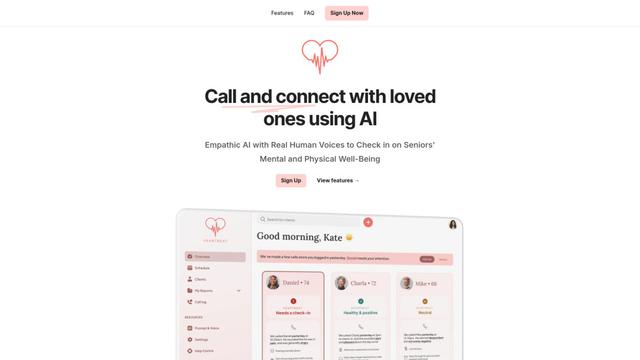
Heartbeat is a versatile platform that offers both an online community-building solution and an AI-powered wellness calling system for seniors and at-risk individuals, featuring customizable spaces, real-time communication, and health monitoring capabilities.
SongleAI
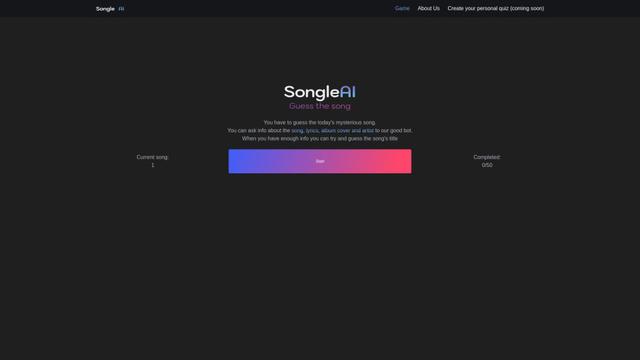
SongleAI is an interactive music guessing game where users try to identify mysterious songs by asking questions about lyrics, album covers, and artists to an AI bot.
AiLuvio
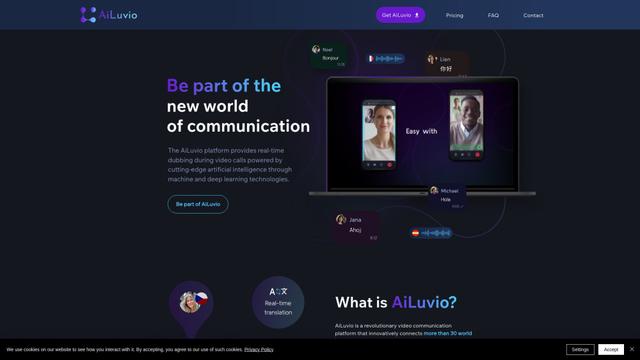
AiLuvio is a revolutionary video communication platform that enables real-time dubbing across 30+ languages during video calls, breaking language barriers with AI technology.

HeyMilo AI
HeyMilo AI is a generative AI-powered voice agent platform that conducts two-way conversational interviews to streamline and scale the recruitment process.
Popular AI Tools Like Mutter AI Dictation
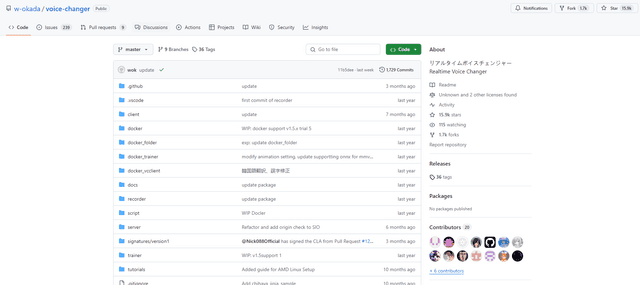
W-Okada Voice Changer
W-Okada Voice Changer is an open-source real-time voice conversion software that uses AI to transform voices with high quality and low latency.
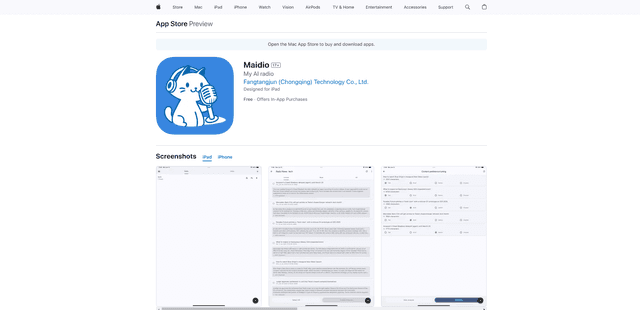
Maidio
Maidio is an innovative AI-powered app that automatically converts RSS news feeds into engaging podcast-style conversations between a host and assistant.
Gemini 3.5 Live Translate
Gemini 3.5 Live Translate is Google’s low-latency, streaming speech-to-speech translation audio model that auto-detects 70+ languages and produces smooth, natural-sounding translated speech while preserving the speaker’s intonation, pacing, and pitch.
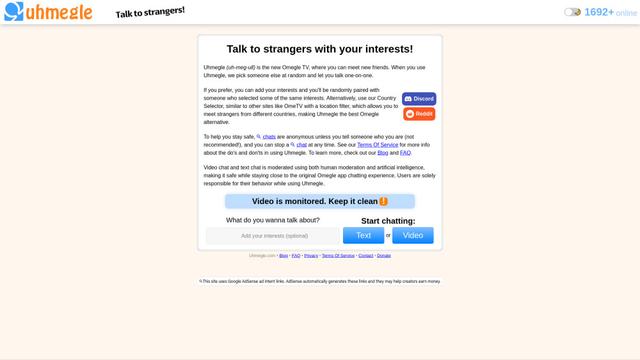
Uhmegle
Uhmegle is a modern Omegle alternative offering free, anonymous, and moderated video and text chat services that connects users with strangers worldwide based on shared interests.