
Moshi
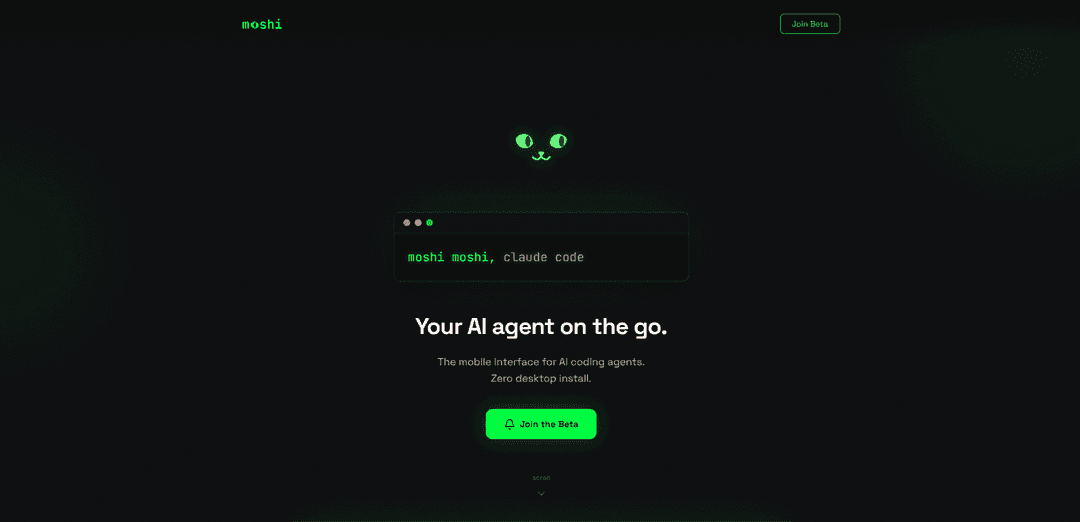
Moshi is a mobile-first terminal app that enables seamless access to AI coding agents and bedtime stories, offering a bridge between desktop development and on-the-go productivity while also providing soothing content for kids' sleep and mindfulness.
https://getmoshi.app/?ref=producthunt
Product Information
Updated:Feb 8, 2026
What is Moshi
Moshi exists in two distinct forms - a terminal app for developers and a children's sleep/mindfulness app. As a terminal app, it's specifically designed for phones to provide remote access to AI coding agents like Claude Code without requiring desktop installation. For children, it's an award-winning sleep and mindfulness app featuring hundreds of original audio stories, meditations, and soothing sounds created by a BAFTA-winning creative team. Both versions focus on providing seamless, mobile-first experiences in their respective domains.
Key Features of Moshi
Moshi appears to be two distinct products: 1) A terminal app for iOS that enables remote access to AI coding agents running on Mac, featuring biometric SSH key unlock, tmux integration, and persistent sessions that survive network changes. 2) A children's sleep and mindfulness app with audio stories, meditations, and relaxation content. This analysis focuses on the terminal app version.
Biometric Security & Persistence: Features biometric unlock for SSH keys stored in Keychain and maintains persistent sessions that survive network drops, phone sleep, and app switches
Terminal Optimization: Built specifically for mobile terminal work with support for Ctrl, Esc, arrows, Tmux, and Powerline fonts
Push Notification Integration: Receives push notifications when AI agents need input or complete tasks, allowing remote management from iPhone and Apple Watch
Voice Command Support: Includes local Whisper model integration for voice command input to AI agents
Use Cases of Moshi
Remote AI Agent Management: Monitor and control AI coding agents running on a Mac while away from the desk
Mobile Development Workflow: Continue development work started on laptop through phone with seamless session transition
DevOps Management: Handle system administration tasks and approve operations remotely through push notifications
Pros
Purpose-built for terminal work on mobile devices
Seamless integration with Mac-based AI agents
Strong security features with biometric authentication
Cons
Some features become paid after launch
Requires Mac with Apple M1 chip or later
Dependencies on Mac for full functionality
How to Use Moshi
Install Required Components: Install mosh and tmux on your Mac. These are the core components needed for the remote connection setup.
Install Moshi App: Download and install the Moshi app on your iPhone from the App Store.
Configure tmux: Set up your tmux configuration file (~/.tmux.conf) with recommended settings including large scrollback buffer (50000 lines), mouse support, and window title propagation.
Set Up Moshi Token: Get your Moshi webhook token and configure it in your setup to enable push notifications on your iPhone and Apple Watch.
Start tmux Session: Launch a tmux session on your Mac where your AI agent or other processes will run continuously.
Connect via Moshi: Use the Moshi app on your iPhone to connect to your Mac's tmux session. The connection is maintained through mosh which handles network interruptions gracefully.
Enable Biometric Security: Set up biometric unlock for SSH keys, which are stored securely in the Keychain for enhanced security.
Configure Notifications: Set up push notifications in Moshi to receive alerts when your AI agent needs input or completes tasks.
Test Remote Access: Verify that you can access your Mac's tmux session from your iPhone, check that notifications work, and confirm that the session persists through network changes.
Moshi FAQs
Moshi is a terminal app built specifically for phones that allows users to connect to and control AI agents running on their Mac computers. It enables remote access to AI coding sessions and provides push notifications for agent interactions.
Moshi Video
Popular Articles

Vosko AI: Localize and Dub Videos for Global Audiences
Oct 15, 2026

Atoms: A Multi-Agent AI Platform That Transforms Ideas into Launch-Ready Products
Oct 13, 2026

Nano Banana SBTI: What It Is, How It Works, and How to Use It in 2026
Apr 15, 2026

Atoms Review — The AI Product Builder Redefining Digital Creation in 2026
Apr 10, 2026
Latest AI Tools Similar to Moshi

Gait
Gait is a collaboration tool that integrates AI-assisted code generation with version control, enabling teams to track, understand, and share AI-generated code context efficiently.

invoices.dev
invoices.dev is an automated invoicing platform that generates invoices directly from developers' Git commits, with integration capabilities for GitHub, Slack, Linear, and Google services.

EasyRFP
EasyRFP is an AI-powered edge computing toolkit that streamlines RFP (Request for Proposal) responses and enables real-time field phenotyping through deep learning technology.

Cart.ai
Cart.ai is an AI-powered service platform that provides comprehensive business automation solutions including coding, customer relations management, video editing, e-commerce setup, and custom AI development with 24/7 support.
Popular AI Tools Like Moshi

GitHub Copilot Chat
GitHub Copilot Chat is an AI-powered coding assistant that provides natural language interactions, real-time code suggestions, and contextual support directly within supported IDEs and GitHub.com.

CopilotForXcode
CopilotForXcode is an Xcode Source Editor Extension that integrates GitHub Copilot, Codeium, and ChatGPT to provide AI-powered code suggestions, chat assistance, and prompt-to-code functionality within Xcode.

BrowserAI
BrowserAI is an open-source library that enables running local Large Language Models (LLMs) directly in web browsers with WebGPU acceleration, offering privacy-focused AI capabilities without requiring server infrastructure.

OpenAI Codex CLI
OpenAI Codex CLI is a lightweight, open-source coding agent that runs in your terminal, enabling developers to translate natural language into code execution while providing ChatGPT-level reasoning with the ability to run code, manipulate files, and iterate under version control.