
Montage
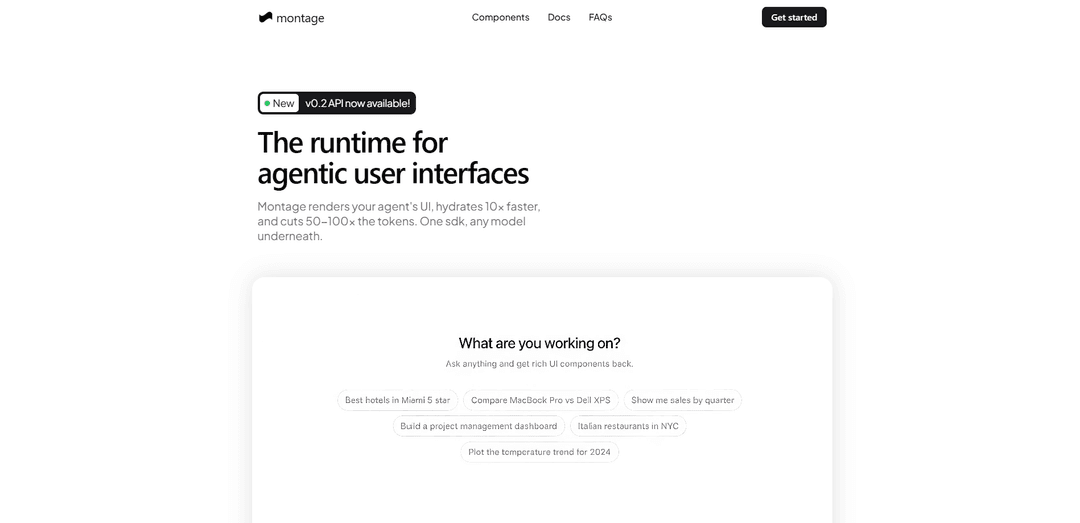
Montage is a runtime for agentic user interfaces that turns prompts plus data into deterministic, production-ready HTML/CSS/JS artifacts with fast hydration and 50–100× fewer tokens.
https://usemontage.ai/?ref=producthunt
Product Information
Updated:May 18, 2026
What is Montage
Montage (usemontage.ai) is a UI rendering runtime designed for AI agents and AI-powered applications that need reliable, high-fidelity interfaces without shipping a heavy client-side interpreter. Instead of having a model “write UI” in markdown or ad‑hoc HTML, Montage generates pre-rendered, theme-aware UI artifacts from a single prompt and your structured data context. It supports multiple delivery shapes (REST, SDK, and MCP), works with any underlying model, and provides an Atlas catalog of typed components (e.g., dashboards, charts, tables, kanbans) that can be embedded into products and chat surfaces with minimal integration effort.
Key Features of Montage
Montage is a runtime and API for agentic user interfaces that turns an agent’s prompt plus structured data into a production-ready, self-contained HTML/CSS/JS artifact. Instead of having an LLM generate UI markup, Montage resolves deterministic, typed templates (187 components) server-side, applies your design-system tokens at render time, and returns UI that hydrates quickly with zero runtime shipped—aiming for higher fidelity, faster loads, and significantly fewer tokens across REST, SDK, and MCP integrations.
Server-compiled UI artifacts: Generates production-ready, self-contained HTML/CSS/JS from a prompt + data context, so apps can embed interactive UI without shipping a client-side interpreter.
Deterministic template resolution (187 components): Uses a typed, theme-aware component registry (Atlas) to avoid layout drift and hallucinated markup, producing consistent, pixel-stable UI outputs.
Design-system theming at render time: Supports multiple built-in design systems and custom token injection; the same UI intent can be re-skinned without changing agent logic.
Fast hydration with zero runtime shipped: AOT-compiled output is designed to load instantly (no runtime bundle), reducing overhead and improving perceived performance.
Token and cost efficiency: “Resolve, don’t generate” approach fills templates server-side, targeting 50–100× fewer tokens than prompting models to write UI from scratch.
Multiple integration surfaces (REST, SDK, MCP): One intent schema delivered via REST API, SDK tooling, or MCP for agent frameworks—supporting varied stacks and deployment patterns.
Use Cases of Montage
AI chat apps with rich UI responses: Replace markdown/HTML blobs with interactive, themed components (charts, tables, cards) rendered inline in chat experiences.
Agent frameworks and copilots: Let agents output structured UI intents via MCP/SDK so users get reliable, interactive artifacts (dashboards, kanbans, flows) without the agent writing HTML.
Internal analytics and ops dashboards: Generate data-rich dashboards (funnels, gantt charts, tables, KPI cards) from JSON data for teams in finance, sales ops, and operations.
SaaS product features (embedded AI UI): Embed shadow-scoped artifacts to add AI-powered reporting, onboarding, or workflow views inside existing products without CSS conflicts.
Customer success and sales enablement: Auto-render account health views, pipeline dashboards, and QBR-ready summaries from CRM-like data for faster stakeholder communication.
Pros
Deterministic, higher-fidelity UI compared to freeform LLM-generated HTML (less layout drift, fewer hallucinations).
Performance-oriented output (AOT artifacts, fast hydration, zero runtime shipped).
Lower token usage and potentially lower inference costs by resolving templates instead of generating markup.
Flexible adoption via REST, SDK, or MCP; can be embedded safely with shadow-scoped rendering.
Cons
Component/template-driven approach may limit highly bespoke UI beyond the available intent/component catalog.
Requires sending prompts/data to an external service and managing API keys, which may raise compliance/privacy considerations.
Best results depend on providing well-structured data context; poor inputs can reduce output quality.
How to Use Montage
1) Create an account and get an API key: Go to https://usemontage.ai/ and click “Get started”. Create/sign in to your account, then generate/copy your MONTAGE_API_KEY for API/SDK usage.
2) Choose how you want to integrate Montage (REST, SDK, or MCP): Montage supports three delivery shapes with the same intent contract: REST API calls, an SDK (including React helpers), or MCP tools for agent frameworks. Pick the one that fits your stack.
3) Define what UI you want (the prompt/intent) and gather your data context: Write a clear prompt describing the artifact (e.g., “Build a fundraising pipeline dashboard”) and prepare the data context you want rendered (e.g., opportunities, stages, values) as JSON you can pass as dataInfo.
4) (Optional) Decide your design system tokens and output settings: Optionally specify designSystem settings (label, theme, colors like primary) plus renderSurface sizing (width/height and viewportWidth/viewportHeight). Also choose outputQuality (e.g., “xhigh”) and backendType (e.g., “fluxUI”) to control fidelity and rendering path.
5) Generate a compiled UI artifact via REST: Send a POST request to https://api.usemontage.ai/v1/generate with your Bearer token, prompt, dataInfo (stringified JSON), and optional outputQuality/backendType/renderSurface/designSystem. The API returns a self-contained HTML artifact plus metadata (e.g., id, creditsUsed).
6) Or generate via the SDK tools (Node/TypeScript): Install and use the Montage SDK tools to call execute() with the same inputs (prompt + dataInfo + defaults like outputQuality/backendType/designSystem). The response includes artifact.html ready to render.
7) Render the returned HTML in your app (React example): If you’re using React, mount the returned HTML using the SDK’s React host component (HtmlBlock) to render in an isolated shadow DOM and avoid CSS conflicts. Pass the HTML fragment and choose a layout (e.g., full).
8) Embed anywhere (non-React hosting): Because the output is a self-contained HTML artifact, you can also mount it in your own host surface (e.g., iframe, saved HTML, or streamed response) depending on your product needs.
9) Iterate: refine prompt, data, and theming until the UI matches your needs: Adjust the prompt wording, expand/clean the dataInfo JSON, and tweak designSystem tokens (theme/colors) and renderSurface dimensions. Re-run generate/execute to get updated deterministic artifacts.
Montage FAQs
Montage is a runtime for agentic user interfaces that renders an agent’s UI as a production-ready, server-compiled HTML/CSS/JS artifact. It’s designed to hydrate faster and use fewer tokens by resolving UI intents into deterministic templates.
Montage Video
Popular Articles

Atoms: A Multi-Agent AI Platform That Transforms Ideas into Launch-Ready Products
May 22, 2026

Nano Banana SBTI: What It Is, How It Works, and How to Use It in 2026
Apr 15, 2026

Atoms Review — The AI Product Builder Redefining Digital Creation in 2026
Apr 10, 2026

Kilo Claw: How to Deploy and Use a True "Do‑It‑For‑You" AI Agent(2026 Update)
Apr 3, 2026
Latest AI Tools Similar to Montage
GPT Easy Web
GPT Easy Web is a user-friendly AI-powered platform that enables users to easily build, customize and manage websites through natural language interactions and automated tools without requiring coding knowledge.
AI Website Tool
AI Website Tool is an AI-powered website builder that creates professional websites in minutes by automatically generating business-focused copy, custom visuals, and responsive designs with just a few clicks.

Softgen
Softgen.ai is an AI-powered full-stack project generator platform that enables users to transform their ideas into functional web applications without coding requirements.
Webifier
Webifier is an AI-powered tool that transforms text prompts into fully functional React landing pages with clean, exportable code using NextJS14, TailwindCSS, and Shadcn components.
Popular AI Tools Like Montage
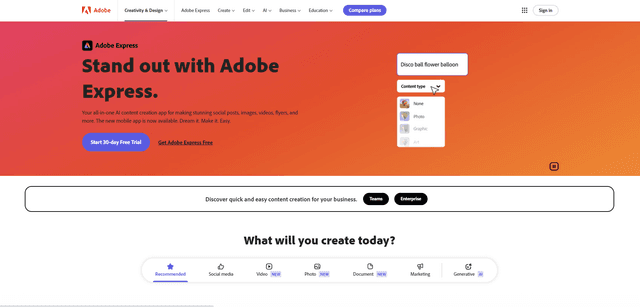
Adobe Express
Adobe Express is an all-in-one AI-powered content creation app for easily making stunning social posts, images, videos, flyers, and more with professionally designed templates and assets.
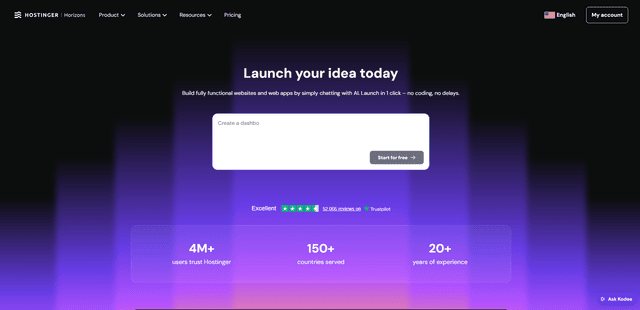
Hostinger
Hostinger is a web hosting and domain service provider offering AI-powered tools like Horizons that enables anyone to build, edit, and publish custom web apps and websites without coding through a simple chat interface.

GPT Engineer
GPT Engineer is an AI-powered software development tool that enables anyone to build web applications by chatting with an AI engineer.
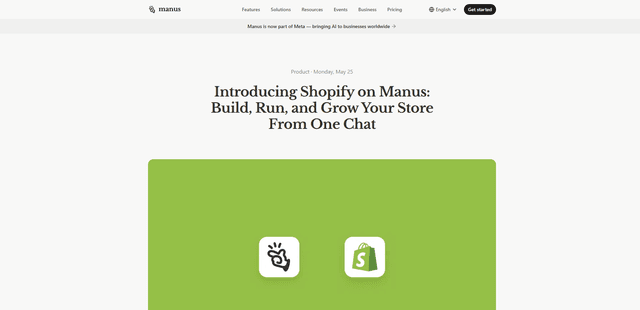
Manus Shopify Connector
Manus Shopify Connector lets you build a Shopify-backed storefront, manage your catalog, and generate data-driven campaigns from a single chat—using Shopify APIs with OAuth-scoped access and Shopify checkout.