MeshGPT
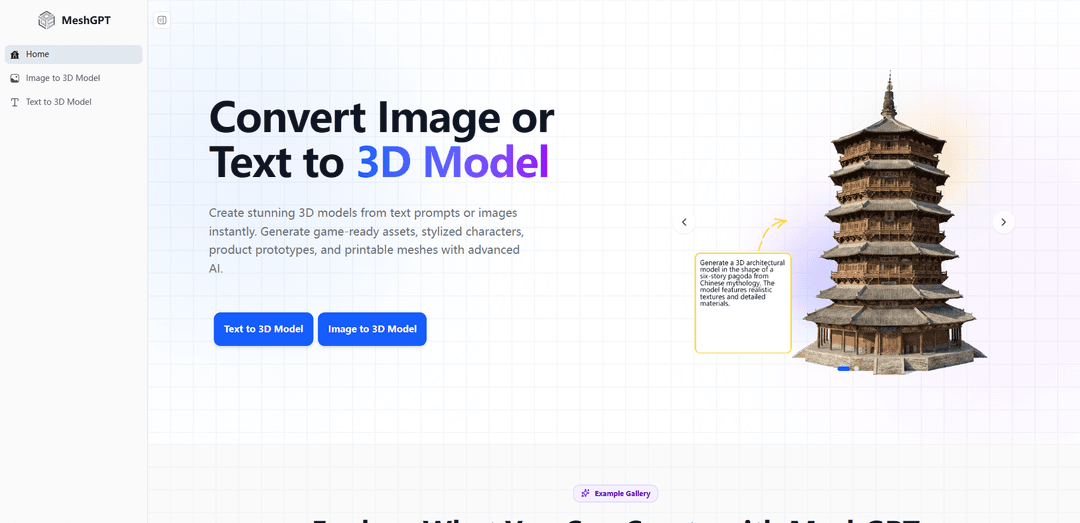
MeshGPT is an AI-driven 3D modeling platform that converts images, text, or concepts into high-quality 3D assets, simplifying the creative process while offering optimization and detailed customization for digital content creators.
https://meshgpt.io/?utm_source=aipure
Product Information
Updated:Jul 2, 2026
What is MeshGPT
MeshGPT refers to a mesh-generation approach and product ecosystem focused on producing high-quality 3D triangle meshes that look closer to artist-made topology than the dense, over-triangulated meshes often produced by iso-surfacing from neural fields. Originating from the research work “MeshGPT: Generating Triangle Meshes with Decoder-Only Transformers” (Siddiqui et al., 2023), it generates meshes as sequences of triangles using transformer-based modeling and a learned geometric vocabulary. In practice-facing tooling, MeshGPT is positioned as a creator-friendly platform for turning text prompts or images into 3D assets for games, animation, concept design, and 3D printing, with support for common exports such as GLB, FBX, OBJ, and STL.
Key Features of MeshGPT
MeshGPT is an AI-powered 3D model generator that creates production-ready 3D assets from text prompts or images. It focuses on fast generation of clean, optimized triangle meshes (often described as compact, artist-like topology), with instant preview and the ability to export models into common 3D and game-development formats. The underlying research approach tokenizes meshes into a learned discrete vocabulary and uses a decoder-only Transformer to autoregressively generate mesh tokens that decode back into triangle faces, supporting scalable, high-quality mesh synthesis.
Text-to-3D generation: Create 3D models directly from natural-language prompts, supporting different styles (e.g., realistic, cartoon, low-poly) for rapid ideation and asset creation.
Image-to-3D conversion: Upload JPG/PNG/WebP images (photos, sketches, illustrations) and generate a textured 3D model while aiming to preserve original colors and fine details.
Clean, optimized mesh topology: Generates compact triangle meshes with deliberate-looking topology intended to be more artist-like than dense iso-surfaced outputs from neural fields.
Multi-format export for pipelines: Export generated assets to common formats (GLB, FBX, OBJ, STL) for use in tools like Blender and engines like Unity/Unreal, as well as 3D printing workflows.
Research-backed mesh tokenization + Transformer generation: Uses an autoencoder with vector quantization to learn a geometric token vocabulary, then a decoder-only Transformer to generate meshes as token sequences that decode into triangle faces.
Fast generation and preview workflow: Designed for quick iteration—generate meshes in seconds and preview results to speed up prototyping and content creation.
Use Cases of MeshGPT
Game development asset creation: Rapidly generate props, weapons, environment pieces, and stylized assets that can be exported into Unity/Unreal workflows to reduce modeling time.
Animation and character prototyping: Turn concept art or text descriptions into 3D characters/objects for early-stage animation blocking, VTuber prototypes, or look-development.
AR/VR content production: Quickly build 3D objects for immersive experiences, enabling faster iteration on interactive scenes and product demos.
Product and concept visualization: Generate 3D mockups from sketches or descriptions to explore forms and variations before investing in detailed CAD or manual modeling.
3D printing and collectibles: Create printable meshes (exportable to STL) for figurines, toys, and prototypes, accelerating hobbyist and maker workflows.
Education and research demos: Support teaching and experimentation with generative 3D modeling and mesh-based representations, including showcasing modern Transformer-based mesh generation.
Pros
Fast way to create 3D assets from text or images, reducing manual modeling effort
Exports to multiple industry-standard formats (GLB/FBX/OBJ/STL) for broad compatibility
Emphasis on clean, compact triangle meshes and optimized topology suitable for downstream use
Research-driven approach with reported improvements over prior mesh generation methods (e.g., better coverage/FID in the MeshGPT paper)
Cons
Output quality and topology may still require cleanup/retopology/UV or material adjustments for strict production standards
Triangle-mesh focus may be limiting for workflows needing CAD/NURBS or fully parametric editability
Model capabilities can be constrained by training categories/data and may struggle with highly specific or uncommon objects
Licensing/usage constraints may apply for some implementations or checkpoints (research code licensing differs across components)
How to Use MeshGPT
1) Open MeshGPT: Go to https://meshgpt.io/ and choose the workflow you want: “Text to 3D” or “Image to 3D”.
2) Choose Text to 3D (prompt-based generation): Click “Try Text to 3D” (https://meshgpt.io/text-to-3d/) if you want to generate a model from a written description.
3) Enter a detailed text prompt: Describe the object you want (e.g., style like realistic/cartoon/low-poly, key features, materials). MeshGPT supports natural language prompts (any language supported per the site).
4) Generate the 3D model from text: Start generation and wait for MeshGPT to create the mesh (and typically materials/textures such as PBR, per the site’s feature list).
5) Choose Image to 3D (image-based conversion): Click “Try Image to 3D” (https://meshgpt.io/image-to-3d/) if you want to convert an image into a 3D model.
6) Upload an image: Upload a photo, sketch, or illustration. Supported formats include JPG, PNG, and WebP. For best results, use a high-resolution image with clear subject visibility.
7) Generate the 3D model from the image: Run the conversion. MeshGPT will produce a 3D model and aims to preserve original colors and fine details (especially useful for product shots and character art).
8) Preview and inspect the result: Click the preview window to view the generated 3D model. Rotate/adjust the viewing angle to examine details from different perspectives. Use viewer shortcuts if available: press G to toggle wireframe; press R to reset view.
9) Download / export the model: Export the generated asset in a format that matches your workflow. MeshGPT supports common exports including GLB, FBX, OBJ, and STL for use in Blender, Unity, Unreal Engine, and 3D printing tools.
10) Use the model in your project (including commercial use): Import the exported file into your target tool (game engine, DCC app, or slicer). The site states models you generate are yours to use commercially (e.g., games, apps, marketing, product visualization).
MeshGPT FAQs
MeshGPT is an AI 3D model generator that creates 3D models from text prompts or images, aimed at producing production-ready meshes for workflows like games, animation, product design, and 3D printing.
Popular Articles

Atoms: A Multi-Agent AI Platform That Transforms Ideas into Launch-Ready Products
May 22, 2026

Nano Banana SBTI: What It Is, How It Works, and How to Use It in 2026
Apr 15, 2026

Atoms Review — The AI Product Builder Redefining Digital Creation in 2026
Apr 10, 2026

Kilo Claw: How to Deploy and Use a True "Do‑It‑For‑You" AI Agent(2026 Update)
Apr 3, 2026
Latest AI Tools Similar to MeshGPT
JustAHuman
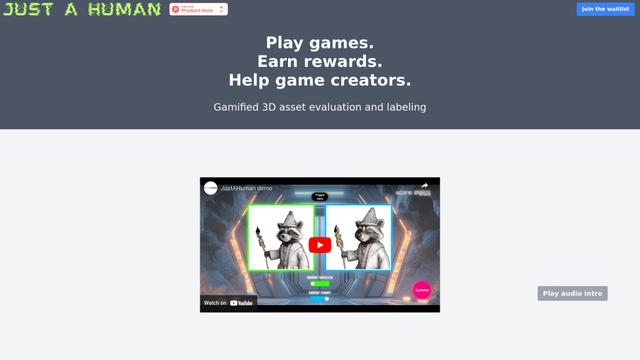
JustAHuman is a gaming platform that rewards players for completing challenges while helping game creators process 3D assets through AI.
Sketcho
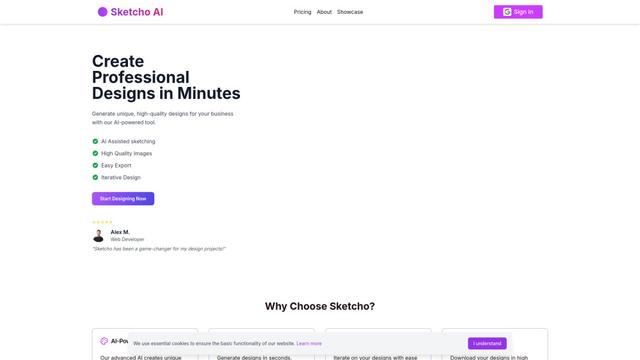
Sketcho is an AI-powered design tool that transforms sketches and ideas into high-quality professional designs through an intuitive interface.

Rendair
Rendair is an all-in-one AI-powered architectural rendering platform that offers quick, high-quality visualizations through both AI tools and professional 3D artists for architects, designers, and real estate professionals.
Triorama AI
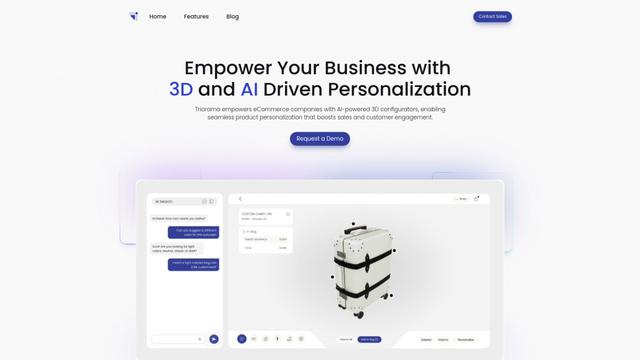
Triorama AI is an AI-powered 3D product configurator platform that enables eCommerce businesses to offer real-time product personalization and visualization capabilities to their customers.
Popular AI Tools Like MeshGPT
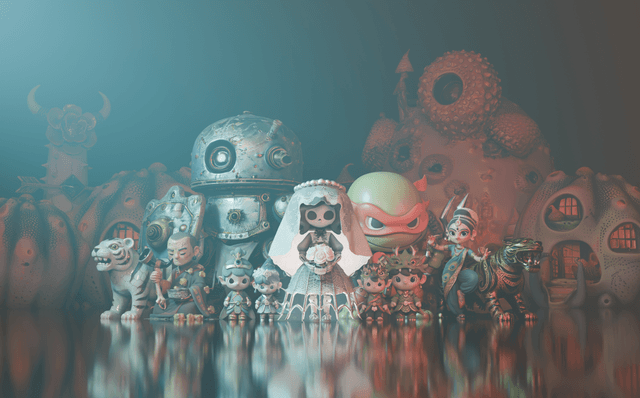
Hunyuan3D-2.1
Hunyuan3D-2.1 is Tencent's first production-ready 3D asset generation system that combines fully open-source framework with physically-based rendering (PBR) texture synthesis to create high-fidelity 3D models from images or text descriptions.
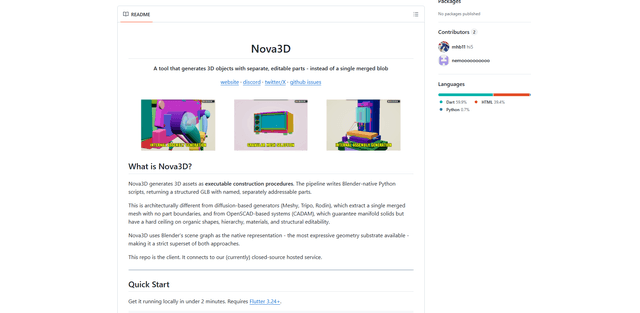
Nova3D
Nova3D is an AI 3D generation tool that produces structured, editable, part-aware 3D assets by generating Blender-native construction scripts and exporting a named, hierarchical GLB instead of a single merged mesh.
Modelify
Modelify is an AI-powered mobile app that transforms 2D images into high-quality 3D models seamlessly on iPhone and iPad devices.
Leonardo.ai
Leonardo.ai is a powerful AI image generator platform that enables users to create high-quality art, images, and videos through innovative tools like text-to-image generation, AI canvas editing, and 3D texture generation.