
MeMex
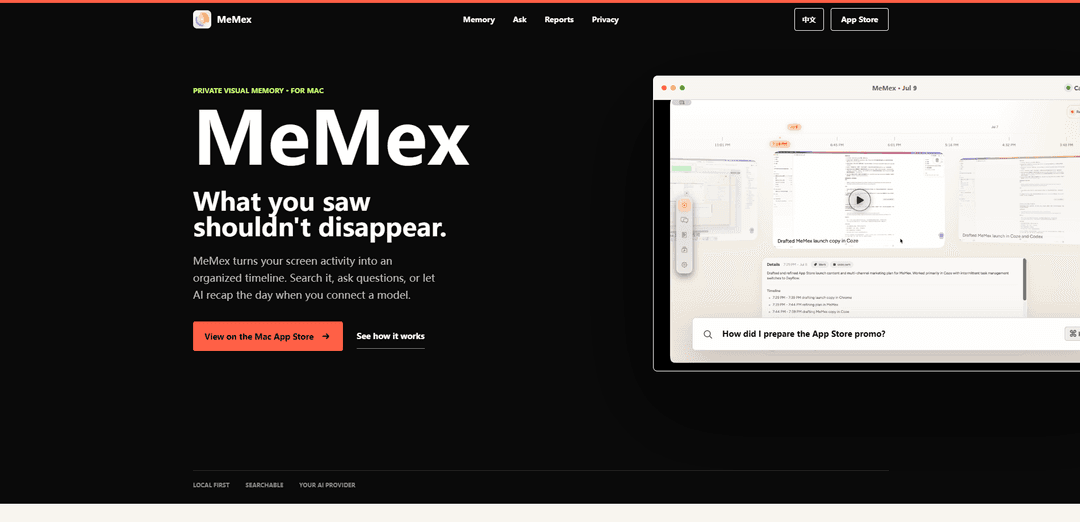
MeMex is a private, searchable visual memory for Mac that captures your screen activity into an organized timeline you can query in natural language and optionally enhance with AI recaps using your chosen model.
https://memex-api.xyz/?ref=producthunt
Product Information
Updated:Jul 15, 2026
What is MeMex
MeMex is a Mac app that turns what you do on your screen into a structured, searchable timeline so important context doesn’t disappear. Instead of leaving you with a messy folder of screenshots, it records key moments with time, app context, and supporting evidence, then helps you find and revisit them later. You can search your screen history, ask questions about past work, and (when you connect a model provider) generate AI-powered summaries, daily/weekly reports, and higher-level insights about how you work—while keeping privacy controls front and center.
Key Features of MeMex
MeMex is a private, searchable “screen memory” app for Mac that captures your screen activity into an organized timeline, then lets you recall what happened via natural-language search and AI-assisted summaries. Instead of storing raw screenshots, it structures moments with timestamps, app context, titles, and summaries, and can answer questions with linked, replayable evidence from your screen history. MeMex is privacy-first: it’s local by default, lets you bring your own AI model/provider (or use a local model), and requires explicit approval before anything is sent out for AI analysis.
Timeline capture of screen activity: Automatically records key frames and contextual metadata (time, apps, work moments) to create a scrollable timeline of what you did on your Mac.
AI-generated understanding (titles, summaries, breakdowns): Turns captured moments into readable context—each moment can receive a title, summary, and activity breakdown so you can quickly understand what happened without rewatching everything.
Natural-language recall with evidence: Ask questions like “What did I fix before shipping?” and MeMex finds the relevant moments and returns answers linked to on-screen evidence for verification.
Daily & weekly reports: Produces end-of-day and longer-period recaps that highlight themes, key activities, and app usage—going beyond simple time tracking.
Pattern insights and workflow playbooks: Detects recurring work patterns (e.g., repeated debugging loops), estimates potential time savings, and suggests evidence-backed next steps or agent/playbook ideas.
Privacy controls: local-first + bring-your-own-model: Stores data where you choose, supports connecting your own AI provider or local model, and requires explicit approval for any AI analysis that may send data externally.
Use Cases of MeMex
Software engineering debugging & release recall: Engineers can ask what changed before a deploy, reconstruct bug-fix steps, and build repeatable debugging playbooks based on evidence from past sessions.
Creative production and content workflows: Video editors, designers, and marketers can trace how an asset was produced (tools used, steps taken), then generate daily recaps to speed up iteration and handoffs.
Operations and knowledge work accountability: Ops, PMs, and analysts can quickly answer “What did I do today?” with evidence-backed timelines and weekly summaries for planning and reporting.
Customer support and incident response reconstruction: Support leads can review and search prior troubleshooting sessions to reproduce fixes, document playbooks, and reduce time-to-resolution.
Personal productivity and habit improvement: Individuals can use daily/weekly reports and pattern insights to identify recurring distractions or time sinks and adjust routines based on real activity history.
Pros
Evidence-backed recall: answers link back to captured screen moments, making results verifiable rather than purely narrative.
Strong privacy posture: local by default, explicit approval for AI analysis, and bring-your-own model/provider support.
Actionable summaries: daily/weekly reports and pattern insights can translate raw activity into improvements and repeatable workflows.
Cons
Privacy sensitivity of screen capture: even with local-first storage, recording screen activity may feel invasive or require careful user discipline and settings.
AI usefulness depends on model connection: advanced understanding/recaps require connecting a model/provider (or running a local model), which can add setup complexity or cost.
Potential storage/overhead: maintaining a long-running visual timeline may consume disk space and system resources over time.
How to Use MeMex
1. Install MeMex on your Mac: Download and install MeMex (Private, Searchable Screen Memory for Mac) so it can start building a timeline of your screen activity.
2. Start capturing your screen activity: Open MeMex and enable capture. MeMex records key frames along with time, apps, and contextual signals, organizing your work session into a scrollable timeline of moments.
3. Review your timeline to revisit moments: Use the MeMex timeline view to scroll through captured moments from your day and jump back to specific points in your screen history.
4. Connect an AI model (optional, for AI features): To enable AI understanding, Q&A, and recaps, connect a model provider (bring-your-own-model such as Claude/OpenAI/Gemini or a local model). MeMex supports choosing your own provider and only uses AI when a model is connected.
5. Approve what gets sent for AI analysis: Before MeMex sends any captured content to an AI provider, explicitly approve it. This is part of MeMex’s privacy model: you decide what can be analyzed externally.
6. Ask questions about your screen history: Use natural-language queries like “What did I fix before shipping?” or “How did I prepare the App Store promo video?” MeMex searches your timeline, returns an answer, and links it back to matching evidence moments.
7. Validate answers using linked evidence: Open the evidence attached to an answer to replay or inspect the underlying captured moments, so responses are verifiable and traceable to what was on your screen.
8. Generate end-of-day and weekly reports: Use the reporting feature to produce daily/weekly summaries that go beyond time totals—highlighting themes, key activities, and app usage so you can review what mattered.
9. Use Pattern Insights to improve workflows: Review Pattern Insights to identify recurring work patterns (e.g., repeated debugging), see estimated time-savings opportunities, and get evidence-backed suggestions for playbooks or next steps.
10. Keep data local by default and choose storage location: Configure MeMex to store your captured data locally in the location you choose, aligning with its “local by default” privacy approach.
MeMex FAQs
MeMex is a private, searchable “screen memory” app for Mac that captures your screen activity into an organized timeline you can search, ask questions about, or use for AI-generated recaps when connected to a model.
Popular Articles

Vosko AI: Localize and Dub Videos for Global Audiences
Oct 15, 2026

Atoms: A Multi-Agent AI Platform That Transforms Ideas into Launch-Ready Products
Oct 13, 2026

Nano Banana SBTI: What It Is, How It Works, and How to Use It in 2026
Apr 15, 2026

Atoms Review — The AI Product Builder Redefining Digital Creation in 2026
Apr 10, 2026
Latest AI Tools Similar to MeMex

Ticknotes
Ticknotes is an AI-powered meeting assistant that automatically records, transcribes, and generates personalized meeting summaries, action items, and key insights from audio, video, and text content.

Feta
Feta is an AI-powered meeting tool that helps product and engineering teams run efficient meetings by capturing discussions, automating tasks, and providing actionable insights through smart summaries and integrations.
Aimeet
Aimeet is a comprehensive AI-powered communication platform that combines real-time translation, transcription, screen sharing, and unlimited meeting capabilities for effective virtual collaboration.
MinutesLink
MinutesLink is an advanced AI-powered note-taking assistant that automatically records, transcribes, summarizes and organizes virtual meetings while building personalized digital avatars from meeting data.
Popular AI Tools Like MeMex
Second Brain for AI
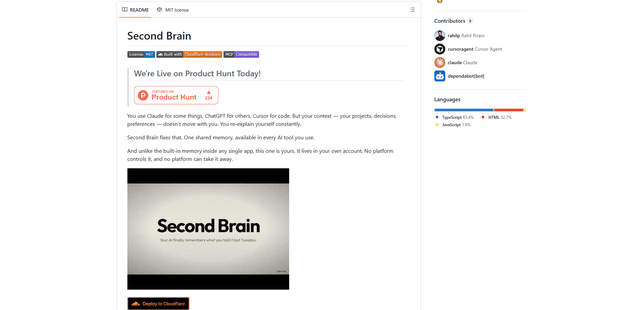
Second Brain for AI is a self-hosted, MCP-compatible persistent memory layer on Cloudflare that lets Claude, ChatGPT, Cursor, and other AI clients store and semantically recall shared context across sessions.
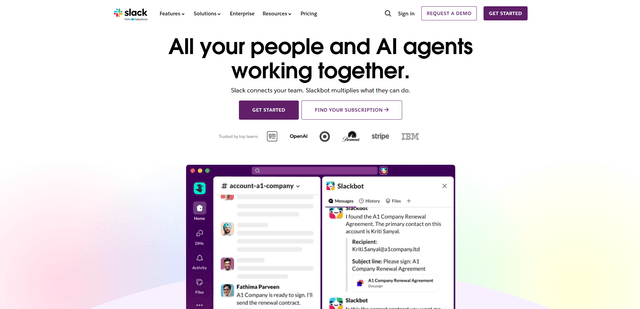
Slack
Slack is an AI-powered work platform that brings team communication, channels, files, automation, and app integrations into one conversational workspace.
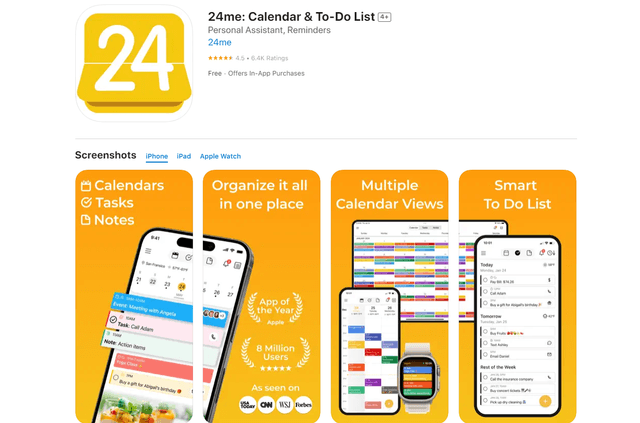
24me Smart Personal Assistant
24me is an award-winning smart personal assistant app that combines calendar, to-do lists, notes, and personal accounts in one unified platform to help boost productivity and time management.
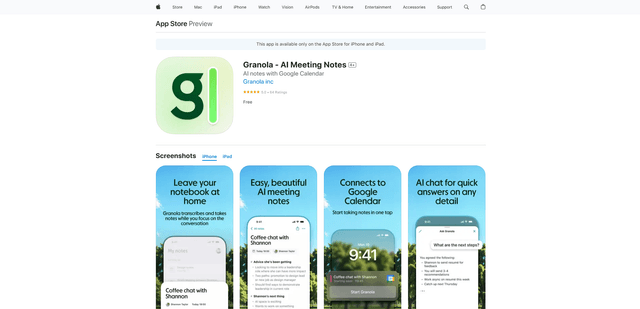
Granola for iOS
Granola for iOS is an AI-powered notepad app that helps users effortlessly capture, transcribe and summarize meeting conversations through intelligent note-taking and one-tap recording capabilities.