
Make
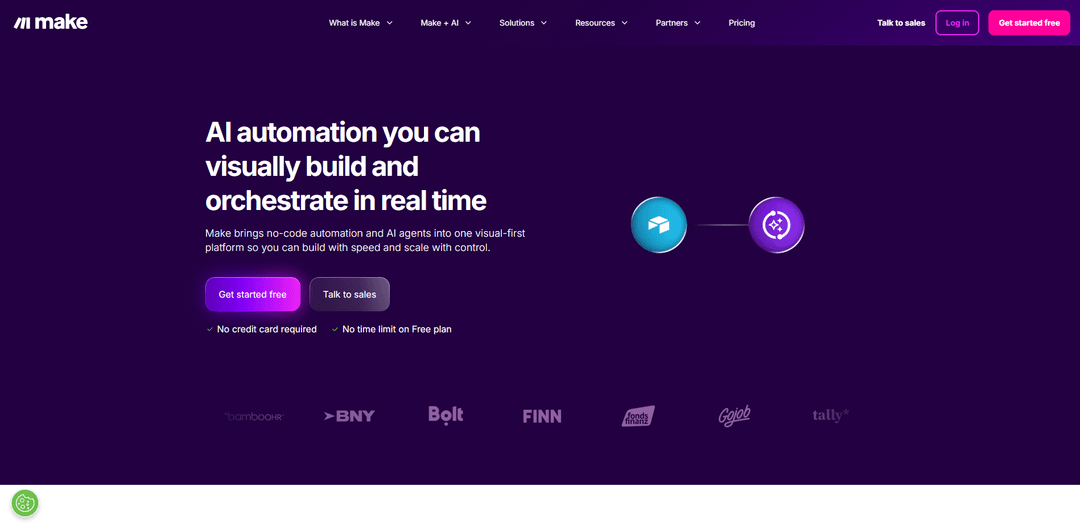
Make is a visual-first AI workflow automation platform that allows users to connect multiple apps and automate processes without coding while integrating AI capabilities.
https://www.make.com/?ref=producthunt
Product Information
Updated:Feb 15, 2026
Make Monthly Traffic Trends
Make received 6.5m visits last month, demonstrating a Slight Growth of 2.5%. Based on our analysis, this trend aligns with typical market dynamics in the AI tools sector.
View history trafficWhat is Make
Make is an enterprise-level automation and integration platform that brings together no-code automation and AI agents into one visual interface. It enables users to build automated workflows by connecting over 3,000 pre-built apps and custom systems to streamline business processes. The platform serves various business functions including IT operations, marketing, sales, finance, customer experience, and HR management while providing enterprise-grade security features like GDPR and SOC 2 Type II compliance.
Key Features of Make
Make is a visual-first, no-code automation platform that allows users to connect over 3,000 applications and build automated workflows without programming expertise. It combines AI capabilities with workflow automation, featuring an intuitive drag-and-drop interface, real-time workflow visualization, and robust error handling. The platform offers extensive integration options, visual scenario building, and enterprise-grade security features including GDPR and SOC 2 Type II compliance.
Visual Workflow Builder: Intuitive drag-and-drop interface that allows users to visually design and test automation workflows in real-time, making it easy to understand data flow between applications
AI Integration Capabilities: Built-in support for AI agents and 400+ pre-built AI app integrations, allowing users to incorporate artificial intelligence into their automation workflows
Extensive App Integration: Access to over 3,000 pre-built app connections, enabling seamless integration between popular business tools and custom systems
Enterprise-Grade Security: Comprehensive security features including GDPR compliance, SOC 2 Type II certification, encryption, and single sign-on (SSO) capabilities
Use Cases of Make
Marketing Automation: Automate social media posting, email marketing campaigns, and lead management processes to drive faster growth and improve marketing efficiency
IT Operations: Streamline monitoring, incident response, and system integration tasks while reducing manual workload for IT teams
Sales Process Automation: Automate lead management, CRM updates, and contract processing to accelerate sales cycles and improve conversion rates
Financial Operations: Automate invoicing, billing processes, and financial reporting to improve accuracy and reduce manual effort
Pros
Intuitive visual interface makes it accessible to non-technical users
Extensive integration options with 3,000+ pre-built apps
Strong security features and compliance certifications
Cons
Steep learning curve for complex automations
Credit-based pricing model can be confusing
Some advanced features only available in higher-tier plans
How to Use Make
Sign up for an account: Go to make.com and click 'Get started free' to create a new account. No credit card required and there's no time limit on the Free plan.
Choose your automation goal: Select what you want to automate - whether it's marketing, sales, IT operations, finance, or other business processes. Make offers solutions across different business functions.
Select apps to connect: Browse through Make's library of 3,000+ pre-built app integrations and select the apps you want to connect. Popular options include OpenAI, HubSpot, Slack, Salesforce etc.
Create a visual workflow: Use Make's visual interface to design your automation workflow without coding. Connect different apps and actions by creating a flow between them.
Configure AI agents (optional): If using AI automation, set up and configure AI agents that can adapt to your business needs in real-time. Connect them to your workflow.
Test your automation: Run test scenarios to ensure your automation works as intended before deploying it live.
Monitor and optimize: Use Make Grid to visualize and monitor your automation landscape in real-time. Make adjustments as needed to optimize performance.
Scale securely: As you expand your automation, utilize Make's enterprise features like enhanced security, GDPR compliance, encryption and SSO to scale safely.
Make FAQs
Make is an AI workflow automation software platform that allows users to visually build and orchestrate automation without code. It provides integration with 3,000+ pre-built apps and allows users to connect their entire tech stack.
Make Video
Popular Articles

Atoms: A Multi-Agent AI Platform That Transforms Ideas into Launch-Ready Products
May 22, 2026

Nano Banana SBTI: What It Is, How It Works, and How to Use It in 2026
Apr 15, 2026

Atoms Review — The AI Product Builder Redefining Digital Creation in 2026
Apr 10, 2026

Kilo Claw: How to Deploy and Use a True "Do‑It‑For‑You" AI Agent(2026 Update)
Apr 3, 2026
Analytics of Make Website
Make Traffic & Rankings
6.5M
Monthly Visits
#6540
Global Rank
#235
Category Rank
Traffic Trends: Jul 2024-Jun 2025
Make User Insights
00:08:17
Avg. Visit Duration
7.59
Pages Per Visit
34.99%
User Bounce Rate
Top Regions of Make
US: 17.36%
FR: 8.47%
IN: 6.62%
GB: 4.65%
DE: 3.86%
Others: 59.04%
Latest AI Tools Similar to Make

Hapticlabs
Hapticlabs is a no-code toolkit that enables designers, developers and researchers to easily design, prototype and deploy immersive haptic interactions across devices without coding.

Monyble
Monyble is a no-code AI platform that enables users to launch AI tools and projects within 60 seconds without requiring technical expertise.
Abyss
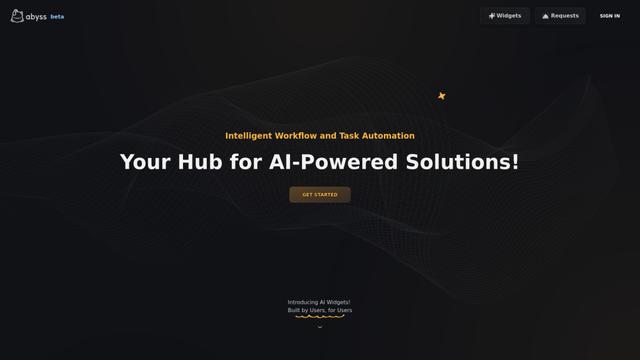
Abyss is an AI-powered platform that enables users to create, share and run automated task-specific Widgets without requiring technical expertise.
AppScape
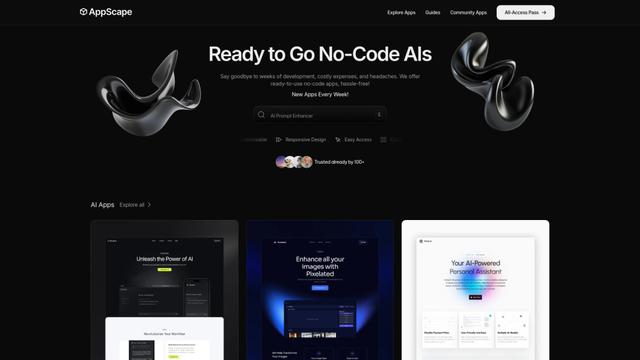
AppScape is a no-code platform offering ready-to-use AI-powered apps and customizable SaaS solutions, enabling quick deployment without traditional development costs and technical expertise.
Popular AI Tools Like Make
GitHub MCP Server
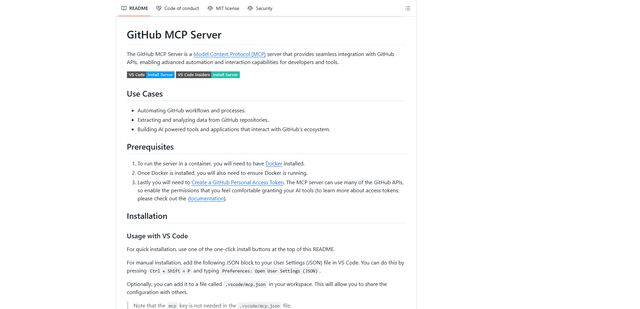
GitHub MCP Server is a Model Context Protocol server that enables seamless integration between AI models and GitHub APIs, providing standardized tools for repository management, issue tracking, and code operations.

GoCodeo SaaS Builder
GoCodeo SaaS Builder is an AI-native framework that automatically generates production-ready full-stack SaaS applications using autonomous AI agents, complete with authentication, real-time features, and TypeScript integration.

iBrowsy
iBrowsy is a modern, AI-powered web browser for macOS that combines intelligent features, privacy-first design, and seamless user experience with built-in GPT-4 assistance.
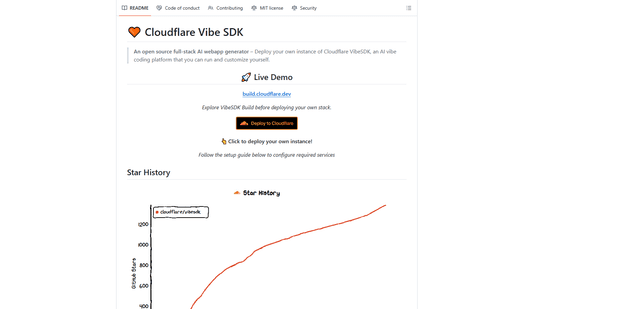
VibeSDK by CloudFlare
VibeSDK is an open-source AI-powered platform by Cloudflare that enables developers to deploy their own full-stack vibe coding environment with one click, allowing users to generate and deploy applications through natural language descriptions.