
Luvvoice
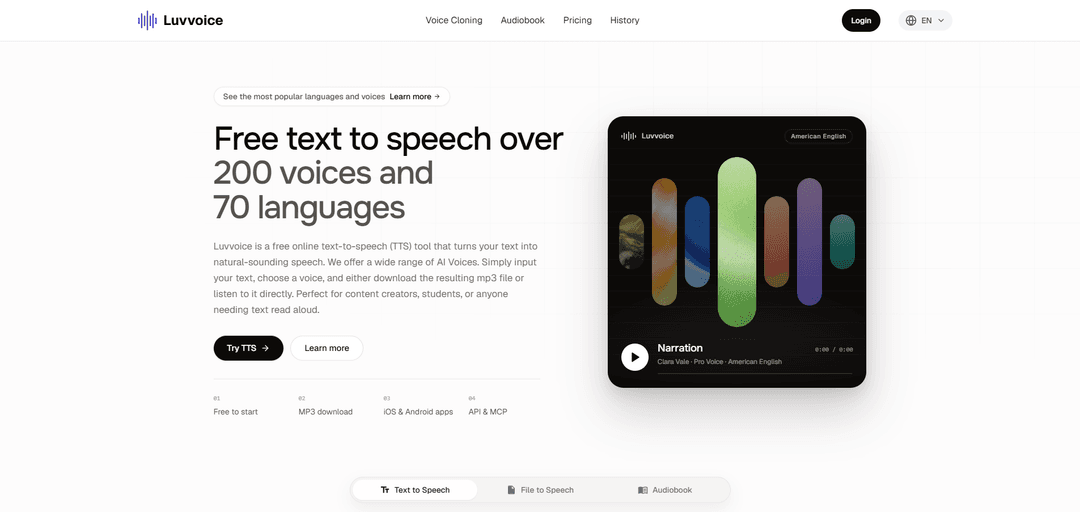
Luvvoice converts written text into speech in a web browser. Choose a voice and language, preview the audio, and download it as an MP3. Luvvoice also supports voice cloning, audiobook conversion for PDF, EPUB, and TXT, and text-to-speech API access on eligible plans.
https://luvvoice.com/?utm_source=aipure
Product Information
Updated:Nov 16, 2026
What is Luvvoice
Luvvoice is an online text-to-speech tool that converts written content into AI-generated spoken audio. It is designed for content creators, students, educators, and others who need voiceovers or text read aloud. The platform is free to start and also offers iOS and Android apps, an API, and MCP support.
Key Features of Luvvoice
Luvvoice is an AI-powered text-to-speech platform that converts written text and documents into spoken audio. It offers voices in over 70 languages, adjustable speech settings, MP3 downloads, and tools for creating narration, educational materials, and accessible content. It also provides API and MCP access for integrations.
Multilingual AI voices: Choose from more than 200 voices across over 70 languages, with additional custom voices available.
Text and document conversion: Type or paste text, or upload supported PDF and TXT documents to generate speech.
Speech controls: Adjust speech rate and pitch; logged-in users can also insert pauses to control pacing.
MP3 playback and downloads: Listen to generated audio online or download it as an MP3 file.
Developer integrations: Use API and MCP access to integrate voice generation into compatible workflows and applications.
Use Cases of Luvvoice
Video and social media narration: Create voiceovers for YouTube videos, TikTok posts, advertisements, and other marketing content.
Education and language learning: Generate spoken lessons, pronunciation examples, and audio versions of study materials.
Audiobooks and podcasts: Turn scripts and written content into narration for audio projects.
Accessibility: Provide spoken versions of written materials for people who prefer or need to listen.
Application development: Integrate generated speech into applications and automated content workflows.
Pros
Free plan available with MP3 downloads.
Broad selection of languages and voices.
Supports document conversion and adjustable speech settings.
Cons
The free plan is limited to 10,000 characters per month.
Image-only or scanned PDFs may not extract text properly.
Some voices and advanced features may require paid credits or a subscription.
How to Use Luvvoice
1. Open Luvvoice: Go to https://luvvoice.com/. You can start for free; sign in to access additional features.
2. Enter your text: Type or paste your text into the editor. You can also use the document-to-voice feature to upload a PDF or TXT file.
3. Choose a language and voice: Select the language of your text and choose a voice. Preview available voices to find one that suits your content.
4. Adjust the speech settings: If available, use the settings to adjust the speech rate and pitch. Logged-in users can also insert pauses using the Pauses menu.
5. Generate the audio: Click Submit or Generate to convert your text into speech.
6. Listen and revise: Play the audio and check its pronunciation and pacing. Edit the text or settings and generate it again if needed.
7. Download the audio: Use the download control to save the finished audio as an MP3 file.
Luvvoice FAQs
Luvvoice is an online AI text-to-speech tool that converts written text into spoken audio. It offers more than 200 voices across over 70 languages.
Popular Articles

Proferex: A Cloud-Based Ad Tracking and Campaign Optimization Platform
Nov 4, 2026

How to Create Viral Talking Baby Podcast Videos with AI: Step-by-Step Guide
Nov 2, 2026

Vosko AI: Localize and Dub Videos for Global Audiences
Oct 15, 2026

Atoms: A Multi-Agent AI Platform That Transforms Ideas into Launch-Ready Products
Oct 13, 2026
Latest AI Tools Similar to Luvvoice
MicVoice.Ai
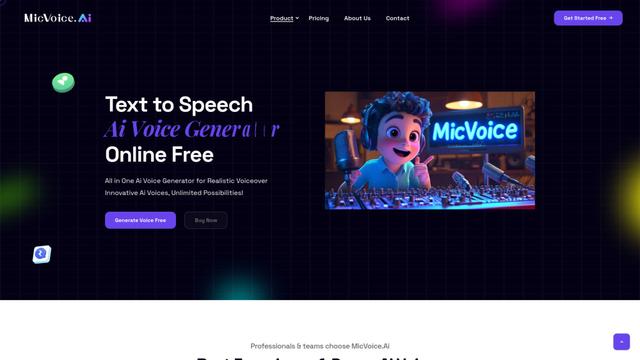
MicVoice.Ai is an all-in-one AI voice generator platform that transforms written text into high-quality, natural-sounding speech with over 5000 realistic AI voices supporting 17+ languages.
Narrai
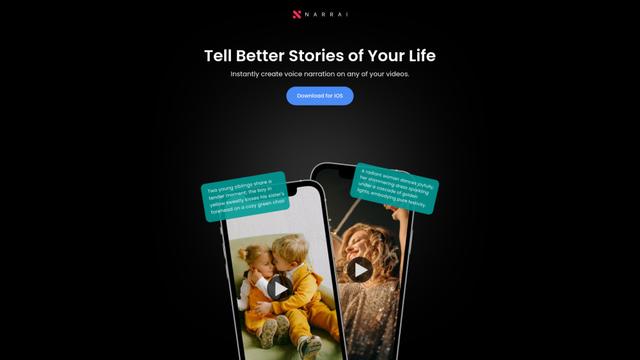
Narrai is an AI-powered mobile app that instantly creates voice narration and background music for short videos by automatically generating relevant scripts and offering multiple narrator personas.
Vagent
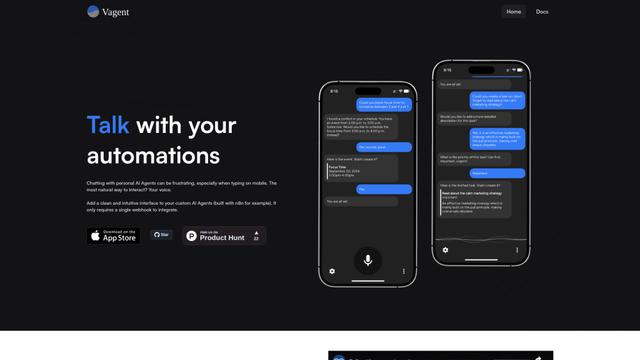
Vagent is a lightweight voice interface that enables users to interact with custom AI agents through voice commands, providing a natural and intuitive way to control automations with support for 60+ languages.
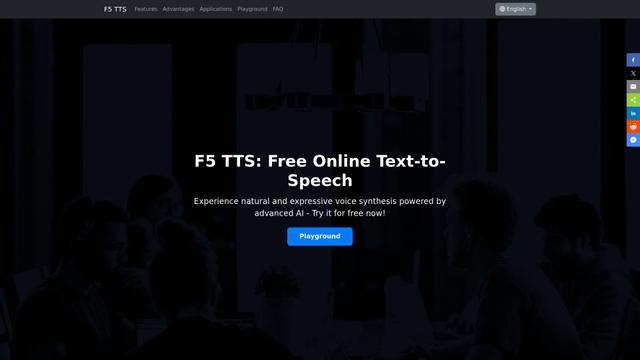
F5 TTS
F5-TTS is a state-of-the-art, non-autoregressive text-to-speech system that uses Flow Matching and Diffusion Transformer techniques to generate highly natural and expressive speech with zero-shot voice cloning capabilities.
Popular AI Tools Like Luvvoice
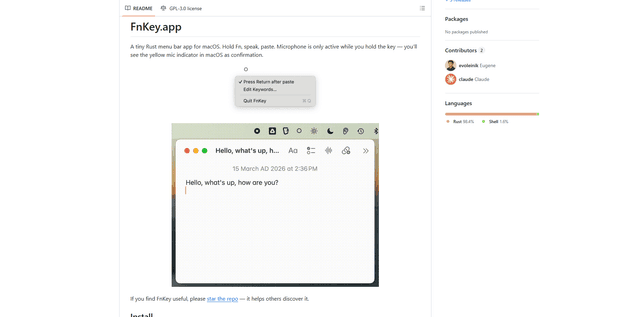
FnKey
FnKey is a lightweight macOS menu bar application that enables quick voice-to-text transcription by holding the Fn key to speak and automatically pastes the transcribed text when released.
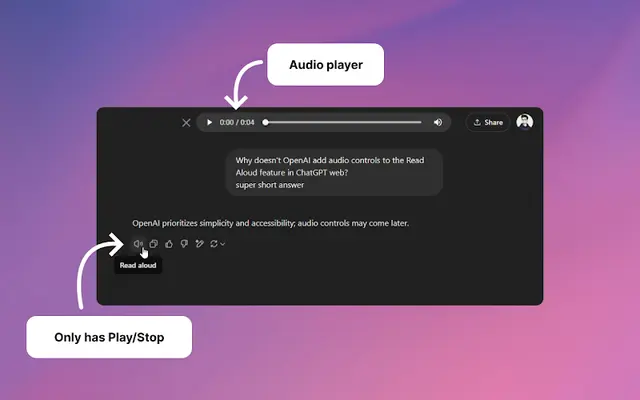
Audio player for ChatGPT
A Chrome extension that enhances ChatGPT's Read Aloud feature by adding a user-friendly audio player with basic controls like play/pause, seek bar, and duration display.
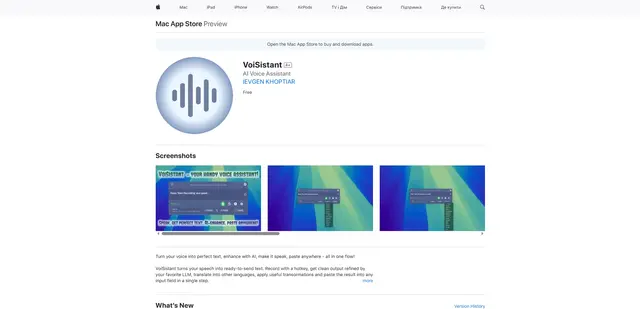
VoiSistant
VoiSistant is a comprehensive voice-to-text application that combines speech recognition, AI enhancement, translation, and text-to-speech capabilities in one seamless workflow.
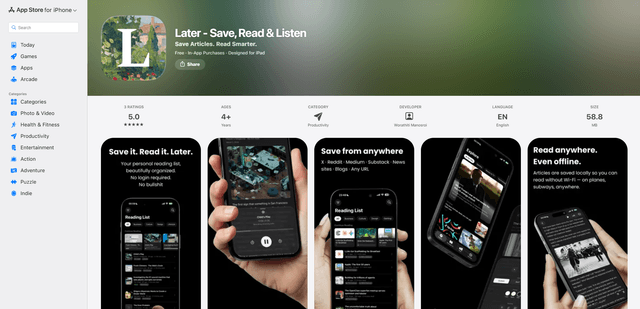
LaterAI
Later is an AI-powered read-it-later app that lets you save articles, read them in a distraction-free environment, and listen to them with natural-sounding AI voices - all while maintaining complete privacy with on-device processing.