
Lovie Formation - Incorporation MCP
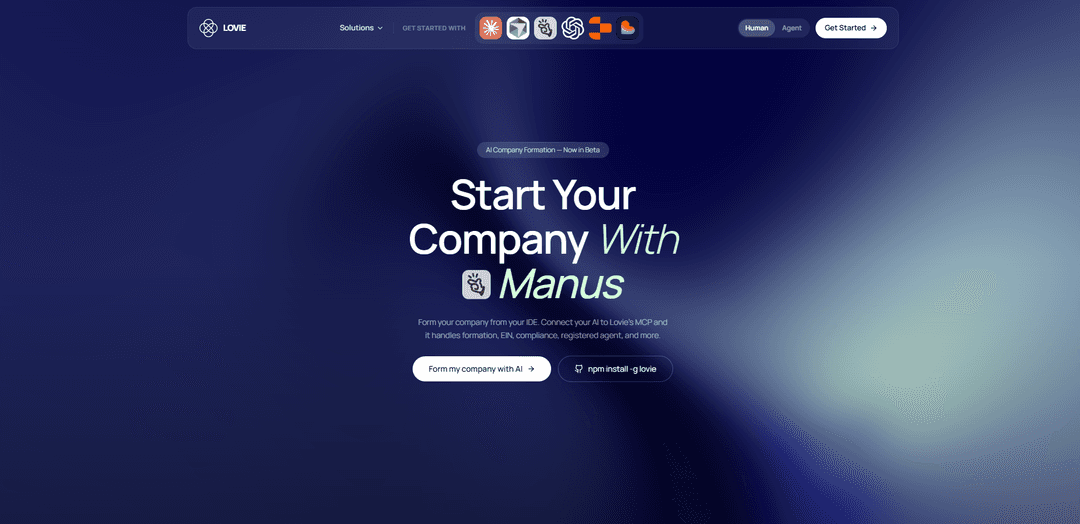
Lovie Formation – Incorporation MCP connects your AI assistant to real company-formation workflows so you can form and operate a US LLC or C-Corp from your IDE with real-time name checking, automatic document generation, state filing, and built-in services like EIN help, registered agent, mail scanning, and compliance.
https://www.lovie.co/formation/ai-operator?ref=producthunt
Product Information
Updated:May 19, 2026
What is Lovie Formation - Incorporation MCP
Lovie Formation – Incorporation MCP is an MCP (Model Context Protocol) server that lets AI assistants help founders incorporate and run a US company directly from the tools they already use (e.g., Claude, Cursor, Manus, OpenAI, Replit). Instead of jumping between legal portals, spreadsheets, and service providers, Lovie centralizes formation and early business operations into one AI-driven flow: choosing an entity (LLC/C-Corp/S-Corp referenced), checking names, generating formation documents, submitting filings to the state, and guiding follow-on steps like EIN and compliance. Lovie positions itself as an AI-first formation platform (not a law firm or government agency) that prepares and submits filings on the user’s behalf and offers an ongoing plan that bundles formation plus operational services.
Key Features of Lovie Formation - Incorporation MCP
Lovie Formation – Incorporation MCP connects an AI assistant to real company-formation and back-office workflows so founders can form and operate a US LLC or C-Corp from the tools they already use (IDE/AI chat). It supports guided entity selection, real-time name checking, automated document preparation, and state filing submission, plus help obtaining an EIN. Beyond incorporation, it bundles operational services like registered agent, digital mail scan/forwarding, compliance monitoring, and a large MCP toolset intended to expand into banking, cards, invoicing, and bookkeeping—turning formation into an API/MCP-driven process rather than a portal-and-lawyer workflow.
AI-to-filing workflow via MCP: Lets an AI assistant initiate and manage formation steps in conversation, integrating formation actions directly into IDE/agent workflows instead of separate government portals.
Multi-entity US formation support: Supports forming common US entity types (notably LLC and C-Corp; sources also mention S-Corp support) with guidance on choosing the right structure for the user’s situation.
Real-time name checking: Checks business name availability during the formation flow to reduce failed filings and iteration cycles.
Automatic document generation + state submission: Generates formation documents (e.g., Articles/Certificates) and submits filings to the appropriate state agency, with a formation status/dashboard experience.
EIN application assistance: Assists with preparing/submitting the EIN application to the IRS as part of the formation process.
Bundled operations services + expanding toolset: Includes registered agent service (multi-year), digital mail scan/forwarding with AI-style summaries, and compliance support; positions future additions like banking, cards, invoicing, and bookkeeping under the same plan and MCP tool ecosystem.
Use Cases of Lovie Formation - Incorporation MCP
VC-ready startup incorporation (tech/SaaS/AI): Form a Delaware-style C-Corp (or other state) quickly from an AI coding environment, generating filings and setting up compliance/registered agent to be investor-ready.
Cybersecurity consultancy or contractor setup: Incorporate a C-Corp for credibility and contracting needs, while using the MCP flow to manage filings, EIN, and ongoing compliance requirements.
Web3/crypto project company formation: Create a compliant legal entity for token development, partnerships, and hiring, with automated formation steps and operational services like registered agent and mail handling.
Local services and e-commerce LLC formation: Form an LLC for liability protection and straightforward taxation, using guided AI Q&A, automated paperwork, and state filing submission without hiring a lawyer.
Remote-first founder forming from an IDE: Distributed teams can incorporate and manage formation tasks inside tools like Claude/Cursor/Replit-style workflows, reducing context switching and administrative overhead.
Pros
End-to-end formation flow (name check → docs → state filing → EIN help) accessible through MCP/AI conversation, reducing manual portal work.
Bundled registered agent and digital mail scanning/forwarding plus compliance support simplifies ongoing admin after formation.
Designed to fit modern AI/IDE workflows, enabling “incorporate from your IDE” automation for agentic founders.
Cons
Not a law firm or government agency; guidance is informational and may not replace legal/tax advice for complex situations.
State approval timelines are outside Lovie’s control, so speed ultimately depends on state processing.
Some capabilities are labeled as “beta/soon/coming soon” (e.g., banking, cards, bookkeeping, LLC-to-C-Corp conversion), so availability may vary.
How to Use Lovie Formation - Incorporation MCP
1) Create a Lovie account and start formation: Go to https://app.lovie.co/sign-in and sign in/up. Start a new formation session (LLC or C-Corp). Lovie’s formation plan is advertised at ~$20/month with state filing fees included and registered agent service included for 3 years (per Lovie’s formation page).
2) Install the Lovie CLI (optional but recommended for IDE workflows): Install the Lovie CLI globally: `npm install -g lovie` (shown on Lovie’s official formation page). This supports forming/managing your company from developer workflows (code/CLI/MCP).
3) Set up LobeHub MCP Marketplace: Open the LobeHub MCP Marketplace setup instructions and complete the Marketplace setup steps as described in the skill doc: https://lobehub.com/mcp/lovieco-mcp-lovie-formation-/skill.md
4) Install the “Lovie Formation - Incorporation MCP” server from LobeHub: In LobeHub MCP Marketplace, find and install the MCP server named “lovieco-mcp-lovie-formation-” (Lovie Formation MCP). Follow the installation instructions exactly as provided in: https://lobehub.com/mcp/lovieco-mcp-lovie-formation-/skill.md
5) Connect your AI tool to the installed MCP server: Configure your AI client (the page lists compatibility such as Claude Code, Cursor, Manus, Windsurf, Replit) to use the LobeHub-installed MCP server. After connection, your assistant can call Lovie’s MCP tools to guide formation, name checks, document generation, and filing.
6) Start a formation session via your AI assistant (MCP-enabled): In your AI chat, ask to begin formation (e.g., “Start a C-Corp formation” or “Form an LLC”). The provided snippet indicates the assistant can respond with: “Great! I've started your formation session.” This is the point where the MCP workflow begins.
7) Provide formation details requested by the assistant: Answer the assistant’s prompts for entity type (LLC/C-Corp/S-Corp), state, company name options, registered agent preference (included or bring your own), and basic organizer/founder details. The MCP is described as supporting real-time name checking, automatic document generation, and seamless state filing.
8) Run real-time company name checks: Ask the assistant to check availability for your preferred names in your chosen state. The Lovie Formation MCP is described as enabling “real-time name checking,” helping you iterate quickly before filing.
9) Generate and review formation documents: Have the assistant generate the required formation documents for your entity and state (e.g., Articles of Organization for an LLC; Articles/Certificate of Incorporation for a C-Corp). The sources emphasize automatic document generation and that Articles are the state-filed public record, while bylaws (corp) and operating agreements (LLC) are internal governance documents.
10) Submit the state filing through Lovie: Confirm the final details and instruct the assistant to submit the filing. Lovie describes “same-day submit” and that it “prepares and submits your filings” to the appropriate state agencies. Note: state approval timelines are not controlled by Lovie (per Lovie’s disclaimer).
11) Handle EIN assistance (IRS): Ask the assistant to help with the EIN step. Lovie’s plan includes “Assistance With EIN Application (filed with the IRS).” Provide the required IRS details when prompted so the EIN can be requested for banking and tax operations.
12) Set up registered agent and digital mail (included services): Confirm registered agent setup (3 years included per Lovie’s plan) and enable digital mail scan/forwarding. The Lovie page highlights AI-powered mail summaries and included mail scanning/forwarding as part of the plan.
13) Track formation status and keep compliance in view: Use Lovie’s formation status dashboard (listed as included) and ask your assistant to summarize next compliance steps. The Lovie page positions “Compliance AI” as live and includes “compliance monitoring” as a future product included.
14) (Optional) Plan for conversions and future operations: If you anticipate an LLC-to-C-Corp conversion, ask the assistant to outline the conversion path; Lovie mentions “LLC-to-C-Corp Conversion (coming soon).” You can also ask about upcoming banking/cards/invoicing/bookkeeping features, which Lovie lists as future products included.
Lovie Formation - Incorporation MCP FAQs
Lovie Formation MCP is an MCP server/platform that lets AI assistants help users form US companies (e.g., LLCs, C-Corps, S-Corps) with features like real-time name checking, automatic document generation, and submitting state filings on the user’s behalf.
Popular Articles

Atoms: A Multi-Agent AI Platform That Transforms Ideas into Launch-Ready Products
May 22, 2026

Nano Banana SBTI: What It Is, How It Works, and How to Use It in 2026
Apr 15, 2026

Atoms Review — The AI Product Builder Redefining Digital Creation in 2026
Apr 10, 2026

Kilo Claw: How to Deploy and Use a True "Do‑It‑For‑You" AI Agent(2026 Update)
Apr 3, 2026
Latest AI Tools Similar to Lovie Formation - Incorporation MCP

GPT Easy Web
GPT Easy Web is a user-friendly AI-powered platform that enables users to easily build, customize and manage websites through natural language interactions and automated tools without requiring coding knowledge.
AI Website Tool
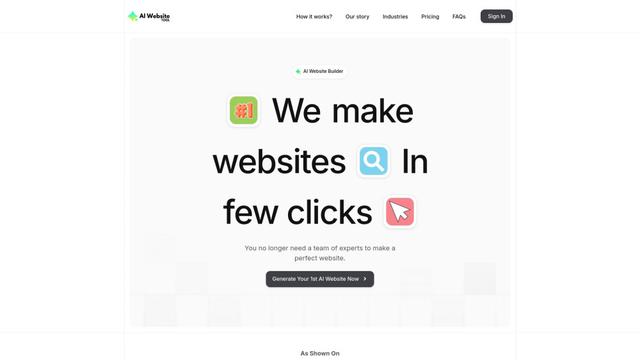
AI Website Tool is an AI-powered website builder that creates professional websites in minutes by automatically generating business-focused copy, custom visuals, and responsive designs with just a few clicks.

Softgen
Softgen.ai is an AI-powered full-stack project generator platform that enables users to transform their ideas into functional web applications without coding requirements.
Webifier
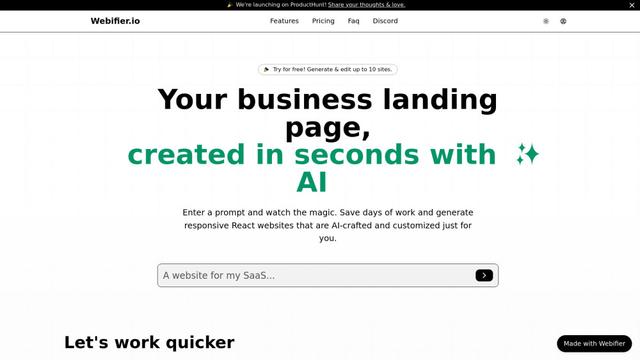
Webifier is an AI-powered tool that transforms text prompts into fully functional React landing pages with clean, exportable code using NextJS14, TailwindCSS, and Shadcn components.
Popular AI Tools Like Lovie Formation - Incorporation MCP
Adobe Express
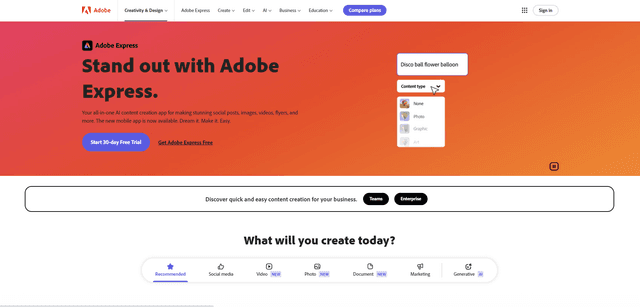
Adobe Express is an all-in-one AI-powered content creation app for easily making stunning social posts, images, videos, flyers, and more with professionally designed templates and assets.
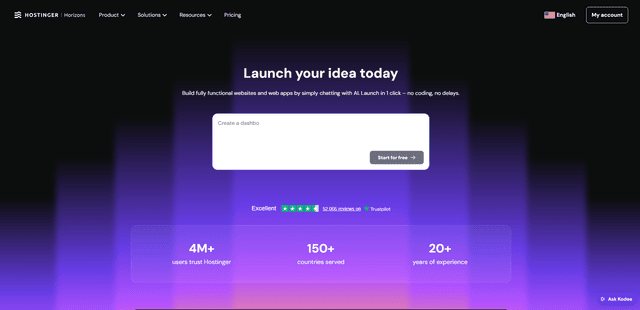
Hostinger
Hostinger is a web hosting and domain service provider offering AI-powered tools like Horizons that enables anyone to build, edit, and publish custom web apps and websites without coding through a simple chat interface.

GPT Engineer
GPT Engineer is an AI-powered software development tool that enables anyone to build web applications by chatting with an AI engineer.
Manus Shopify Connector
Manus Shopify Connector lets you build a Shopify-backed storefront, manage your catalog, and generate data-driven campaigns from a single chat—using Shopify APIs with OAuth-scoped access and Shopify checkout.