Lorka AI

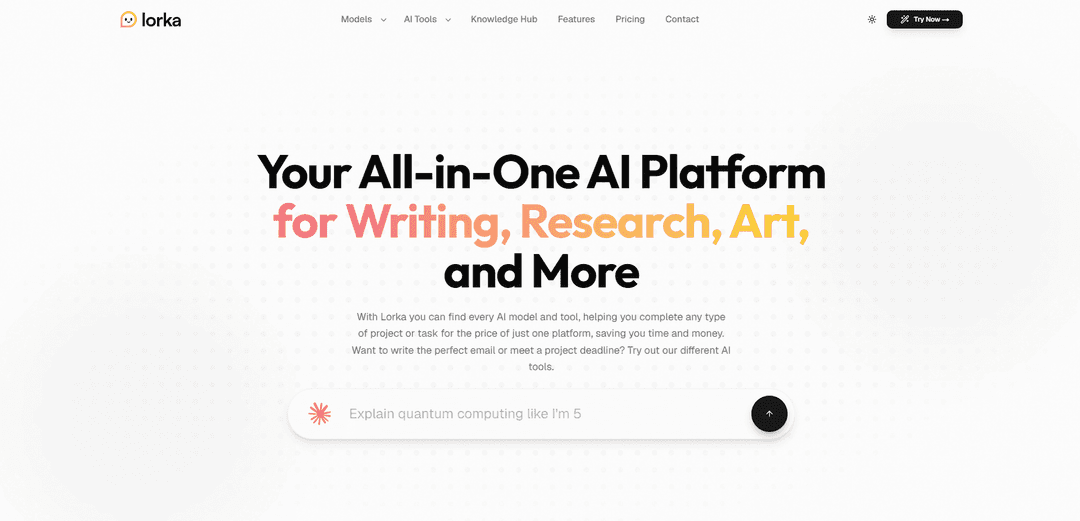
Lorka is an all-in-one, unified AI workspace that brings 30+ leading AI models (including GPT, Claude, Gemini, Grok, and DeepSeek) and practical creative tools into a single platform. Designed to eliminate tool switching and subscription overload, Lorka enables professionals, students, and creators to seamlessly write, research, generate image/video, and search the web using the absolute best model for every individual task.
https://www.lorka.ai/?utm_source=aipure
Lorka AI

Product Information

Updated:Jul 9, 2026

What is Lorka AI

Lorka AI is a unified “AI aggregator” platform designed to reduce subscription fatigue and workflow fragmentation by bringing multiple top AI models and productivity tools into a single web-based (and mobile) workspace. Instead of juggling separate apps and accounts, users can choose the best model for each task—writing, research, coding, studying, translation, or analysis—while keeping everything organized in one place. The platform positions itself as a practical, chat-first productivity console for students, professionals, and teams who want fast problem-solving and the flexibility to switch between different AI engines without copy-pasting across tabs.

Key Features of Lorka AI

Lorka AI is an all-in-one, multi-model AI platform that bundles multiple leading chat models (e.g., GPT/ChatGPT, Claude, Gemini, Grok, DeepSeek, Qwen, Perplexity, Mistral) into a single workspace and subscription. It lets users pick and switch models within the same conversation to compare outputs, while also providing integrated productivity tools such as AI web search (summarized results), chat-with-PDF/document insights, translation, “AI humanizer” rewriting, voice mode, and an AI image editor for quick generation and edits like background removal—aimed at helping students, professionals, researchers, creators, and developers complete writing, research, coding, and content tasks without juggling multiple apps or subscriptions.
Multi-model chat in one subscription: Access multiple major LLMs (including GPT/ChatGPT, Claude, Gemini, Grok, DeepSeek, Qwen, and others) from one interface under a single plan, reducing the need for separate accounts and billing.
Cross-model switching & comparison: Switch between different models mid-thread and compare responses in real time, useful for vetting answers, improving accuracy, and leveraging different model strengths (creative vs. structured vs. fast analysis).
AI-powered web search with summaries: Performs live web querying and returns distilled, quick-to-read summaries designed for last-second research, fact-checking, and sourcing information without navigating multiple links.
Chat with PDF / document insights: Upload or open PDFs to extract key points, summaries, and insights—positioned for research workflows like digesting reports, papers, and competitor documents.
Image generation & quick image editing: Includes an AI image editor for utility tasks like generating images from prompts and performing quick edits such as background removal and basic visual adjustments.
Advanced writing utilities (translate, humanize, voice mode): Built-in tools to translate text with natural readability, rewrite content to sound more human/clear, and use voice mode for hands-free brainstorming, note-taking, and drafting.

Use Cases of Lorka AI

Academic study & research workflows: Students and researchers can summarize papers via PDF chat, cross-check explanations across models, and use web search to quickly verify facts and gather sources for essays and reports.
Software engineering & code support: Developers can debug, refactor, and reason through technical problems using different models for complementary strengths (fast analysis vs. deeper reasoning), all within one chat workspace.
Marketing & content production: Marketers and content strategists can draft and refine emails, ads, captions, and long-form content, then generate or edit supporting visuals in the same platform.
Small business operations: Small business owners can handle customer emails, create social posts, translate content, and get assistance with planning and lightweight analysis tasks without multiple tools.
Competitive intelligence & consulting: Analysts can summarize competitor PDFs/whitepapers, run quick web research, and compare model outputs to validate findings and produce clearer deliverables faster.
On-the-go ideation & productivity: Voice mode supports hands-free brainstorming and note capture, while model switching helps users rapidly iterate on ideas, outlines, and drafts in a single continuous thread.

Pros

Consolidates many major AI models and tools into one workspace and subscription, reducing app switching and subscription overhead.
Model switching and cross-model comparison can improve answer quality and help validate outputs for research or technical tasks.
Integrated toolset (web search, PDF chat, translation, rewriting, image editing, voice mode) supports end-to-end workflows in one place.

Cons

For high-stakes work requiring “airtight citations,” outputs from web search still need independent verification (summaries can miss nuance or context).
Image editor is positioned for quick utility rather than deep, professional-grade editing workflows.
User experience may vary; some public feedback mentions bugs and subscription management/cancellation frustrations, so support responsiveness and account controls should be evaluated.

How to Use Lorka AI

1) Create an account and open the Lorka workspace: Go to https://www.lorka.ai/ and click “Try Now” (or open https://www.app.lorka.ai/). Sign up/log in to access the unified dashboard where all models and tools live.
2) Choose a chat model for your task: From the chat interface, select a model (e.g., ChatGPT, Claude, Gemini, Grok, DeepSeek, Qwen). Pick based on what you’re doing—writing, coding/debugging, multilingual work, or data-heavy analysis.
3) Start a conversation in AI Chat: Type your prompt in the main chat and send it. Use the chat for everyday tasks like drafting emails, brainstorming, studying, summarizing, or problem-solving.
4) Switch models mid-thread (keep context): If you want a second opinion or a different style, switch to another model within the same conversation. Continue the thread to compare outputs without restarting or losing context.
5) Compare multiple models for the same prompt (A/B testing): Run the same prompt across different models to evaluate reasoning style, creativity, structure, or code quality. Use this for prompt optimization, research validation, or copy variations.
6) Use AI Web Search for live research and fact-checking: Open the AI Web Search feature (https://www.app.lorka.ai/search). Enter your query to pull information from external sources and receive a summarized answer inside your workspace—useful for sourcing stats, verifying claims, or last-minute project research.
7) Chat with a PDF to extract insights: Use the PDF workflow by opening the upload-enabled chat link (https://www.app.lorka.ai/chat?dropzone=true&prompt=Describe+this+PDF). Upload your PDF, then ask questions like “Summarize key findings,” “Extract the main arguments,” or “List action items.”
8) Translate text with the AI Translator tool: Open the translator (https://www.app.lorka.ai/tools/translate). Paste text, choose your target language and tone/style, then generate a natural translation suitable for professional or casual contexts.
9) Humanize writing for a clearer, more natural tone: Open the AI Humanizer (https://www.app.lorka.ai/tools/ai-humanizer). Paste your draft and request a more authentic tone while keeping meaning—useful for emails, essays, and marketing copy that reads too stiff.
10) Edit images with the AI Image Editor: Open the image editor (https://www.app.lorka.ai/image). Upload an image and enter a prompt to enhance or modify it (e.g., improve quality, adjust style, or remove distractions) without needing advanced design skills.
11) Use Voice Mode for hands-free prompts: In chat (https://www.app.lorka.ai/chat), enable Voice Mode to speak your prompt for brainstorming, note-taking, or quick drafting when you don’t want to type.
12) Work across devices and continue your sessions: Use Lorka on web and iOS to keep your chat history synced. Start a session on desktop and continue on mobile without losing your thread.
13) Upgrade to a subscription (optional) for full multi-model access: If needed, subscribe via Lorka’s pricing page (https://www.lorka.ai/pricing). The site advertises a single plan (e.g., $19.99/month) that unlocks multiple premium models and tools; confirm current pricing on the official page.
14) Get help or contact support: If you have account, billing, or feature questions, use the Contact page: https://www.lorka.ai/contact-us.

Lorka AI FAQs

Lorka AI is an all-in-one AI platform (AI aggregator) that lets users access multiple leading AI chat models in one place—rather than switching between separate apps or subscriptions. It combines multi-model chat with built-in productivity tools like web search, PDF chat, image editing, translation, and more.

Latest AI Tools Similar to Lorka AI

MultipleWords
MultipleWords
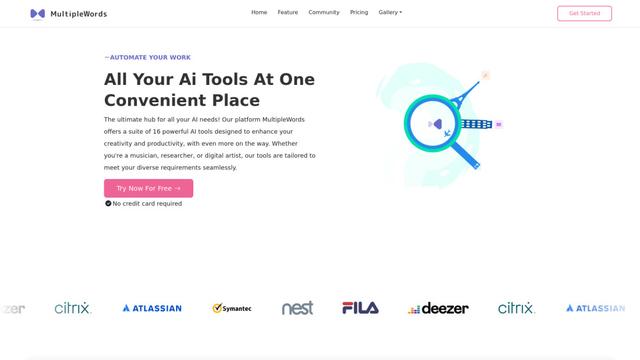
MultipleWords is a comprehensive AI platform offering 16 powerful tools for content creation and manipulation across audio, video, and image editing with cross-platform accessibility.
Athena AI
Athena AI
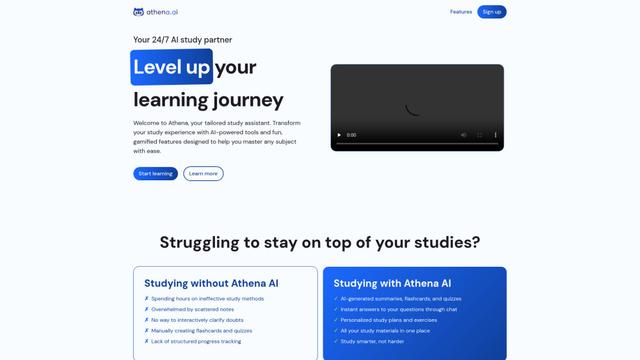
Athena AI is a versatile AI-powered platform offering personalized study assistance, business solutions, and life coaching through features like document analysis, quiz generation, flashcards, and interactive chat capabilities.
Taidai.io
Taidai.io
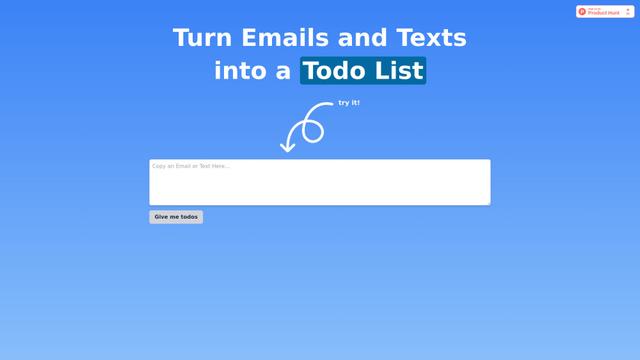
Taidai.io is an AI-powered tool that automatically converts notes, emails, and text content into actionable todo lists.
Repliio
Repliio
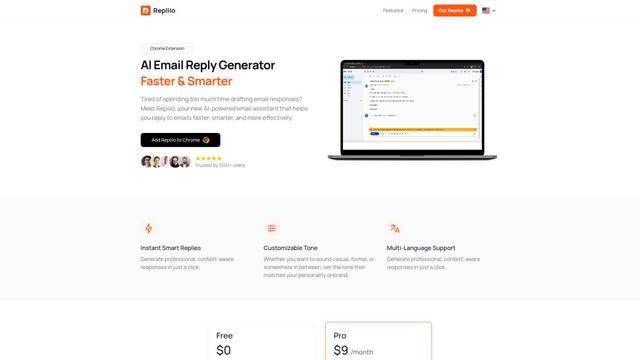
Repliio is an AI-powered email assistant Chrome extension that helps users generate professional, context-aware email responses quickly with customizable tones and multi-language support.