
Loot
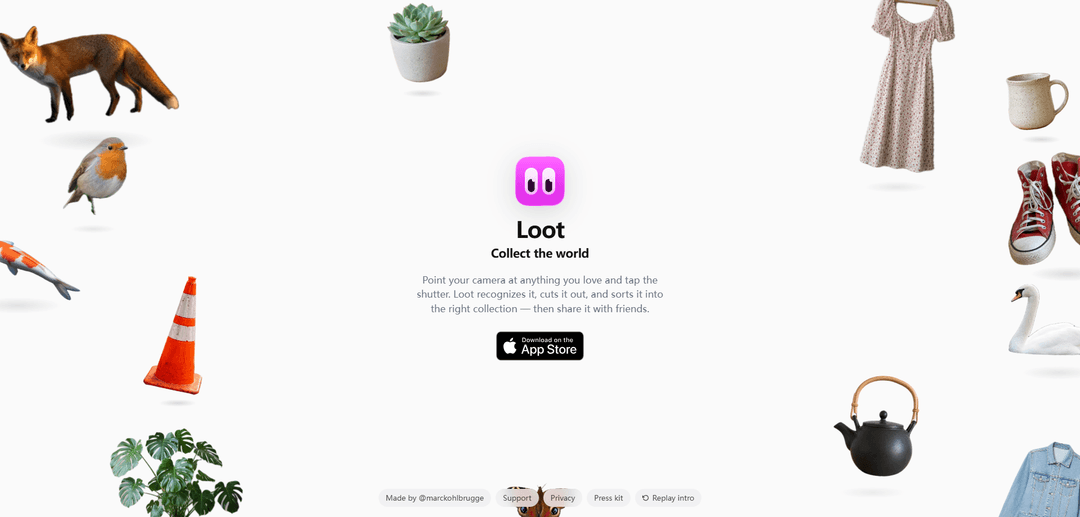
Loot adalah aplikasi iOS yang memungkinkan Anda memotret item dunia nyata yang Anda sukai, secara otomatis mengenali dan memotongnya, serta mengaturnya ke dalam koleksi yang dapat dibagikan.
https://loot.photos/?ref=producthunt&utm_source=aipure
Informasi Produk
Diperbarui:Jul 8, 2026
Apa itu Loot
Loot adalah aplikasi "kumpulkan dunia" untuk menangkap hal-hal favorit Anda dalam kehidupan nyata. Anda cukup mengarahkan kamera Anda ke suatu objek—seperti tanaman, hewan, pakaian, atau barang sehari-hari—dan Loot mengubah momen itu menjadi koleksi visual yang rapi dengan mengidentifikasi subjek dan menyiapkannya untuk diorganisir dan dibagikan. Tersedia di App Store, Loot dirancang untuk orang-orang yang suka mengkurasi dan membagikan apa yang mereka temukan, miliki, atau kagumi.
Fitur Utama Loot
Loot adalah aplikasi iOS untuk mengumpulkan benda-benda dunia nyata favorit Anda hanya dengan mengarahkan kamera ke objek dan mengetuk rana. Aplikasi ini mengenali item tersebut, secara otomatis memotongnya (menghapus latar belakang), dan mengaturnya ke dalam koleksi yang sesuai (misalnya, tanaman, hewan, lemari pakaian, keramik). Setelah ditangkap dan disortir, Anda dapat membagikan koleksi Anda dengan teman-teman, menjadikannya cara yang ringan untuk membuat katalog dan memamerkan objek yang Anda sukai.
Pengambilan item berbasis kamera: Arahkan kamera Anda ke objek dan ketuk rana untuk menambahkannya ke Loot—dirancang untuk pengumpulan cepat di kehidupan nyata tanpa entri data manual.
Pengenalan otomatis: Mengidentifikasi apa yang Anda tangkap sehingga dapat dikategorikan dengan benar, mengurangi kebutuhan untuk melabeli item sendiri.
Pembuatan potongan latar belakang: Secara otomatis memotong objek dari adegan untuk membuat potongan yang bersih dan dapat dibagikan (misalnya, hewan, tumbuhan, pakaian, objek sehari-hari).
Koleksi & penyortiran cerdas: Mengatur item yang ditangkap ke dalam "koleksi yang tepat" (seperti tanaman, lemari pakaian, keramik), membantu Anda membangun perpustakaan terstruktur seiring waktu.
Berbagi dengan teman: Memungkinkan Anda membagikan item/koleksi yang Anda kumpulkan secara sosial, mengubah penemuan pribadi menjadi sesuatu yang dapat Anda tunjukkan dan diskusikan.
Ketersediaan di iOS App Store: Tersedia sebagai aplikasi iPhone khusus melalui App Store untuk instalasi cepat dan penggunaan yang mengutamakan seluler.
Kasus Penggunaan Loot
Inspirasi pribadi & moodboard: Tangkap dan atur objek yang Anda sukai (potongan mode, dekorasi, tanaman) untuk membangun referensi visual untuk penataan gaya, desain rumah, atau proyek kreatif.
Penemuan ritel & produk: Pembeli dapat "mengumpulkan" barang-barang yang mereka lihat di toko atau di alam (sepatu, jaket, keramik) dan membagikan daftar dengan teman-teman untuk mendapatkan umpan balik.
Pengamatan alam & pengumpulan hobi: Catat penampakan hewan dan tumbuhan dengan potongan bersih dan koleksi terorganisir—berguna untuk penghobi dan penggemar biasa.
Pembuatan konten untuk berbagi sosial: Kreator dapat dengan cepat menghasilkan visual objek dunia nyata bergaya potongan untuk postingan, cerita, dan koleksi "temuan" yang dikurasi.
Kenang-kenangan acara dan perjalanan: Kumpulkan objek-objek berkesan yang ditemui saat bepergian (kerajinan lokal, temuan jalanan, barang-barang unik) dan bagikan buku harian visual dengan teman-teman.
Kelebihan
Alur kerja yang sangat minim gesekan: tangkap → kenali → potong → sortir secara otomatis
Menciptakan visual yang bersih dan dapat dibagikan melalui potongan otomatis
Organisasi bawaan melalui koleksi membuat katalog berkelanjutan menjadi mudah
Kekurangan
Akurasi pengenalan dan penyortiran otomatis dapat bervariasi tergantung pada jenis objek dan pencahayaan
Terutama berfokus pada iOS (ketersediaan App Store ditekankan), yang mungkin membatasi pengguna non-iPhone
Mungkin menawarkan kontrol terbatas bagi pengguna yang menginginkan penandaan manual, kategori kustom, atau bidang katalog lanjutan (tidak ditunjukkan dalam sumber)
Cara Menggunakan Loot
1. Instal Loot: Buka situs web Loot (loot.photos) dan gunakan tautan App Store ("Download on the App Store") untuk menginstal Loot di iPhone Anda.
2. Buka Loot dan bersiaplah untuk menangkap: Luncurkan aplikasi Loot. Alur kerja utamanya adalah kamera-pertama: Anda akan menggunakan kamera ponsel Anda di dalam Loot untuk mengumpulkan item dari dunia nyata.
3. Arahkan kamera Anda ke objek yang Anda suka: Arahkan kamera ke item kehidupan nyata apa pun yang ingin Anda kumpulkan (misalnya, tanaman, hewan, pakaian, keramik, benda sehari-hari).
4. Ketuk tombol rana untuk menangkap: Ketuk tombol rana untuk mengambil foto. Loot akan mengenali objek yang Anda foto.
5. Biarkan Loot memotong objek secara otomatis: Setelah pengambilan, Loot secara otomatis "memotongnya" (menghapus latar belakang) untuk membuat potongan item yang bersih.
6. Tinjau hasilnya: Periksa apakah potongan yang dikenali terlihat benar (objek terisolasi dengan benar). Jika perlu, ambil ulang foto dengan pembingkaian/pencahayaan yang lebih baik agar objek lebih mudah dikenali.
7. Biarkan Loot menyortir item ke dalam koleksi: Loot secara otomatis menyortir potongan ke dalam koleksi yang sesuai berdasarkan apa yang dikenali (misalnya, tanaman, hewan, pakaian, keramik).
8. Teruslah mengumpulkan: Ulangi prosesnya—arahkan, potret, dan biarkan Loot mengenali/memotong/menyortir—sehingga Anda dapat membangun koleksi dari hal-hal dunia nyata favorit Anda.
9. Bagikan dengan teman: Gunakan fitur berbagi Loot untuk membagikan item/koleksi yang Anda kumpulkan dengan teman setelah Anda menangkap dan mengaturnya.
FAQ Loot
Loot adalah aplikasi iOS untuk mengumpulkan barang-barang favorit Anda dalam kehidupan nyata: Anda mengarahkan kamera ke suatu objek dan mengetuk rana, dan Loot mengenalinya, memotongnya, dan mengurutkannya ke dalam koleksi yang tepat sehingga Anda dapat membagikannya dengan teman-teman.
Artikel Populer

Atoms: Platform AI Multi-Agen yang Mengubah Ide menjadi Produk Siap Diluncurkan
May 22, 2026

Nano Banana SBTI: Apa Itu, Bagaimana Cara Kerjanya, dan Cara Menggunakannya di Tahun 2026
Apr 15, 2026

Ulasan Atoms — Pembuat Produk AI yang Mendefinisikan Ulang Kreasi Digital di Tahun 2026
Apr 10, 2026

Kilo Claw: Cara Menerapkan dan Menggunakan Agen AI "Lakukan-Untuk-Anda" Sejati (Pembaruan 2026)
Apr 3, 2026
Alat AI Terbaru Serupa dengan Loot

AiSource
AiSource adalah platform terpadu yang memungkinkan pengguna untuk menghasilkan dan membandingkan gambar menggunakan beberapa generator teks-ke-gambar AI terkemuka di satu tempat tanpa memerlukan langganan terpisah.
SampleFaces
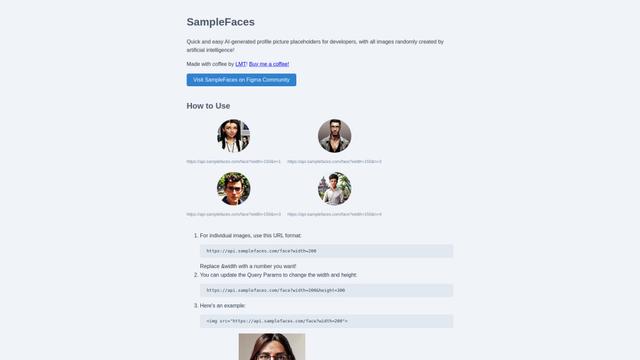
SampleFaces adalah layanan web gratis yang menyediakan gambar profil yang dihasilkan oleh AI untuk digunakan oleh pengembang dan desainer sebagai placeholder dalam proyek mereka.
ImageKit.io
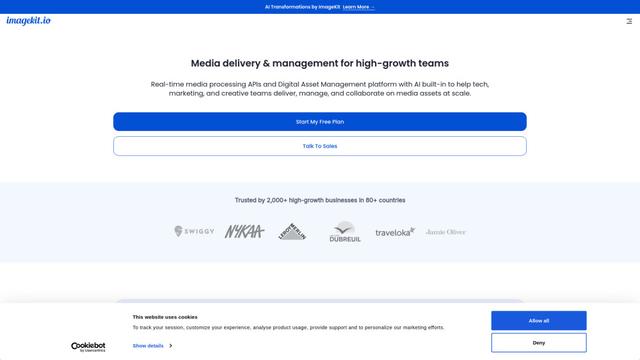
ImageKit.io adalah platform manajemen dan pengiriman media yang komprehensif yang menyediakan optimasi gambar dan video waktu nyata, API pemrosesan, dan solusi Manajemen Aset Digital (DAM) untuk menyajikan pengalaman visual berkualitas tinggi di situs web dan aplikasi.

FASHN
FASHN adalah perusahaan yang didanai sendiri, berorientasi AI yang mengembangkan teknologi percobaan virtual mutakhir dan model generatif berbasis gambar yang dirancang khusus untuk industri fashion.
Alat AI Populer Seperti Loot
ChatGPT Images(GPT Image 1.5)
FreemiumAI Photo & Image Generator
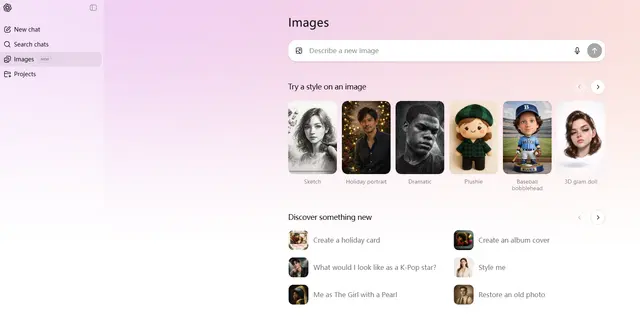
ChatGPT Images, didukung oleh GPT Image 1.5, adalah model pembuatan gambar unggulan OpenAI yang menawarkan pemrosesan 4x lebih cepat, mengikuti instruksi yang lebih kuat, kemampuan pengeditan yang tepat, dan peningkatan pelestarian detail untuk membuat dan mengedit gambar yang dihasilkan AI berkualitas tinggi.
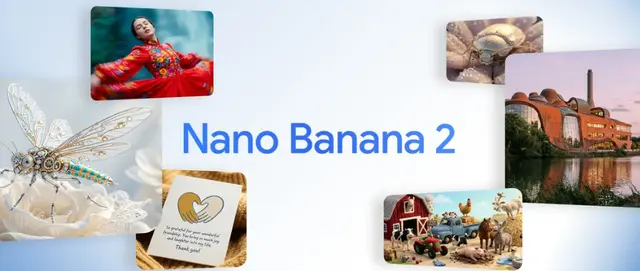
Nano Banana 2 (Gemini 3.1 Flash Image) - Official
FreemiumAI Photo & Image Generator
Nano Banana 2 (Gemini 3.1 Flash Image) adalah model pembuatan gambar canggih terbaru dari Google yang menggabungkan kualitas tingkat Pro dengan kinerja kecepatan Flash, menawarkan fidelitas visual yang ditingkatkan, integrasi pengetahuan dunia nyata, dan kemampuan pengeditan tingkat lanjut.
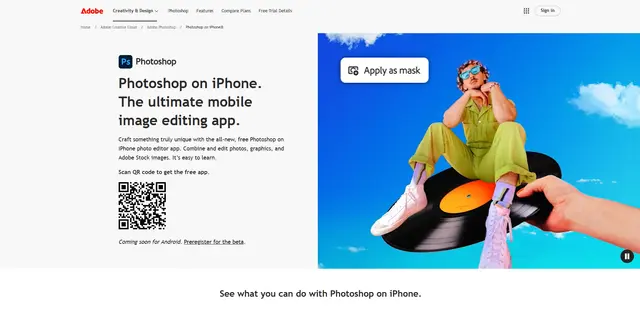
Adobe Photoshop App
Aplikasi Adobe Photoshop adalah editor foto seluler gratis dan canggih yang memungkinkan pengguna untuk menggabungkan dan mengedit foto, grafik, dan gambar Adobe Stock dengan alat tingkat profesional dan fitur AI yang dioptimalkan untuk perangkat sentuh.
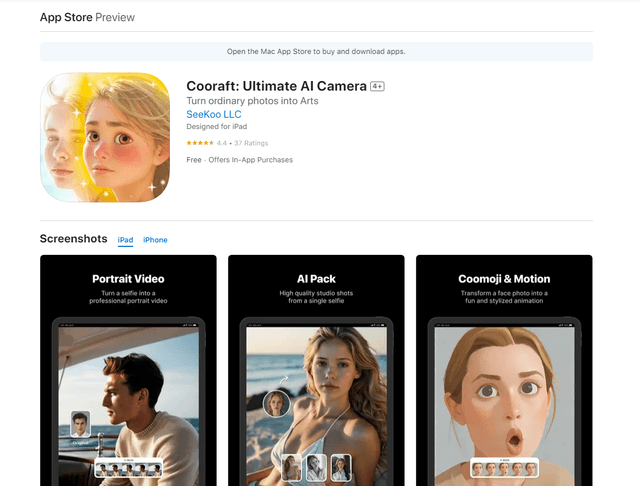
Cooraft: Ultimate AI Camera
Cooraft adalah aplikasi kamera bertenaga AI yang mengubah selfie dan foto menjadi video, animasi, dan rendering artistik berkualitas studio yang menakjubkan hanya dengan satu ketukan.