
Lispr
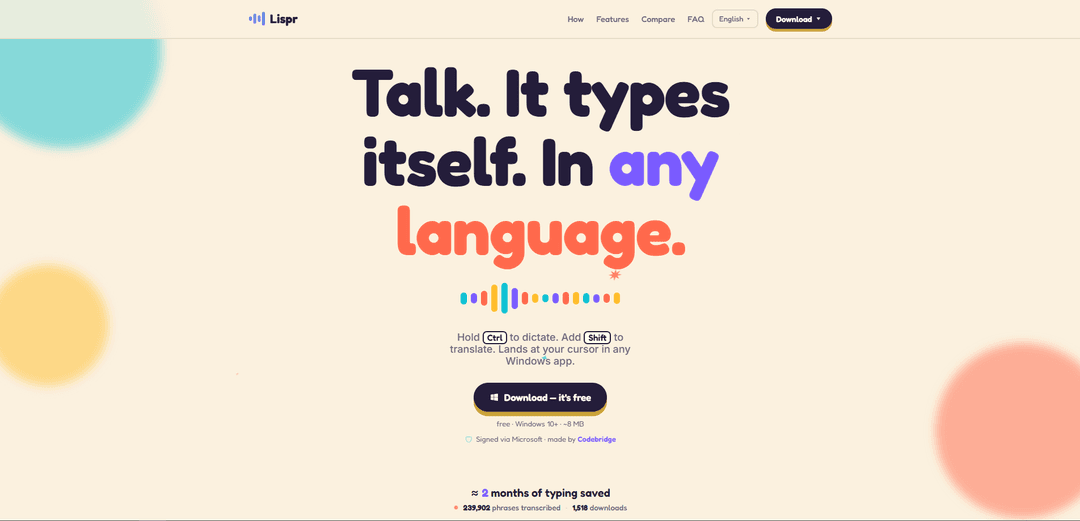
Lispr is a free, Apple-notarized macOS menu-bar dictation tool that uses push-to-talk to transcribe—and optionally translate—your speech into text at the cursor in any app, with no account required.
https://lispr.ai/?ref=producthunt
Product Information
Updated:Jul 15, 2026
What is Lispr
Lispr is a lightweight voice dictation app for Mac that focuses on doing one job fast: turning speech into text wherever your cursor is blinking. It runs quietly from the menu bar, works across apps like Slack, Notes, Figma, and Terminal, and adds built-in translation so you can speak in your language while sending text in another. Lispr is currently free during early access, supports macOS 11+ on both Intel and Apple Silicon, and is designed to be simple to install and use—no sign-up, no subscription, and a tiny (~4 MB) footprint.
Key Features of Lispr
Lispr is a lightweight (~4 MB) macOS menu-bar app for push-to-talk voice dictation with built-in translation that types directly at your cursor in virtually any app. You hold the right Option key to dictate, and add Control mid-speech to translate into a chosen target language, with auto-detection for ~99 spoken languages and very low perceived latency (roughly 200–300 ms for dictation, ~½ second for translation). It requires microphone and Accessibility permissions to hear you and type into other apps, runs online (no offline mode), needs no account, is free during early access, and is Apple-notarized. Audio is sent over an encrypted connection for transcription via a Whisper model (through a Cloudflare edge proxy to Groq) and then discarded—nothing is stored or used for training.
Push-to-talk anywhere (cursor-based typing): Hold the right Option key to speak; Lispr inserts the transcript wherever your cursor is—Slack, Notes, Figma, Terminal, and more—without switching apps or using a chat UI.
Built-in translation with a second key: While dictating, add Control to translate your speech into a target language and have the translated text typed directly at the cursor (translation is included, not a paid add-on).
Fast, cloud Whisper transcription: Uses a Whisper speech model in the cloud for quick turnaround (often ~200–300 ms round trip for dictation), trading offline capability for speed and convenience.
Auto language detection (~99 languages): Automatically detects the language you speak (no manual switching for most workflows), supporting multilingual dictation and translation scenarios.
Custom vocabulary (names, products, identifiers): Lets you add custom terms (e.g., product names, client names, code identifiers) to improve recognition for both dictation and translation.
Privacy- and install-safety oriented: No account required; releases are Apple-notarized; audio is transmitted encrypted for transcription and then discarded (not stored or used to train models).
Use Cases of Lispr
Customer support & sales replies across languages: Respond to customers in their language by speaking in your own and translating on the fly inside chat tools (e.g., Slack/WhatsApp-style workflows) without copy-paste.
International teams (fast multilingual messaging): Send quick updates to global teammates by dictating in your native language and translating into a teammate’s language directly in collaboration tools.
Productivity for writers and note-takers: Capture ideas, meeting notes, and drafts via push-to-talk dictation in Notes/docs apps, reducing typing friction and context switching.
Design and PM workflows in tools like Figma: Dictate comments, specs, and feedback while staying in design tools, with translation useful for cross-region reviews.
Developer communication and lightweight terminal input: Dictate short technical messages, identifiers, or snippets into developer tools (including Terminal) and improve accuracy with custom vocabulary.
Pros
Very fast push-to-talk dictation/translation that types at the cursor in any app, minimizing workflow disruption.
No account required and Apple-notarized builds; audio is encrypted in transit and discarded after transcription.
Free during early access and lightweight (~4 MB) with a simple menu-bar presence.
Cons
Requires an active internet connection (no offline mode).
Accuracy can be decent but may lag best-in-class tools for technical vocabulary, names, or accented speech.
macOS-only and currently lacks broader features like AI auto-editing, cross-device sync, or a snippet library.
How to Use Lispr
1) Download and install Lispr: Go to https://lispr.ai/ and download the Lispr .dmg. Open the .dmg and install the app (macOS 11+; works on Apple Silicon and Intel).
2) Launch Lispr from the menu bar: Open Lispr. It runs as a small menu bar app (no main window) and is designed for push-to-talk dictation/translation.
3) Grant required permissions (first run): When prompted, grant two macOS System Settings permissions: Microphone (so Lispr can hear you) and Accessibility (so Lispr can type into other apps).
4) Place your cursor where you want text to appear: Click into any app where a text cursor is blinking (e.g., Slack, Notes, Figma, Terminal). Lispr will type directly at your cursor.
5) Dictate (verbatim transcription): Press and hold the right Option key (⌥), speak, then release. Lispr types what you said verbatim at the cursor.
6) Translate while speaking (speech-to-translation): Press and hold ⌥ to speak, and add Control (⌃) mid-speech (⌥+⌃) to translate. Release to insert the translated text at your cursor.
7) Set your target translation languages: Open Lispr Settings and choose your top two target languages (one per slot key). You can also pick from the rest of the supported target languages in Settings.
8) Use automatic language detection for input: Speak naturally in your native language; Lispr auto-detects the language you’re speaking (no menu switching needed for input language).
9) Add custom vocabulary (optional): In Lispr Settings, add custom words (product names, code identifiers, client names). Lispr will respect this vocabulary for both dictation and translation.
10) Keep your clipboard intact: Use Lispr normally; it inserts text at your cursor and restores whatever you had copied, so your clipboard contents aren’t lost.
11) Stay online while using Lispr: Ensure you have an active internet connection. Lispr transcribes in the cloud (it does not work offline).
Lispr FAQs
Lispr is a macOS menu-bar voice dictation tool with built-in translation. You hold a key to speak, and Lispr types the result directly at your cursor in any Mac app.
Lispr Video
Popular Articles

Vosko AI: Localize and Dub Videos for Global Audiences
Oct 15, 2026

Atoms: A Multi-Agent AI Platform That Transforms Ideas into Launch-Ready Products
Oct 13, 2026

Nano Banana SBTI: What It Is, How It Works, and How to Use It in 2026
Apr 15, 2026

Atoms Review — The AI Product Builder Redefining Digital Creation in 2026
Apr 10, 2026
Latest AI Tools Similar to Lispr

Ticknotes
Ticknotes is an AI-powered meeting assistant that automatically records, transcribes, and generates personalized meeting summaries, action items, and key insights from audio, video, and text content.

Feta
Feta is an AI-powered meeting tool that helps product and engineering teams run efficient meetings by capturing discussions, automating tasks, and providing actionable insights through smart summaries and integrations.
TranscriptionPlus
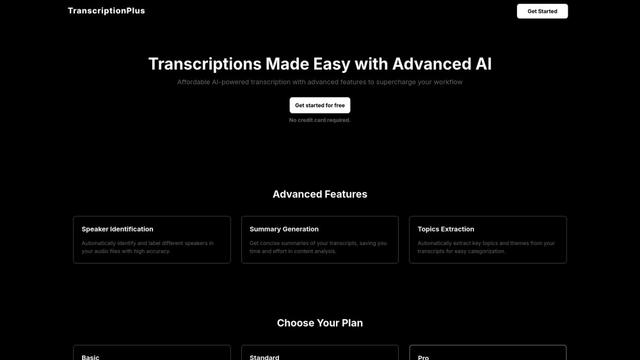
TranscriptionPlus is an AI-powered transcription service that offers accurate speech-to-text conversion with advanced features like speaker identification, summary generation, and multi-language support at affordable pricing tiers.
AudioScribe.io
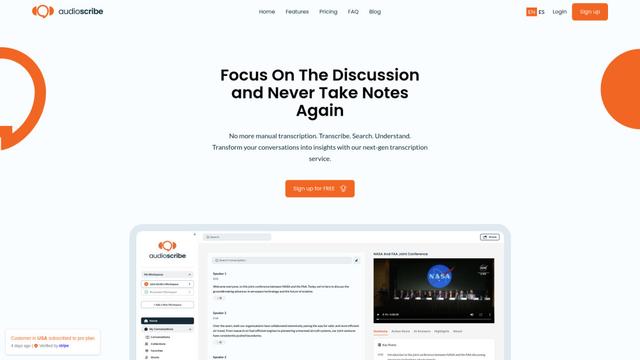
AudioScribe.io is a revolutionary AI-powered transcription service that converts audio and video content into accurate text while offering advanced features like automated meeting recording, full-text search, and multi-language support.
Popular AI Tools Like Lispr
Ghost Pepper 🌶️
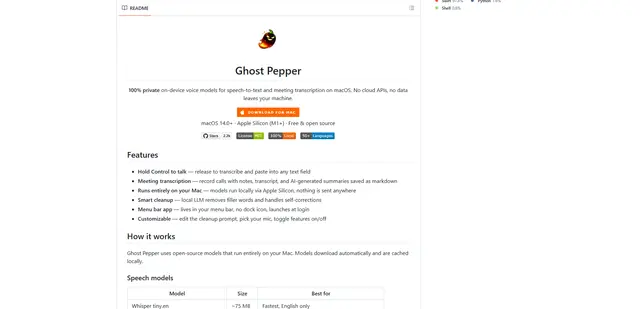
Ghost Pepper is a 100% local, privacy-focused speech-to-text and meeting transcription app for macOS that runs entirely on your Mac using open-source AI models, featuring hold-to-talk recording, intelligent text cleanup, and multi-language support without sending any data to the cloud.
Whisper AI
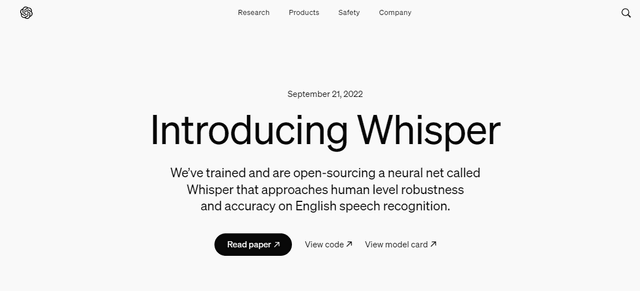
Whisper is an open-source automatic speech recognition system from OpenAI that approaches human-level accuracy and robustness for transcribing and translating speech in multiple languages.

Youtube to transcript
Youtube to Transcript is a Chrome extension that allows users to easily convert YouTube videos into text transcripts with features like multi-language support, AI-powered summarization, and downloadable formats.
inFin
inFin is a lightweight, user-friendly AI-powered voice notes app that offers unlimited recording, real-time transcription, and translation between Chinese and English, with offline capabilities and local storage for enhanced privacy.